Consultation boards before inventory shoots
Compare studs, hoops, and septum styles on one face so studios filter metal and diameter before new photography.
VIRTUAL NOSE RING TRY ON
Preview nose-ring styles on model face photos for appointments, product pages, and social content. Studios and accessory sellers use virtual nose ring try on to compare metals and diameters before ordering inventory shoots.
Virtual Nose Ring Try-On
Model photo
Product image


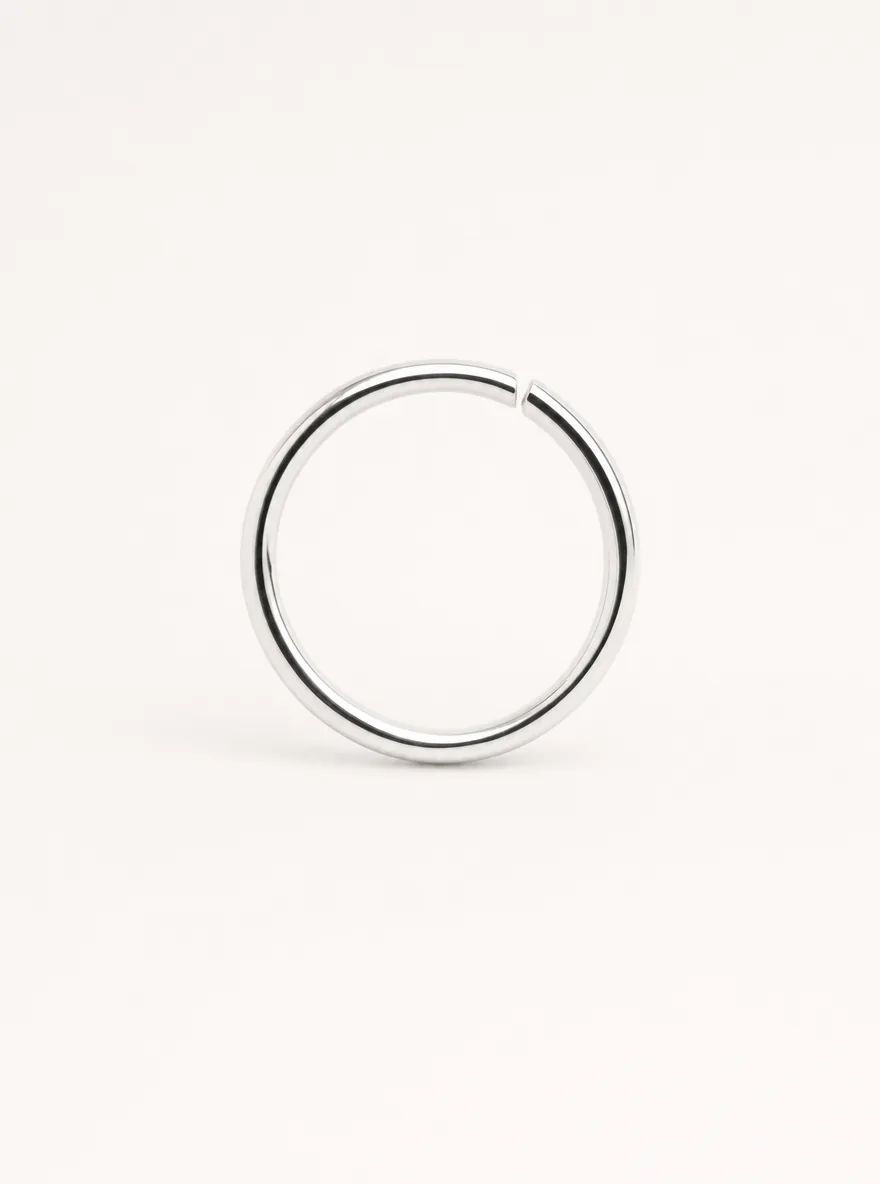
Studio preview example
STUDIO & SHOP PREVIEW
Virtual nose ring try on composites a nose-ring SKU onto a model face photo so piercing studios and accessory shops can compare metal finish, diameter, and silhouette for consultation boards, PDPs, and campaign creatives—without booking a new face shoot for every style.
TopView’s Virtual Try-On workflow supports model face photos plus accessory product images for merchandising and appointment boards. Previews are visual style guides—not medical piercing guidance or a guarantee of physical fit.
This page is the nose-ring and piercing-accessory scenario inside the Virtual Try-On hub. For related jewelry workflows, open virtual ring try on, virtual try on glasses, or virtual jewelry try on.
WORKFLOW
Use a well-lit front-facing ecommerce or studio portrait. Keep hair clear of the nose so placement is easy to evaluate for listings and consult boards.
Upload a stud, hoop, clicker, or septum SKU image from your catalog. Sharp edges and true-to-size framing improve retail preview accuracy.
Create virtual nose ring try on variants to compare metals and diameters for appointment boards, PDP heroes, and social ads.
Download the strongest frames for client style boards, product pages, and retail media—keep alternates for A/B creatives.
KEY BENEFITS
Faster consult boards, more SKU visuals, fewer inventory photoshoots.
Compare studs, hoops, and septum styles on one face so studios filter metal and diameter before new photography.
Cover multiple nose-ring SKUs from one talent base for shop PDPs and marketplace galleries.
Extend one hero portrait into seasonal textures and diameters for social and retail-media tests.
Run virtual nose ring try on with model photos and catalog jewelry you already have rights to use.
MERCHANT USE CASES
Practical ways piercing studios and accessory sellers ship nose-ring visuals faster.
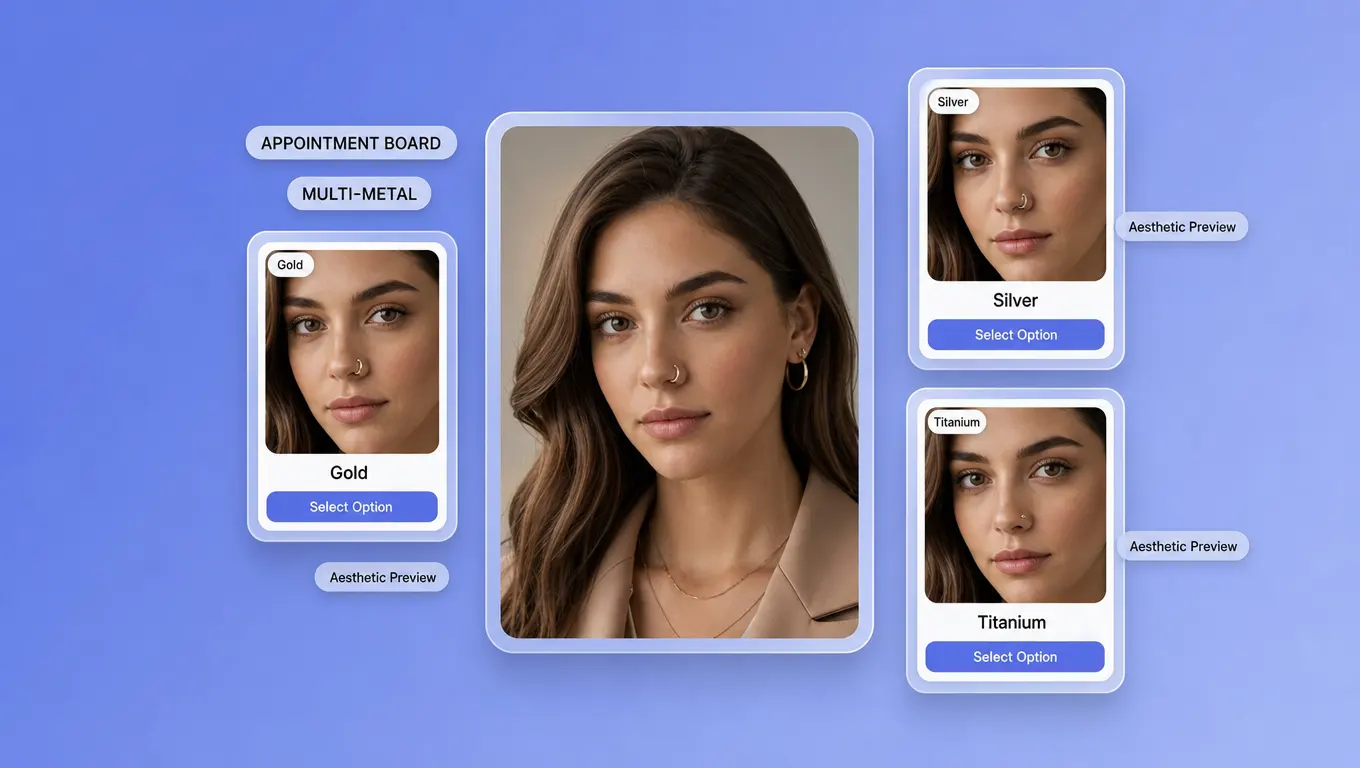
Build same-face, multi-metal boards so consultations start with clearer SKU preferences and fewer on-chair style debates.
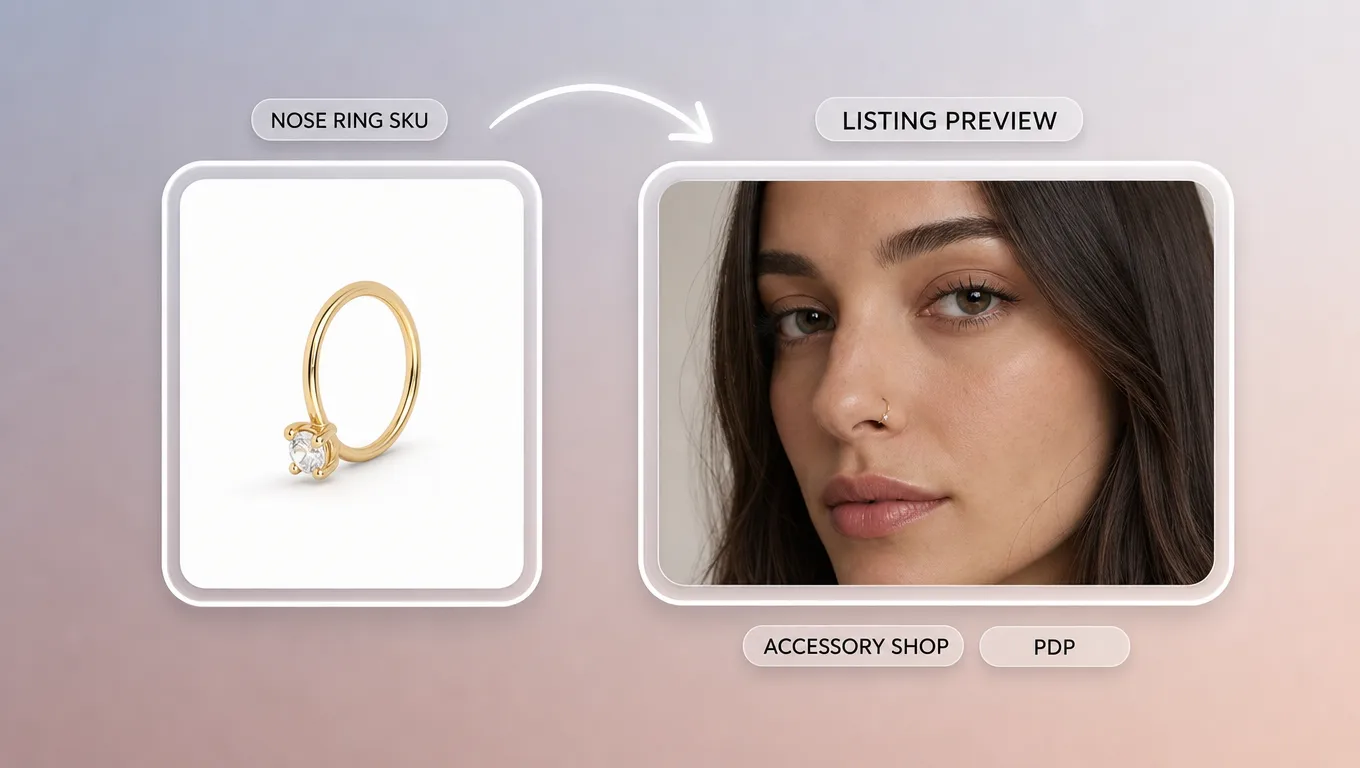
Generate on-model nose ring previews for product detail pages and marketplace listings from face + jewelry references.
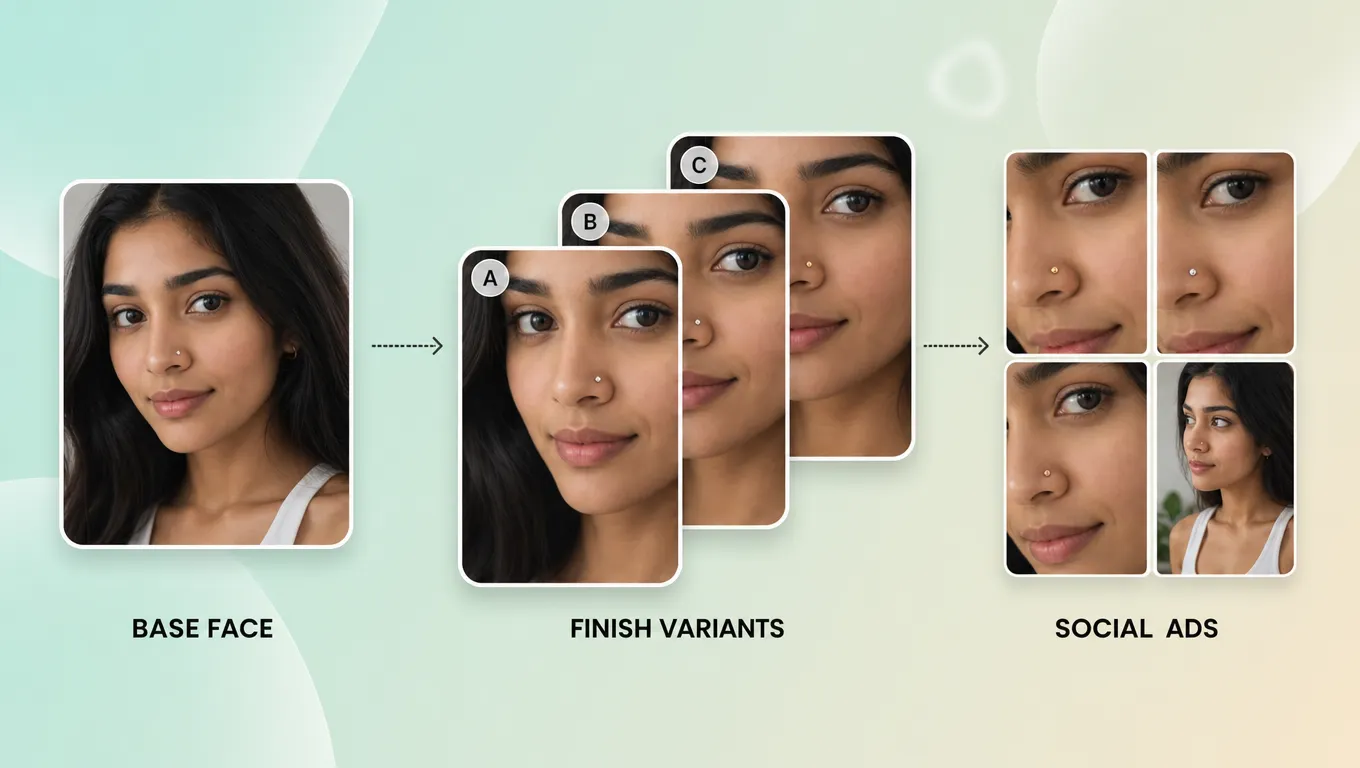
Produce ad and social variants across finishes and diameters without booking a new face shoot for every SKU.
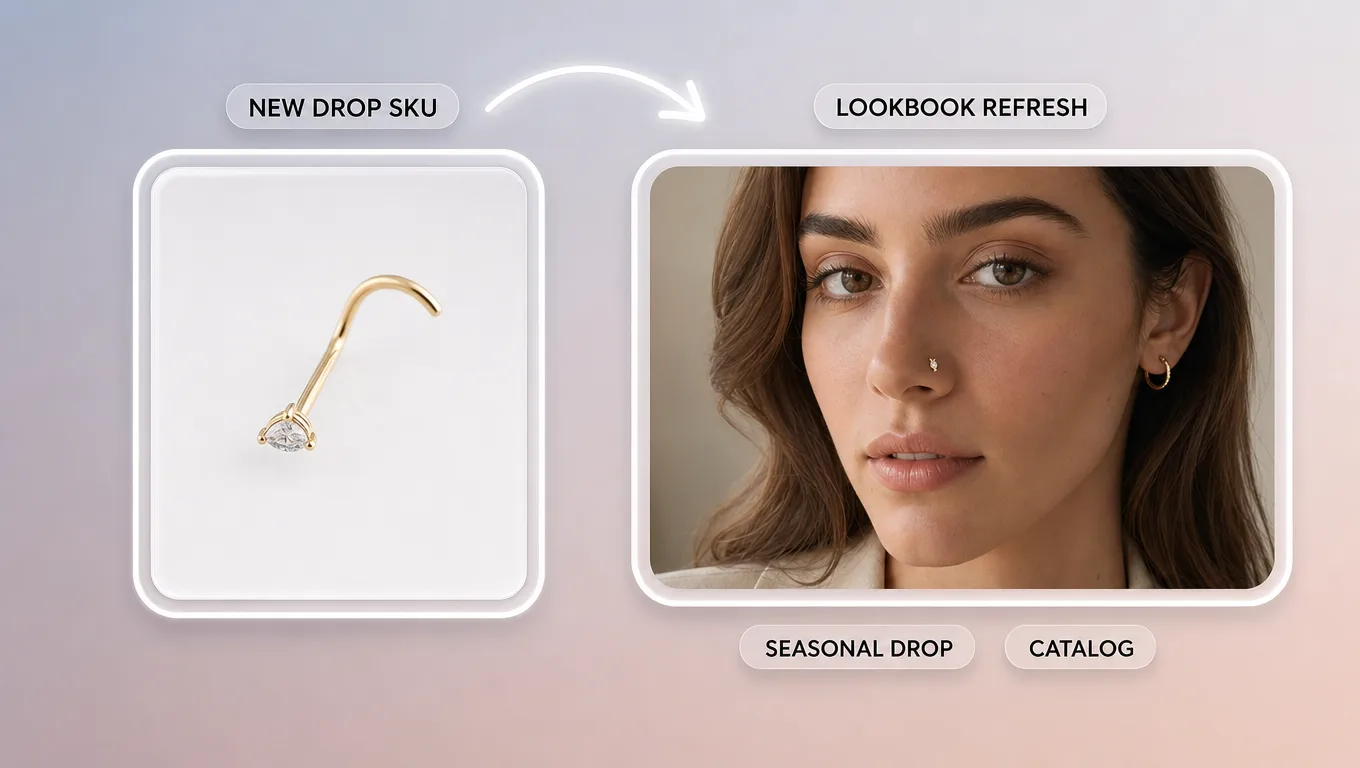
Refresh lookbooks and merchandising boards when new studs or hoops land—extend one shoot across the assortment.
BETTER RESULTS
Prefer front-facing model photos with even light; avoid heavy shadows across the nose.
Use high-resolution, true-to-scale product images so diameter reads believable on PDPs.
Keep lighting consistent between face and jewelry references for cleaner composites.
Generate two to three placement options per SKU, then pick the cleanest position for listings.
Treat previews as merchandising guides: real piercing placement and aftercare still need licensed professionals.
READY TO PREVIEW
Open TopView’s virtual nose ring try on and generate consultation boards plus listing previews from face and jewelry assets you already have.
Start Nose Ring Try On