
Cinematic Showcase
Artisan Woodworking Macro Video
A macro photography prompt for a hyper-realistic video showing an artisan carving a miniature wooden sports car with realistic textures.
テキスト、画像、音声、動画のリファレンスから、音声と同期した最長10秒のAI動画を生成。Gemini Omni Flashは、シネマティックな生成、自然言語による編集、最新のクリエイティブワークフロー向けにGoogle I/O 2026で発表されました。
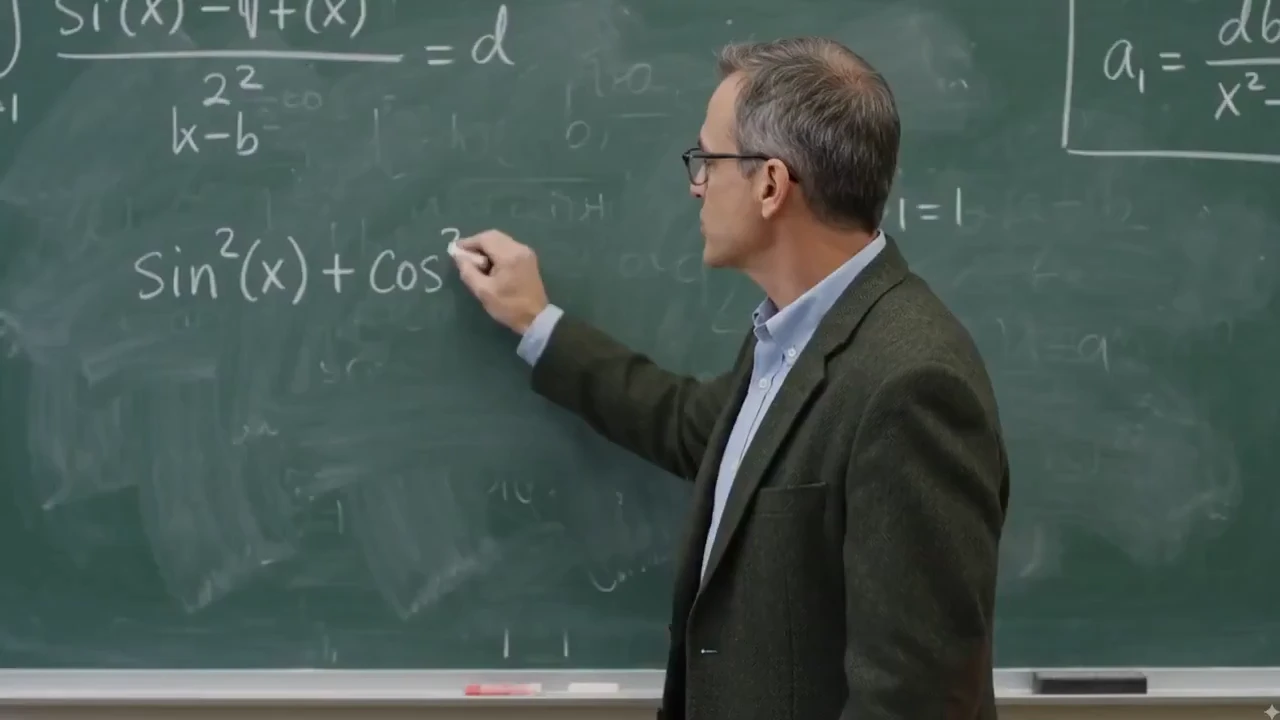
Gemini Omniは、反復的な動画編集を中心に設計されています。すでにうまくいっている部分は残し、被写体、シーン、カメラ、スタイル、動き、テキスト、音声同期に正確な変更を加えるよう指示できます。
背景の置き換え、カメラアングルの変更、動作の修正、シーンを更新しつつ商品の保持など、狙った変更を自然な言葉で指示できます。
背景の動き、照明、周囲のコンテキストを維持しながら、単一の命令で動画クリップからロゴ、テキスト、透かしを消去します。ストック映像のクリーンアップ、クリエイター動画の再利用、商品動画の改善に最適です。
生成後にショット表現を変更できます。クローズアップからワイドショットへ、ローアングルへの切り替え、ドリーインの追加、ワンカットのような演出が可能です。
主な被写体、動作、光の方向、シーンの連続性を保ったまま環境を置き換えます。商品バリエーション、ライフスタイルシーン、キャンペーンのローカライズに活用できます。
動画全体を作り直さずに、商品、小道具、衣装、キャラクターリファレンスを入れ替えます。編集後も元のカメラ軌道、接地影、周囲の文脈を保てます。
アクションの分かりやすさを保ちながら、同じシーンをシネマティックなリアル表現、水彩、クレイアニメ、アニメ、鉛筆スケッチ、半透明のガラス3Dなど、新しいビジュアル表現へ変換します。
リファレンスの組み合わせ、音声ガイドのタイミング、リップシンク、テキストアニメーション、ストーリーボード制御、世界を踏まえた映像表現など、基本的な動画生成を超えてGemini Omniが可能にするクリエイティブワークフローを紹介します。
自然言語で照明、質感、天候、環境を変更できます。昼を夜に変えたり、表面テクスチャを差し替えたり、ショットを一から作り直さずにシーンを再構成できます。
実写映像をリミックスし、商品やロゴの挿入、キャラクター差し替え、ブランド要素の追加を行いながら、元のカメラワーク、タイミング、シーン構成を維持します。
物理法則を書き換え、超現実的な瞬間を演出します。ありえない素材、重力を無視したアクション、ハイブリッドな生物など、一貫性のあるシネマティックなシーンを生成します。
商品リファレンスと簡潔なプロンプトを使い、シネマティックなショット、キャンペーンのバリエーション、ローンチティーザー、YouTube Shorts、短尺広告のコンセプトを生成します。
科学、歴史、文化、商品の利点、抽象的なアイデアを、世界を踏まえたシーンとカメラ演出を伴うアニメーションインフォグラフィックとして視覚化します。
音楽、ナレーション、効果音、環境音、多言語音声トラックで、映像のリズム、テキストのタイミング、カット、カメラの動き、ビートに合わせたアニメーションを導きます。
子どもの絵、ストーリーボードのフレーム、シーンの展開を渡し、意図した順序、テンポ、映像の連続性に沿うアニメーションシーケンスを生成します。
リファレンスの動き、80年代のビジュアルスタイル、アクションパターンを新しい被写体に適用し、最終出力の一貫性とキャンペーンで使える完成度を保ちます。
プロンプト、商品画像、動きのリファレンス動画、音声の手がかりを一つのワークフローに組み合わせ、最終動画に適切な被写体、動き、雰囲気、タイミング、音声表現を反映させます。
ラフスケッチ、構図メモ、レイアウトリファレンスを使い、被写体の配置、カメラによるアクションの切り取り方、シーンの展開を導きます。
SNS向けフック、商品訴求、字幕、数式、タイトルカードを、単語ごとに表示する、アクションに追従させる、特定のビートに合わせるなどの形で生成します。
ゾウとカタツムリのハイブリッドからファンタジーの野生動物まで、不可能な動物の特徴を、解剖学、質感、動き、生息地に一貫性のある説得力あるシネマティックなショットへ融合します。
一つのクリエイティブコンセプトから始め、縦型SNSクリップ、YouTube Shorts、正方形広告、ランディングページのヒーロー動画、解説動画、アバターシーン、商品ページのメディアへ展開します。
既存映像を直接指示で編集します。ブランドの細部を加え、人やキャラクターを置き換え、元のカメラの動き、タイミング、シーン構成を保ちます。
Real clips shared on X—watch the posts below, then try Gemini Omni yourself on Topview.
Gemini Omni FlashとSeedance 2.0はどちらもマルチモーダルAI動画ワークフローに対応していますが、得意とする制作工程は異なります。この比較では、公開状況、入力、出力制御、音声、編集、各モデルが適する用途に焦点を当てます。
以下の詳細な比較表を読む前に確認できる、簡潔なビジュアルリファレンスです。
Gemini Omni スタイルのワークフローで生成されたリファレンス主導のプロンプト シーン。
| 比較項目 | Gemini Omni Flash | Seedance 2.0 | 最適な用途 |
|---|---|---|---|
| 主な位置づけ | テキスト、画像、音声、動画に導かれる生成と自然言語による編集を備えた、Google初のGemini Omniリリース。 | 高解像度クリップ、ネイティブな音声ワークフロー、強力なシネマティック制御を備える制作志向のマルチモーダルモデル。 | リファレンス主導の編集・変換にはOmni、洗練されたマルチショット制作にはSeedance 2.0。 |
| クリップの長さと形式 | 現時点では最長10秒のクリップ。16:9、9:16、1:1のプラットフォーム適応出力に対応。 | 一般的に4〜15秒のショット、480p/720p/1080p出力、より多いアスペクト比の選択肢を提供。 | SNS向けの短い変換にはOmni、草案から完成までの長いシーンにはSeedance 2.0。 |
| 音声、発話、リップシンク | 同期音声を生成し、タイミング、環境音、ナレーションの手がかり、多言語リップシンクのワークフローに音声リファレンスを使用可能。 | ネイティブな音声・動画生成、効果音、ボイスオーバー、音楽、リップシンク主導のクリップに適しています。 | 音を軸にしたシーンにはSeedance 2.0、編集に導かれる同期、言語バリエーション、時間に合わせた映像変更にはOmni。 |
| リファレンス制御 | テキスト、画像、音声、動画、スケッチ、ストーリーボードで、キャラクター、商品、動き、スタイル、教育的な映像を導きます。 | キャラクター、スタイル、動き、音、マルチショットの連続性に向けた幅広いマルチモーダルリファレンス入力に対応。 | 絵やインフォグラフィックなど珍しいリファレンスがアイデアの軸になる場合はOmni、ショットの連続性を優先する場合はSeedance 2.0。 |
| 編集ワークフロー | 対話型の追加編集。オブジェクトの置き換え、背景変更、カメラ調整、リファレンス保持、80年代風への再スタイル、時間に合わせたテキスト追加が可能です。 | より広い生成パイプラインで、プロンプト主導のシーン生成、キャラクター・アクション編集、マルチショットの組み立てに対応。 | 自然言語で繰り返し調整する作業にはOmni、初回のシーンから完成に近い印象が必要ならSeedance 2.0。 |
| 提供状況と信頼性の指標 | 5月19日のGoogle I/O 2026で発表。Google製品上で提供され、SynthID/C2PAの来歴情報と、後日のAPIアクセスが予定されています。 | 解像度、動画の長さ、アスペクト比といった明確な制作設定を備え、クリエイタープラットフォームやAPIアグリゲーター経由で利用できます。 | Googleネイティブのクリエイティブ探索やYouTube ShortsのアイデアにはOmni、現時点でAPI対応の制作制御が重要ならSeedance 2.0。 |
Gemini Omniスタイルのワークフローは、プロンプトと視覚・音声・動画リファレンスを組み合わせ、被写体、動き、カメラ表現、照明、スタイル、タイミング、プラットフォーム形式を一元的に指定できます。
商品広告、YouTube Shorts、多言語リップシンク動画、解説動画、ストーリーボード、スタイルテスト、リファレンスに基づく動画変換に活用できます。
Gemini Omniは、テキスト、画像、音声、動画の入力から動画を生成、編集、変換するGoogle DeepMindのマルチモーダル生成メディアモデルファミリーです。最初に公開されたモデルGemini Omni Flashは、5月19日のGoogle I/O 2026で発表されました。
クリエイターやマーケターにとって、Gemini OmniはAI動画生成を自然言語のワークフローへと進めます。アイデアやリファレンスから始め、同期音声付きの動画を生成し、クリップ全体を作り直すのではなく、狙いを絞った編集で結果を磨き上げます。
公式プロンプトガイドの構成を使い、画面上で起きること、カメラの動き、シーンの雰囲気、リファレンスの保持方法を制御します。
主役と見えるアクションから始めます。誰または何が登場するか、何が変化するか、視聴者に最初に注目してほしいことを指定します。
クローズアップ、広角、トラッキングショット、ドリーイン、固定カメラ、ワンカット、スマートフォンのズームなどのショット表現を加えます。
リアル、シネマティック、クレイアニメ、水彩、鉛筆スケッチ、80年代レトロ放送、暖かな日光、リムライト、ネオンの夜景などで見た目を導きます。
環境を説明し、物理、歴史、科学、文化、科学インフォグラフィックのシーンを含む説得力ある細部に、モデルの世界知識を活用します。
画像、動画、音声、ストーリーボードを使い、複数回の生成でキャラクターの外見、商品の形、動き、リズム、アバターの個性、視覚スタイルを保ちます。
背景を変える、オブジェクトを置き換える、カメラアングルを調整する、アニメーションテキストを加える、口の動きを別言語に同期する、音楽に合わせて編集するなど、的を絞った指示でクリップを調整します。
Gemini Omni Prompt Library
127+ Gemini Omni Prompts & Guide
Cinematic Showcase
A macro photography prompt for a hyper-realistic video showing an artisan carving a miniature wooden sports car with realistic textures.
Brand Commercial
A comprehensive prompt for generating vertical UGC-style product videos of portable fans, covering unboxing, macro details, and functional demos with a focus on ASMR and realistic textures.
Short Film
The opening shot for the 'Ember and the Firefly' cinematic demo, featuring a wide push-in on a character freezing as they spot a glowing firefly.
Social Lifestyle
A high-energy cinematic prompt for Gemini Omni that creates a 15-second day-in-the-life sequence of a Japanese boxer.
Channel Intro
A fast-paced 5-second 2D Chinese anime character intro clip using three reference images, featuring ink-wash backgrounds and heroic poses.
Game Cinematic
A creative prompt for making a video similar to The Sims character creation interface, featuring dancing, a rotating Plumbob, and static UI.
Music Video
A comprehensive prompt for generating high-quality stylized music videos featuring two characters with unique VFX, soft ink-wash aesthetics, and synchronized hand-drawn effects.
被写体、アクション、場所、望む結果を指定します。最初の数秒で視聴者に何を見せたいかを具体的に伝えましょう。
カメラの動き、ショットのフレーミング、照明、スタイル、音声の雰囲気、画面上のテキストやタイミングの要件を指定します。
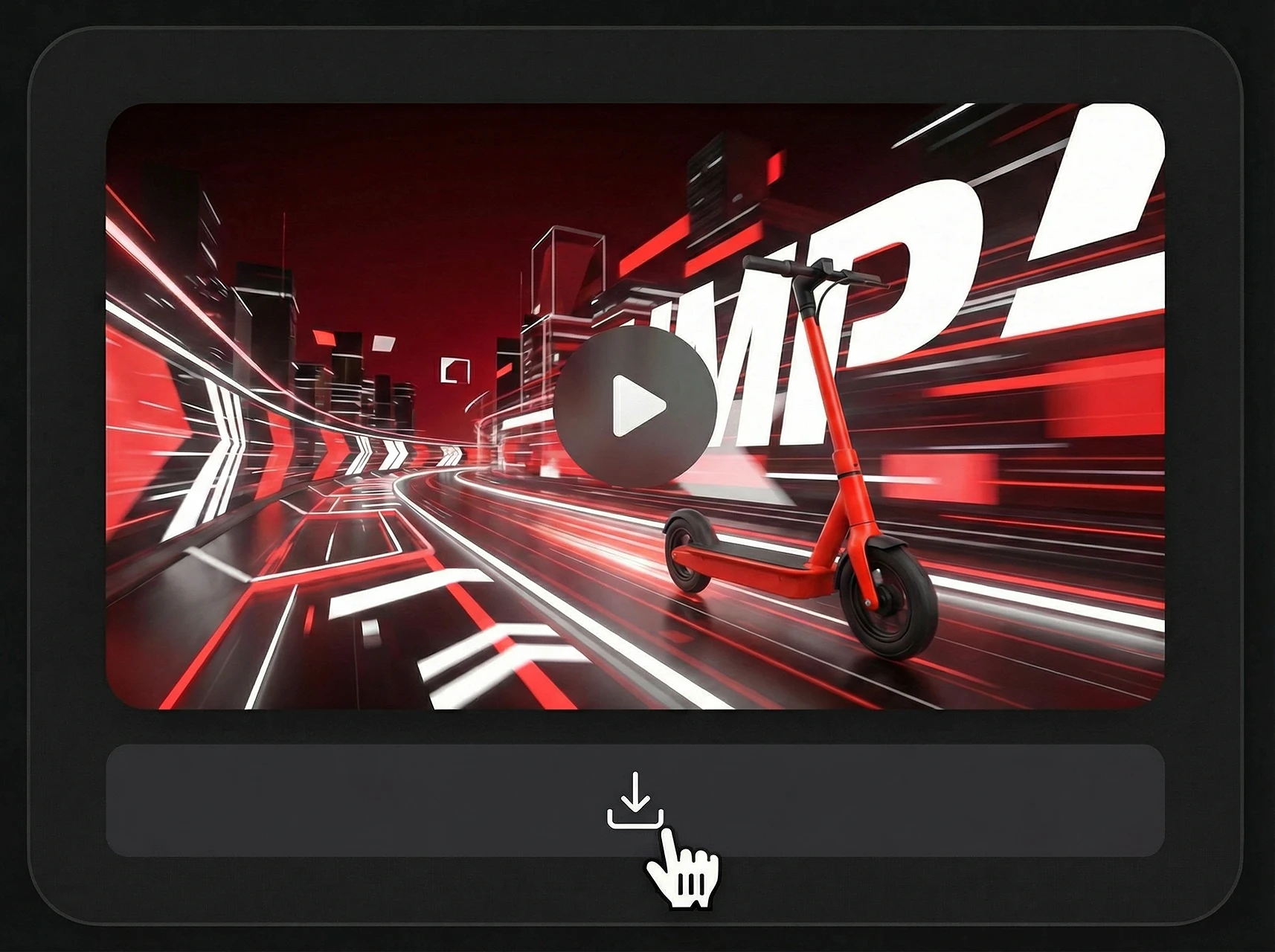
最初の結果の後、背景の変更、リファレンスの保持、動きの調整、テキストと音楽の同期など、焦点を絞った編集を指示します。
発見、クリエイティブテスト、公開可能なコンテンツまで、一つのマルチモーダルワークフローで対応します。
| プラットフォーム | 最適な形式 | 活用例 |
|---|---|---|
| TikTok / Reels | 9:16 縦型 | 素早いフック、商品公開、テキスト同期の編集 |
| YouTube | 16:9 横型 | 解説動画、デモ、教育シーン |
| 有料広告 | 縦型 / 正方形 | バリエーションテスト、キャンペーンの切り口、商品ストーリー |
| Eコマース | 商品メディア | 商品の回転表示、ライフスタイルシーン、マーケットプレイス動画 |
| ランディングページ | ヒーロー動画 | 短いモデルのデモ、ローンチビジュアル、機能の説明 |
Gemini Omniスタイルのプロセスは、アイデアからリファレンスに導かれた動画へ素早く進み、同じクリエイティブの方向性を異なるチャネルに適応させる必要があるチームに最適です。
動画ワークフローにとって重要な公式 Gemini Omni および Gemini Omni Flash 情報のクリエイター向けの概要。
Gemini Omni マルチモーダル ジェネレーティブ メディア ファミリで最初にリリースされたモデル。
Google DeepMind がマルチモーダルな動画生成・編集ワークフロー向けに導入。開発者/API 向けのより広い提供は今後予定されています。
プロンプトとリファレンスから動画を生成し、自然言語の指示で結果を調整します。
公式資料では、同期音声付きの高品質動画出力と、テキスト・画像・音声・動画入力への対応が強調されています。
初回リリースのクリップは現在最大10秒で、より長い生成や延長ワークフローの拡張が見込まれます。
YouTube、Shorts、ソーシャル広告、商品ページ、解説動画、シネマティックなシーンへの展開に適しています。
既存クリップを、動き、アクション、シーン構成、動画変換のリファレンスとして使用します。
アップロードされた画像から、キャラクター、商品、オブジェクト、スタイルの手がかり、ストーリーボードのフレームを保持します。
音声入力で、リズム、サウンド、環境音、ナレーション、映像のタイミングを導きます。
プロンプトの指示に従って、主題、アクション、カメラ、照明、スタイル、場所、テキスト、タイミングを制御します。
プロンプト全体を書き直すことなく、フォローアップの指示に従って、生成済みまたは既存の動画を調整します。
プロンプト主導の動画コンセプト、リファレンスの一貫性、迅速なキャンペーンバリエーションを必要とするチームに役立ちます。
プロンプト、画像、商品、クリエイティブなアイデアを、広告、SNS、商品ショーケース、ストーリーテリング向けのAI生成動画に変換します。
テキスト→動画 · 画像→動画 · 商品動画 · アバター動画