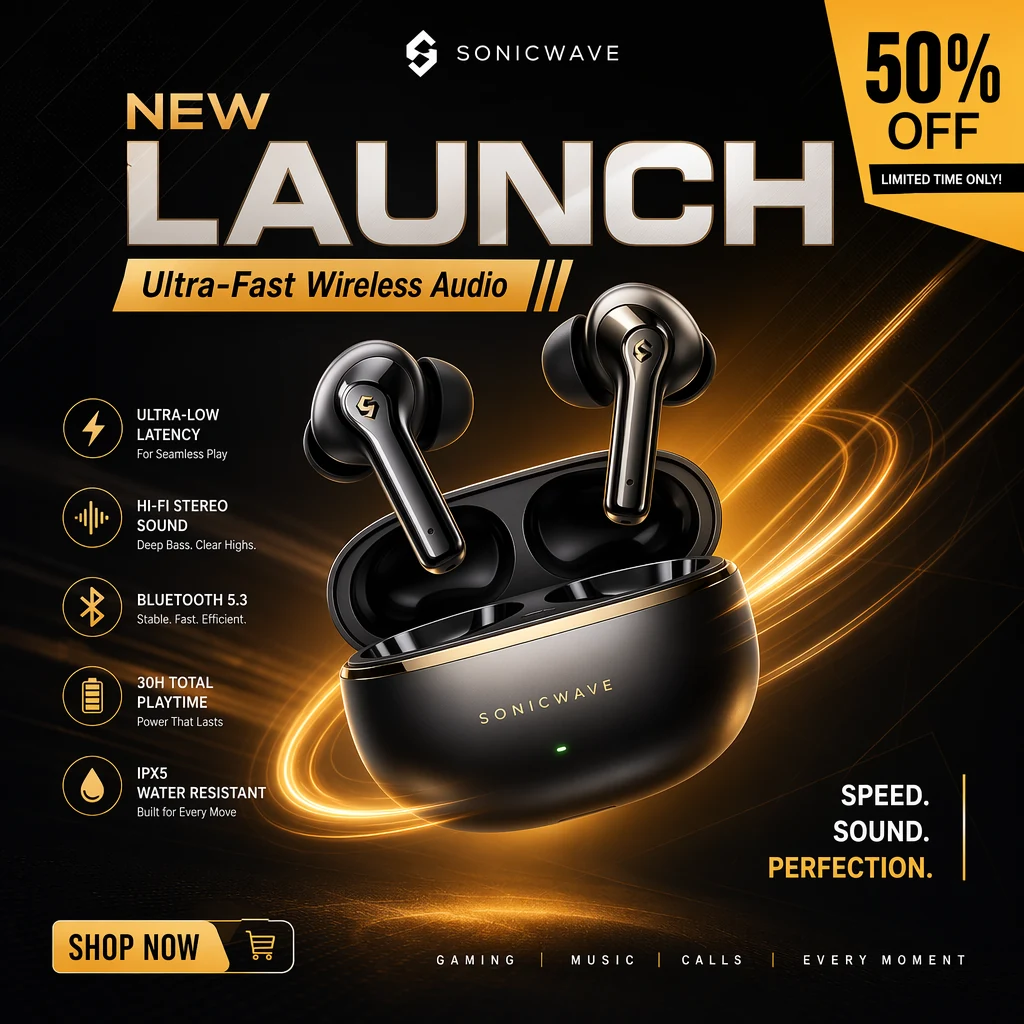
Mode: Text to Image
Product Launch Poster
Suggested test configuration: 1:1 · Standard output
Generate and edit images in 1:1, 16:9, or 9:16 without a resolution selector. Image Editing accepts one input image, and billing uses a flat per-image rate.
Text to Image
Settings here are a preview. Generate copies your prompt and opens the matching Platform Playground, where you confirm the final settings.
EXAMPLES & PROMPTS
Real Nano Banana 2 Lite outputs with the prompts behind them. Copy a prompt and test it in the Playground.
Mode: Text to Image
Suggested test configuration: 1:1 · Standard output
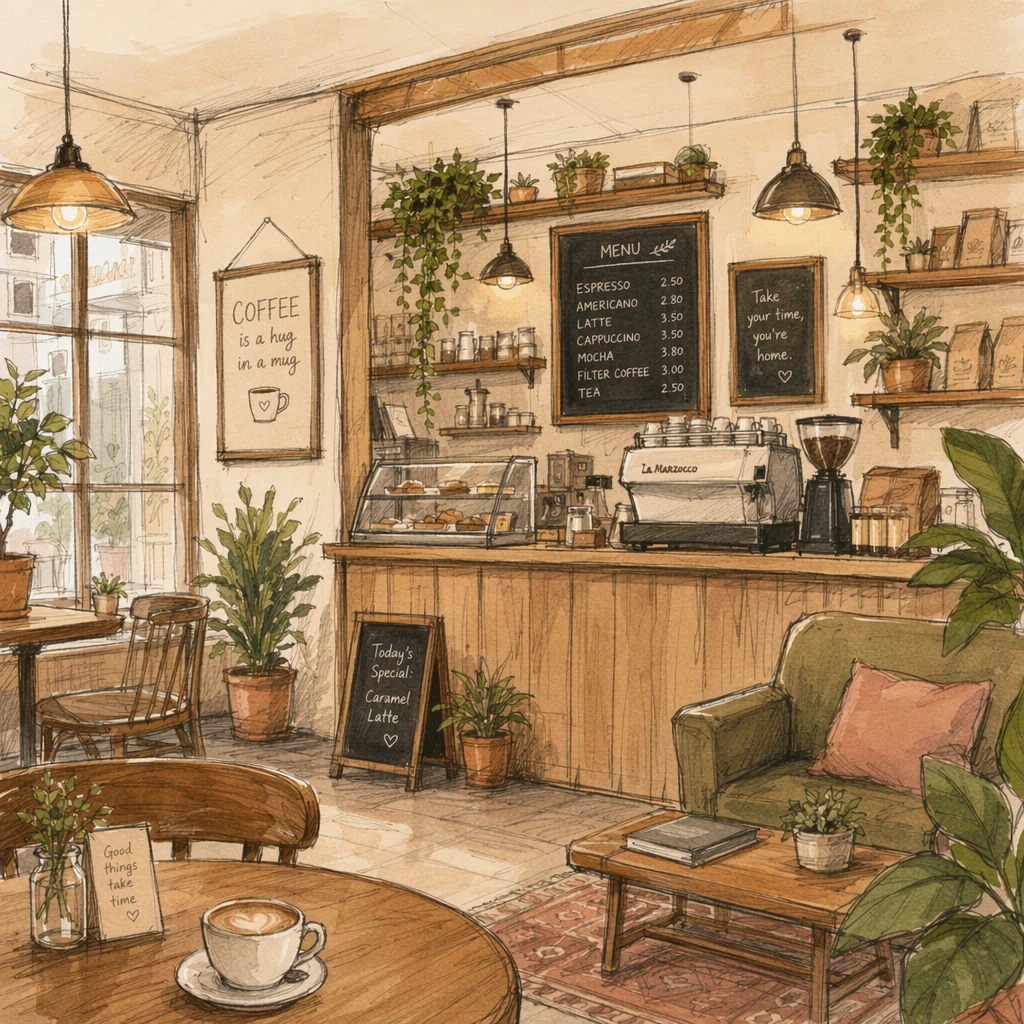
Mode: Text to Image
Suggested test configuration: 1:1 · Standard output

Mode: Text to Image
Suggested test configuration: 1:1 · Standard output
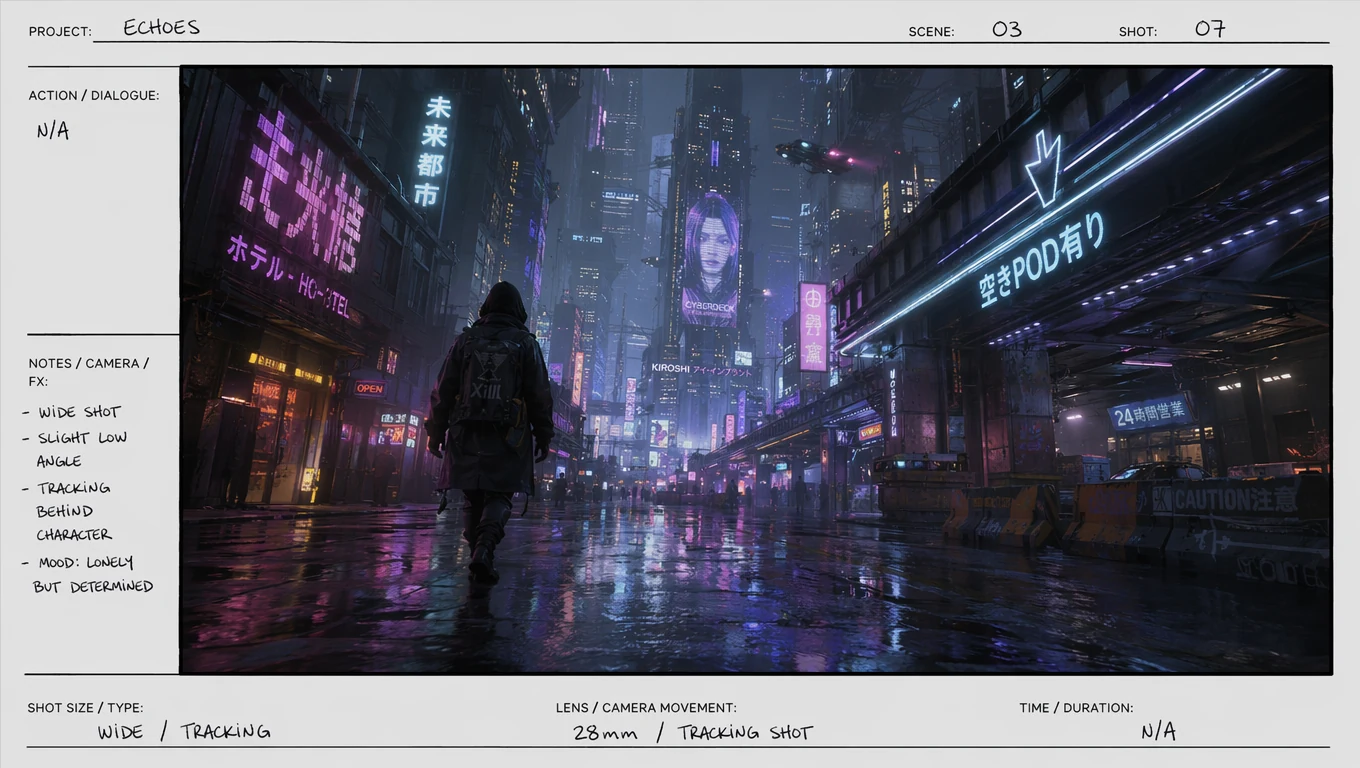
Mode: Text to Image
Suggested test configuration: 16:9 · Standard output
Know the settings before you build.
A quick reference for Nano Banana 2 Lite settings listed in Topview API Platform docs. Each mode has its own input requirements.
| Parameter | Value |
|---|---|
| Provider / Model | Google / Nano Banana 2 Lite |
| API route | google/nano-banana-2-lite |
| Generation modes | Text to Image · Image Editing |
| Resolution | Standard output (no resolution parameter) |
| Aspect ratios | 1:1 · 16:9 · 9:16 |
| Image Editing inputs | 1 image |
| Prompt length | Up to 4,000 characters |
| Task pattern | Async submission + polling + output retrieval |
| Pricing | Per generated image; settlement follows actual usage |
DEVELOPER QUICKSTART
Submit an asynchronous prediction with your Platform API key, then poll the returned task ID to retrieve the output.
# Set TOPVIEW_API_PLATFORM_KEY once. Preserve REQUEST_KEY and input for uncertain retries.
# For a NEW task only, unset REQUEST_KEY first. Save data.id to resume GET only.
: "${TOPVIEW_API_PLATFORM_KEY:?Set TOPVIEW_API_PLATFORM_KEY first}"
export REQUEST_KEY="${REQUEST_KEY:-$(uuidgen)}"
curl --fail-with-body 'https://platform-backend.topview.ai/api/v1/models/google/nano-banana-2-lite/text-to-image/predictions' \
  -H "Authorization: Bearer $TOPVIEW_API_PLATFORM_KEY" \
  -H "Idempotency-Key: $REQUEST_KEY" \
  -H 'Content-Type: application/json' \
  --data '{
  "prompt": "A blue ceramic cup on a wooden table",
  "aspect_ratio": "1:1"
}'

# Poll data.id until completed or failed.
curl --fail-with-body 'https://platform-backend.topview.ai/api/v1/predictions/REQUEST_ID' \
  -H "Authorization: Bearer $TOPVIEW_API_PLATFORM_KEY"
Sample matches the Nano Banana 2 Lite text-to-image request in Platform docs. Keep TOPVIEW_API_PLATFORM_KEY on your server only.
Step 1
Sign in to Topview API Platform and create an API key with the required model permissions. Keep your key secure and use it to authenticate API requests.
Step 2
Submit a text prompt or upload reference images for editing. Configure the supported image settings, send your API request, and save the returned task ID.
Step 3
Check the task status until generation is complete. Retrieve the image URLs, review the final usage cost, and save your generated images.
BUILT FOR PRODUCTION WORKFLOWS
Nano Banana 2 Lite works well for applications that need standard-size imagery and uncomplicated editing rather than 2K or 4K output controls.
Generate simple square, portrait, or widescreen concepts for recurring social content and promotional posts.
Let users upload one image and request a new background, atmosphere, or visual treatment through the editing route.
Create straightforward listing-style visuals and product presentation concepts when high-resolution selection is not required.
Add prompt-based image generation and single-image editing to apps that do not need complex multi-reference workflows.
WHY TOPVIEW API
Use Topview to build around Lite’s limited, documented controls instead of presenting resolution or multi-image options the model does not expose.
Keep the UI simple: Lite has no resolution parameter, so users do not need to choose between 1K, 2K, and 4K.
Check the current listed charges for Text to Image and Image Editing, rather than inferring one price for every operation.
Try 1:1, 16:9, and 9:16 output in the Playground and keep the same options in your product.
Compare Lite with Nano Banana 2 and 2.1 if your workflow later requires higher resolutions or more reference images.
EXPLORE RELATED APIS
YOUR NEXT IMAGE STARTS HERE
Try your first prompt in the Playground, compare current pricing, or follow the docs to integrate Nano Banana 2 Lite into your application.
TRANSPARENT PRICING
Compare Topview rates with the official Nano Banana 2 Lite rates listed on Topview API Platform. Prices are refreshed daily.
Text to Image
Text to Image · Standard output
Topview
$0.0200 /image
Official: $0.0400/image
Save 50% vs official
Image Editing
Image Editing · Standard output
Topview
$0.0200 /image
Official: $0.0400/image
Save 50% vs official
Per-image rates by setting. Topview and official rates are read from Topview API Platform.
Viewing Text to Image · 1 setups
| Setup | Topview | Official | Savings |
|---|---|---|---|
| Text to ImageStandard output · Generated images | $0.0200 /image | $0.0400 /image | 50% lower than official |
Rates are per generated image at the listed setting, and each output image is billed. Confirm the current Platform quote before production spend.