
Maya for Topview
Your next creative workflow starts in Maya.
Maya 2024 or later is recommended
Install in three steps
- 1
Unzip the plugin
Extract the ZIP and keep the topview_maya folder.
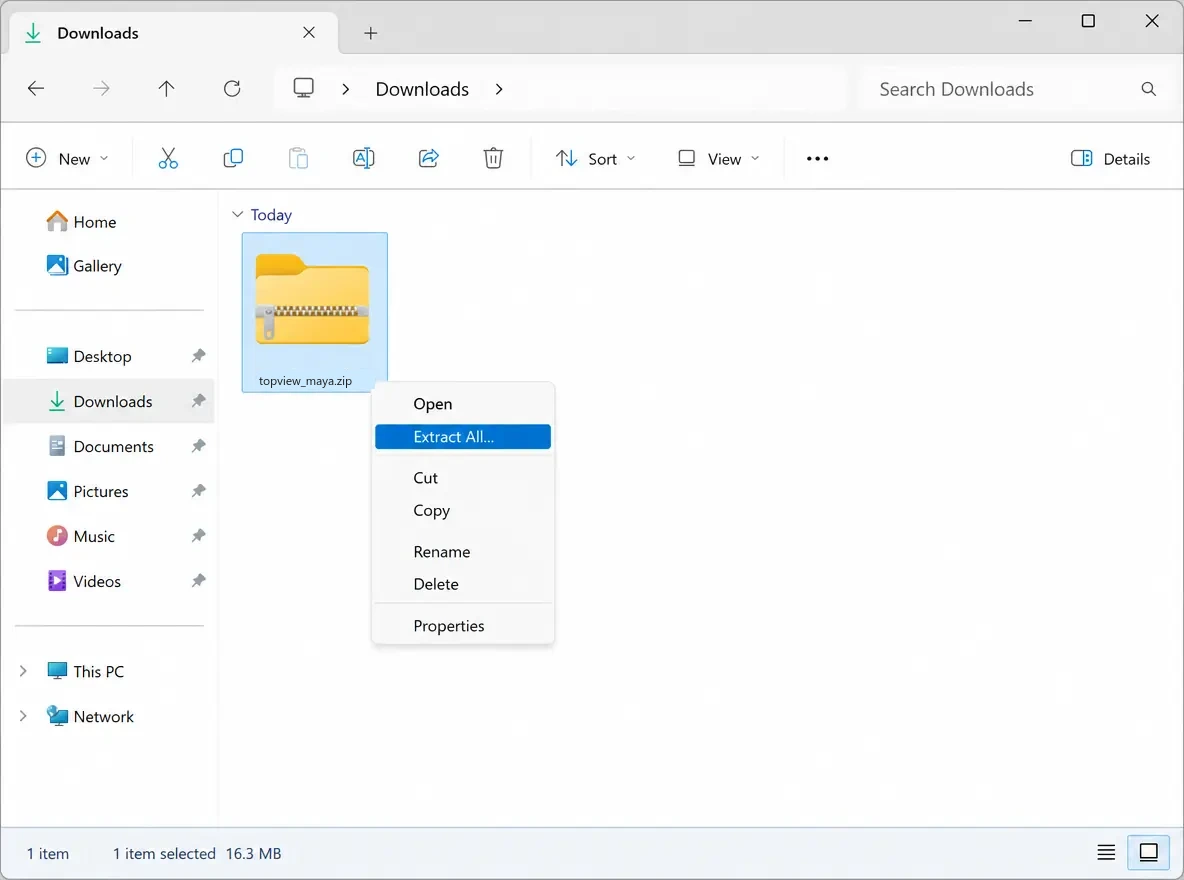 Unzip preview
 - 2
Drag install.py into the viewport
Drop the install.py file into the Maya viewport.
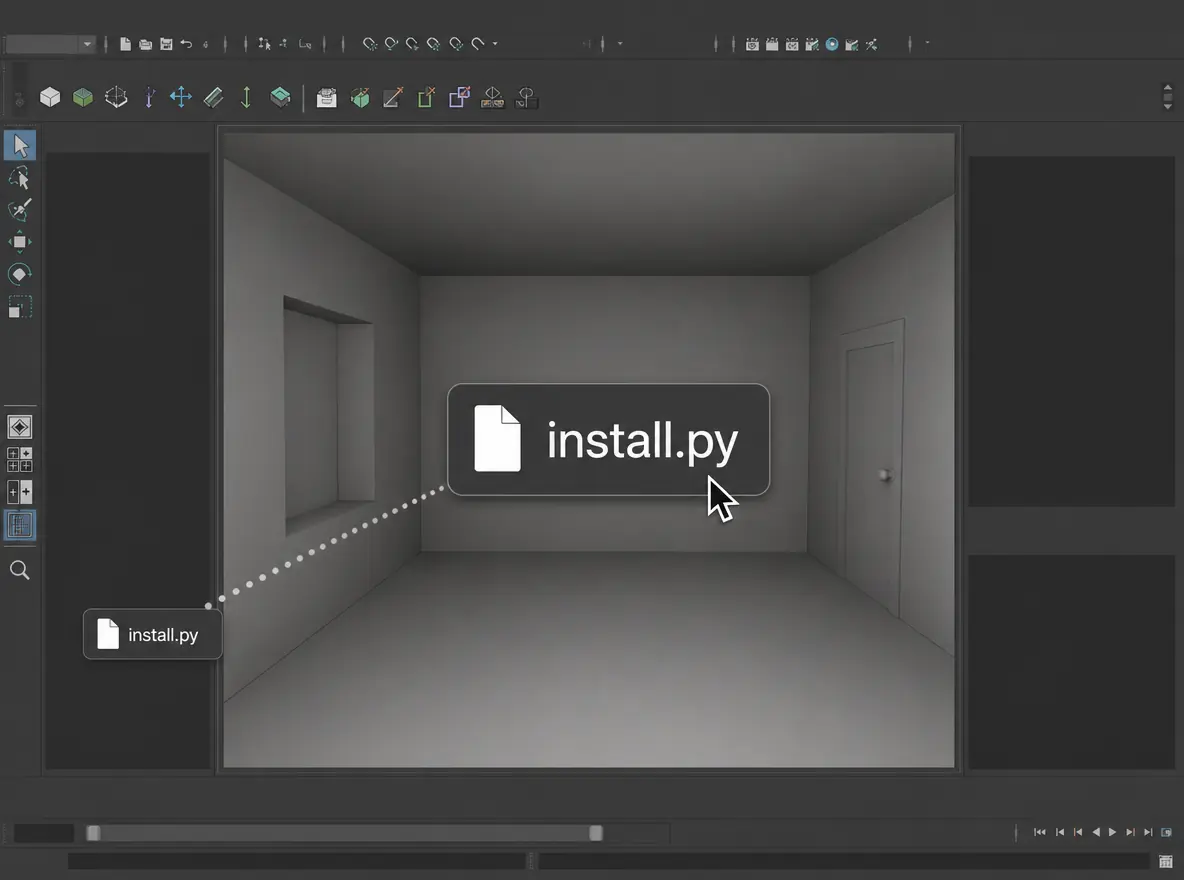 Drop install.py preview
 - 3
Maya import to Topview for rendering
Keep a Maya scene moving and send the next render to Canvas.
From Maya to Topview
What is the Topview Maya plugin?
The Topview Maya plugin exports clay-render videos from Maya to Topview, where Seedance 2.5 turns them into cinematic videos. Keep your scene editable in Maya and refine it whenever you need another take.
Why use the Topview Maya plugin
From clay render to finished video, in one workflow
Export directly to Topview, create with an AI agent, and return to Maya whenever you want to refine the shot.
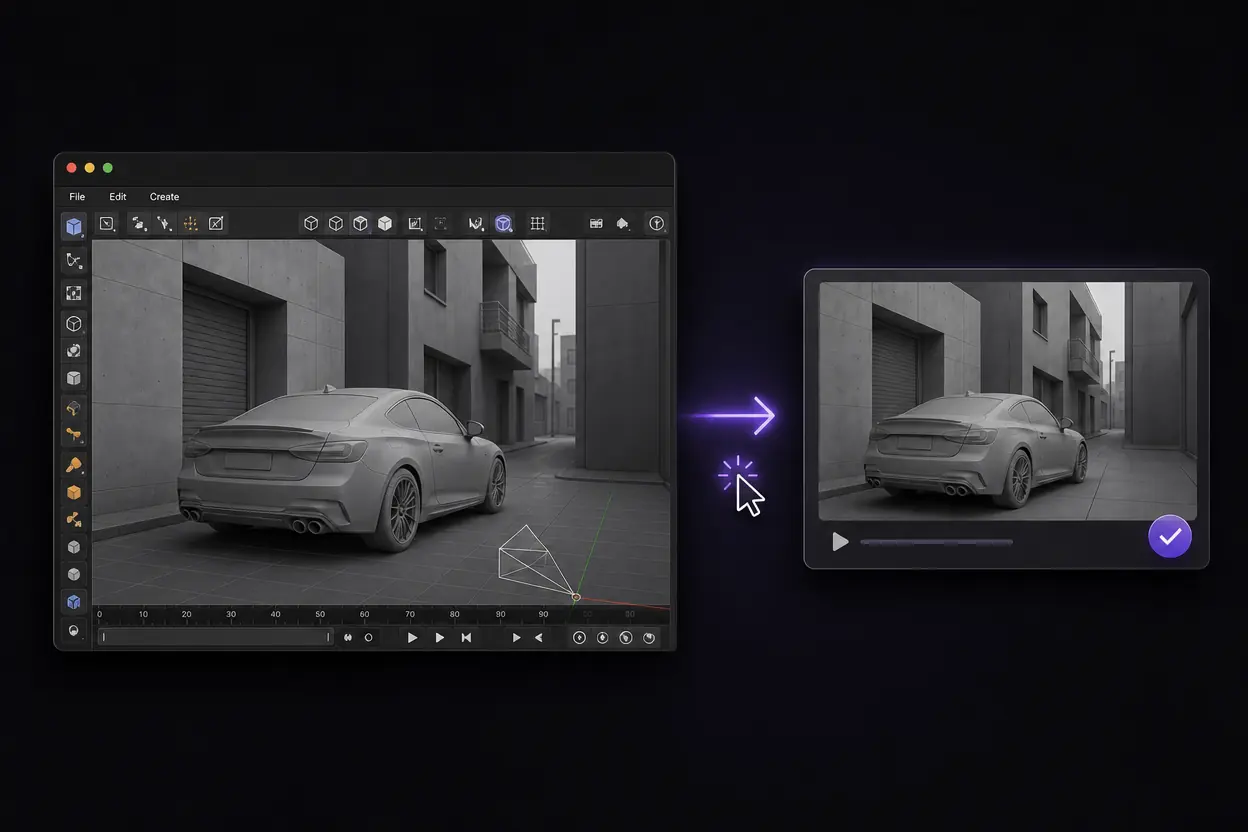
Send your clay video to Topview in one click
Export a clay-render video from your Maya scene and send it directly to Topview with the plugin. Bring your scene layout and camera motion into your video workflow without a separate manual upload.
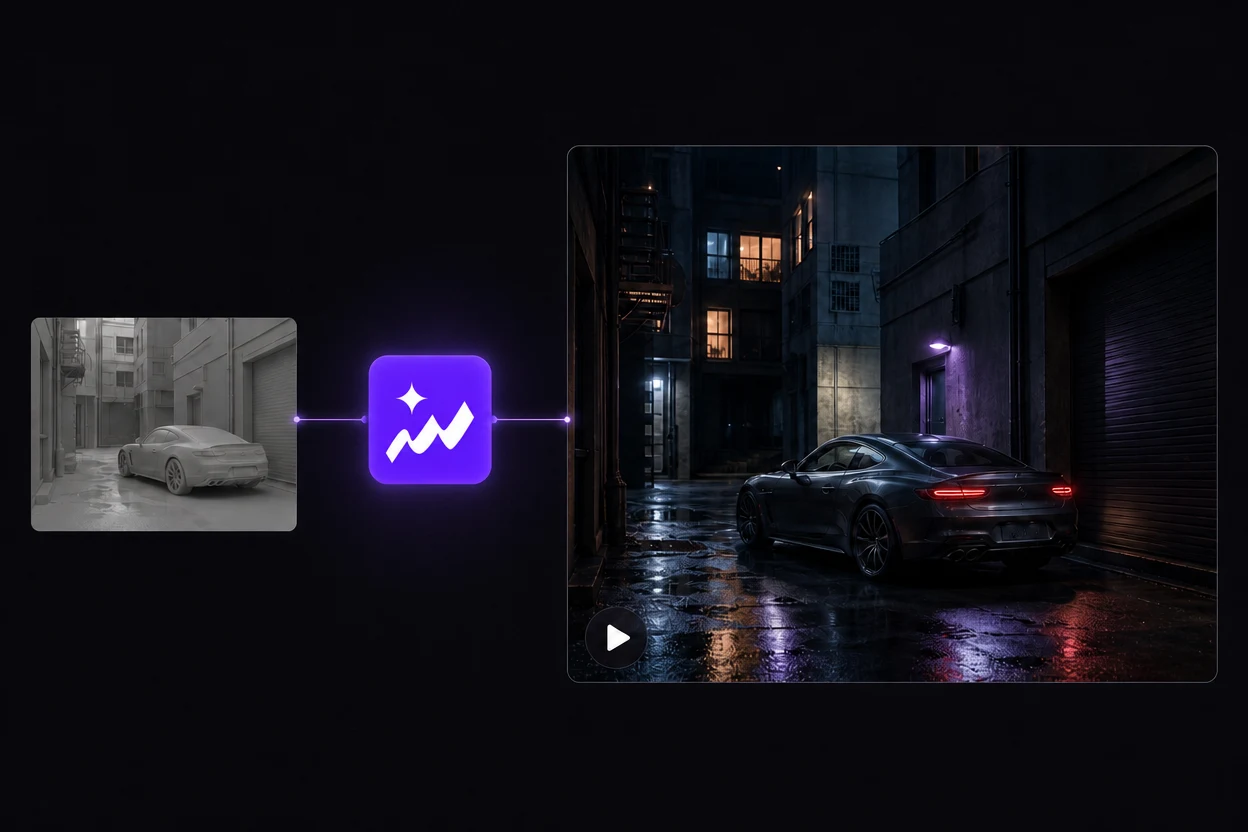
Create the finished video with a Topview agent
Topview’s AI agent takes your clay video through to a finished video with Seedance 2.5. Describe the look you want and complete the creative process in one place.
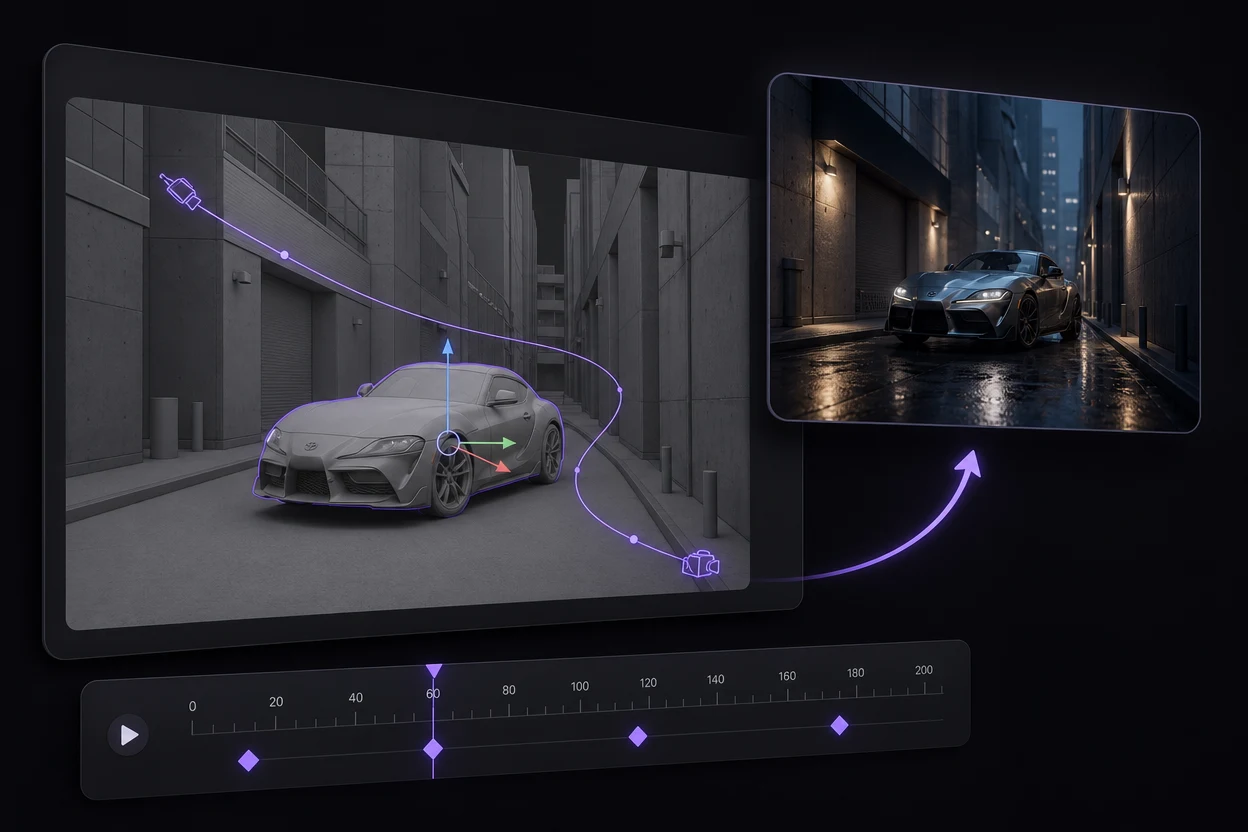
Edit in Maya. Export again.
Need a different camera move or scene layout? Adjust objects, camera paths or keyframes in Maya, then export a new clay video to Topview for another version.
GPT-6 + Maya + Topview
Take a GPT-6-assisted Maya scene further
Use GPT-6 Astra to help plan a Maya scene, then review its objects and keyframed animation in Maya. Once the camera move works, the Topview Maya plugin carries your rendered reference into the video workflow.
GPT-6 Astra can help you describe objects, layout and camera motion before you build the shot in Maya. Scene assistance is an optional starting point; GPT-6 is not built into the Topview plugin.
See OpenAI’s GPT-6 Astra introductionAn example scene brief
Help me build a simple alley scene in Maya with editable buildings, a parked car and a camera that slowly moves forward before revealing the car. Keep the objects separate and put the camera motion on keyframes so I can revise the shot.
Describe the scene
Ask GPT-6 to help plan the objects, layout and camera animation for a specific shot.
Review and adjust
Check the scene in Maya. Refine geometry, object placement and keyframes before rendering.
Send the clay video
Export through the Topview plugin and import the reference into your Topview project.
Develop the final look
Use Seedance 2.5 in Topview to explore a cinematic treatment based on that reference.
You can also build the scene yourself. The plugin imports the rendered video, regardless of how the Maya scene was created.
Maya plugin FAQ
Build the motion in Maya. Finish the look in Topview.
Start with a shot you can revise, then explore the cinematic treatment it deserves.
View plugin setup