 Seedream 5.5

Seedream 5.5 AI Image Generator
Split one image into up to 100 layers.
Seedream 5.5 outputs an alpha channel with fully and partly transparent areas, and it is built to stay clean past 80 rounds of edits. It also adds 4K output and 16:9 framing. Seed's public model list does not include 5.5 yet.
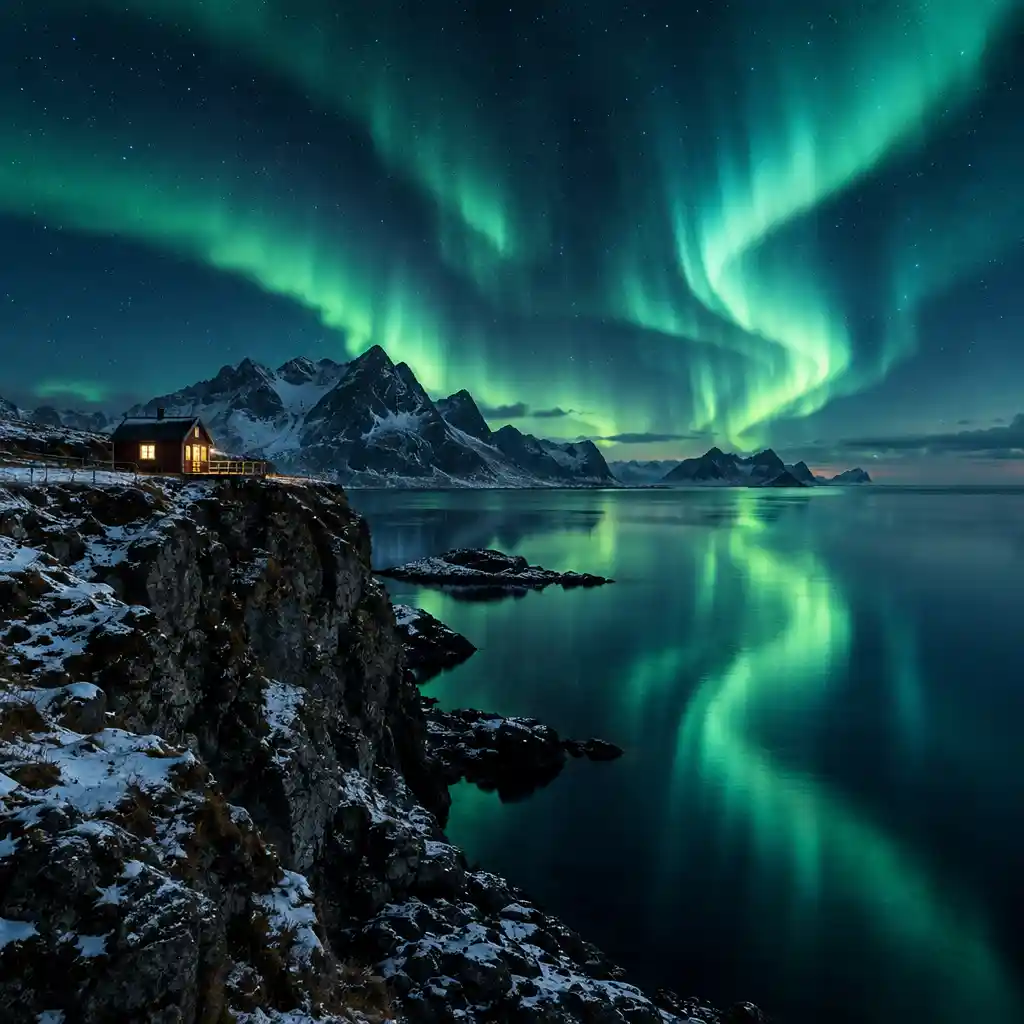

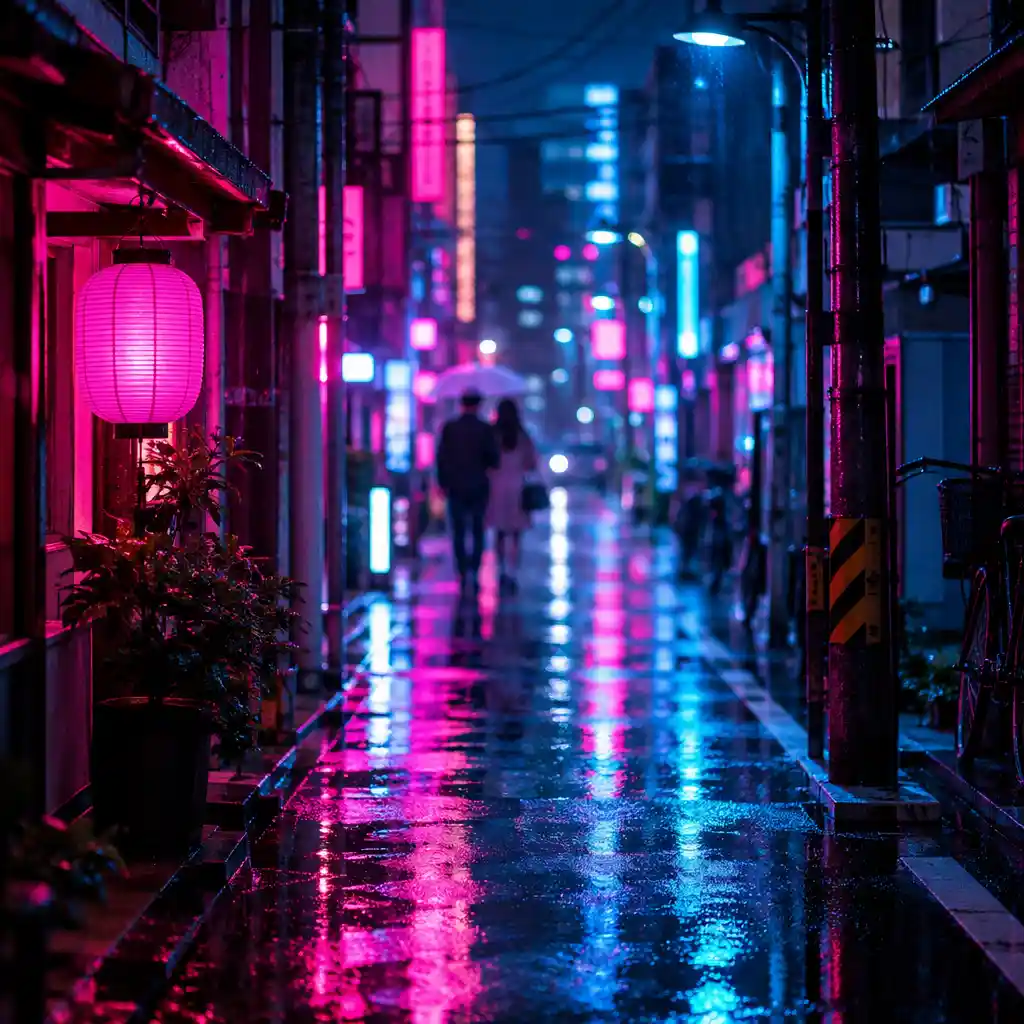
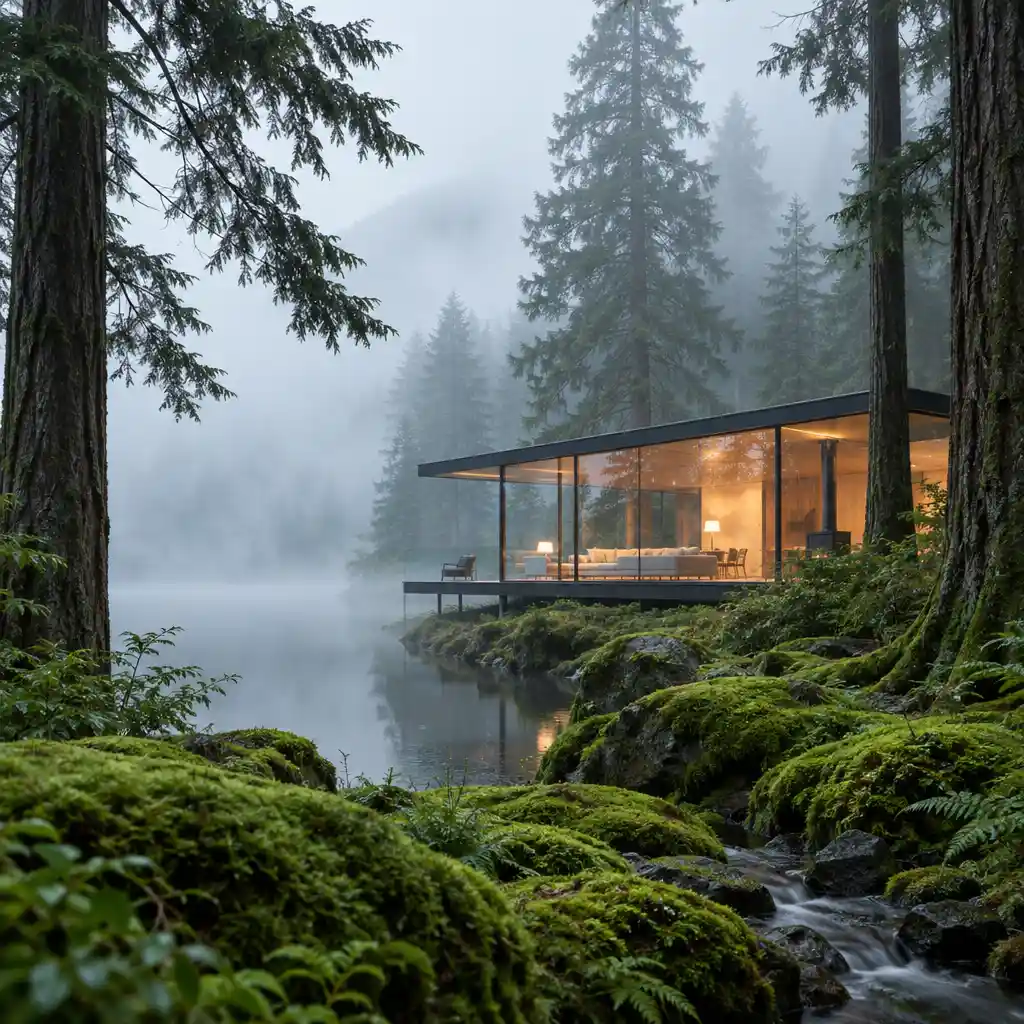
- Text layer
- 4K
- 80+ rounds
- Coming soon
Trusted by leading companies











Layers, transparency, and a long edit.
These frames show the kind of work the features describe. They are not an official Seedream 5.5 sample set.
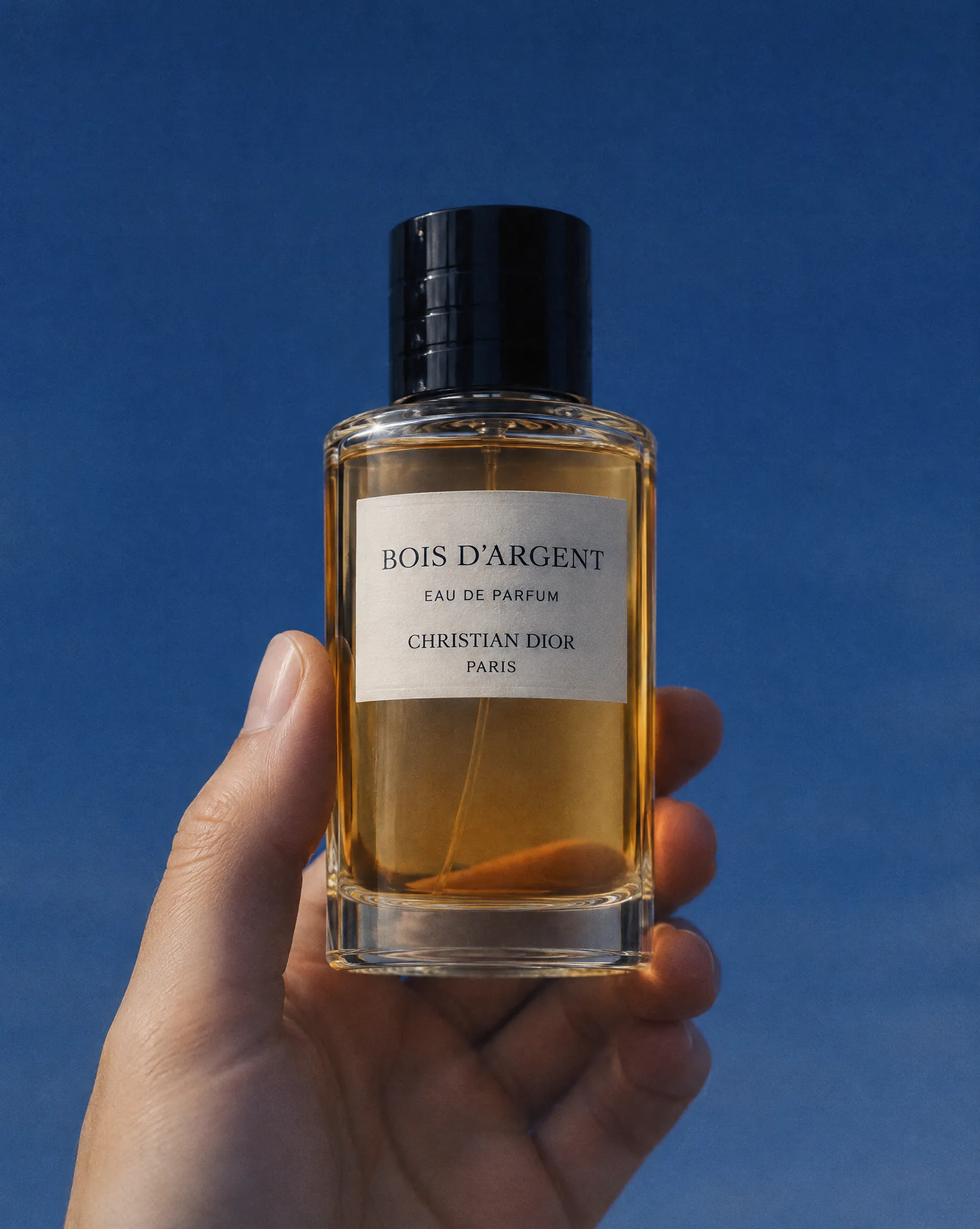
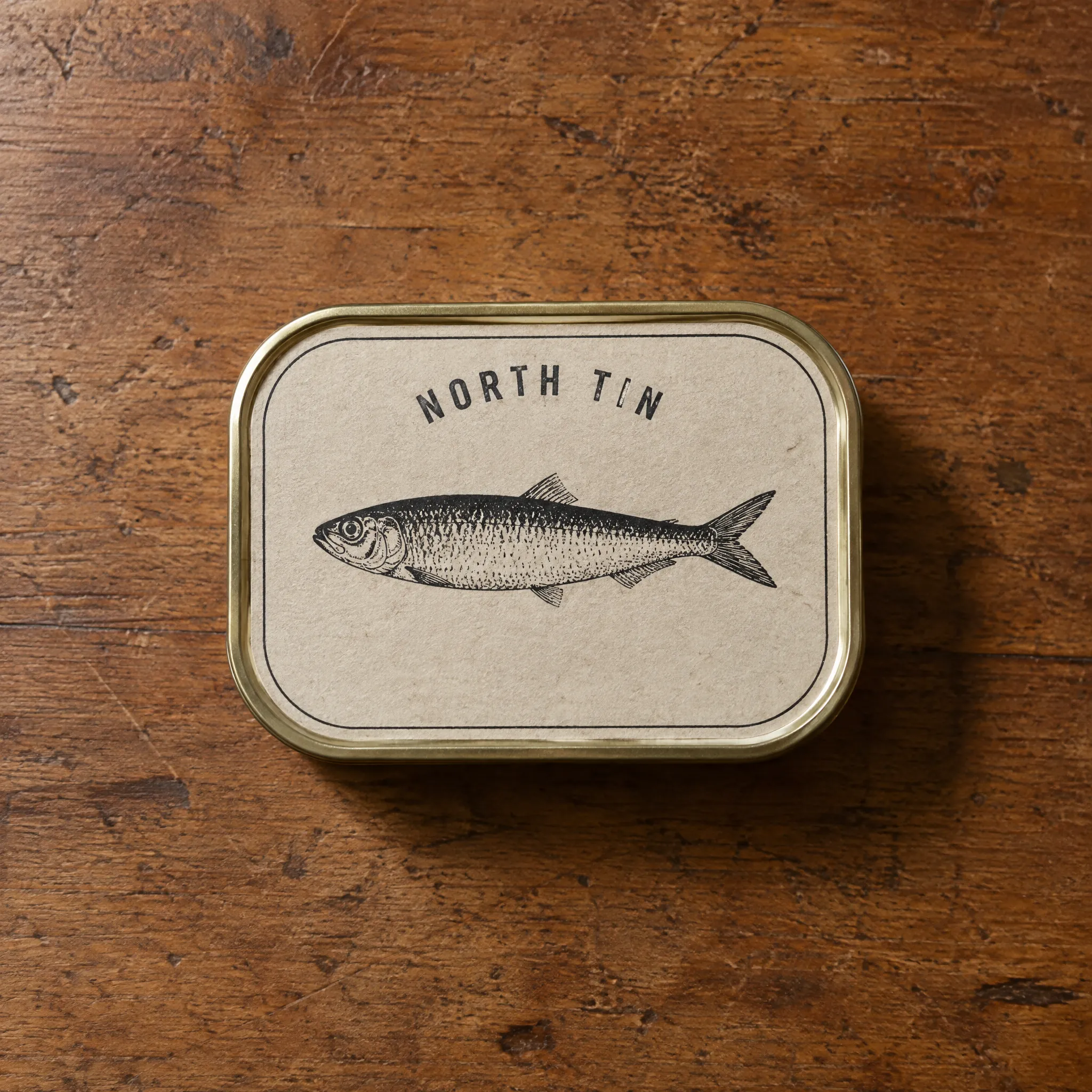
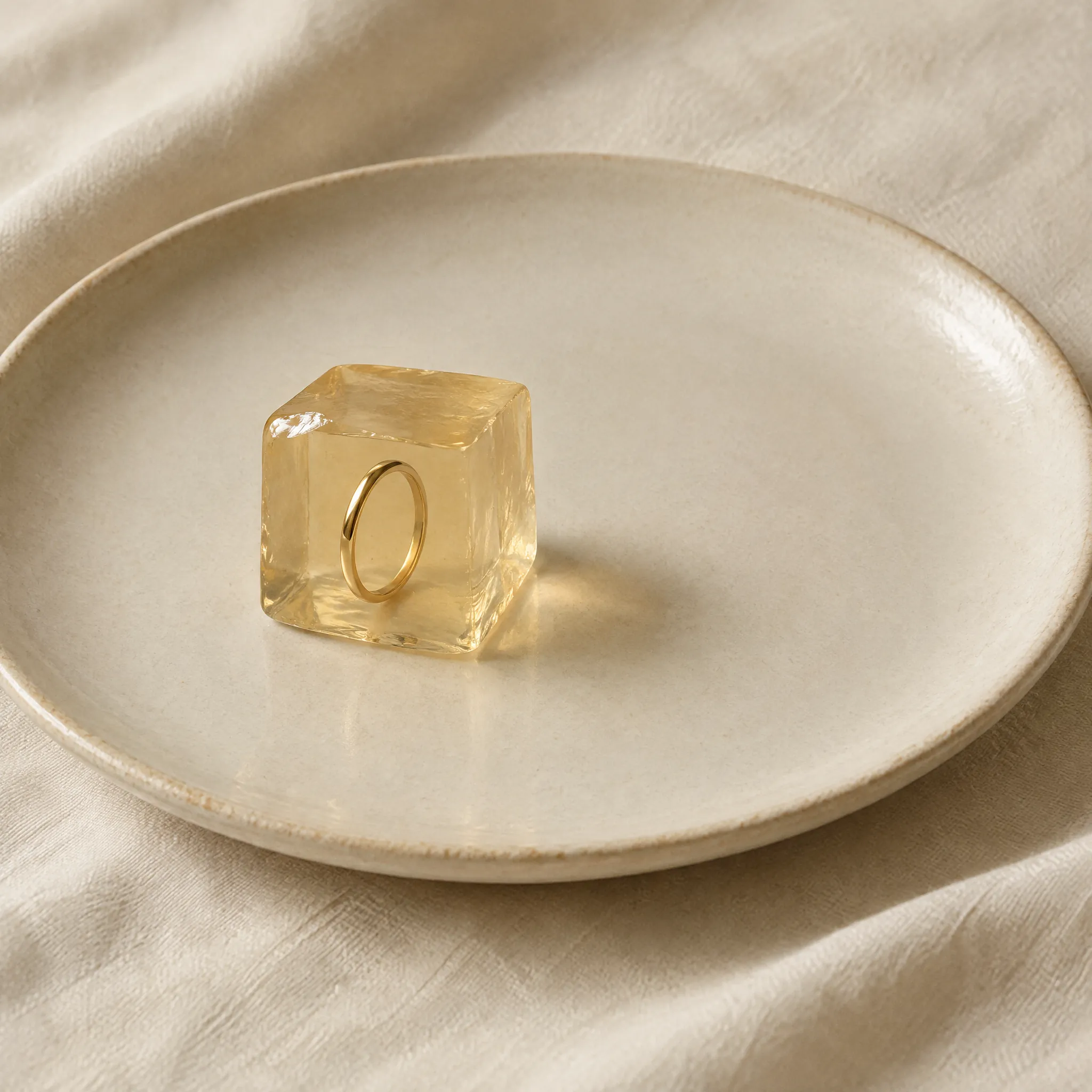
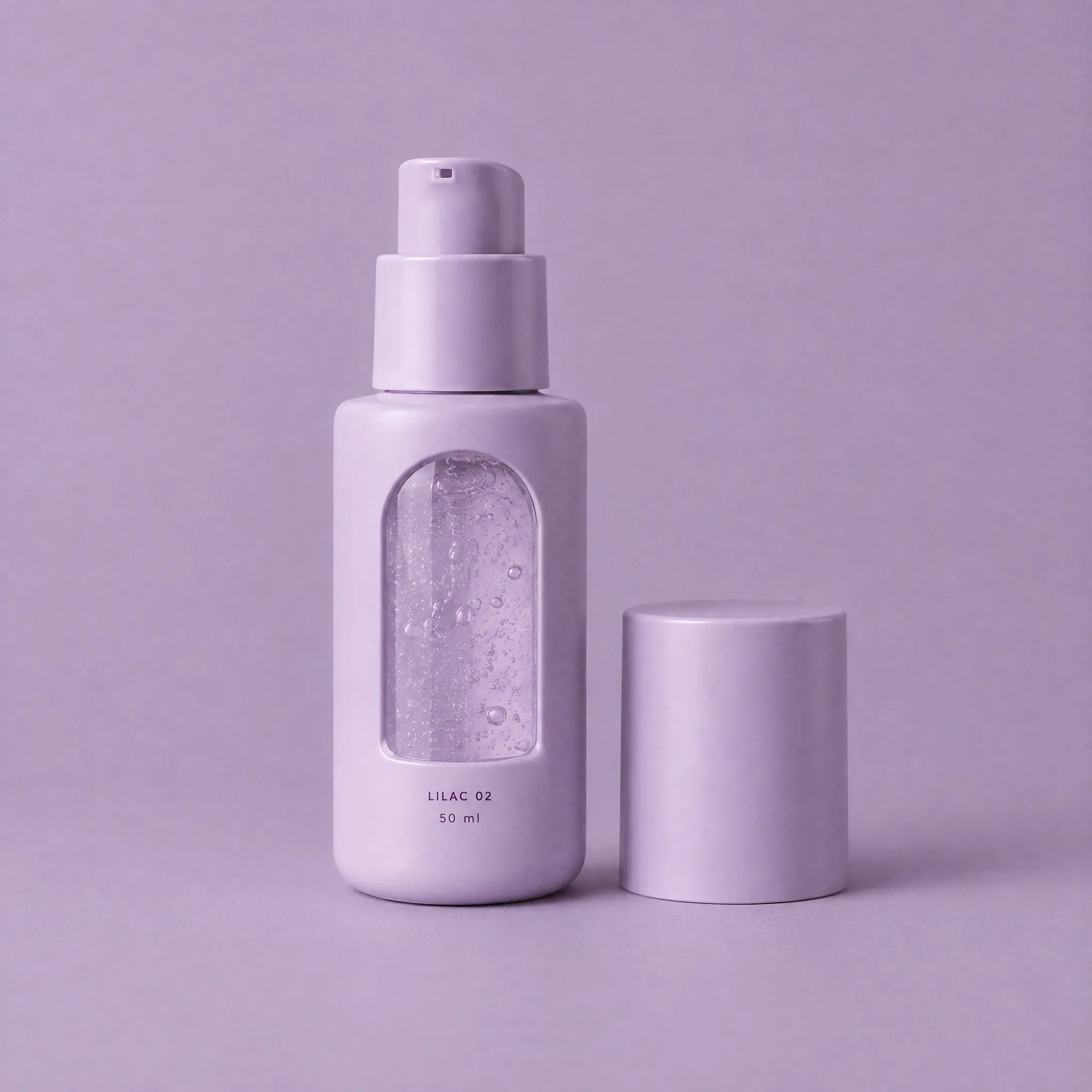

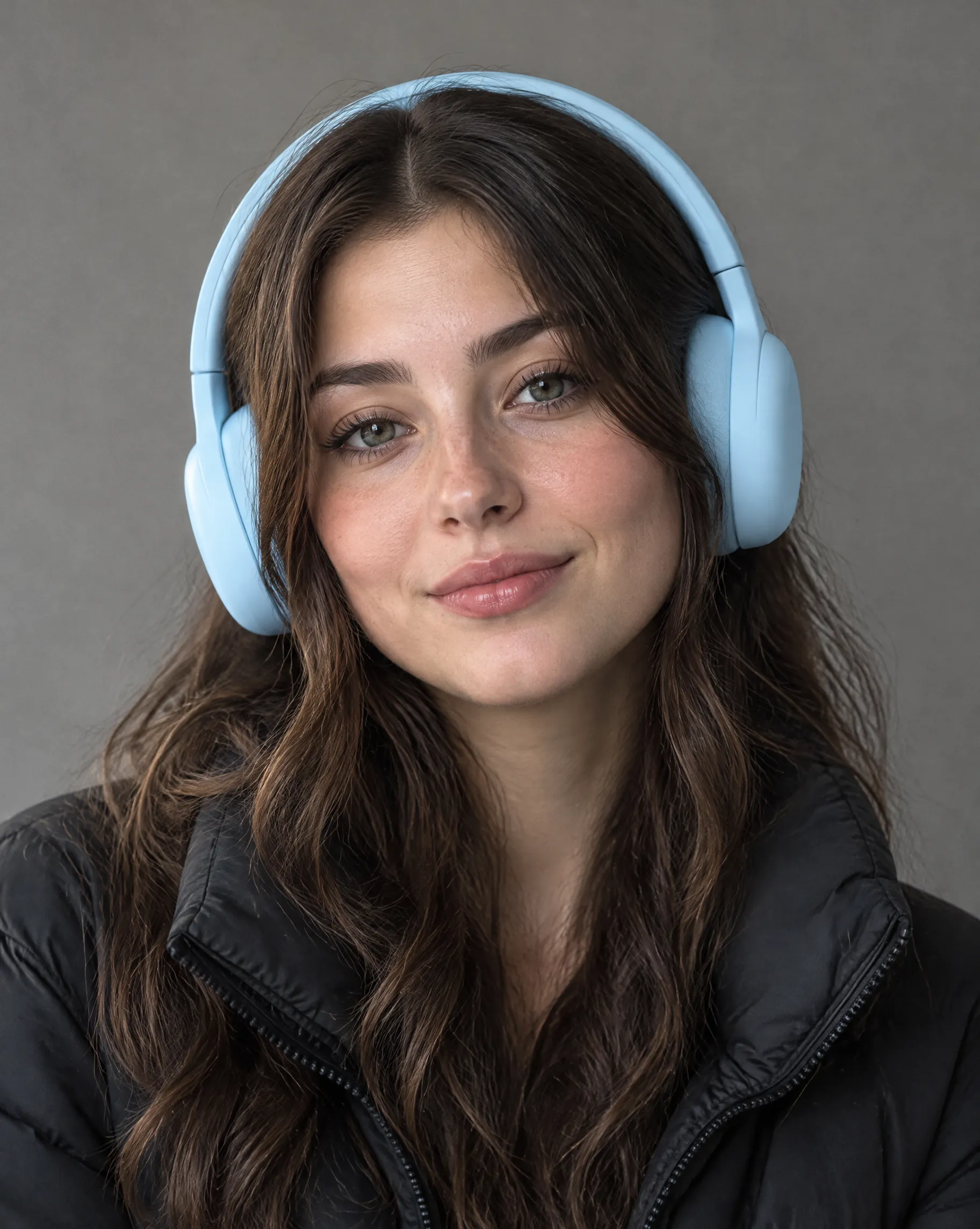
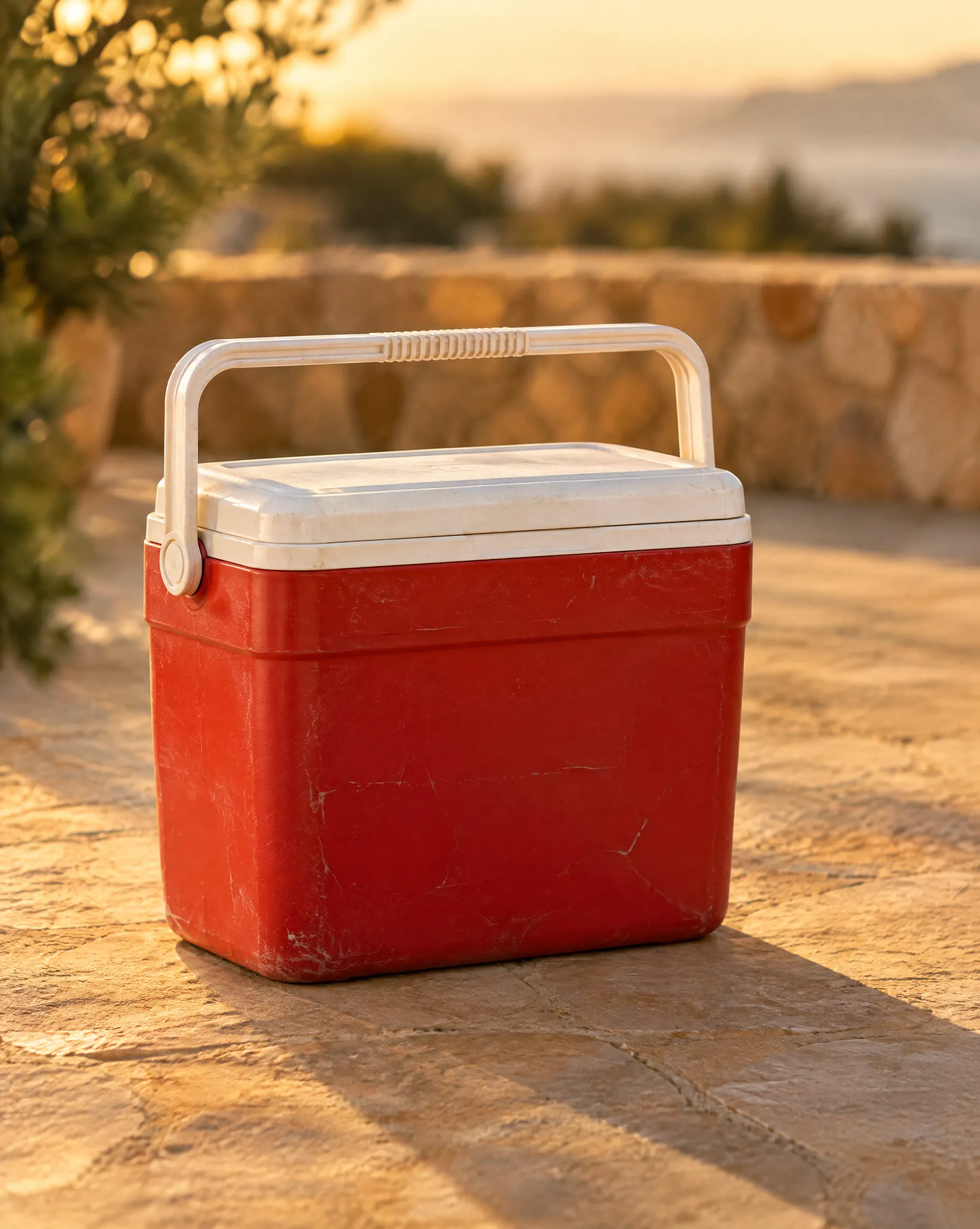
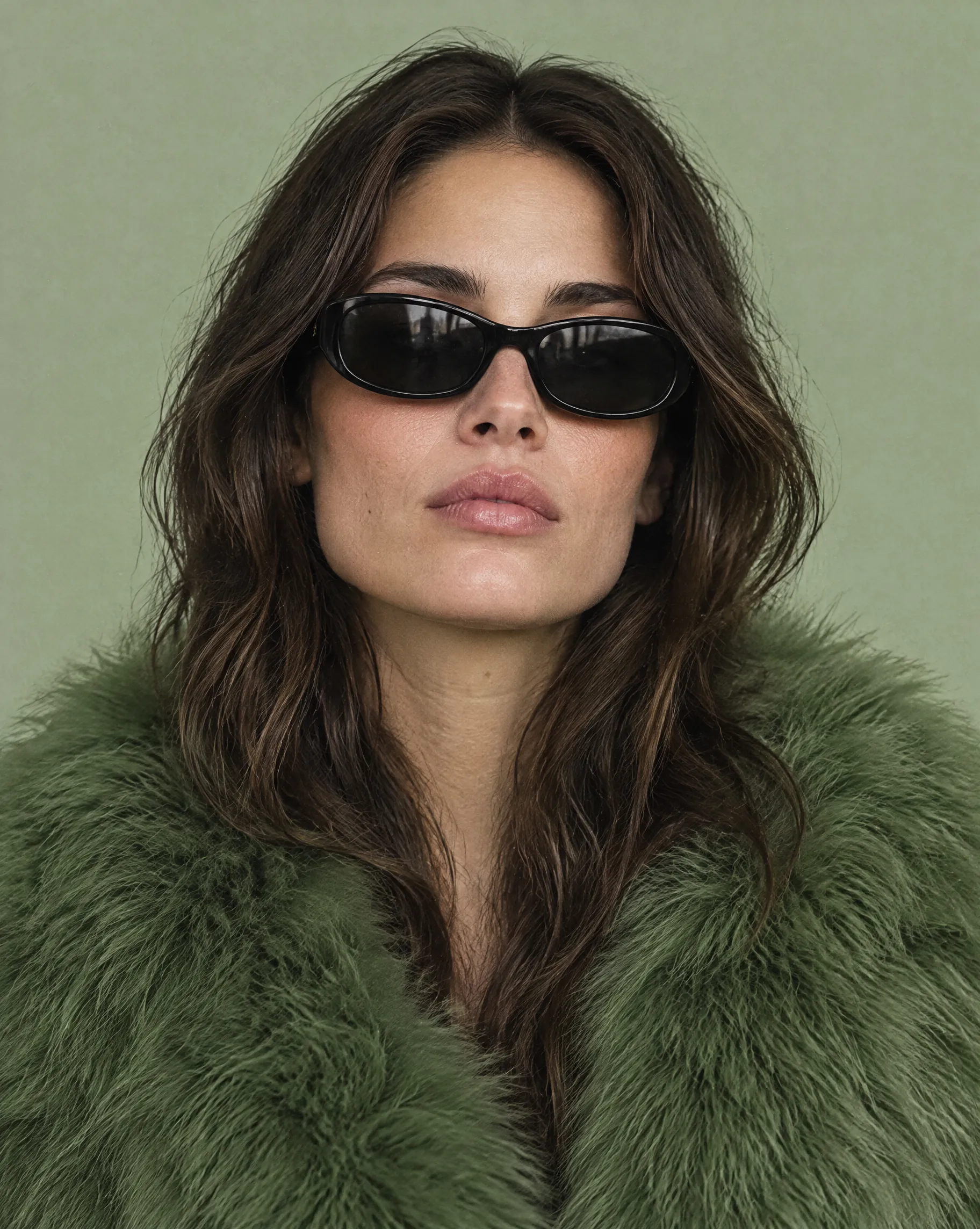
Seedream 5.5 splits, edits, and stays transparent.
- Layers01
Split one image into up to 100 layers
Seedream 5.5 can break a finished image into as many as 100 separate layers: subjects, props, backgrounds, and text. Move, resize, swap, or hide any element without regenerating the frame. A flat render becomes a working design file.
Internal brief. Not a Seed release note.
- RGBA02
Real transparency, straight from generation
Seedream 5.5 outputs an alpha channel with fully and partly transparent areas: product cutouts, stickers, glass, smoke, and soft shadows that drop onto any background. No separate background-removal step.
Internal brief. Dreamina and Lumina describe the same alpha.
- Rounds03
Edit 80 times. Keep the quality.
Seedream 5.5 is built to stay clean past 80 rounds of edits, with no visible quality loss in the areas you did not touch. Keep refining the same image as feedback comes in, without starting over. 80+ is the internal brief, not a published Seed test.
Internal brief. Not a Seed benchmark.
- Text04
Change the words. Keep the design.
Text in Seedream 5.5 lives on its own layer, so you can rewrite a headline, price, or CTA directly instead of re-prompting the whole poster. Font, color, and position stay with the copy.
Internal brief. Not quoted from a Seed blog post.
Text on its own layer. Change the words, keep the design.
- Up to
100layers
split from one finished image2
- Built for
80+rounds
of edits without visible loss where you did not edit3
RGBA output with fully and partly transparent areas5
4K
output, stated together with 16:9 framing4
Truer light and materials. Cleaner fine print and less widely used scripts.6
How to use Seedream 5.5
Step 1: Generate
Describe the image. Ask for a transparent background when you need a real alpha channel, with fully or partly transparent areas.
Step 2: Split and rewrite
Break the image into layers, up to 100. Rewrite the headline, price, or CTA on the text layer and leave the rest of the design.
Step 3: Keep editing
Stay on the same image. Seedream 5.5 is built to stay clean past 80 rounds of edits in the areas you did not touch. The model is not connected on Topview yet.
Where Seedream 5.5 fits
Cutouts, long revisions, widescreen 4K, and one poster rewritten for every market. Seedream 5.0 Pro is what you can open on Topview today.
One master. Every market. Generate the poster once, then rewrite the text layers for each market while layout, product, and color stay locked. Small text and less common languages stay readable.
Then on Topview: add a Voiceover to each market’s video cut
Iterate without restarting. When the brief keeps changing, keep editing the same image. Seedream 5.5 is built for 80+ rounds of editing, and layer-level control keeps each change on the part you touch.
Then on Topview: keep each version on Board for team review
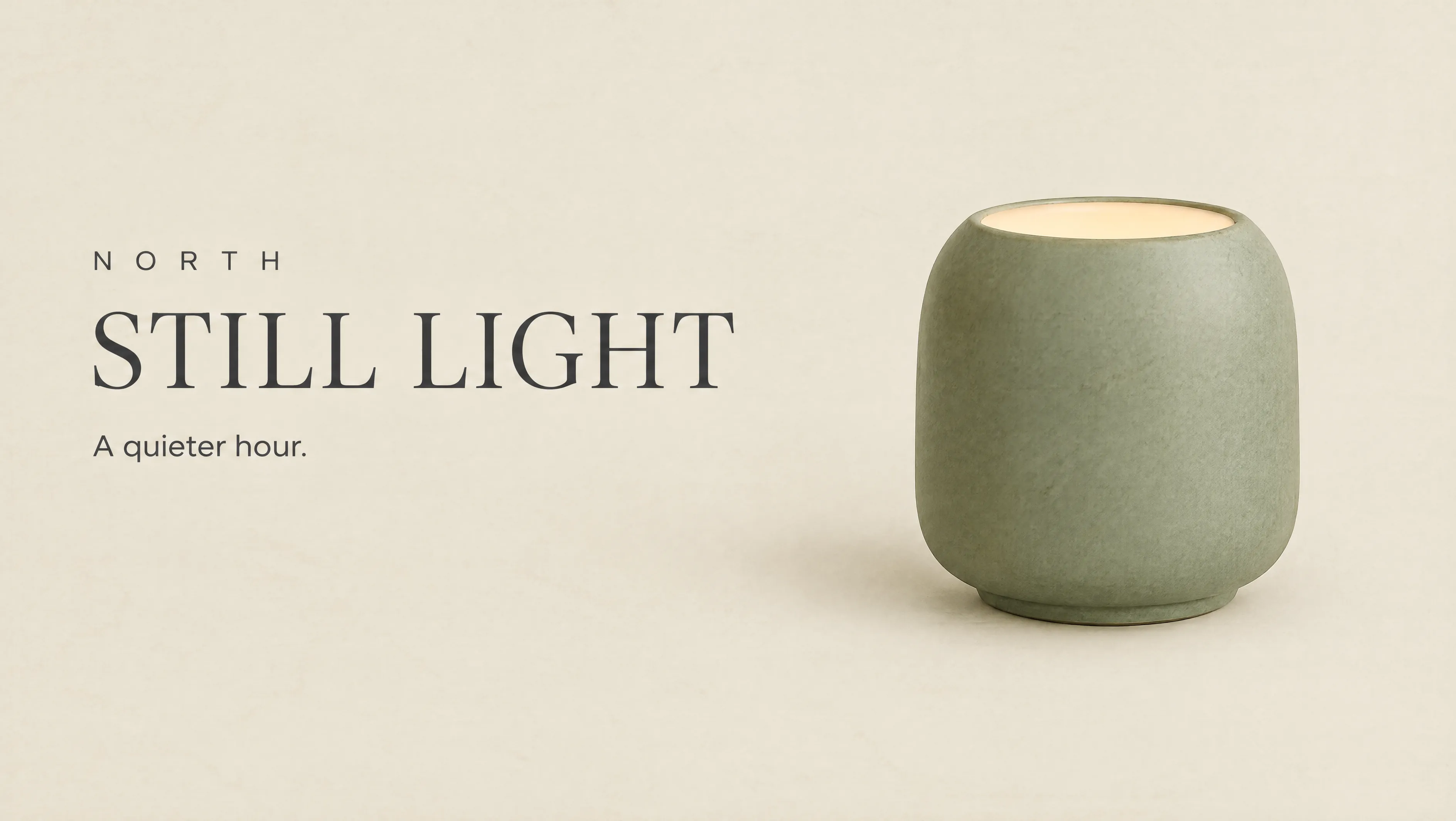
Widescreen visuals in 4K. Make 16:9 hero banners, YouTube thumbnails, and display ads at 4K so the details hold up on large screens and when cropped.
Then on Topview: turn the still into the matching ad with Image to Video
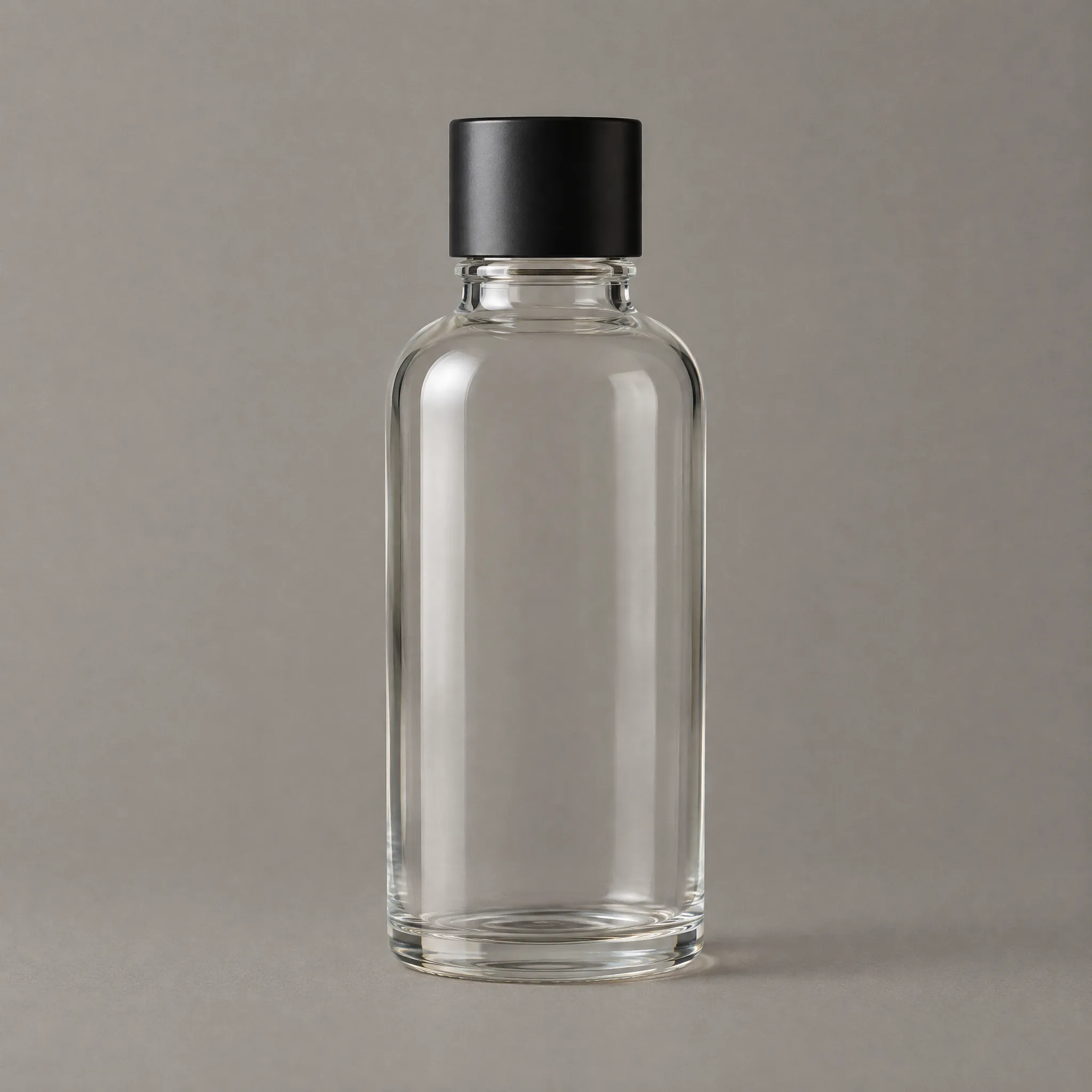
Transparent product images, ready to drop in. Create product shots with a real alpha channel and place them on any PDP, marketplace, or seasonal background. Semi-transparent glass and soft shadows keep their edges.
Then on Topview: Product Photography scenes, Image to Video, Product Avatar
Image Models
Other Image Models
Seedream 5.5 is coming to Topview.
Up to 100 editable layers, real transparency, and 80+ rounds of edits on one image.
Specs come from the internal brief. Seedream 5.5 is not on Seed's public list yet, 4K is stated with 16:9 rather than every ratio, and the API is not live.