E-COMMERCE
E-commerce Optimization & Price Updates
For online sellers, timing is everything. Update high-converting hero banners, flash sale prices, product claims, and promotional poster text in real time without waiting for a creative department.

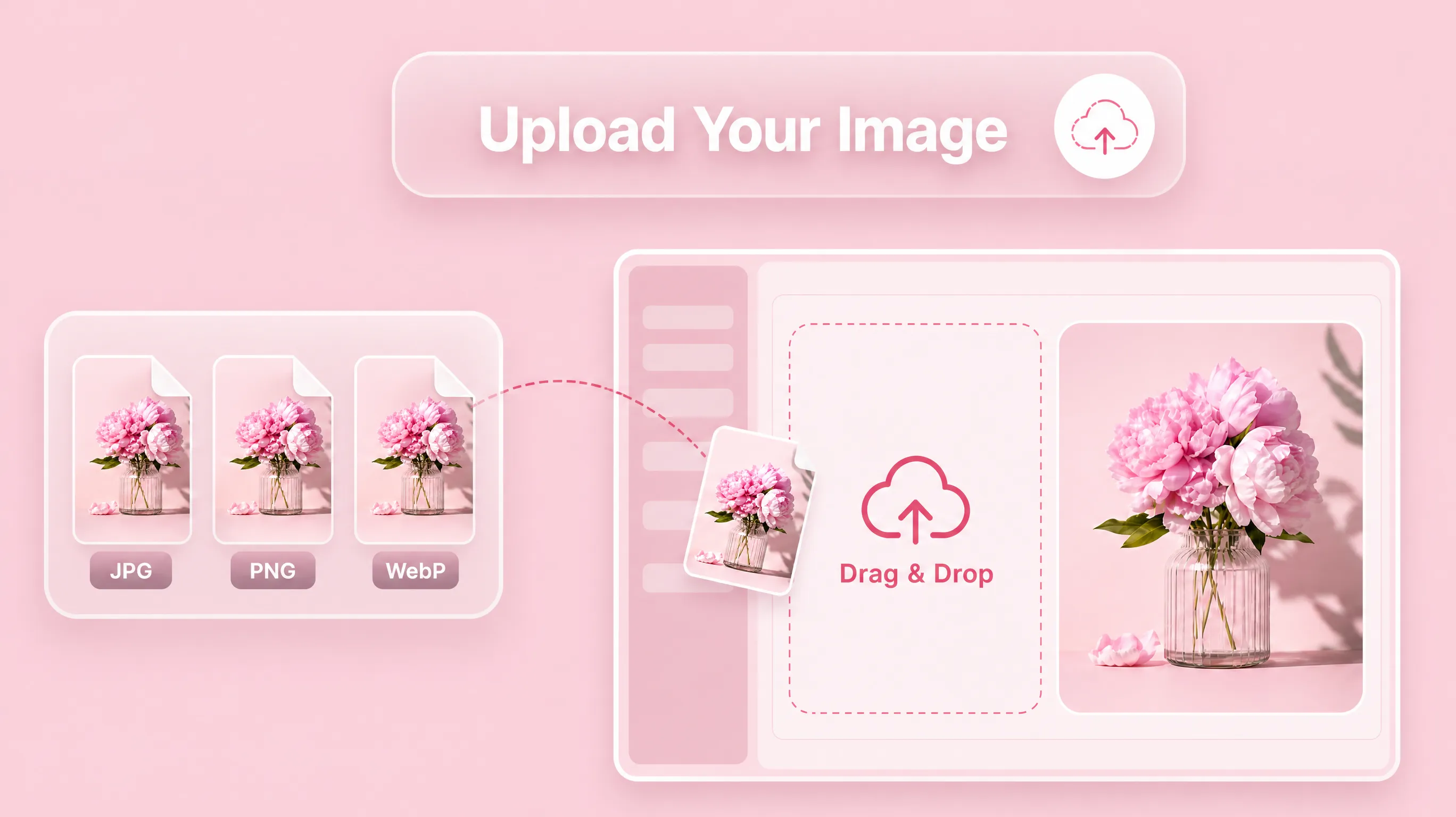
Edit text in an image or photo online with AI. Upload a JPG, PNG, WebP, or screenshot, select the words to change, and let AI match the original font, style, perspective, and background.
AI Image Text Editor
อัปโหลดภาพของคุณ
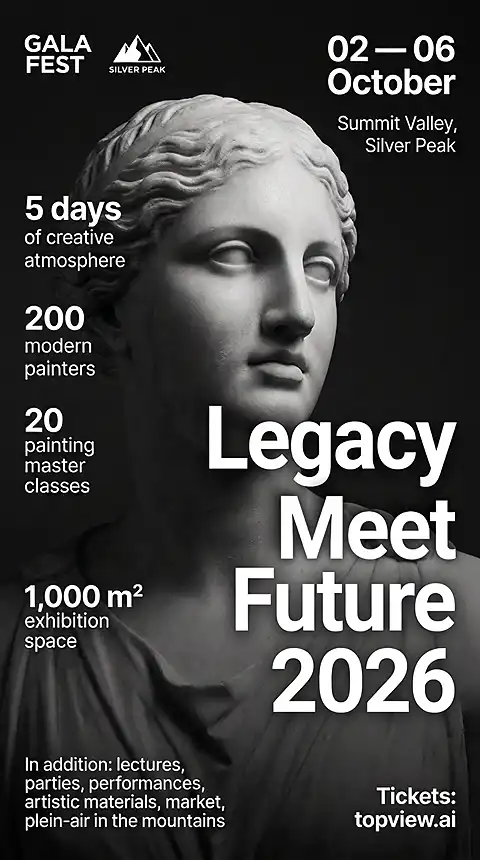
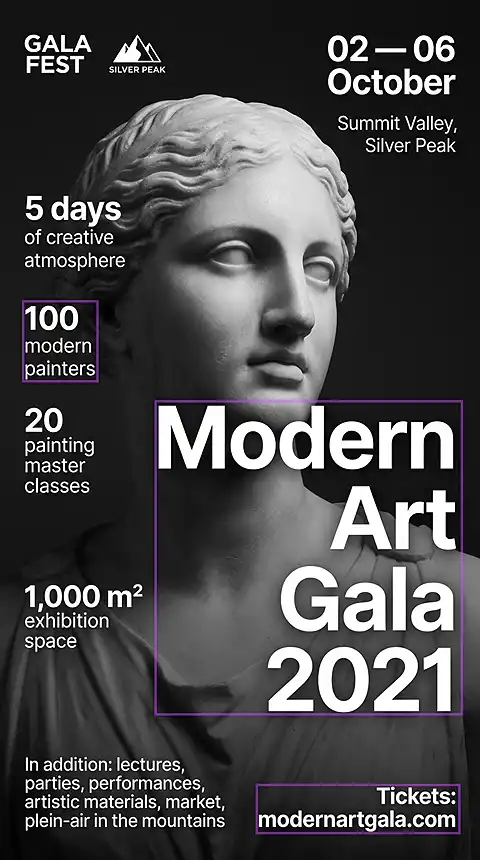
For online sellers, timing is everything. Update high-converting hero banners, flash sale prices, product claims, and promotional poster text in real time without waiting for a creative department.
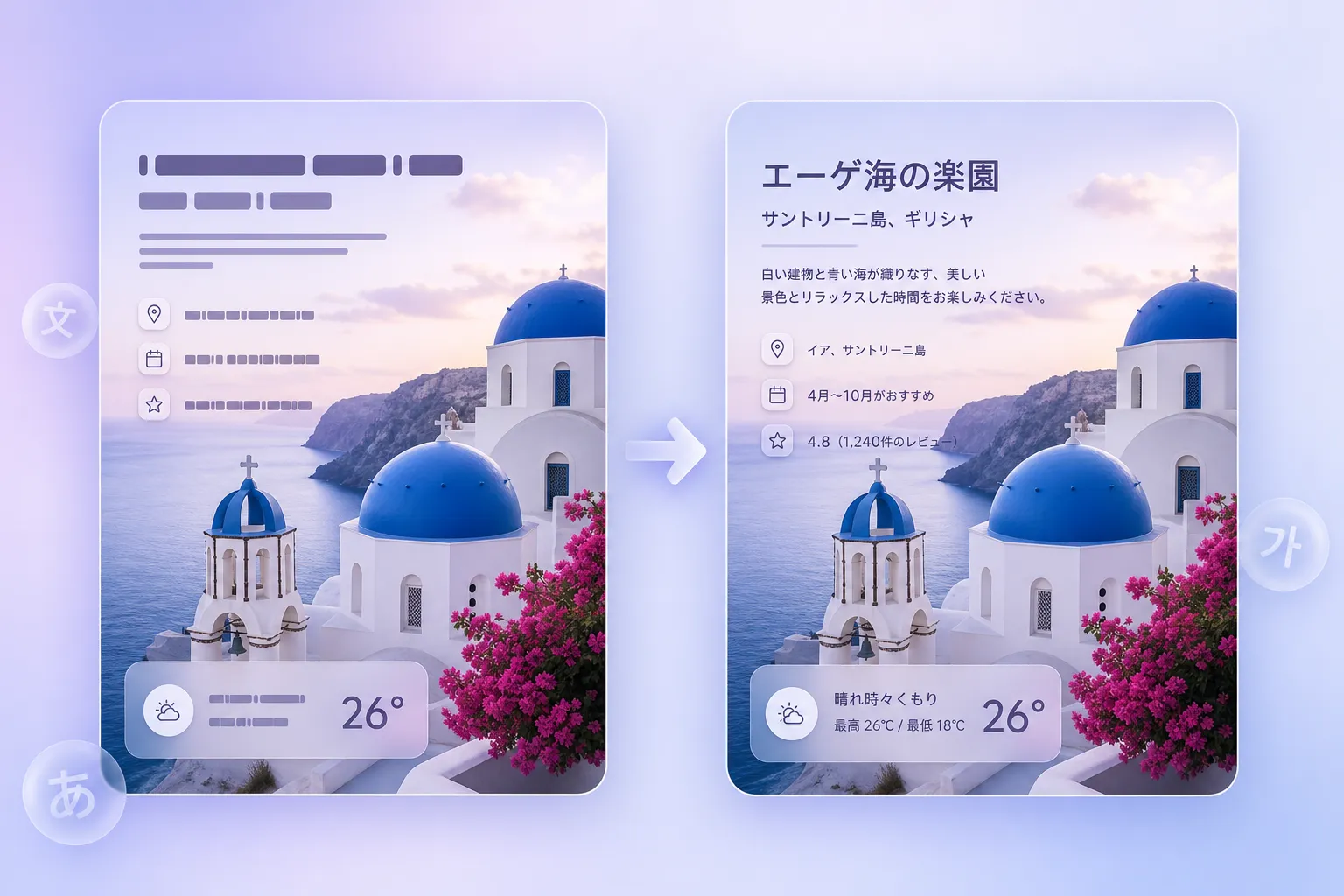
Translate image text and save a new image online without losing the original aesthetic. AI replaces source text with the target language while matching font, style, perspective, and layout.
Edit text in campaign posters, product graphics, thumbnails, banners, and social visuals even when the original PSD or design file is unavailable.
WHAT YOU CAN DO
Change text in JPG, PNG, and WebP images while matching font, style, and background—ideal for posters, banners, and marketing graphics.
Edit text in a photo, screenshot, poster, banner, or product image without rebuilding the original design. Select the words you want to change, type new copy, and let AI restore the background while matching the original style.
ดูเพิ่มเติมChange text in image files without rebuilding the original design. Update promotional copy on a JPG banner, replace text in a PNG social graphic, or edit WebP marketing assets while preserving the original image quality. Use it to change text in JPG, change text in PNG, or edit text in JPG online when the source design file is unavailable. You can edit text on a finished photo or change text in a JPG, PNG, or WebP image even when the original design file is unavailable.
AI matches the original font, color, size, shadow, glow, gradient, and perspective when you edit text in a photo or image. Background restoration fills the area behind the old text so the edited graphic looks natural.
Translate text in image for global campaigns, product listings, travel screenshots, and education materials. This image translator detects the source language, helps translate image text, and rewrites the image in the same font and layout across 100+ languages.
Update promotional posters, event banners, social media graphics, and product cards without rebuilding the design. This AI poster text editor keeps the visual style and only changes the words, making it useful for AI poster updates, AI poster generator workflows, AI poster maker edits, poster text editor tasks, and banner text editor changes.
ดูเพิ่มเติมFor online sellers, timing is everything. Update high-converting hero banners, flash-sale prices, product claims, and promotional poster text in real time without waiting for a creative department.
ดูเพิ่มเติมWHY CHOOSE THIS EDITOR
Why settle for a basic overlay when you can have generative reconstruction? Our AI image text editor combines OCR, font matching, style matching, and inpainting to edit image text naturally.
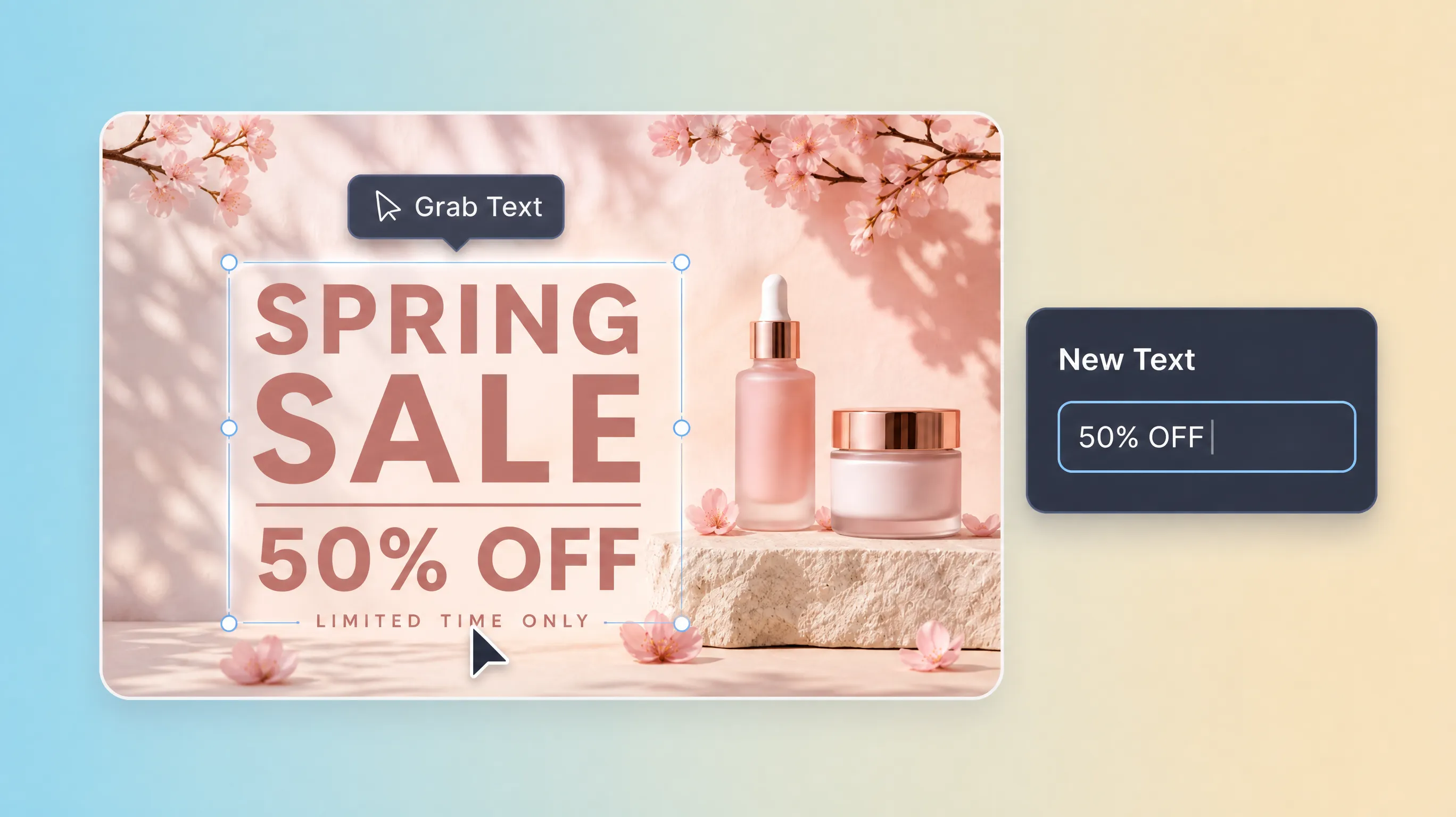
Lift text from image pixels into an editable layer.
Unlike standard editors that place a box over the image, Grab Text uses deep-learning OCR to segment text from the background. When you modify the words, AI fills the original space with matching background pixels so the image looks natural.
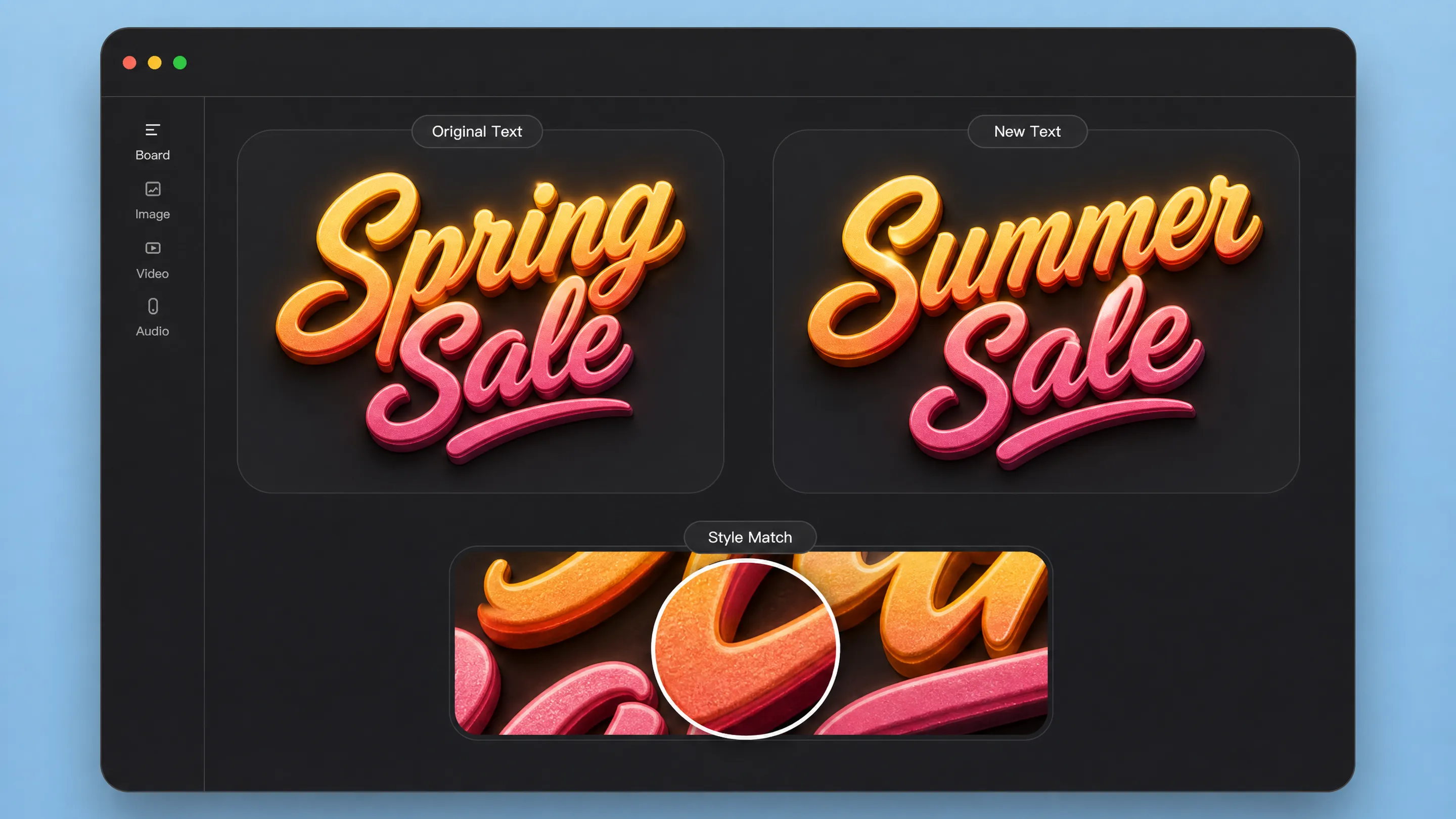
Match the original font, color, texture, and perspective.
The AI analyzes stroke width, serif style, weight, color, shadows, glow, gradients, and perspective distortion, then applies similar styling to your new text for a seamless result.
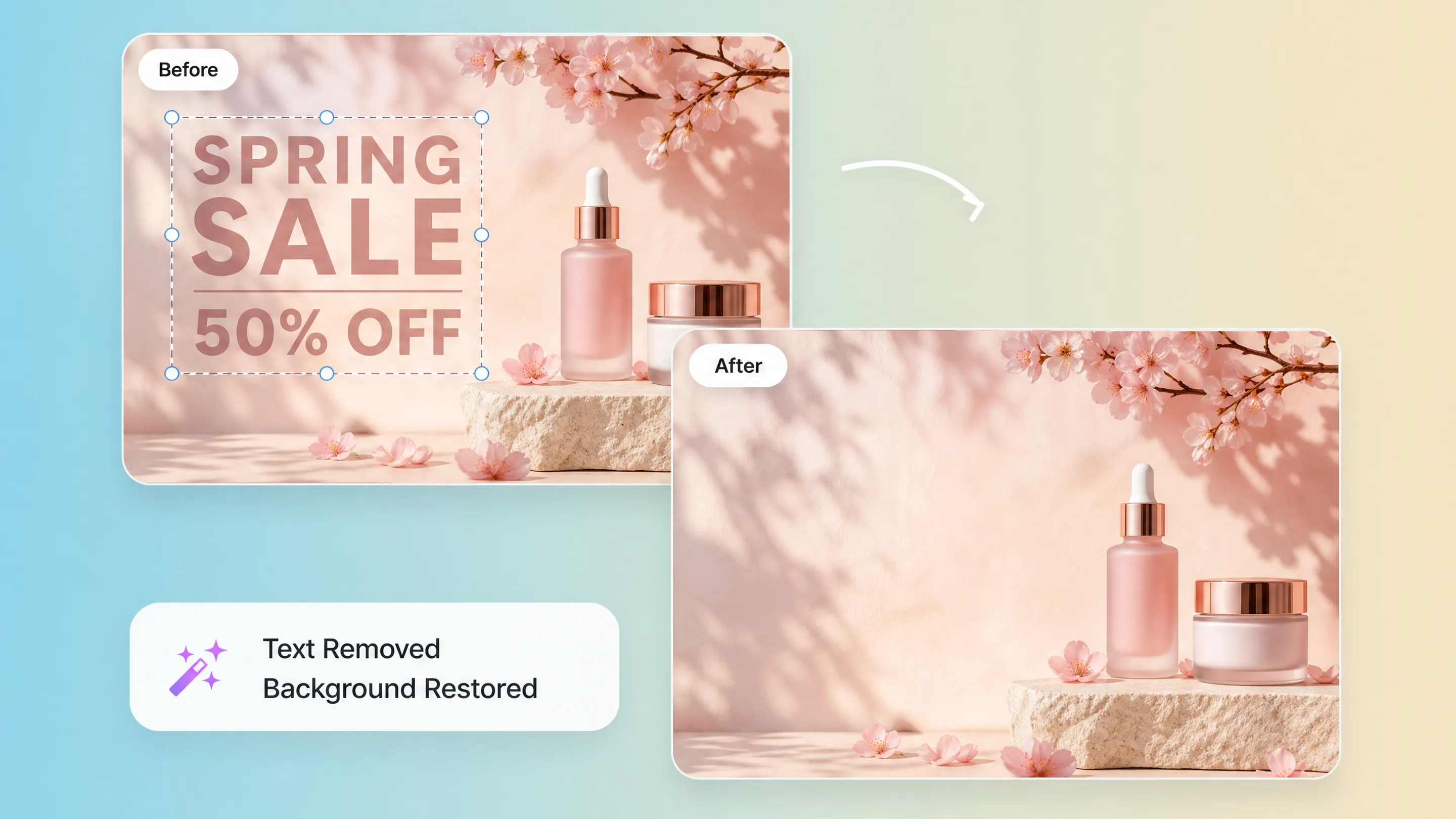
Repair the space behind removed or changed text automatically.
When you edit or move text, generative AI looks at surrounding pixels, lighting, gradients, and texture, then reconstructs the background without requiring manual clone-stamp work.

Edit finished JPG, PNG, and WebP images directly.
Fix minor typos, update dates, localize graphics, and change promotional information without rebuilding the design from scratch or tracking down original source files.
MODEL PARAMETERS
To provide the best AI text editing experience, the platform combines neural OCR, generative inpainting, style transfer, and speed-optimized image reconstruction.
NEURAL OCR ENGINE
A custom-trained Transformer-based OCR model recognizes text inside images across more than 100 languages with high accuracy.
GENERATIVE INPAINTING
When text is modified, the model fills the background by calculating surrounding pixels, light direction, texture, and noise grain.
STYLE TRANSFER NETWORK
Style vectors are extracted from the original text and applied to the new text so the edit keeps the same visual language.
IMAGE FORMATS
Upload common image formats and edit existing text without requiring original design files.
OUTPUT QUALITY
Download the finished image with updated text, matched styling, and restored background details.
อุตสาหกรรม
AI image text editing helps teams update visual content faster, from marketing campaigns and ecommerce assets to education, real estate, and creator workflows.
A/B test headlines on display ads, update campaign visuals, and refresh creative copy without waiting for a designer.
Update For Sale signs, pricing labels, open-house details, and contact information on property photos instantly.
Translate educational diagrams, classroom visuals, and infographics into multiple languages while preserving the layout.
Fix minor text errors on YouTube thumbnails, social posts, and creator graphics without recreating the perfect shot.
Update product banners, price tags, promotional labels, and marketplace images for sales and localization.
Translate and replace image text across markets while keeping the original design style and visual hierarchy.
เวิร์กโฟลว์
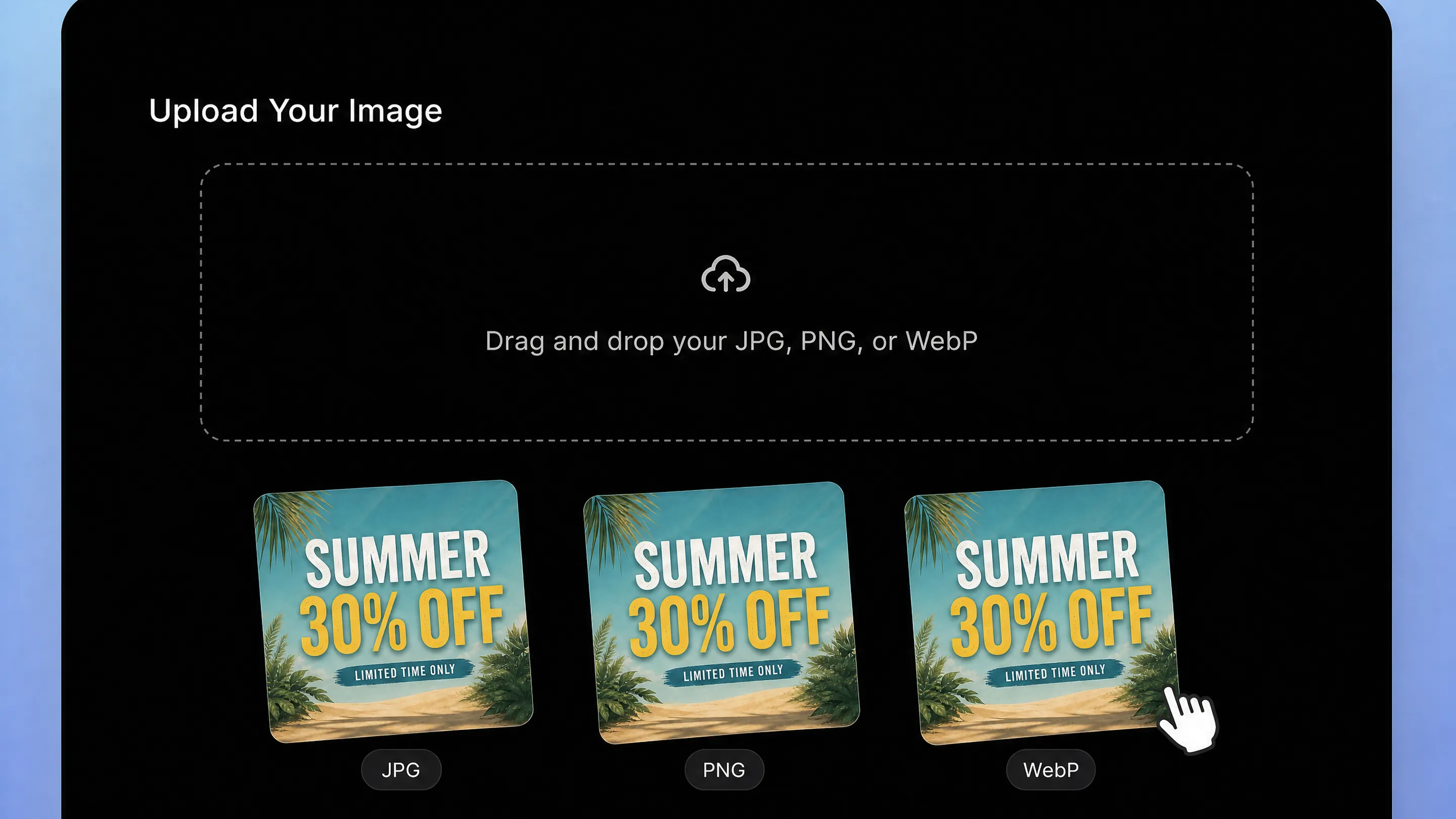
Drag and drop your JPG, PNG, or WebP file into the online image editor.
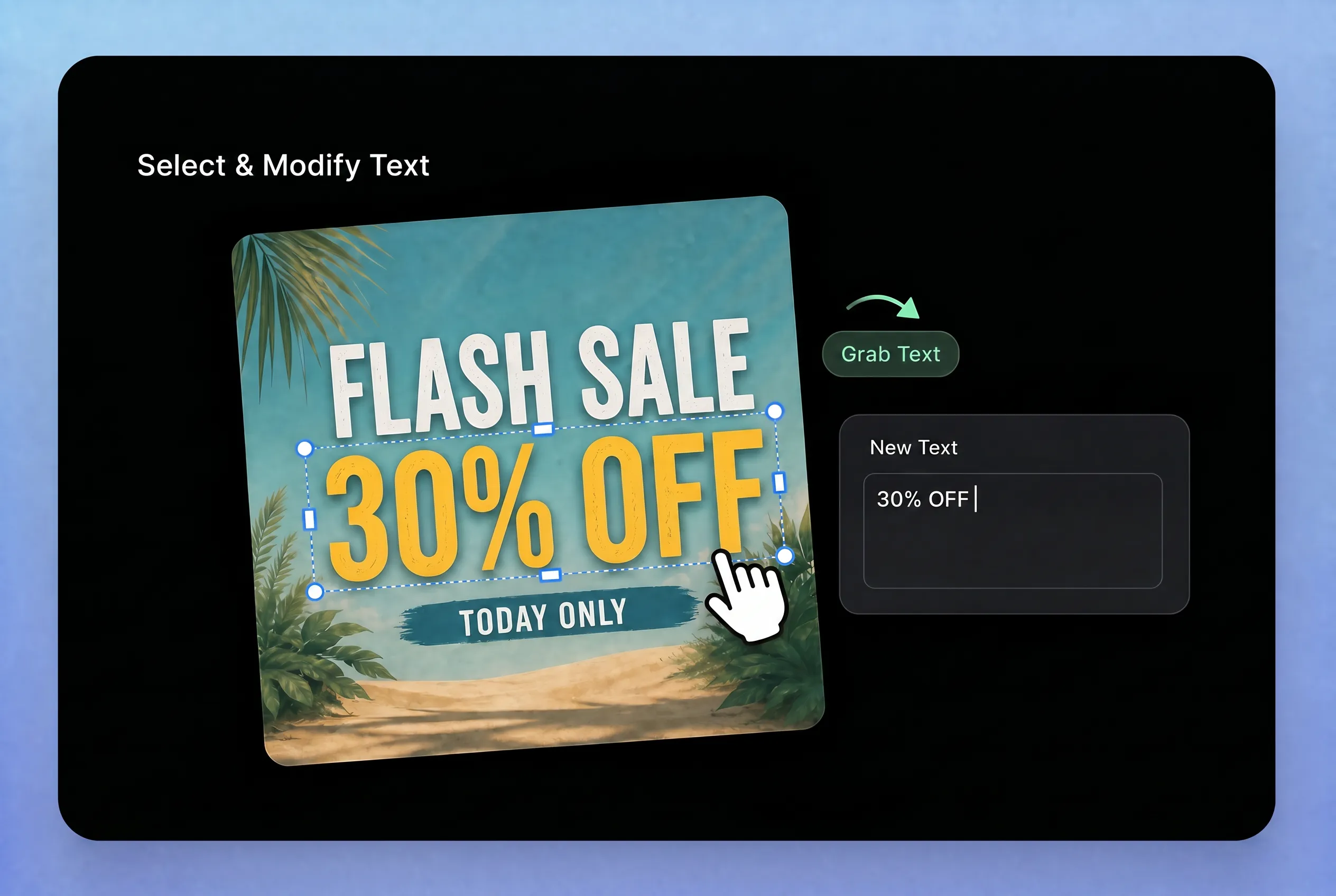
Click Grab Text to identify editable text. Select the text you want to change, type your new content, and let AI match font, color, and style.

Once editing is complete, the background restores automatically. Download your high-definition image with the updated text.
Pair AI image text editing with related tools for sharper visuals, faster workflows, and large-scale image updates.