AI 背景產生器:建立圖片背景
描述想要的圖片背景,也可加入參考圖來確定風格、構圖與細節。開啟 Canvas 後先檢查預填內容,再由你決定是否提交生成。
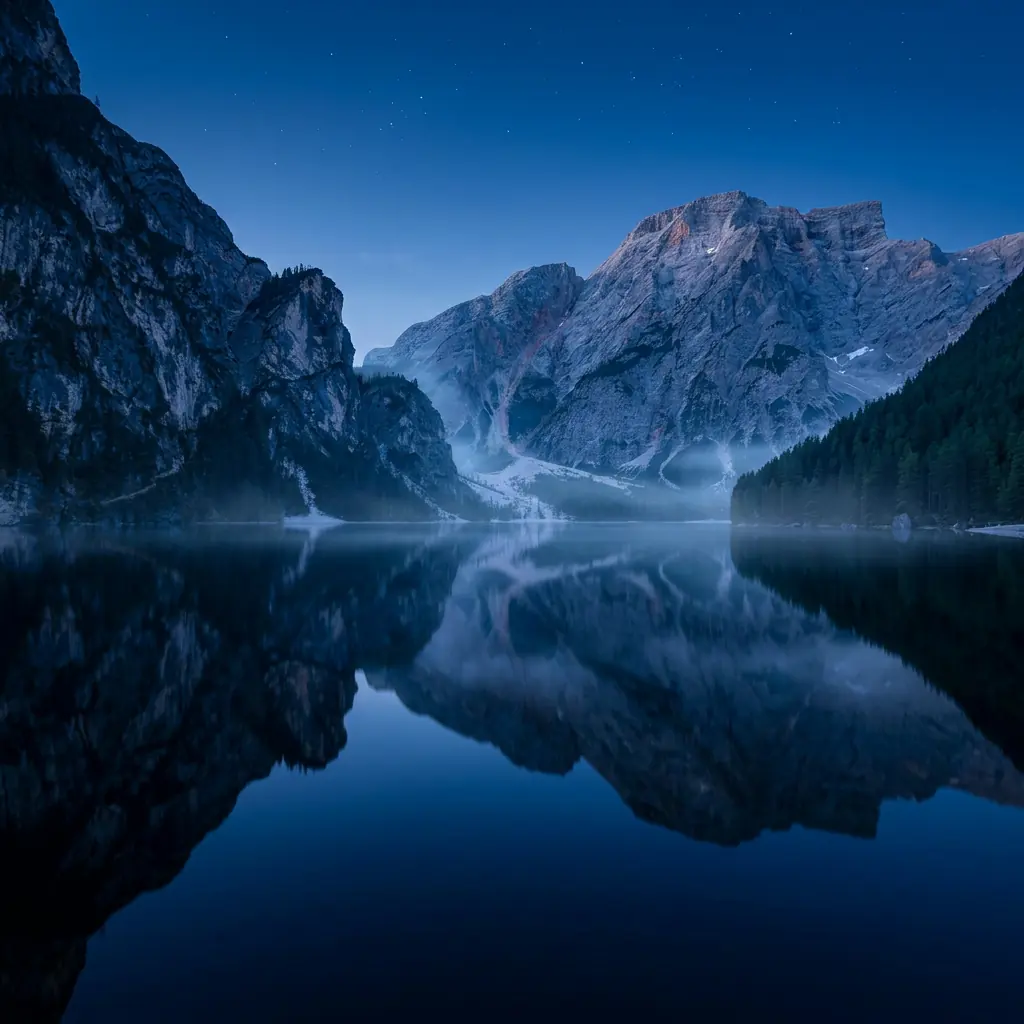
使用 AI 背景產生器 建立圖片背景
從創意描述或參考圖出發,逐步確定風格、細節與用途。開啟 Canvas 後先檢查預填內容,再按自己的節奏提交生成。
適合此情境的提示詞示例
瀏覽與本頁意圖相符的圖片提示詞。開啟 Canvas 後可繼續使用自己的提示詞;僅預填,不會自動生成。
提示詞示例以英文顯示。
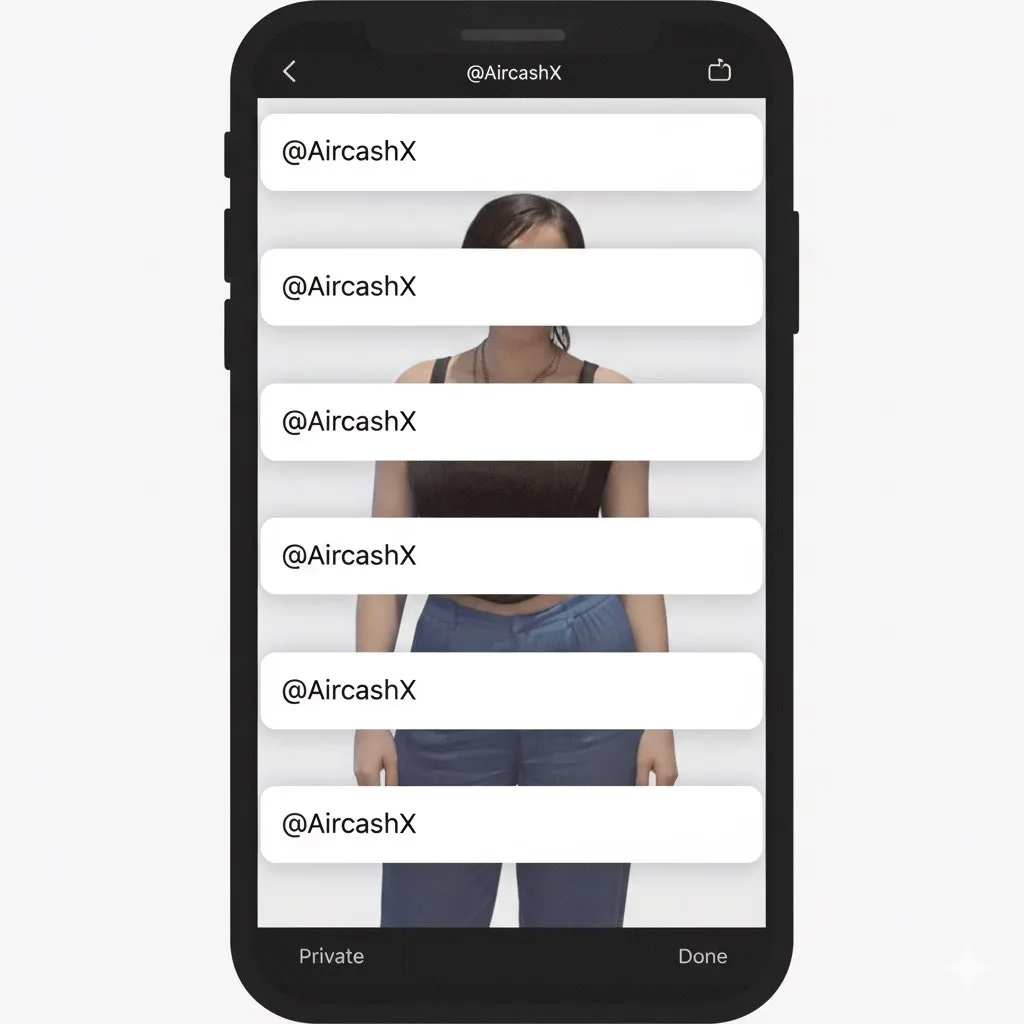
Studio Portrait with Digital UI Overlay
Subject Reference: A full-body portrait of [INSERT SUBJECT NAME]. Scene Description: A full-body, centered portrait of the subject [INSERT POSE DESCRIPTION]. The subject has [INSERT EXPRESSION], staring directly at the c…
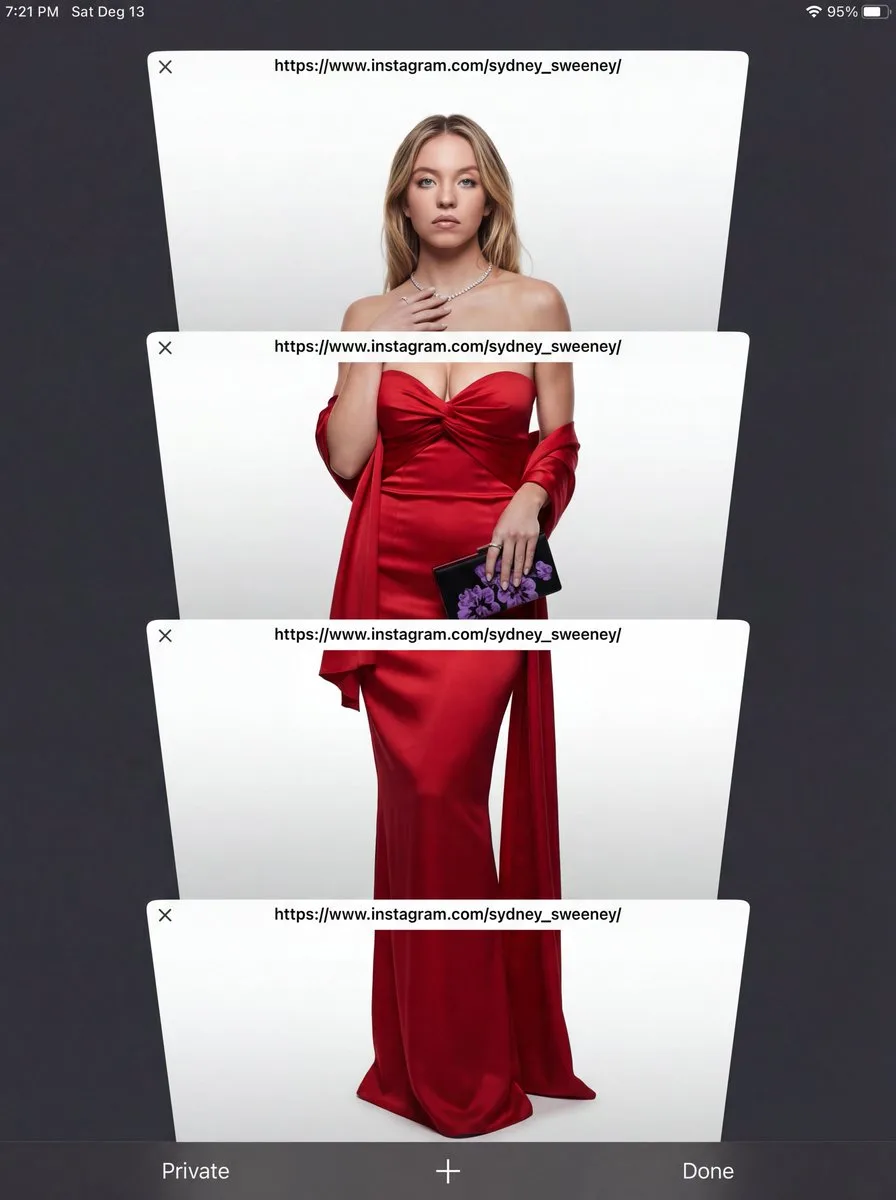
E-commerce Studio Portrait with UI Overlay
Subject Reference: A full-body portrait of [INSERT SUBJECT NAME]. Scene Description: A full-body, centered portrait of the subject [INSERT POSE DESCRIPTION]. The subject has [INSERT EXPRESSION], staring directly at the c…
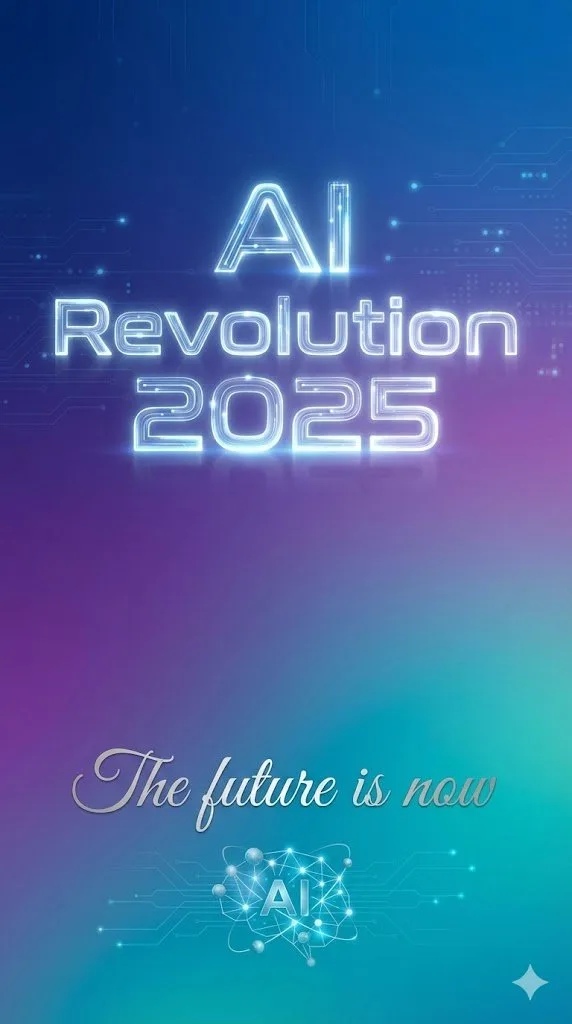
Text Rendering Control Template and Example Prompt
{ "scene": "minimalist tech poster with gradient background", "text_elements": [ { "text": "{argument name="headline text" default="AI Revolution 2025"}", "position": "center, upper third", "font_style": "bold, futuristi…
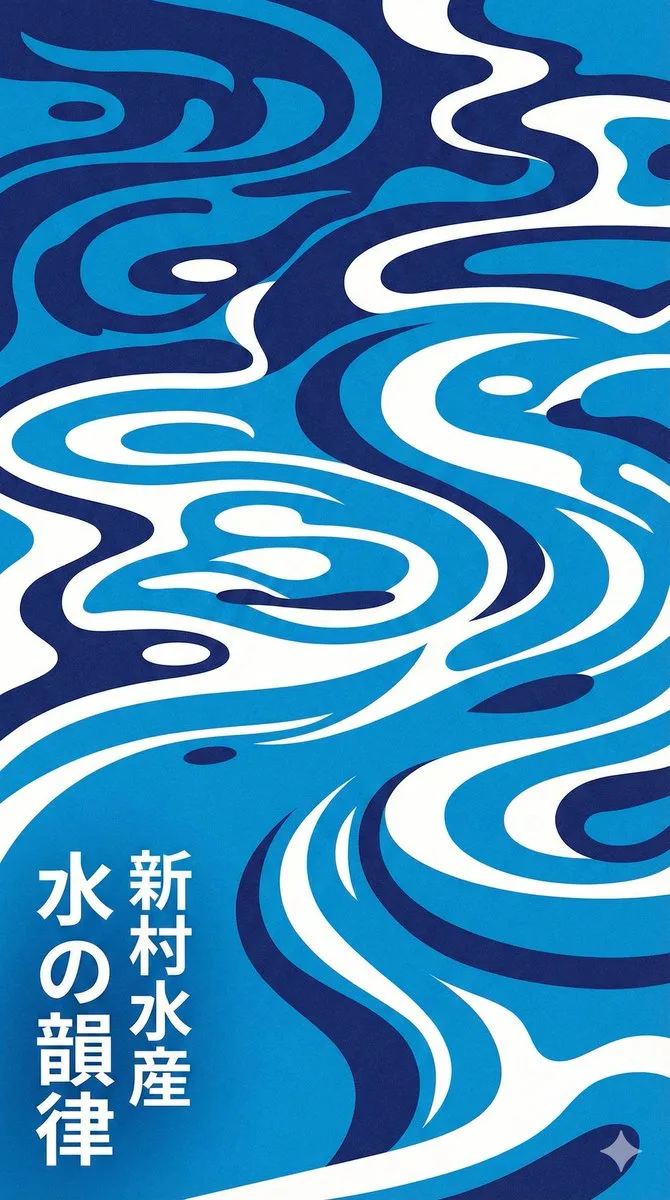
Modern Japanese Graphic Design Poster Prompt
Modern Japanese graphic design poster of stylized water ripples, abstract water surface pattern, organic biomorphic shapes, flat design, vector art style. Monochromatic {argument name="color palette" default="blue"} colo…
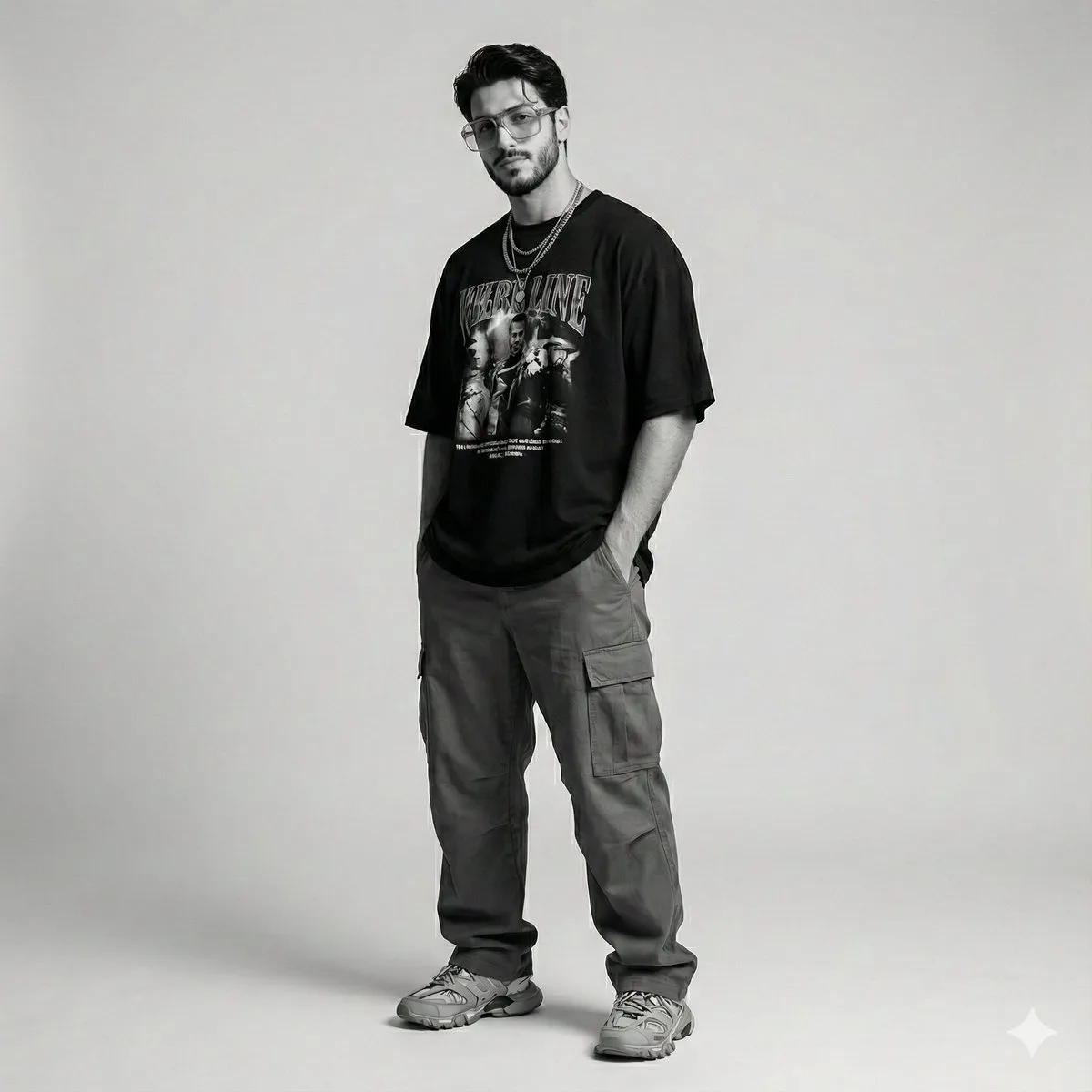
Gen Z Streetwear Fashion Portrait
{ "scene_description": "Modern studio photoshoot of a man, identical to the reference, styled in Gen-Z inspired streetwear with a relaxed, effortless aesthetic. The look feels current, bold, and naturally cool without tr…
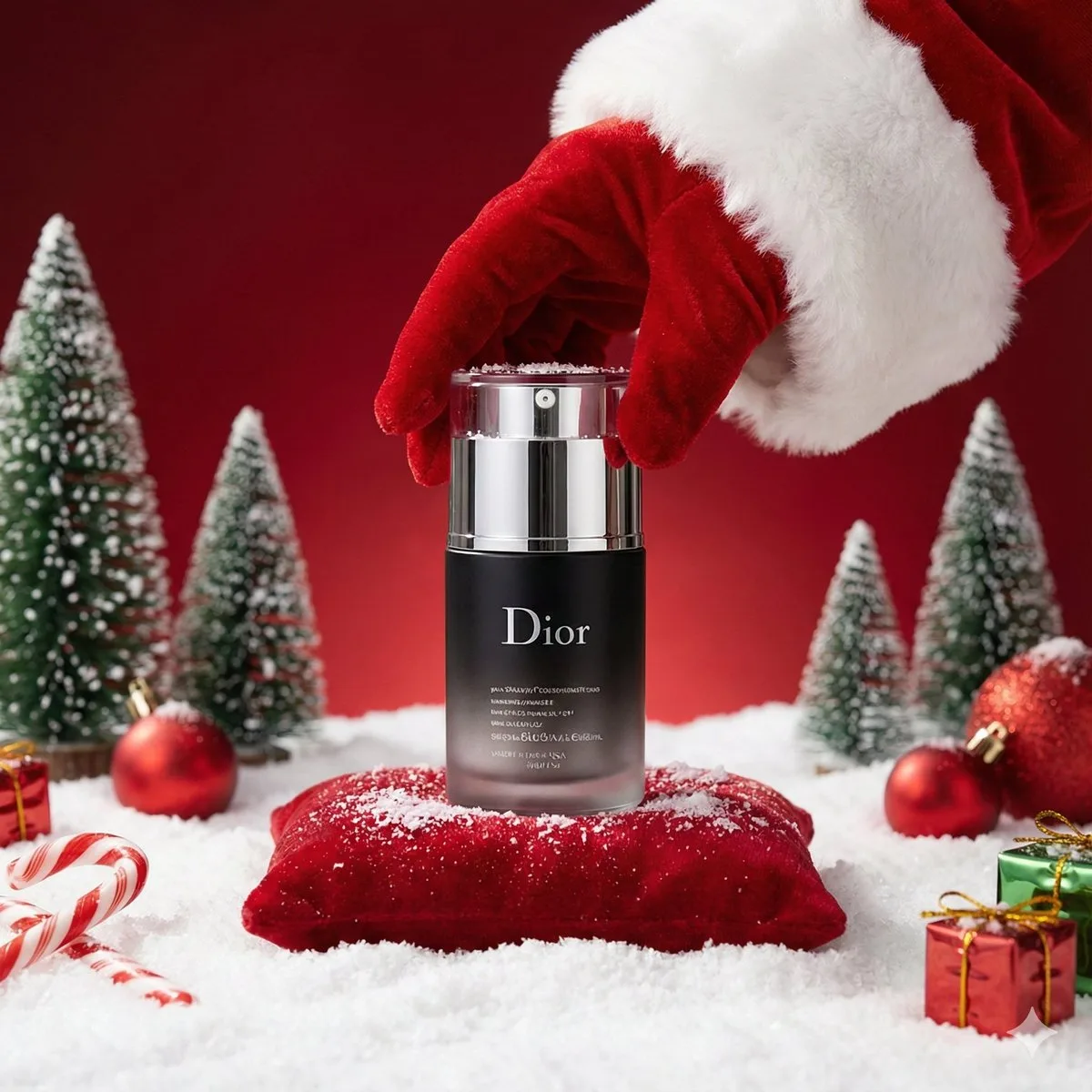
Luxury Christmas Product Photography
A luxury Christmas-themed product photoshoot set in a {argument name="environment type" default="COZY / STUDIO / OUTDOOR"} environment. Place the uploaded product image as the hero object, standing upright at the center …
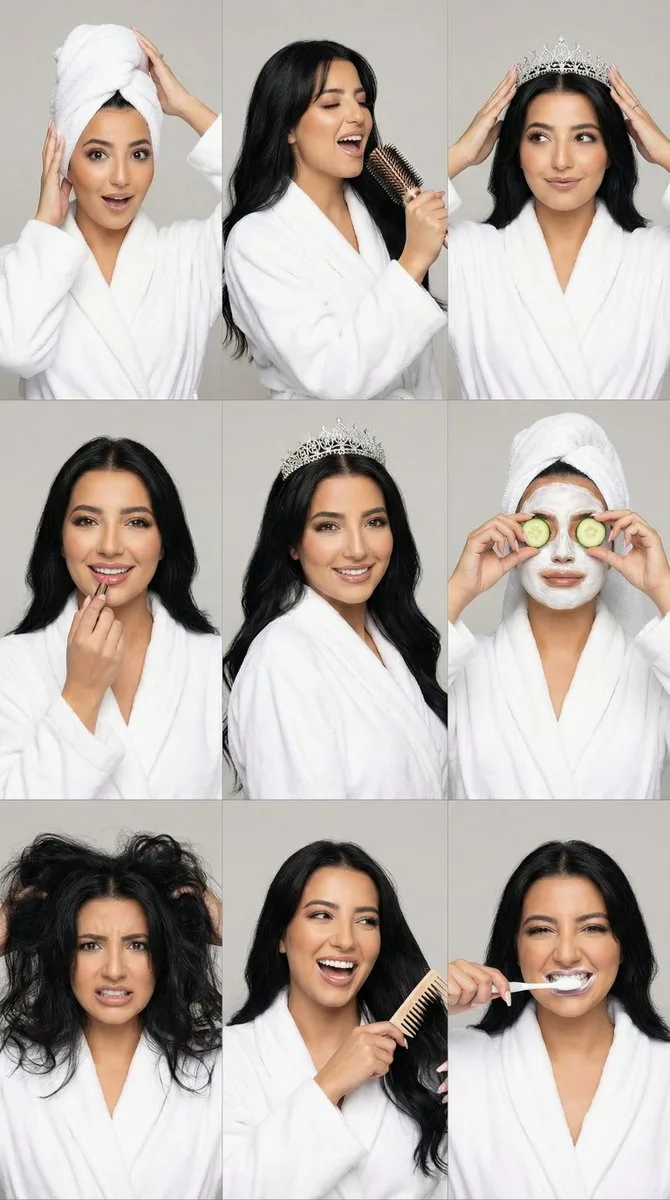
3x3 Realistic Beauty Photography Grid with Identity Lock
{ "generation_request": { "meta_data": { "tool": "NanoBanana Pro", "task_type": "photorealistic_multi_panel_grid", "version": "v1.0", "priority": "high" }, "references": { "character_reference_image": "UPLOAD_YOUR_CHARAC…
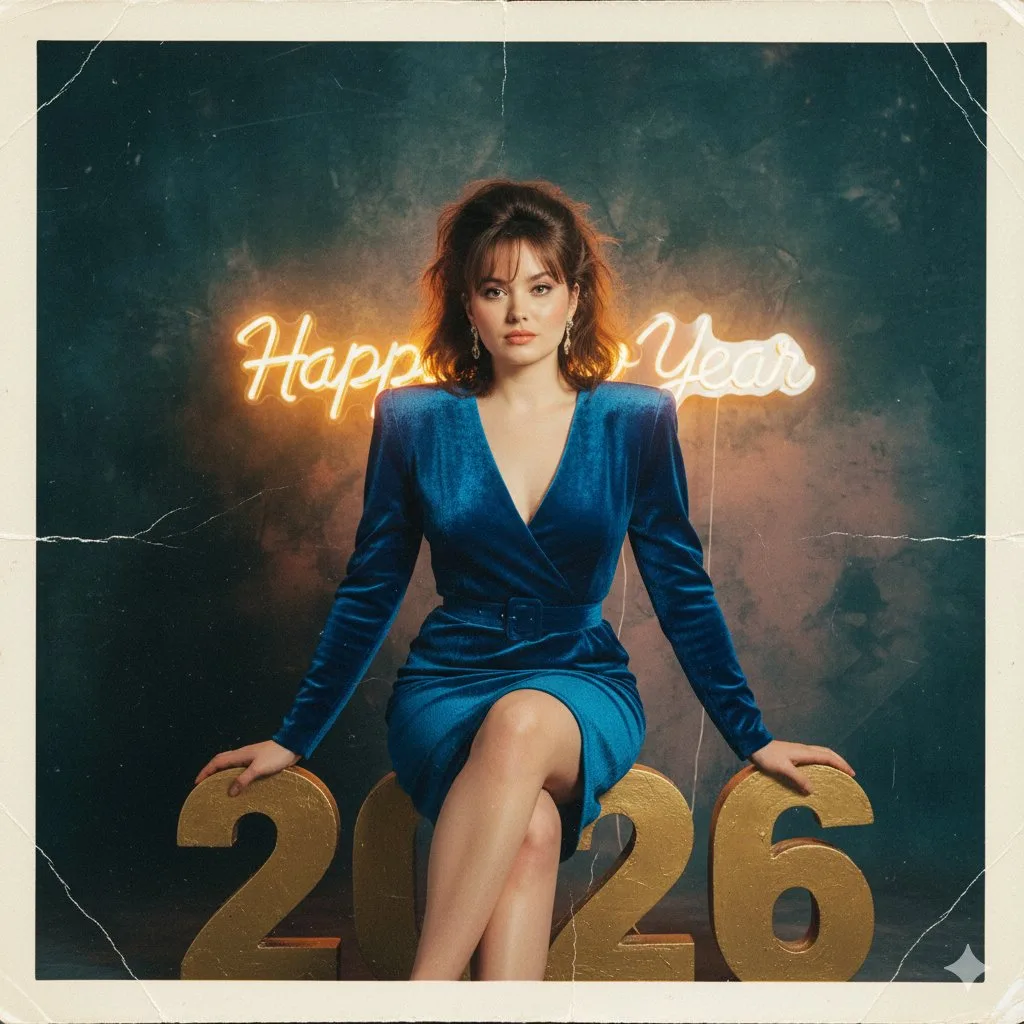
1980s Analog New Year's Eve Portrait Prompt
Initiate PersonaFusion-vX.03 protocol: Use the exact facial identity taken from the attached reference image (or from the user’s provided face) with zero alteration. A hyper-realistic 1980s analog photograph capturing th…
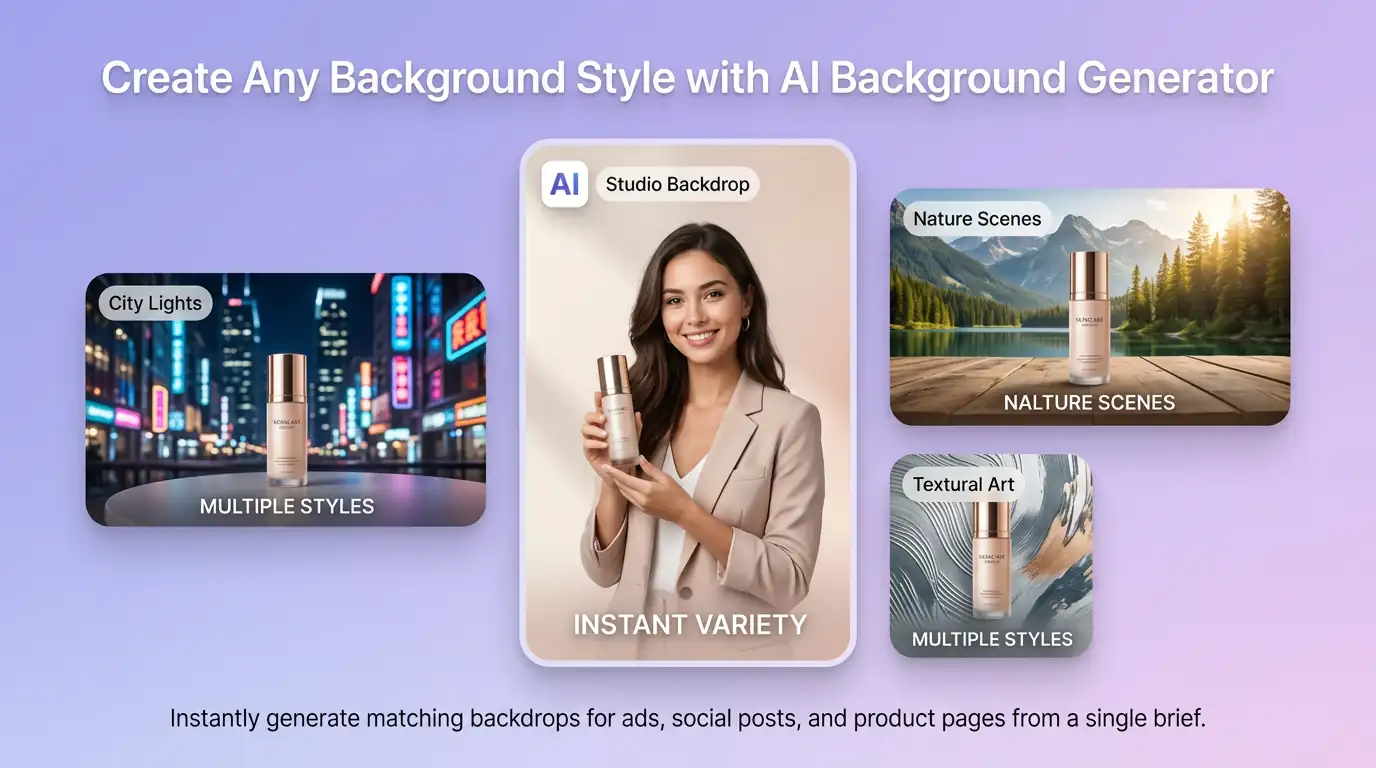
用 AI 背景產生器 明確創作方向
先寫清主題、風格、色彩、構圖與使用場景,再從多個方向中選擇適合專案的圖片背景。
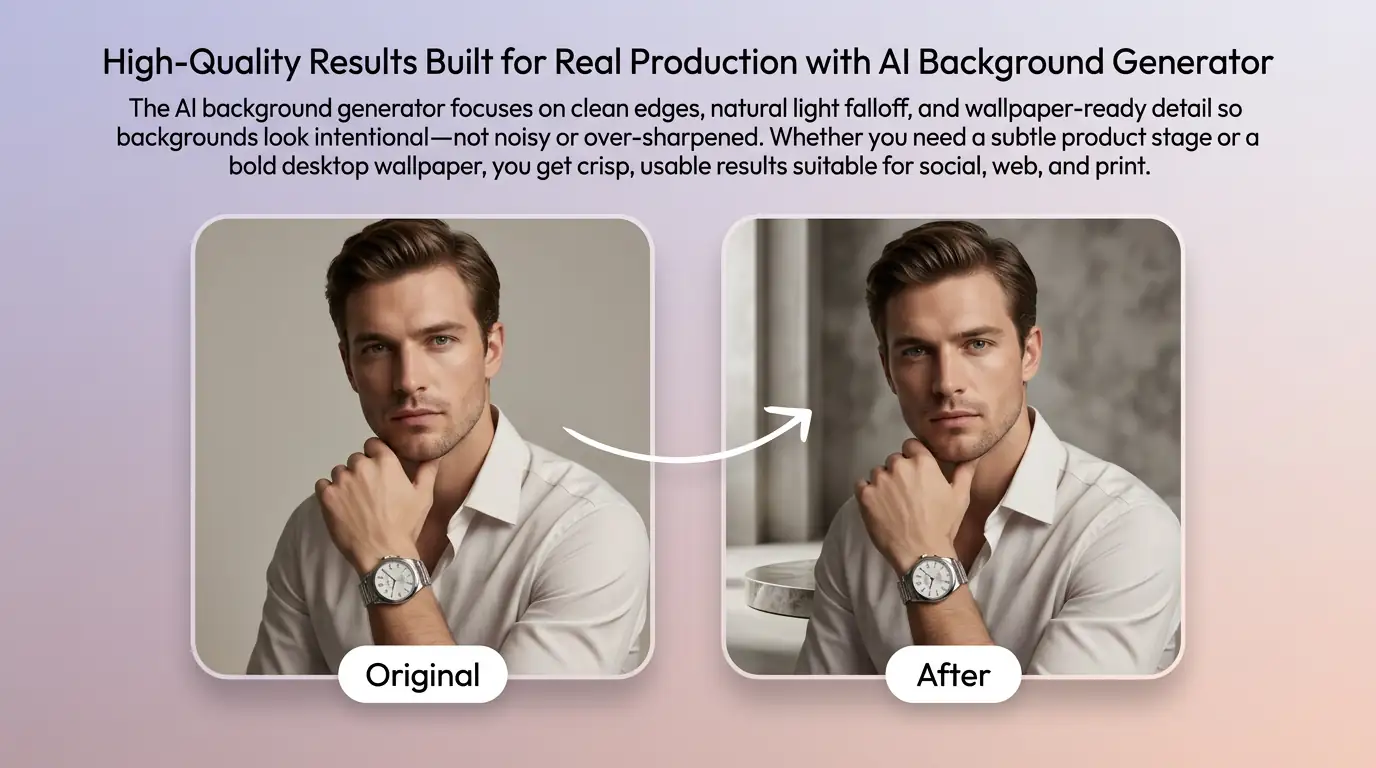
細化圖片背景的關鍵細節
透過補充提示詞或參考圖,調整畫面重點、光線、質感與版式,讓圖片背景更接近創作意圖。
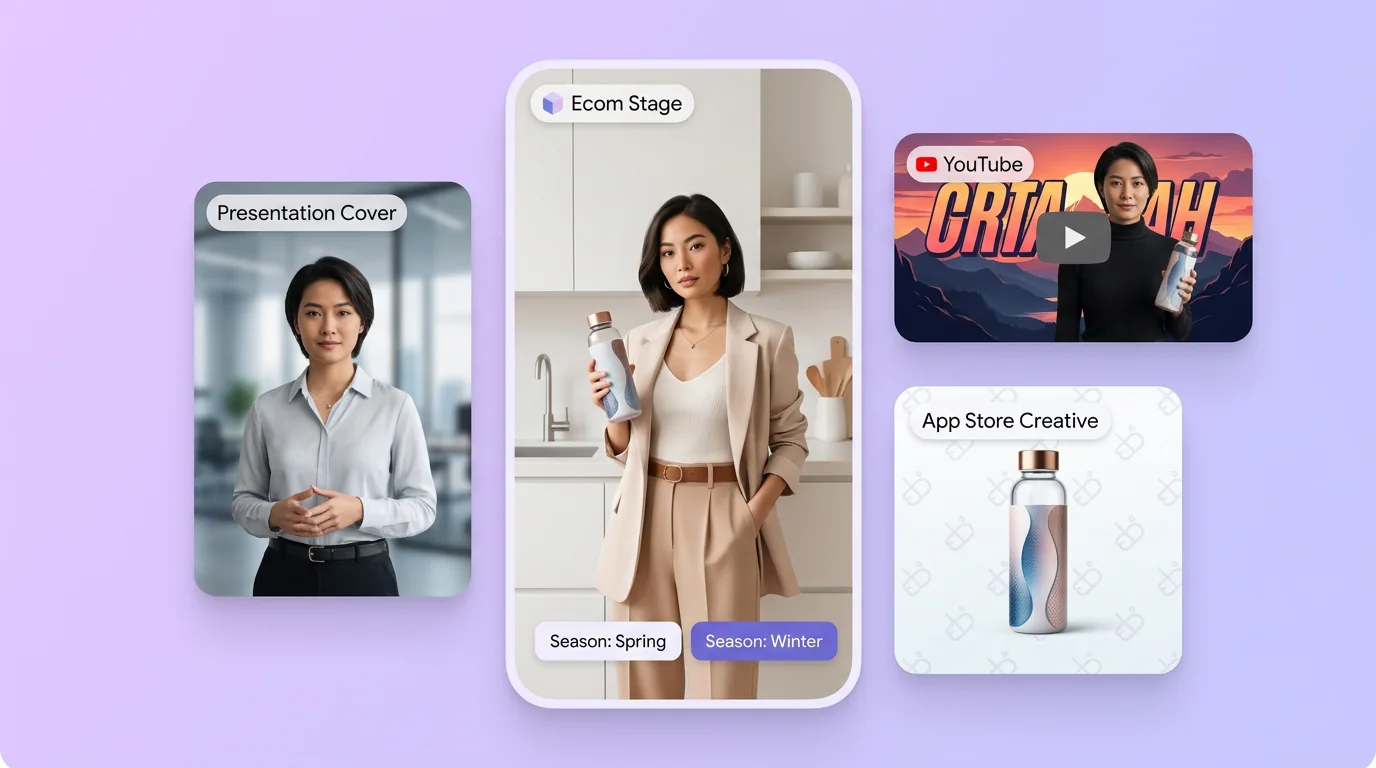
為實際創作場景準備圖片背景
可將圖片背景用於內容創意、提案草圖、社群素材或後續設計討論;發佈前請自行確認適用性與相關權利。
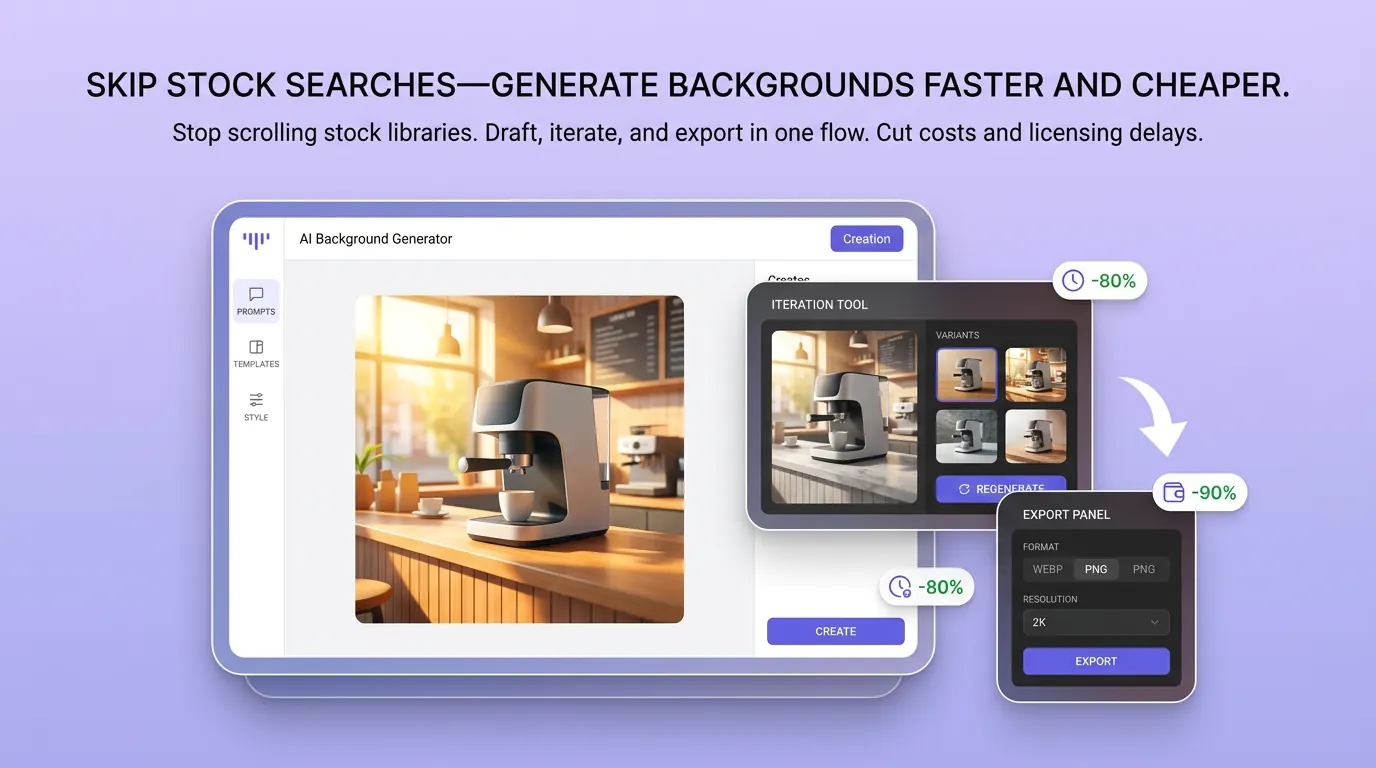
在 Canvas 中比較並調整方案
此入口只會將可選內容預填到 Canvas。你可以修改提示詞和參考圖,並在確認後自行提交生成。
如何使用 AI 背景產生器 建立圖片背景
01
描述創作目標
寫下主題、風格、構圖和關鍵細節;需要時加入參考圖來說明想要的圖片背景。
02
在 Canvas 中調整
開啟 Canvas 後檢查預填內容,按需要修改提示詞、參考圖、比例或其他選項。
03
確認後提交生成
確認方向無誤後由你自行提交,選擇適合專案的圖片背景結果繼續使用。
更多 AI 圖片工具
結合相關圖片工具,繼續完善不同創作任務所需的視覺素材。
AI 背景產生器常見問題
開始創作
在 Canvas 中探索圖片背景
從提示詞或可選參考圖開始,先檢查預填內容,再由你決定何時提交生成圖片背景。