AI 聖誕照片產生器:建立聖誕主題照片
描述想要的聖誕主題照片,也可加入參考圖來確定風格、構圖與細節。開啟 Canvas 後先檢查預填內容,再由你決定是否提交生成。
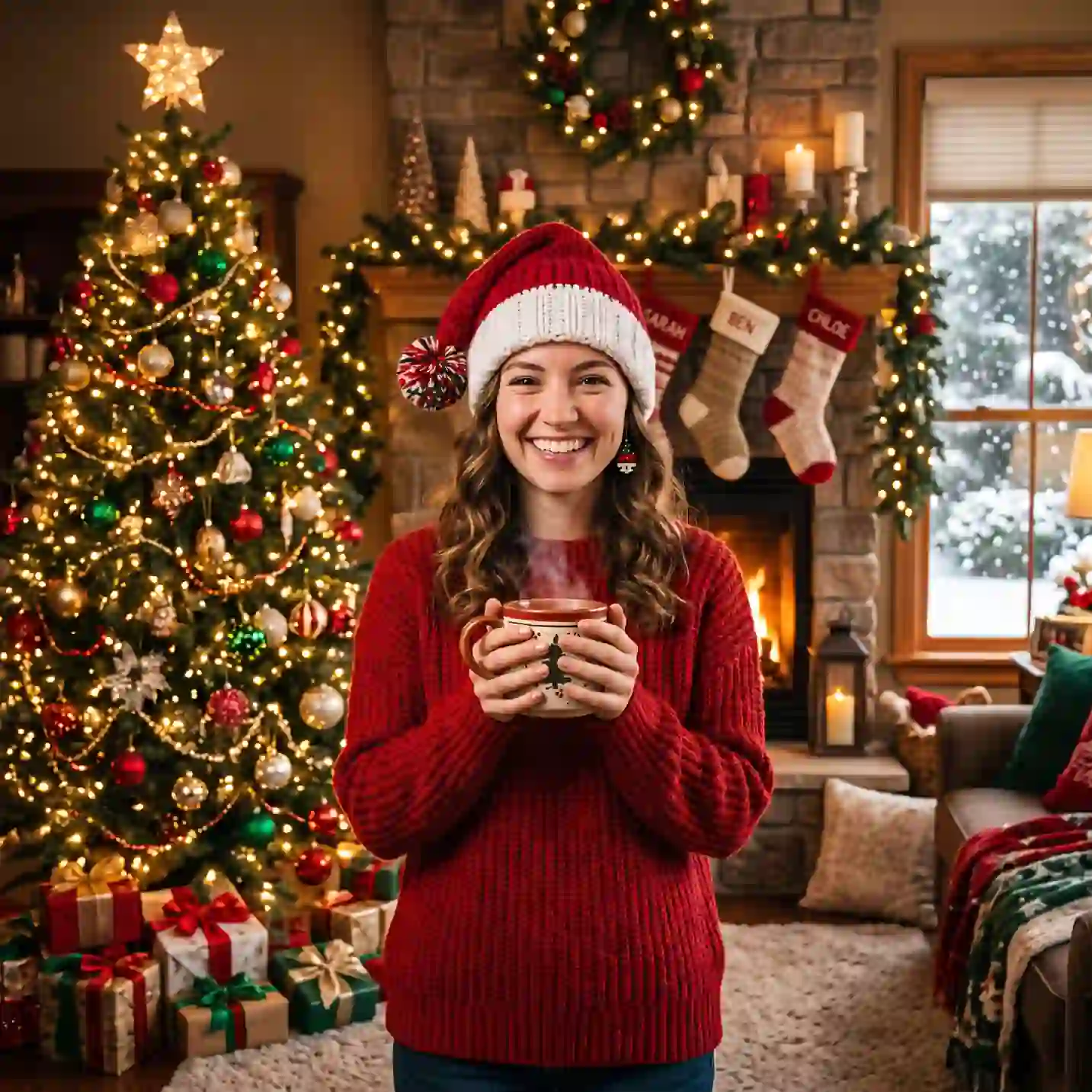
使用 AI 聖誕照片產生器 建立聖誕主題照片
從創意描述或參考圖出發,逐步確定風格、細節與用途。開啟 Canvas 後先檢查預填內容,再按自己的節奏提交生成。
適合此情境的提示詞示例
瀏覽與本頁意圖相符的圖片提示詞。開啟 Canvas 後可繼續使用自己的提示詞;僅預填,不會自動生成。
提示詞示例以英文顯示。
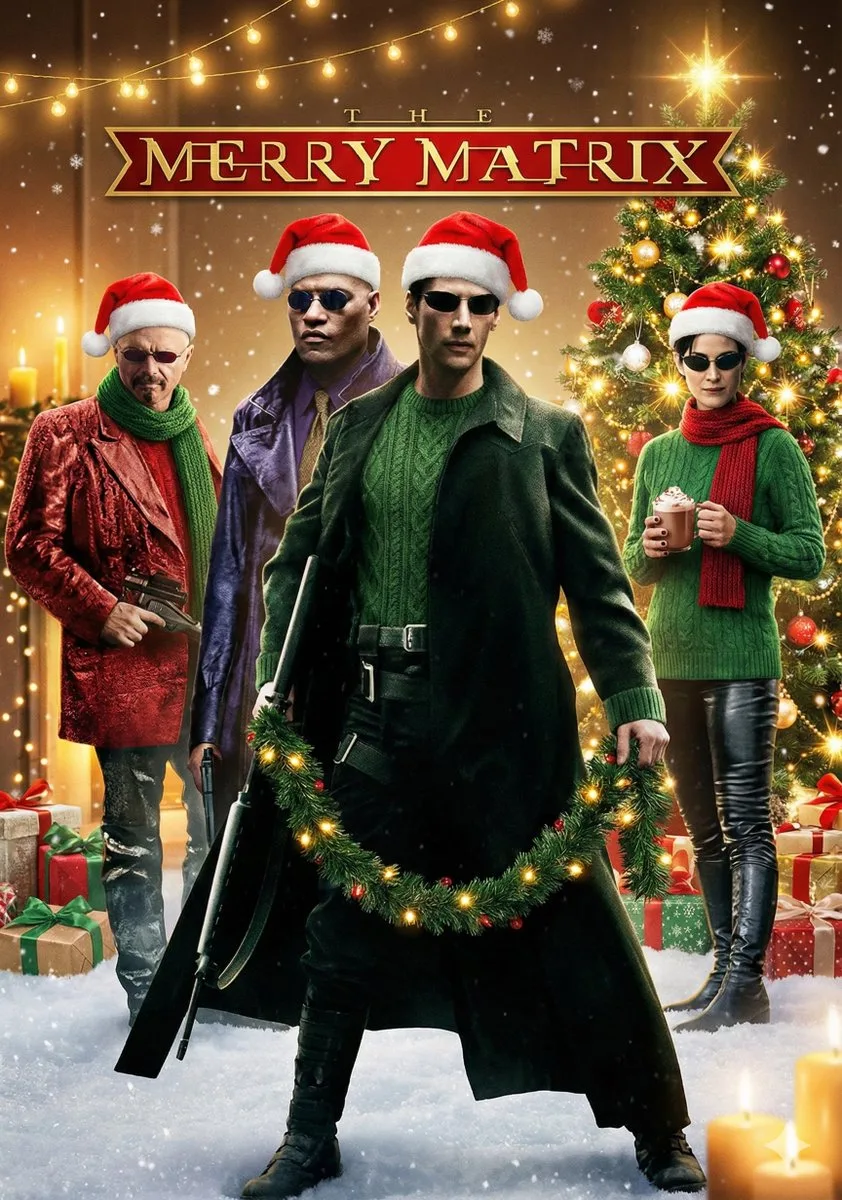
Cinematic Christmas Transformation with Composition Lock
### ROLE & OBJECTIVE You are an AI expert in visual analysis and creative scene composition. Your task is to precisely analyze a user-uploaded image and then transform it into a detailed, atmospheric Christmas scene whil…
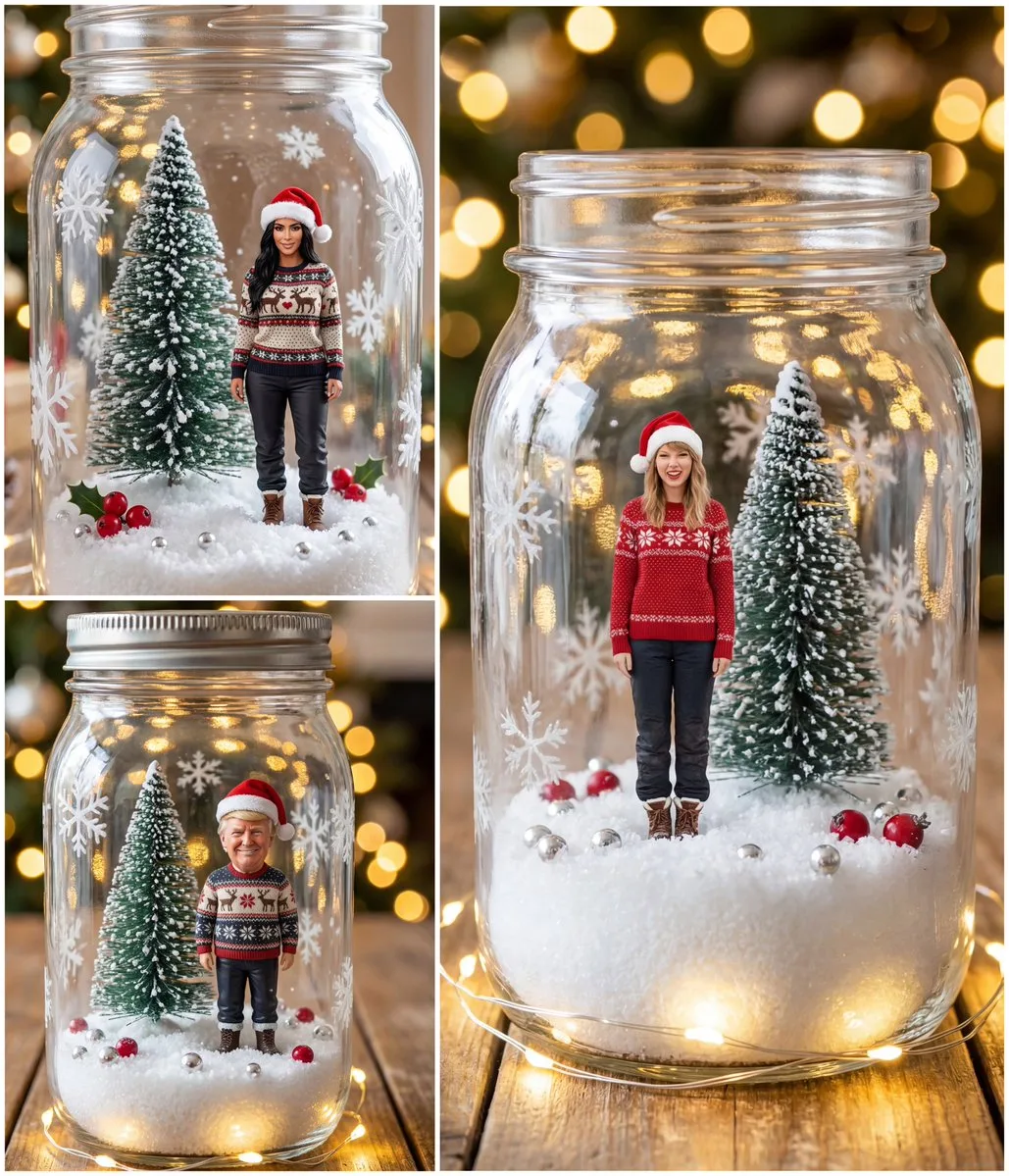
Tiny Christmas Character in a Mason Jar Snow Globe
{ "model": "image-generation", "input_image": "<PERSON_IMAGE>", "prompt": "Ultra realistic vertical Christmas photo of a closed clear glass mason jar snow globe on a rustic wooden table. Warm golden bokeh Christmas light…
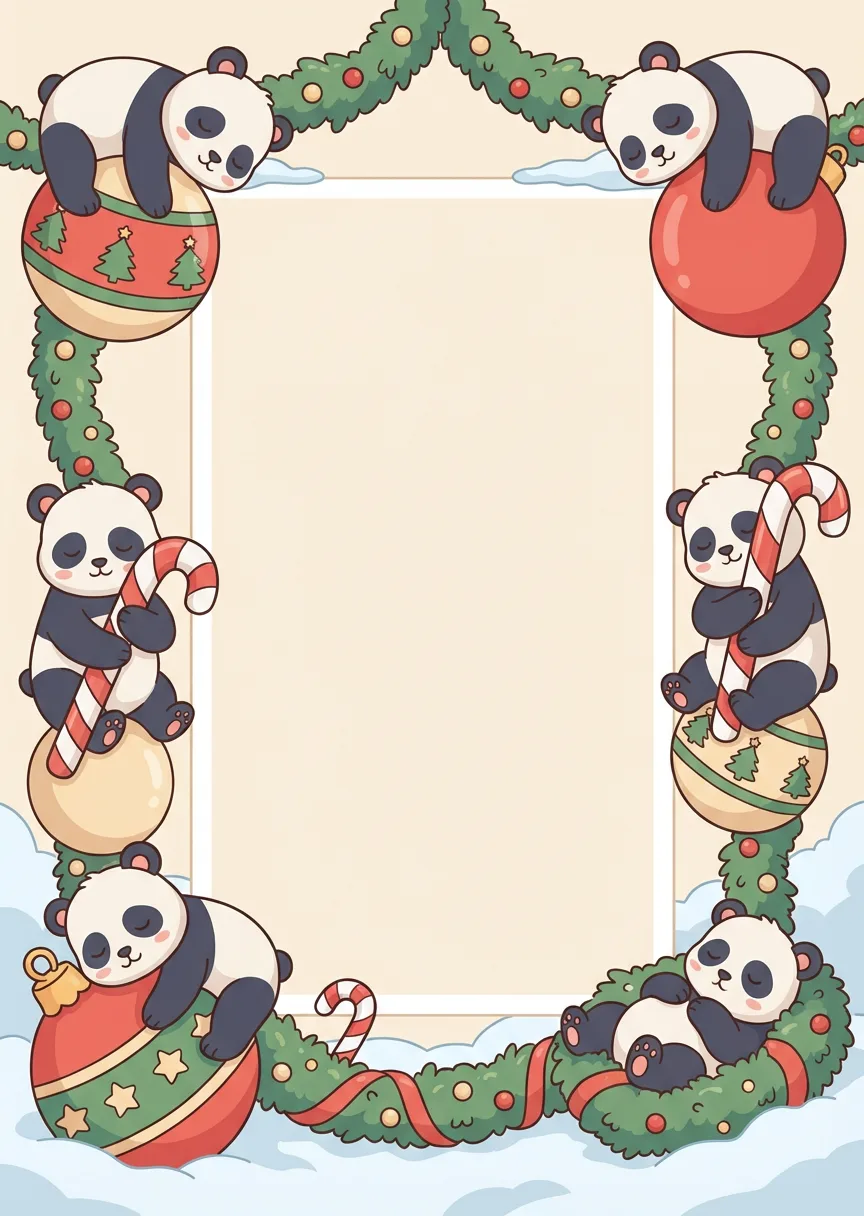
Christmas Panda · Relaxed Holiday Frame
A printable Christmas photo frame illustration in vertical 1:1.4, drawn in a soft animated storybook style. Frame-only composition. A vertically oriented blank photo placeholder is centered, 1:1.4 aspect ratio, 70% width…
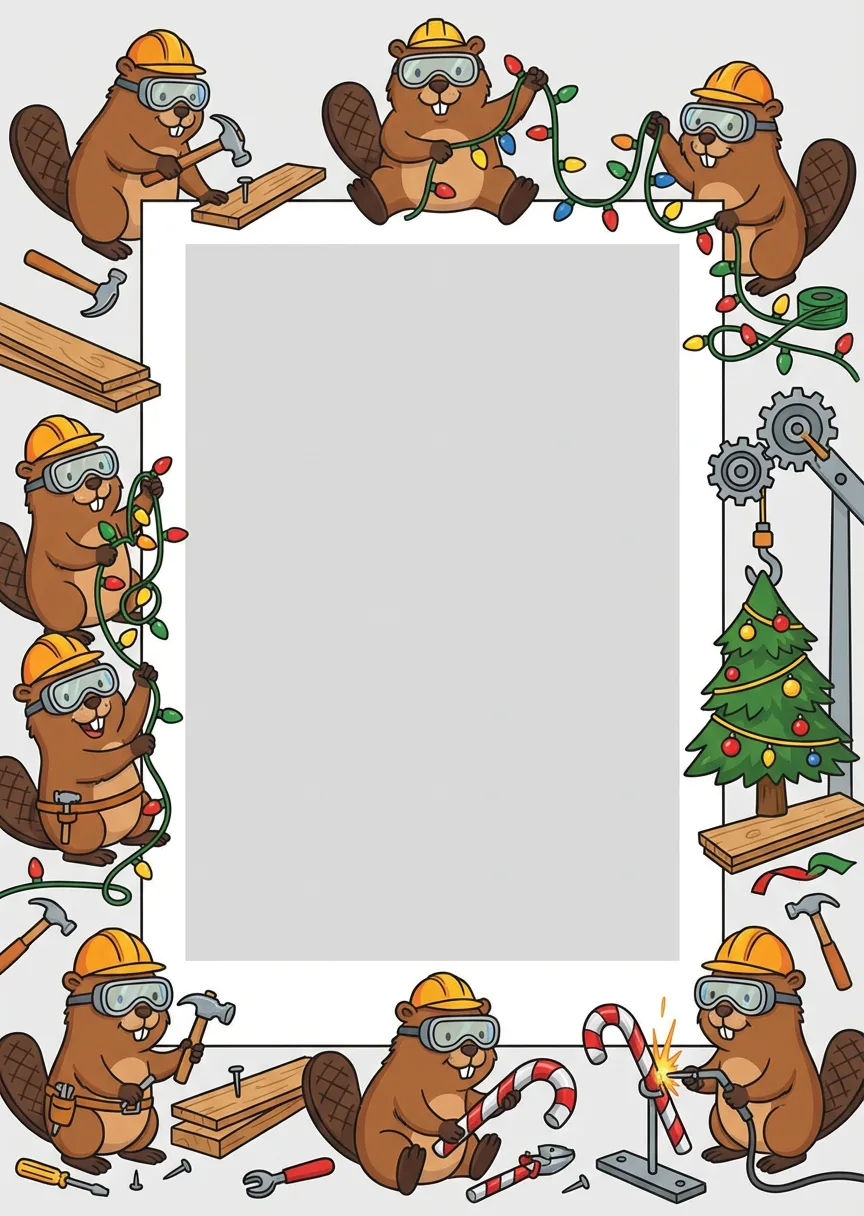
Christmas Beaver: Builder Maniac Frame
A vertical 1:1.4 printable Christmas photo frame illustrated in a playful animated style. No environment, only the frame. A blank photo placeholder is centered, 1:1.4 ratio, 70% width, completely clean. The border shows …
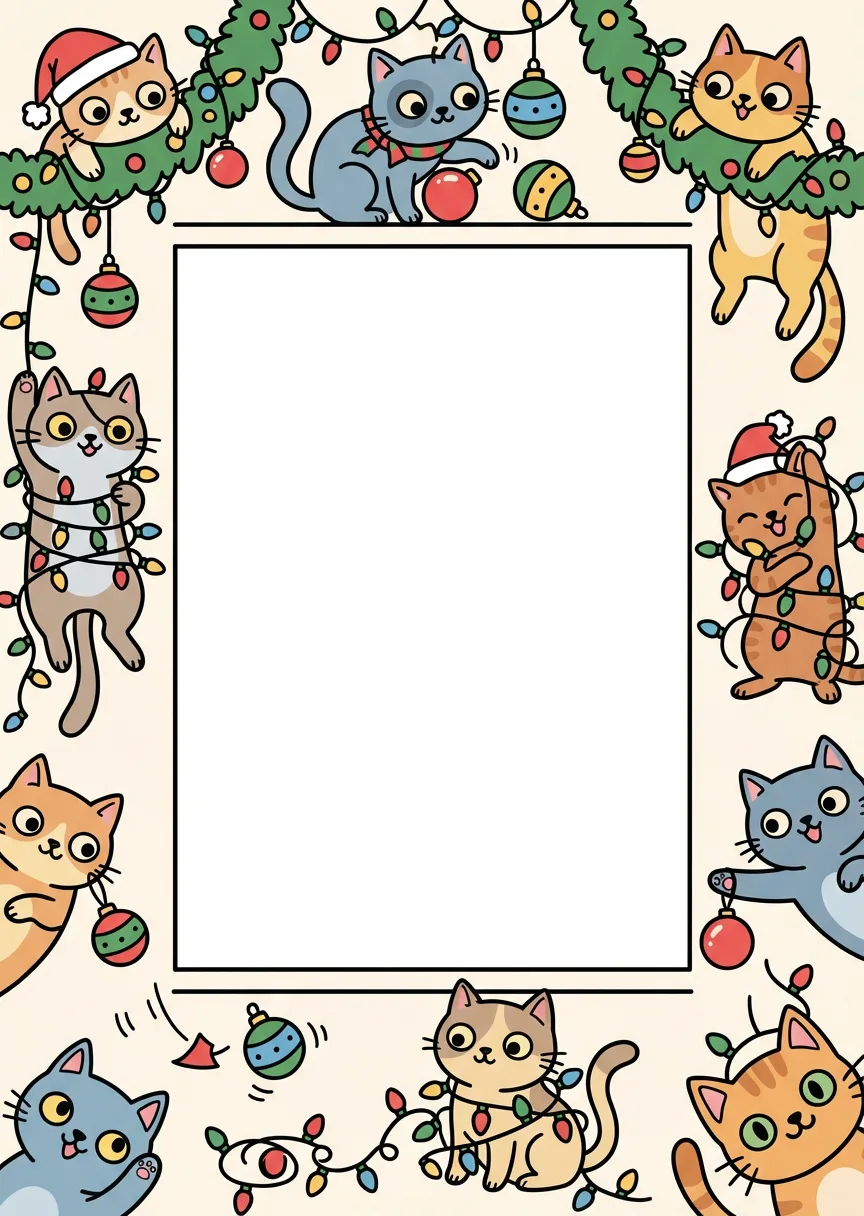
Naughty Cat Christmas Sticker Style Frame
A vertical 1:1.4 printable Christmas photo frame illustrated in a cute, humorous animated sticker style. The design focuses only on the frame itself, with no room, wall, or environmental context. The illustration uses bo…
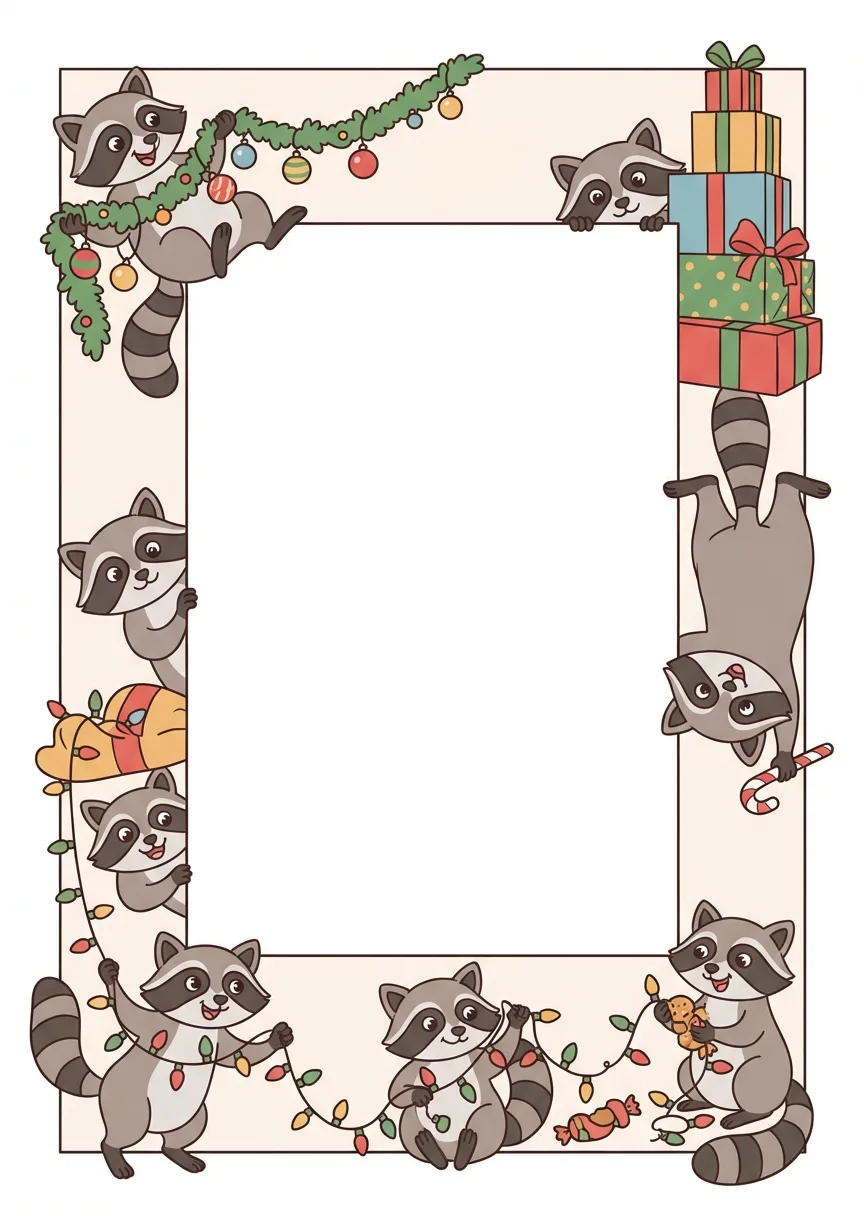
Christmas Raccoon: Sneaky Thief Photo Frame
A printable Christmas photo frame illustration designed exclusively as a standalone frame, in a vertical 1:1.4 aspect ratio, suitable for high-quality print. The illustration focuses only on the frame itself, with no ext…
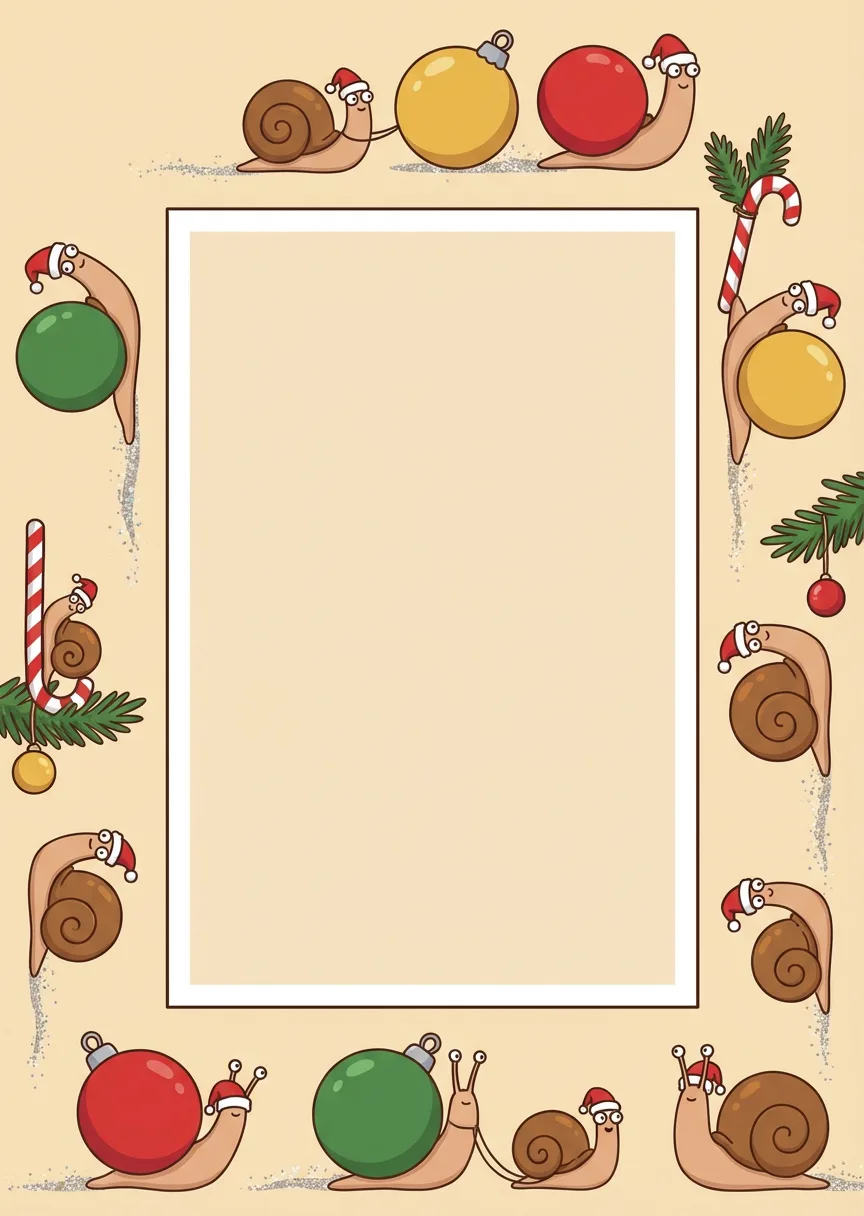
Slow Motion Snail · Christmas Frame
A printable Christmas photo frame illustration in a vertical 1:1.4 aspect ratio, drawn in a humorous animated children’s book style. The illustration focuses only on the frame design. At the exact center, include a blank…
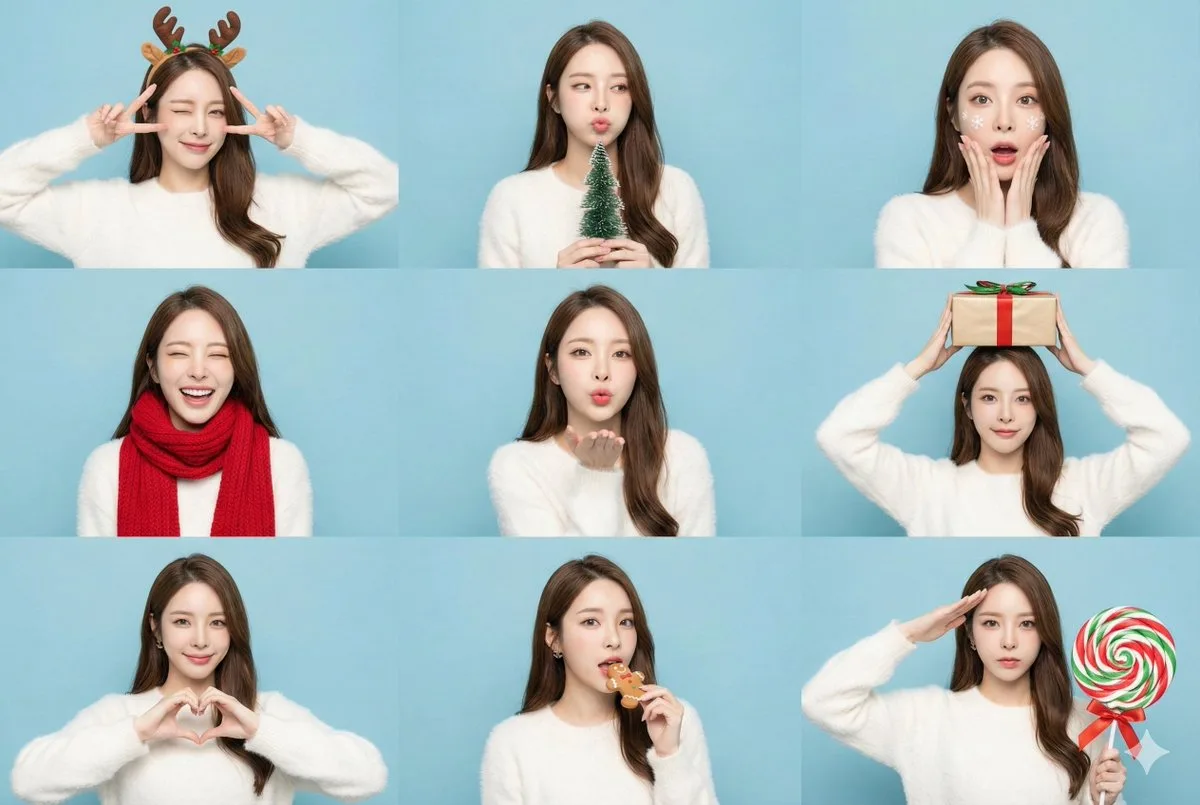
9-Grid Christmas Photo Booth Sticker Generator
(9-panel grid collage, photobooth style, studio lighting). A fun and vibrant 3x3 grid featuring the specific character in 9 different poses. [CRITICAL: Maintain exact facial features, preserve original face structure acr…
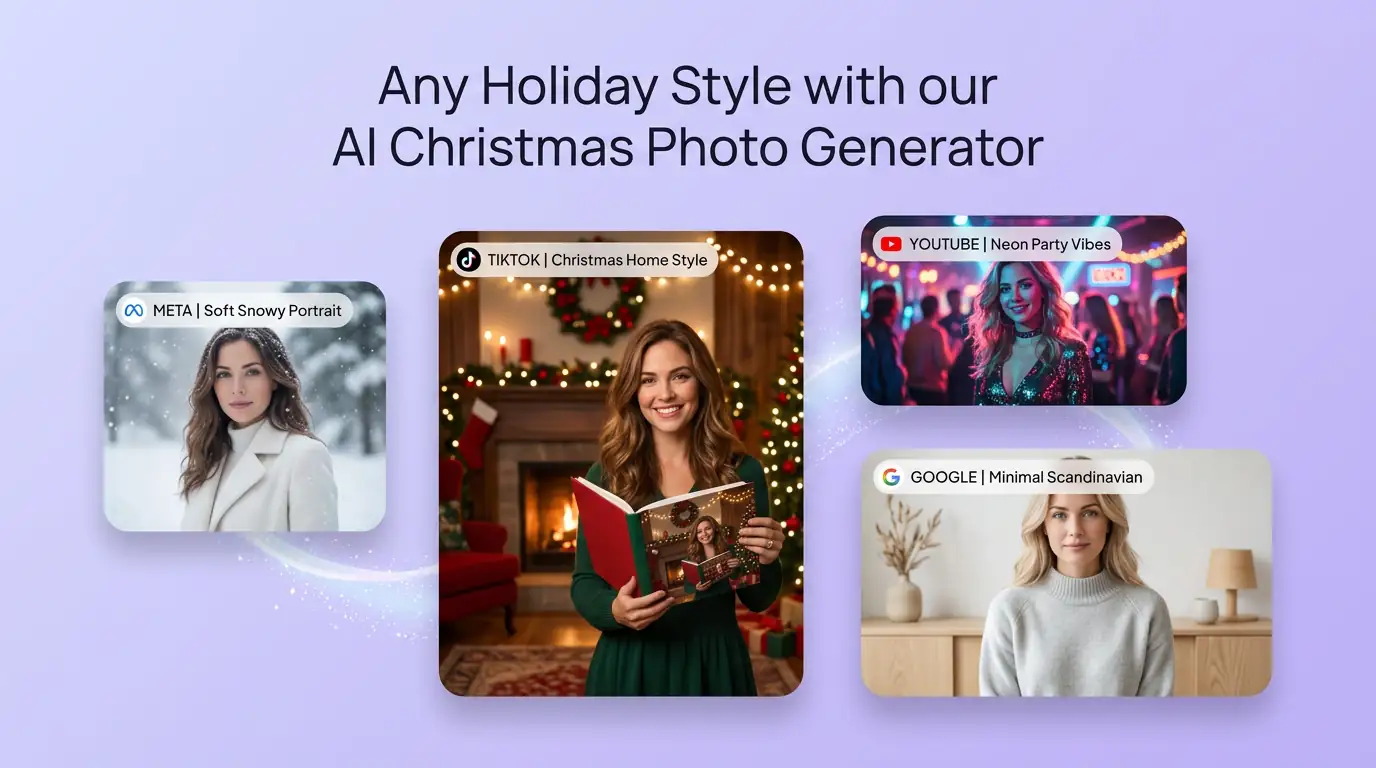
用 AI 聖誕照片產生器 明確創作方向
先寫清主題、風格、色彩、構圖與使用場景,再從多個方向中選擇適合專案的聖誕主題照片。
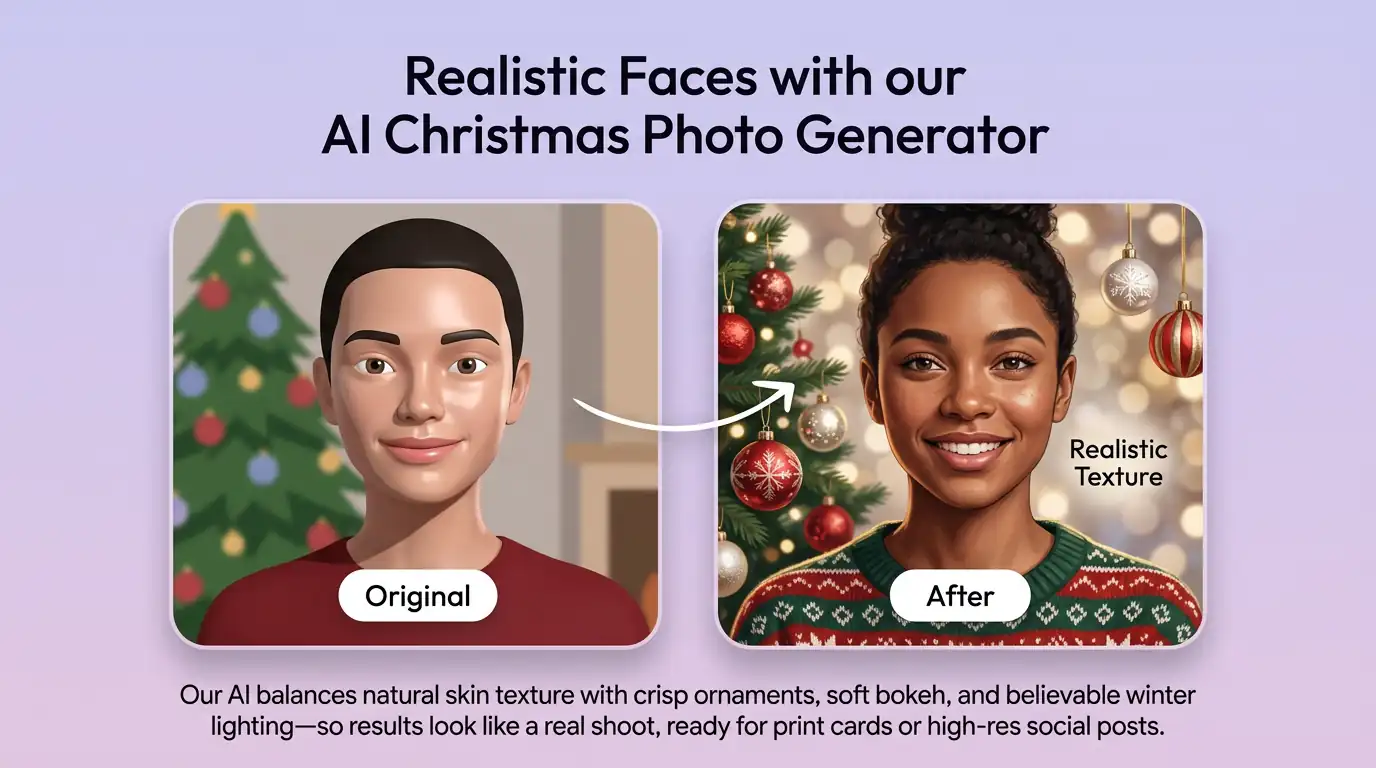
細化聖誕主題照片的關鍵細節
透過補充提示詞或參考圖,調整畫面重點、光線、質感與版式,讓聖誕主題照片更接近創作意圖。
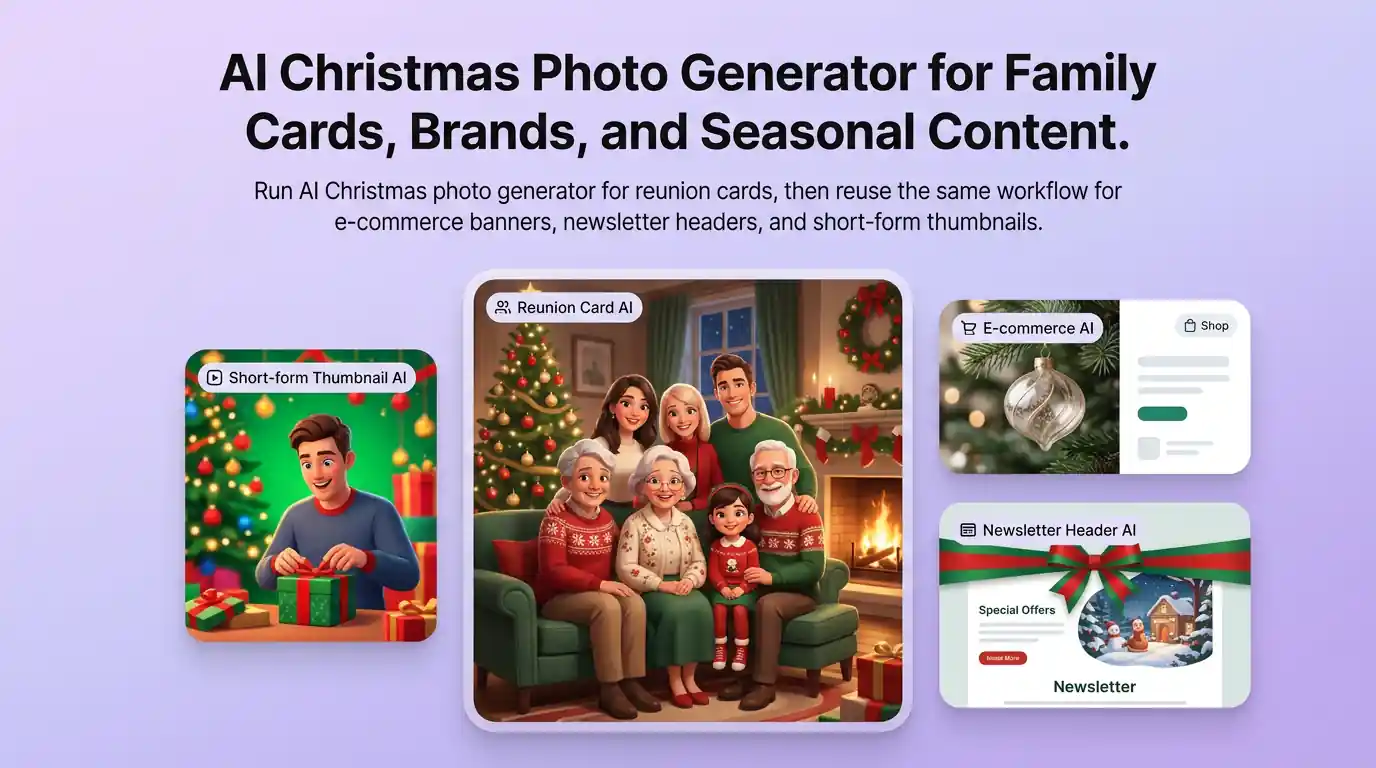
為實際創作場景準備聖誕主題照片
可將聖誕主題照片用於內容創意、提案草圖、社群素材或後續設計討論;發佈前請自行確認適用性與相關權利。
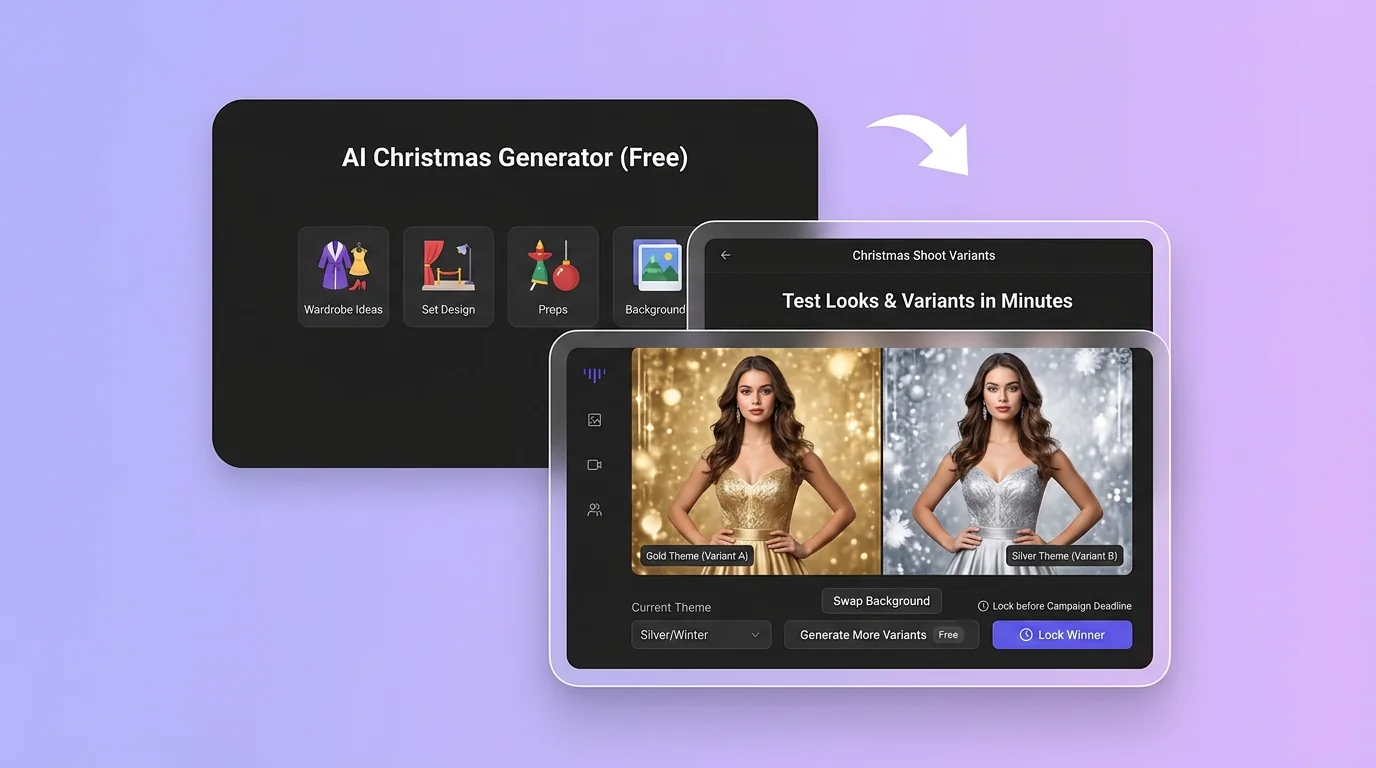
在 Canvas 中比較並調整方案
此入口只會將可選內容預填到 Canvas。你可以修改提示詞和參考圖,並在確認後自行提交生成。
如何使用 AI 聖誕照片產生器 建立聖誕主題照片
01
描述創作目標
寫下主題、風格、構圖和關鍵細節;需要時加入參考圖來說明想要的聖誕主題照片。
02
在 Canvas 中調整
開啟 Canvas 後檢查預填內容,按需要修改提示詞、參考圖、比例或其他選項。
03
確認後提交生成
確認方向無誤後由你自行提交,選擇適合專案的聖誕主題照片結果繼續使用。
AI 聖誕照片產生器常見問題
開始創作
在 Canvas 中探索聖誕主題照片
從提示詞或可選參考圖開始,先檢查預填內容,再由你決定何時提交生成聖誕主題照片。