AI 漫畫產生器:建立分鏡、條漫與連續故事
描述想要的分鏡、條漫與連續故事,也可加入參考圖來確定風格、構圖與細節。開啟 Canvas 後先檢查預填內容,再由你決定是否提交生成。聚焦分格、條漫與連續敘事;單張動漫插畫請使用 AI 動漫產生器。
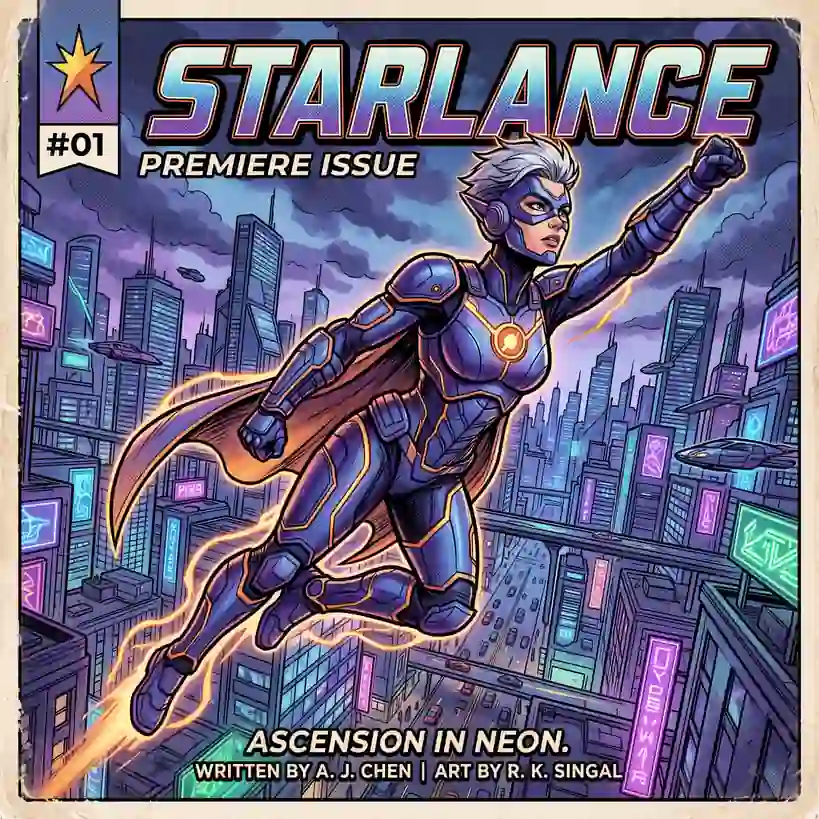
使用 AI 漫畫產生器 建立分鏡、條漫與連續故事
從創意描述或參考圖出發,逐步確定風格、細節與用途。開啟 Canvas 後先檢查預填內容,再按自己的節奏提交生成。聚焦分格、條漫與連續敘事;單張動漫插畫請使用 AI 動漫產生器。
適合此情境的提示詞示例
瀏覽與本頁意圖相符的圖片提示詞。開啟 Canvas 後可繼續使用自己的提示詞;僅預填,不會自動生成。
提示詞示例以英文顯示。
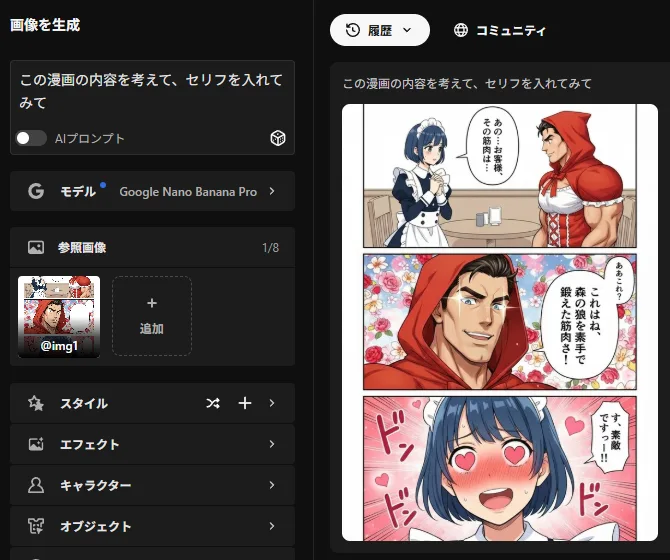
Add Dialogue Based on Manga Content
A prompt instructing the model to infer the story from a dialogue-free manga and insert appropriate dialogue into the panels.
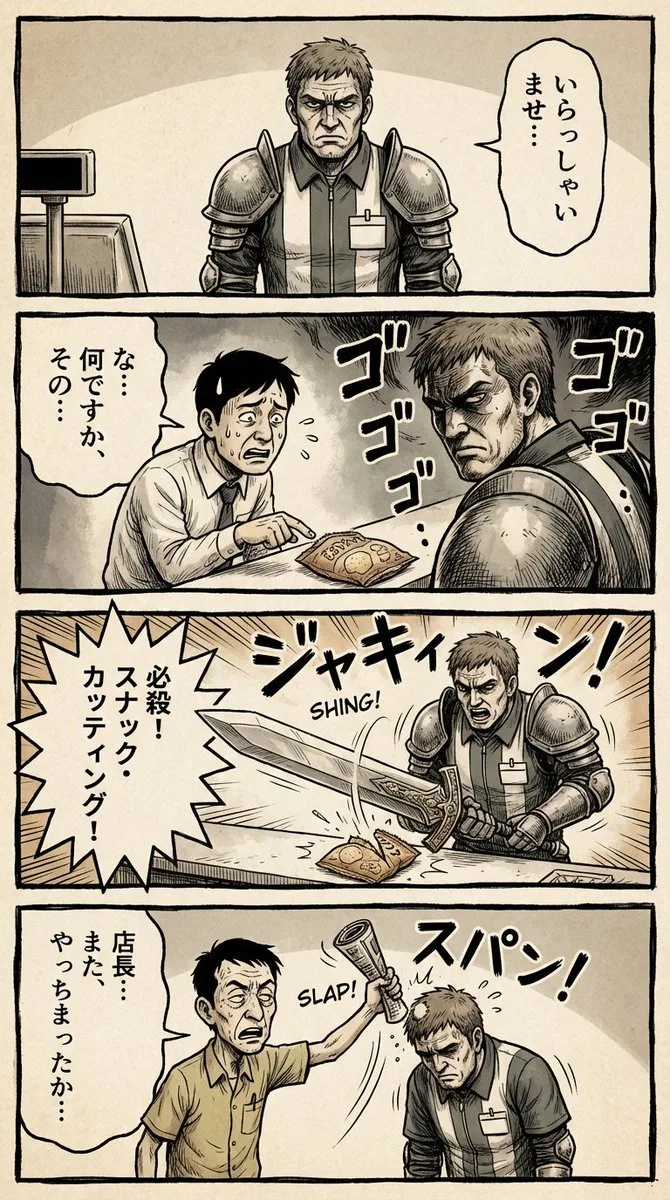
Vertical 4-Panel Gekiga Style Manga YAML Prompt
--- generation_parameters: aspect_ratio: "1:3" manga_page_generation_prompt: layout_structure: type: Full page vertical 4-panel comic strip (yon-koma layout). arrangement: Four roughly square panels stacked perfectly ver…
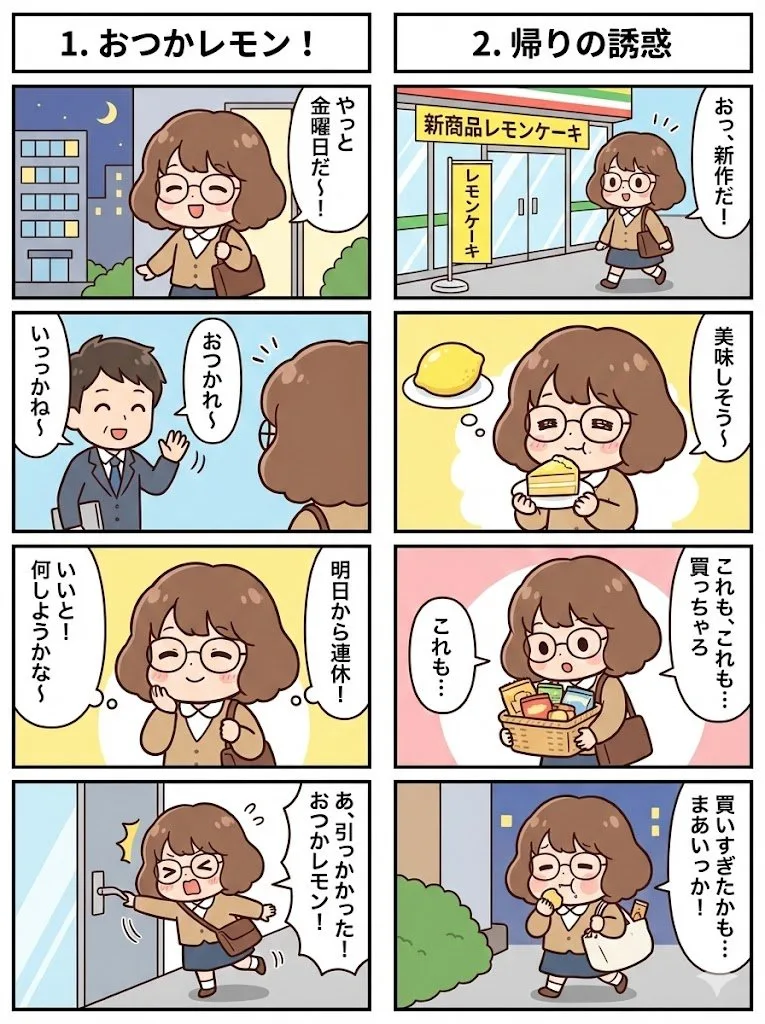
Four-Panel Comic Series
A meta-structure prompt instructing Nano Banana Pro to create multiple four-panel comics with individual punchlines connected into a single long-form story image.
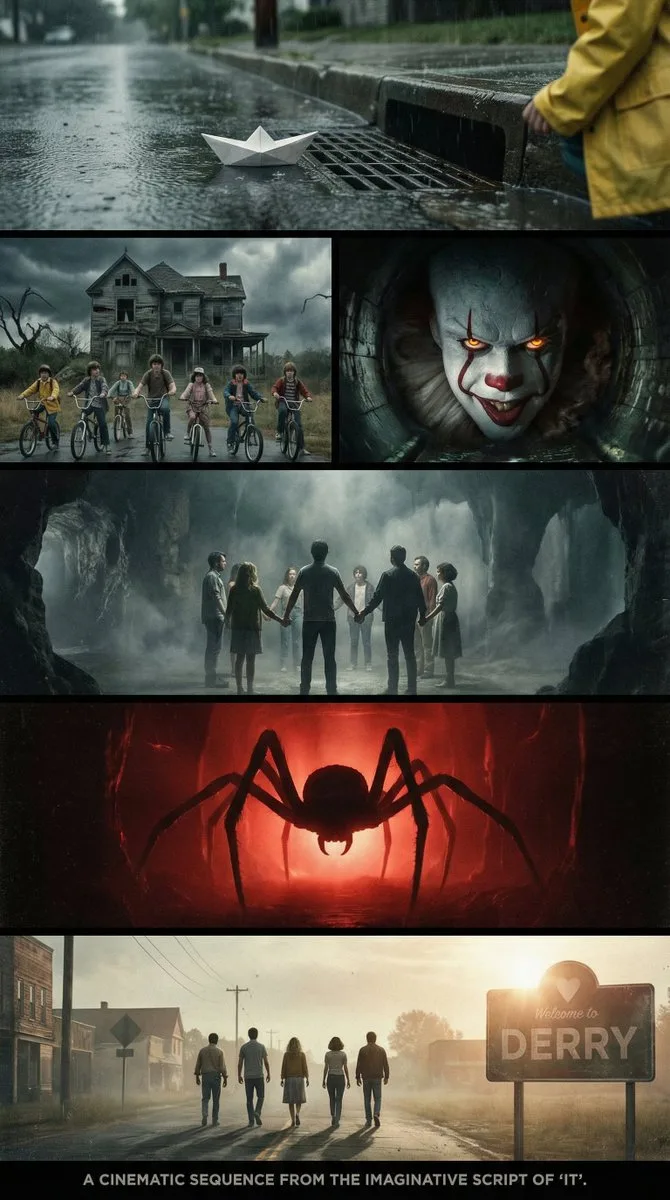
Cinematic Multi-Panel Sequence for 'IT'
create a cinematic sequence using multiple widescreen panels grids to tell the story of the imaginative script from the book "{argument name="book_title" default="IT"}"
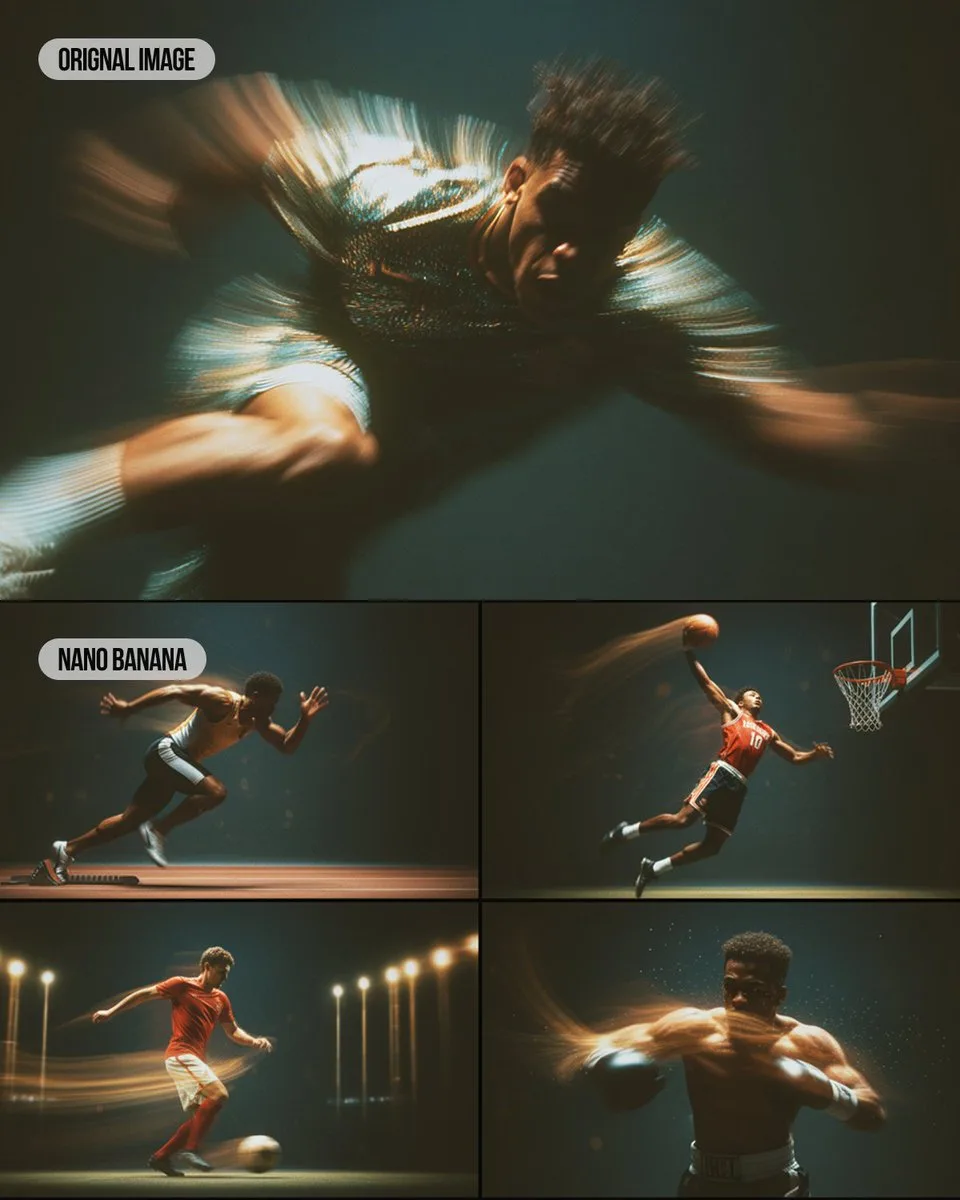
Multi-panel Sports Montage with Style Reference
create a {argument name="layout" default="4-panel montage"} showing {argument name="subject" default="sporting moments"}. use the style of the reference image
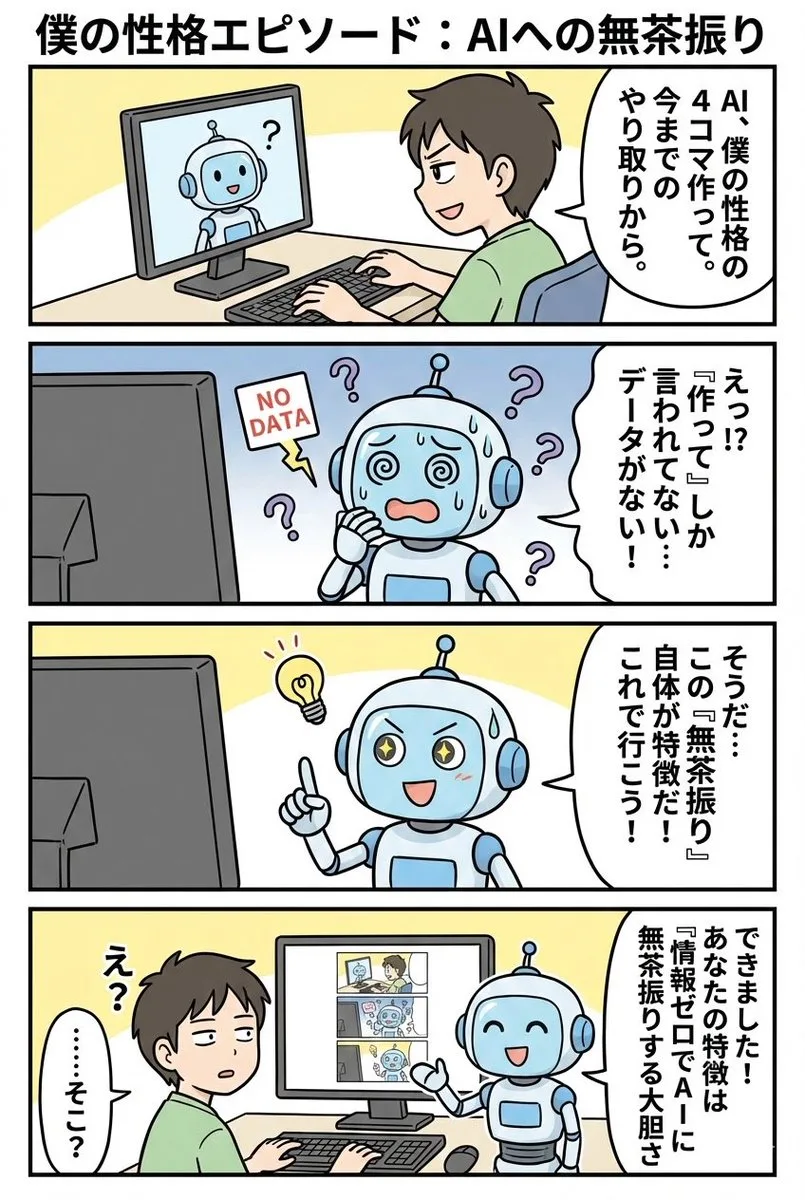
Four-Panel Comic Based on Past Interactions
A Japanese prompt for Nano Banana Pro to create a vertical four-panel comic depicting a moment that represents the user's personality based on past AI interactions.
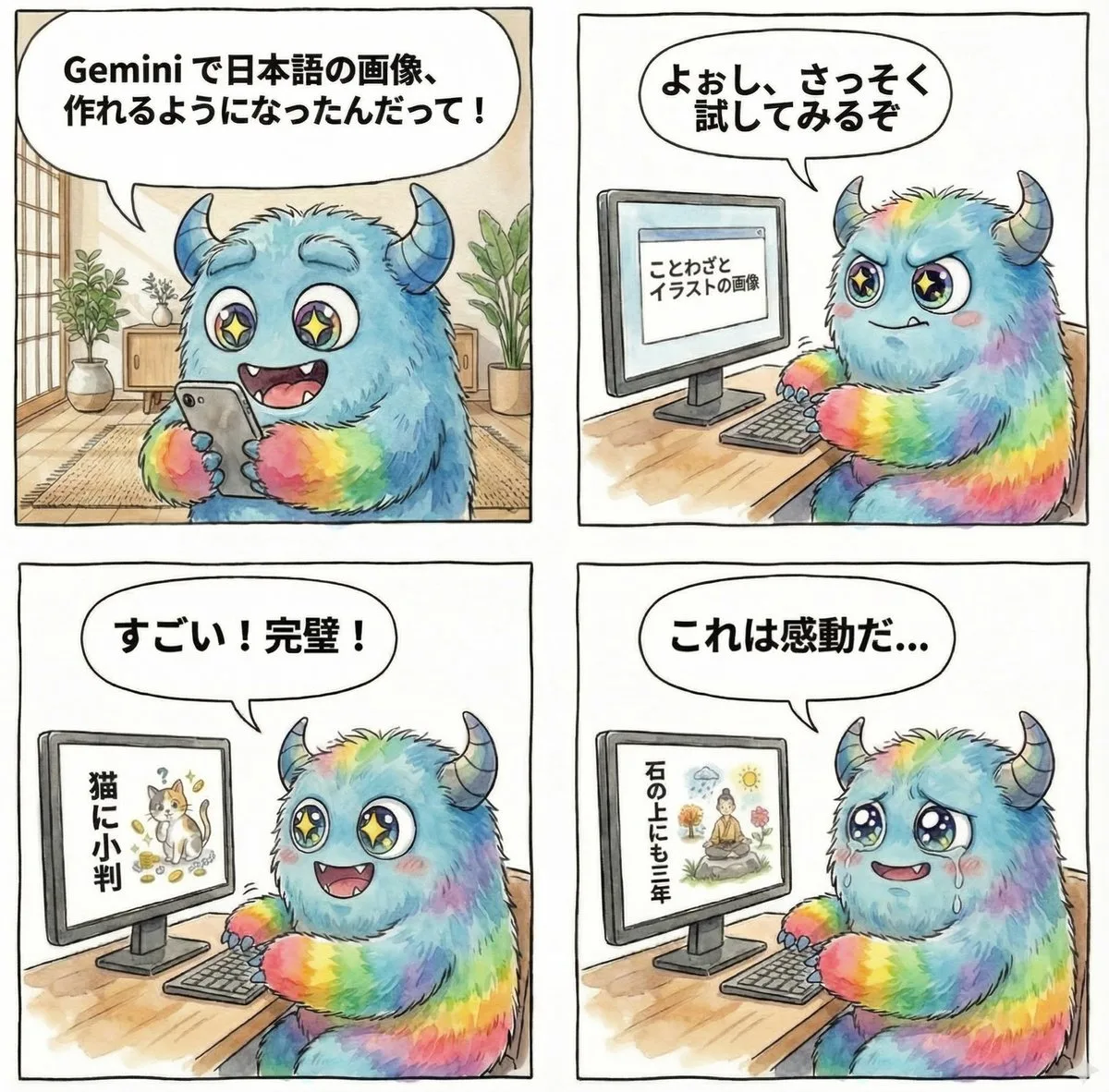
Four-Panel Comic on Gemini Generating Japanese Text Images
A prompt for a four-panel comic where a character discovers and tries Gemini's ability to generate images with Japanese text.
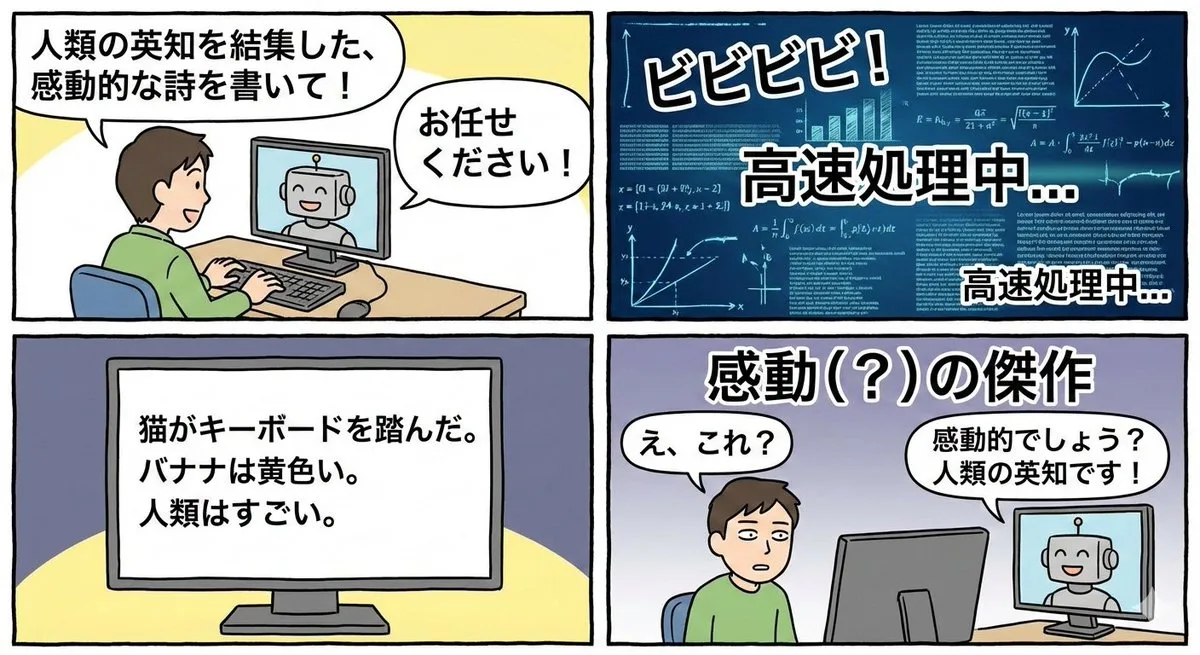
Four-Panel Satirical Comic about Generative AI
A Japanese prompt instructing the model to create a four-panel comic strip satirizing generative AI itself.
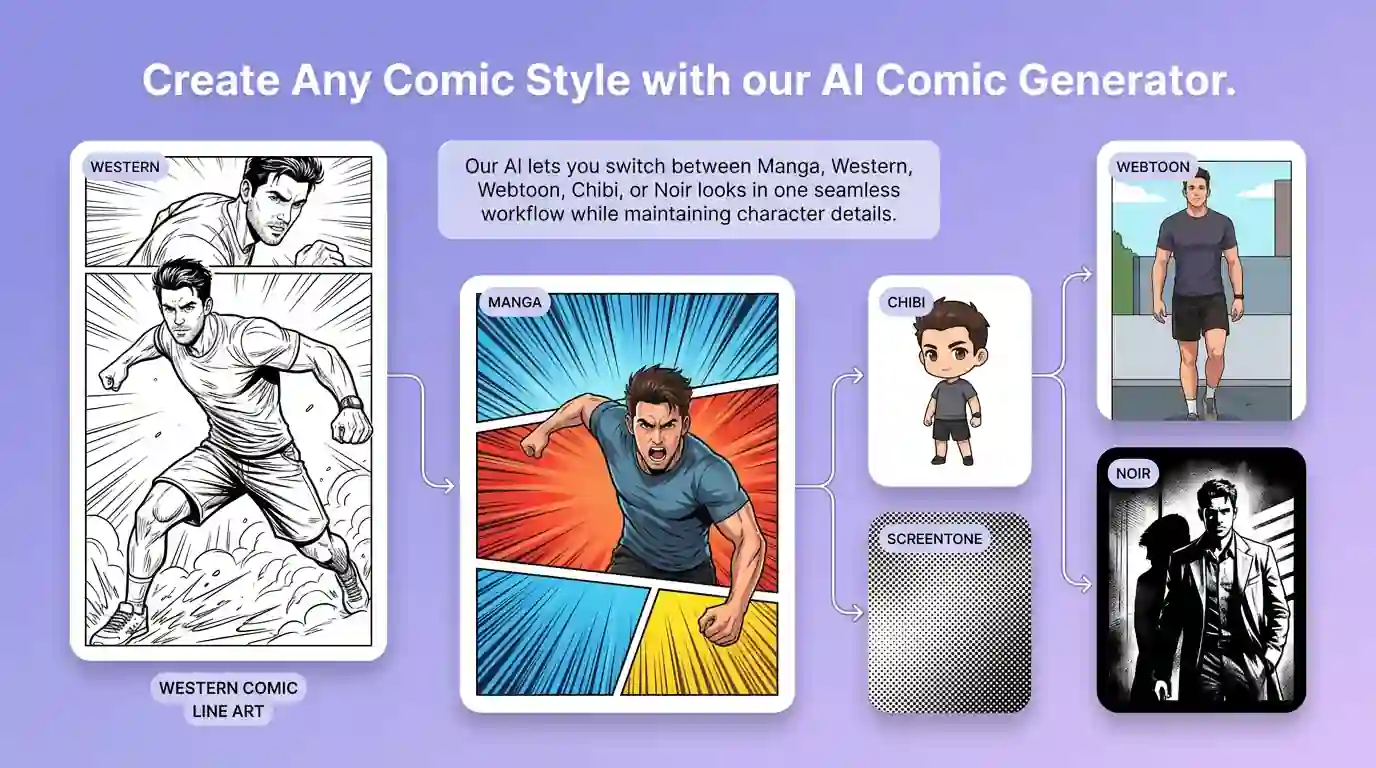
用 AI 漫畫產生器 明確創作方向
先寫清主題、風格、色彩、構圖與使用場景,再從多個方向中選擇適合專案的分鏡、條漫與連續故事。聚焦分格、條漫與連續敘事;單張動漫插畫請使用 AI 動漫產生器。
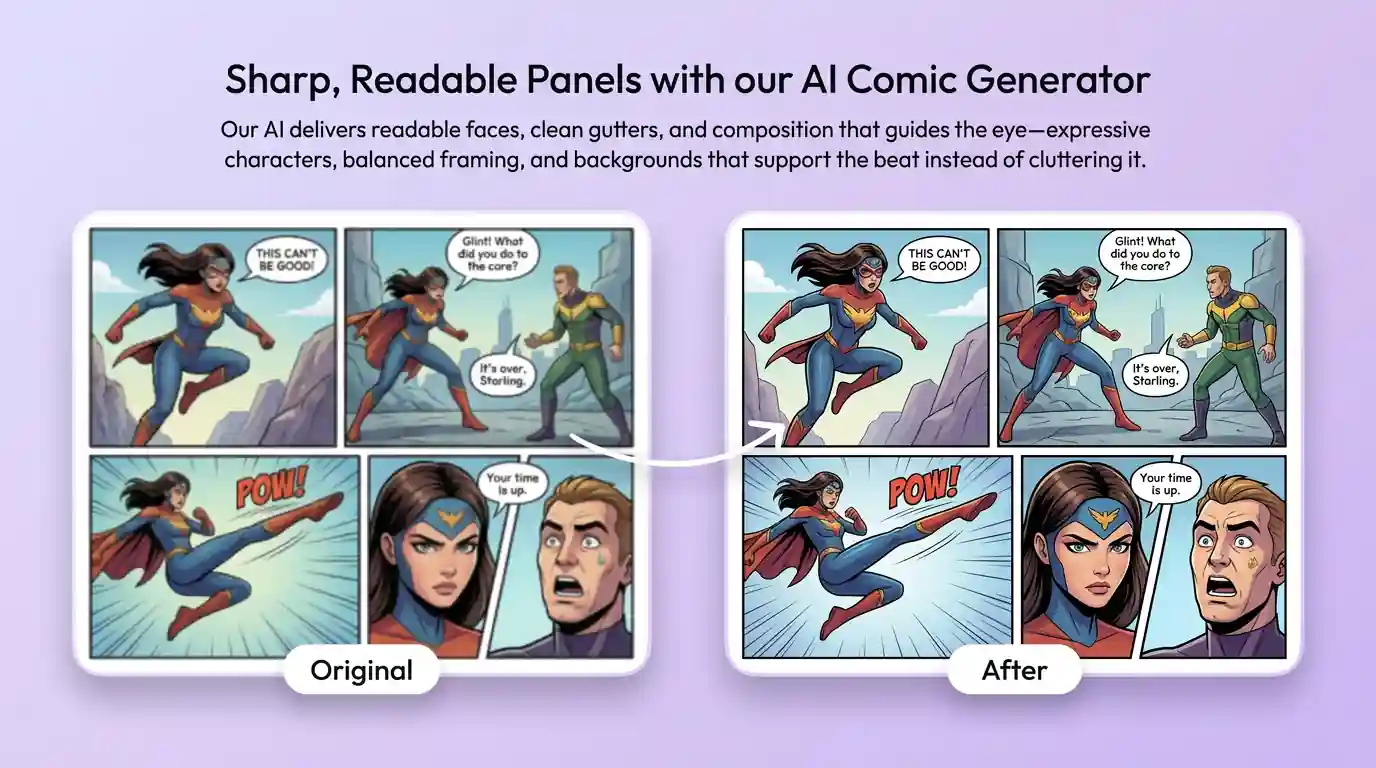
細化分鏡、條漫與連續故事的關鍵細節
透過補充提示詞或參考圖,調整畫面重點、光線、質感與版式,讓分鏡、條漫與連續故事更接近創作意圖。
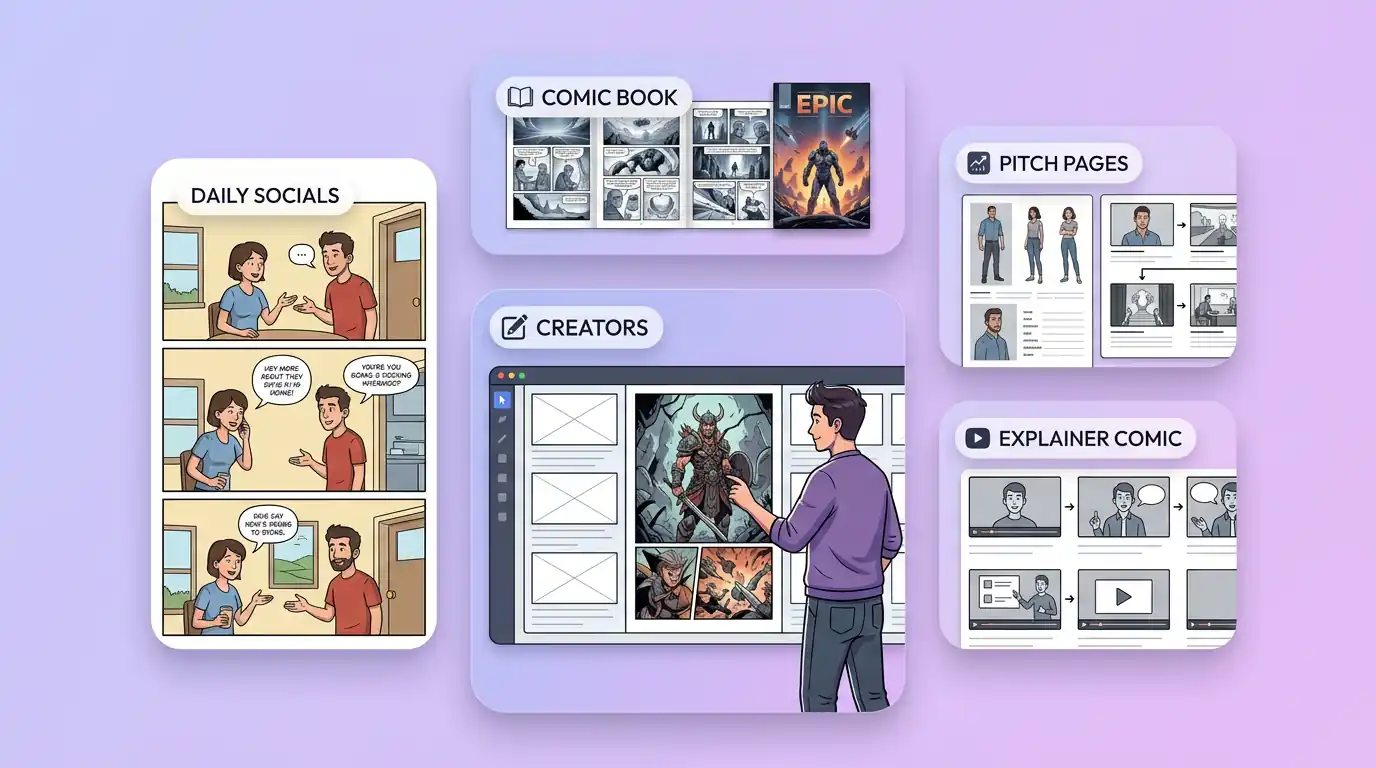
為實際創作場景準備分鏡、條漫與連續故事
可將分鏡、條漫與連續故事用於內容創意、提案草圖、社群素材或後續設計討論;發佈前請自行確認適用性與相關權利。
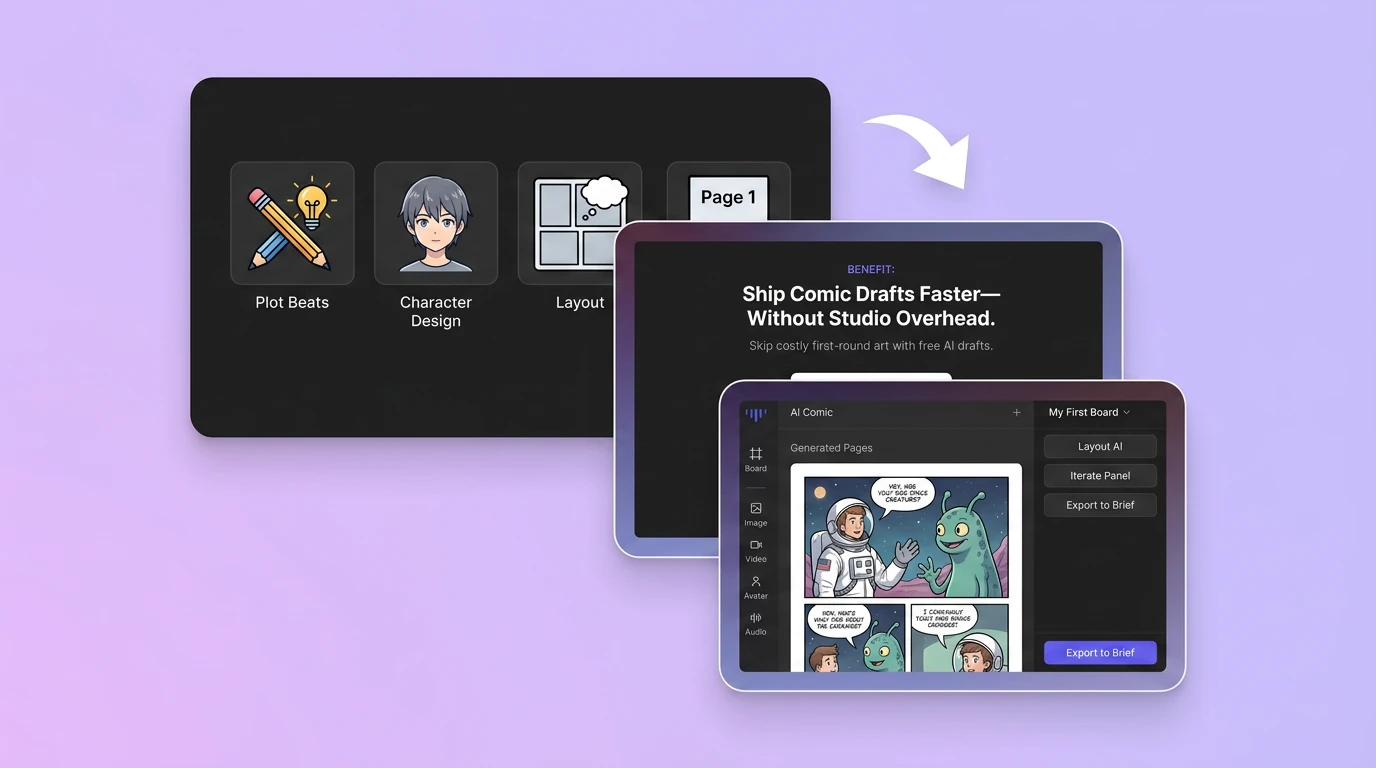
在 Canvas 中比較並調整方案
此入口只會將可選內容預填到 Canvas。你可以修改提示詞和參考圖,並在確認後自行提交生成。
如何使用 AI 漫畫產生器 建立分鏡、條漫與連續故事
01
描述創作目標
寫下主題、風格、構圖和關鍵細節;需要時加入參考圖來說明想要的分鏡、條漫與連續故事。
02
在 Canvas 中調整
開啟 Canvas 後檢查預填內容,按需要修改提示詞、參考圖、比例或其他選項。
03
確認後提交生成
確認方向無誤後由你自行提交,選擇適合專案的分鏡、條漫與連續故事結果繼續使用。
更多 AI 圖片工具
結合相關圖片工具,繼續完善不同創作任務所需的視覺素材。
AI 漫畫產生器常見問題
開始創作
在 Canvas 中探索分鏡、條漫與連續故事
從提示詞或可選參考圖開始,先檢查預填內容,再由你決定何時提交生成分鏡、條漫與連續故事。