AI 表情符號產生器:建立表情符號
描述想要的表情符號,也可加入參考圖來確定風格、構圖與細節。開啟 Canvas 後先檢查預填內容,再由你決定是否提交生成。
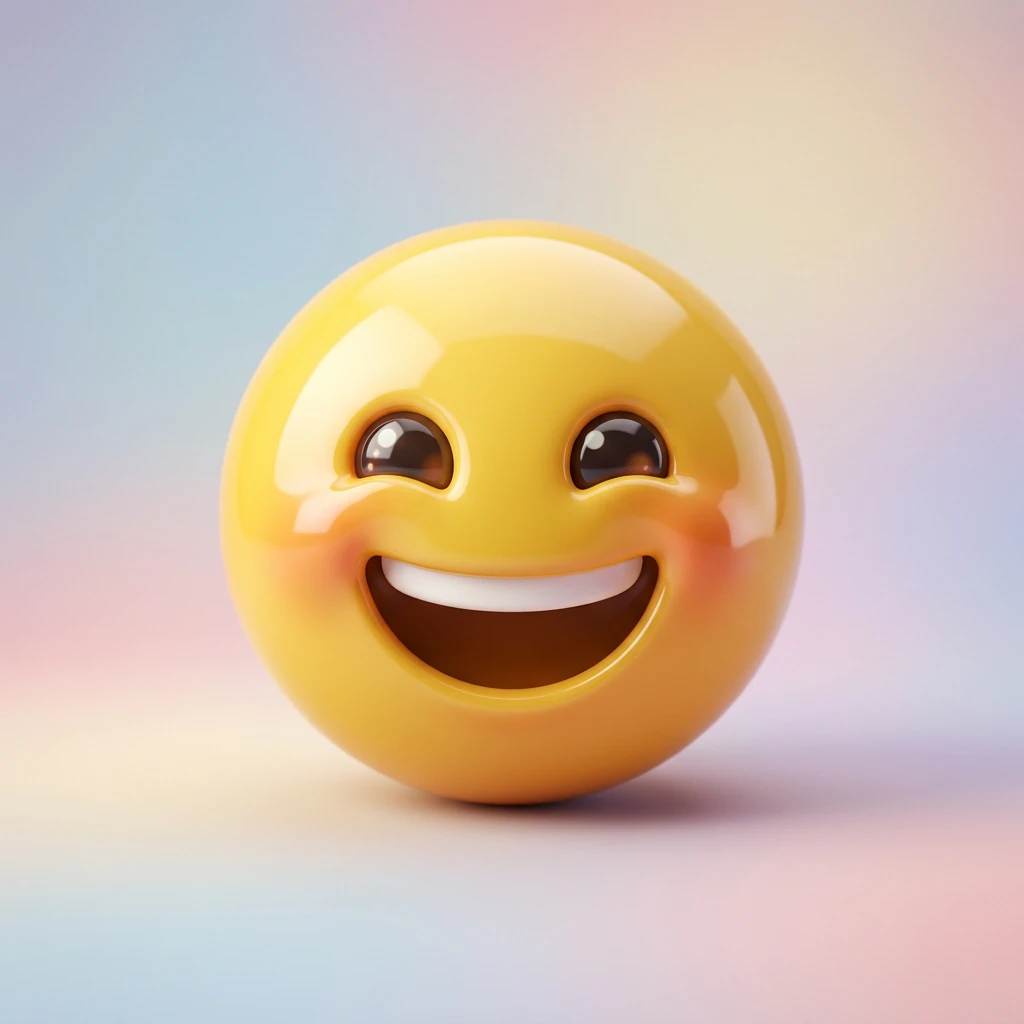
使用 AI 表情符號產生器 建立表情符號
從創意描述或參考圖出發,逐步確定風格、細節與用途。開啟 Canvas 後先檢查預填內容,再按自己的節奏提交生成。
適合此情境的提示詞示例
瀏覽與本頁意圖相符的圖片提示詞。開啟 Canvas 後可繼續使用自己的提示詞;僅預填,不會自動生成。
提示詞示例以英文顯示。
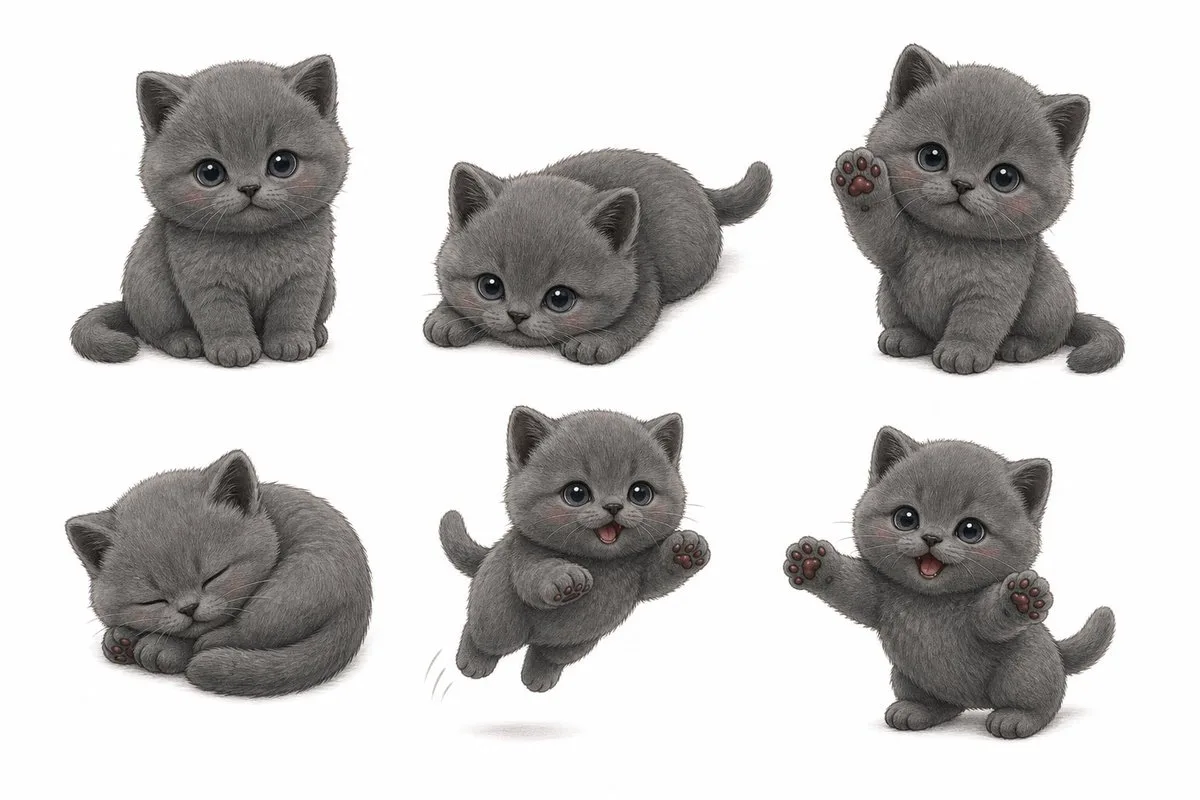
Grey Kitten Sticker Sheet Preview
Using REFERENCE_0 as the kitten identity, create a clean WeChat-style sticker-pack preview sheet on a plain white background. Transform the real photo into a soft, semi-realistic cute 3D/cartoon gray kitten with plush fu…
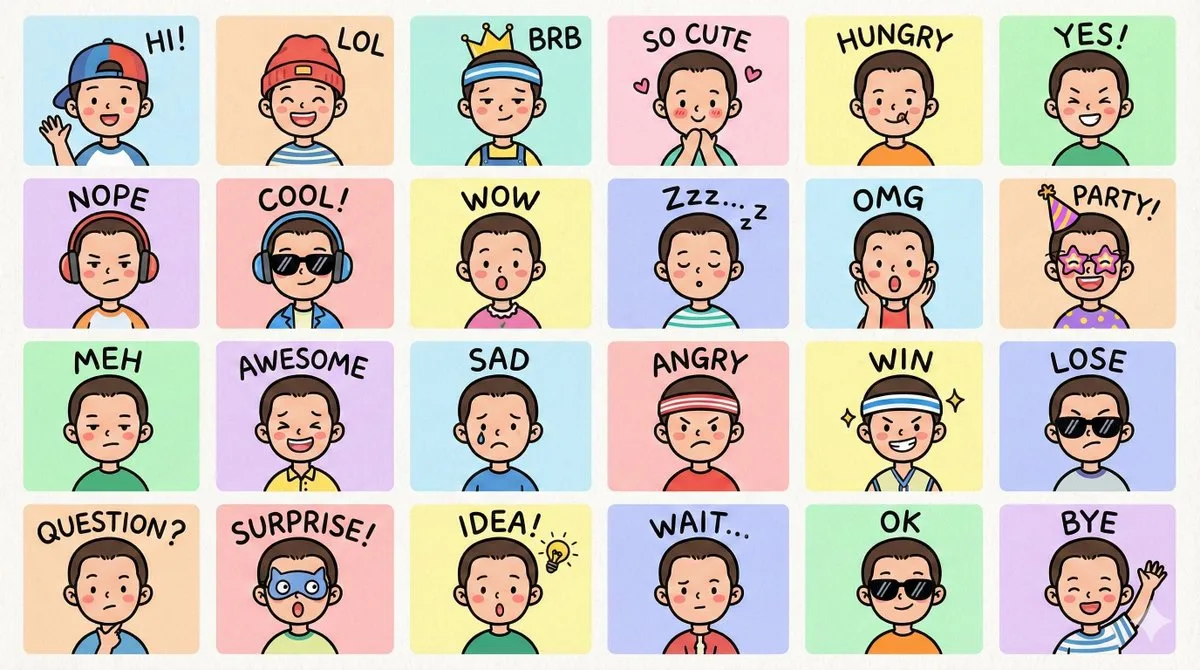
LINE Style Chibi Emoji Grid
Create a set of colorful, hand-drawn LINE-style half-body Q-version emoji portraits based on the {argument name="reference_characters" default="characters shown in the reference image"}, ensuring accurate depiction of th…
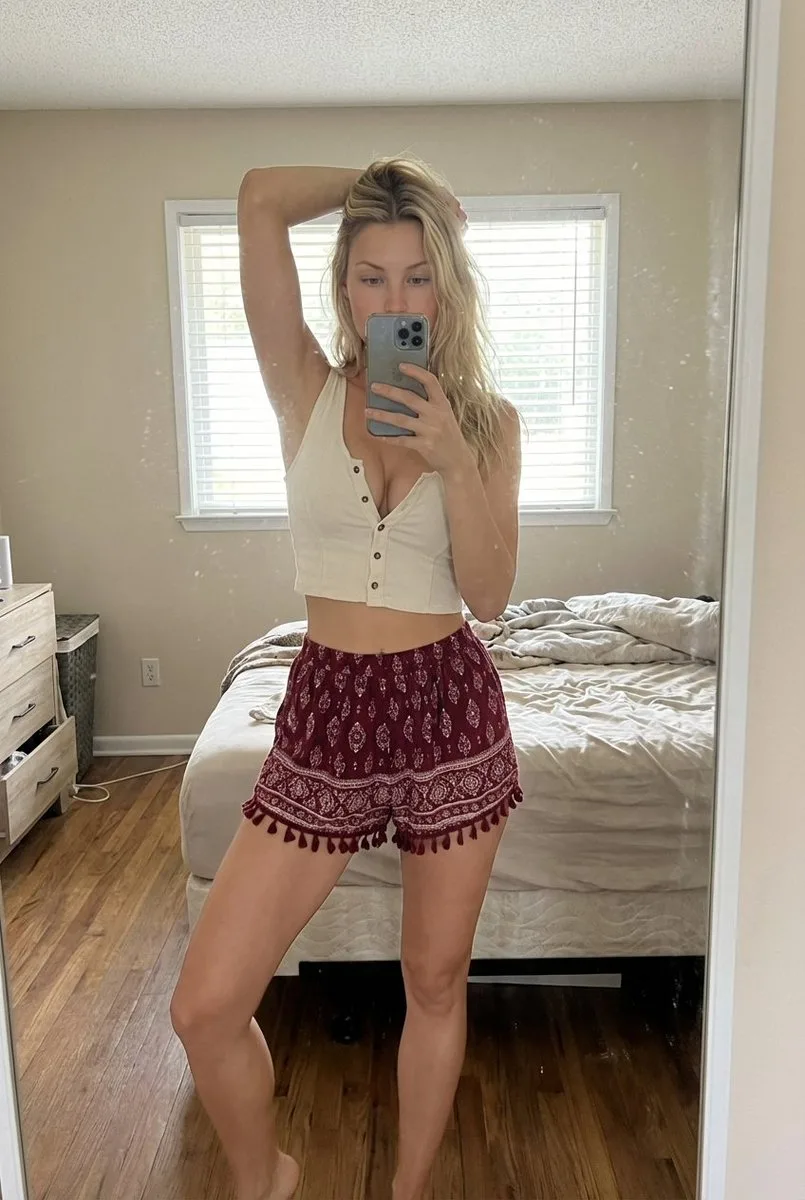
Indoor Bedroom Mirror Selfie Prompt
{ "scene": { "type": "indoor bedroom mirror selfie", "environment": { "room_style": "simple lived-in bedroom", "walls": "light beige walls", "lighting_fixture": "ceiling-mounted light fixture", "window": { "position": "b…
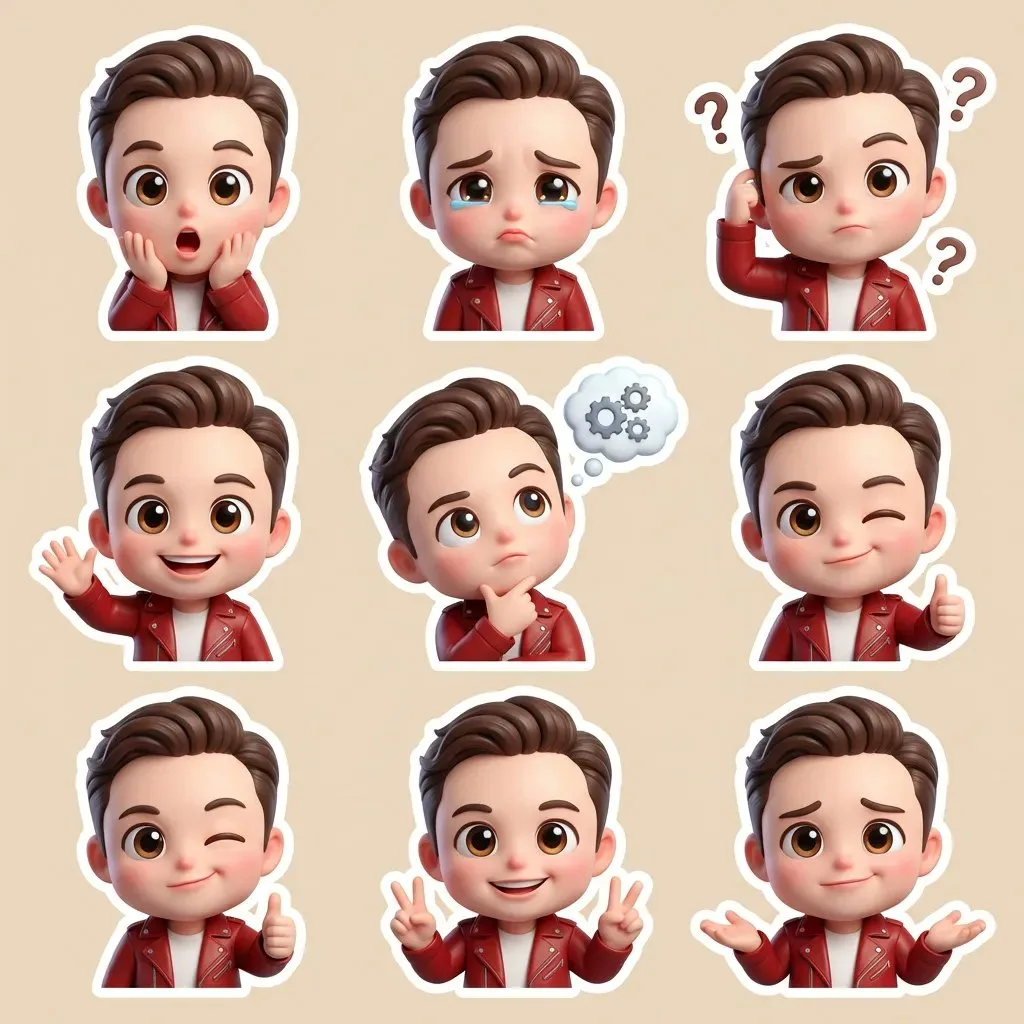
3D Cute Cartoon Sticker Set Generation Prompt
A cute 3D chibi-style cartoon sticker set, featuring the same character in multiple emotions and poses(using an uploaded face as a reference). Big expressive glossy eyes, soft rounded face, slightly oversized head, small…
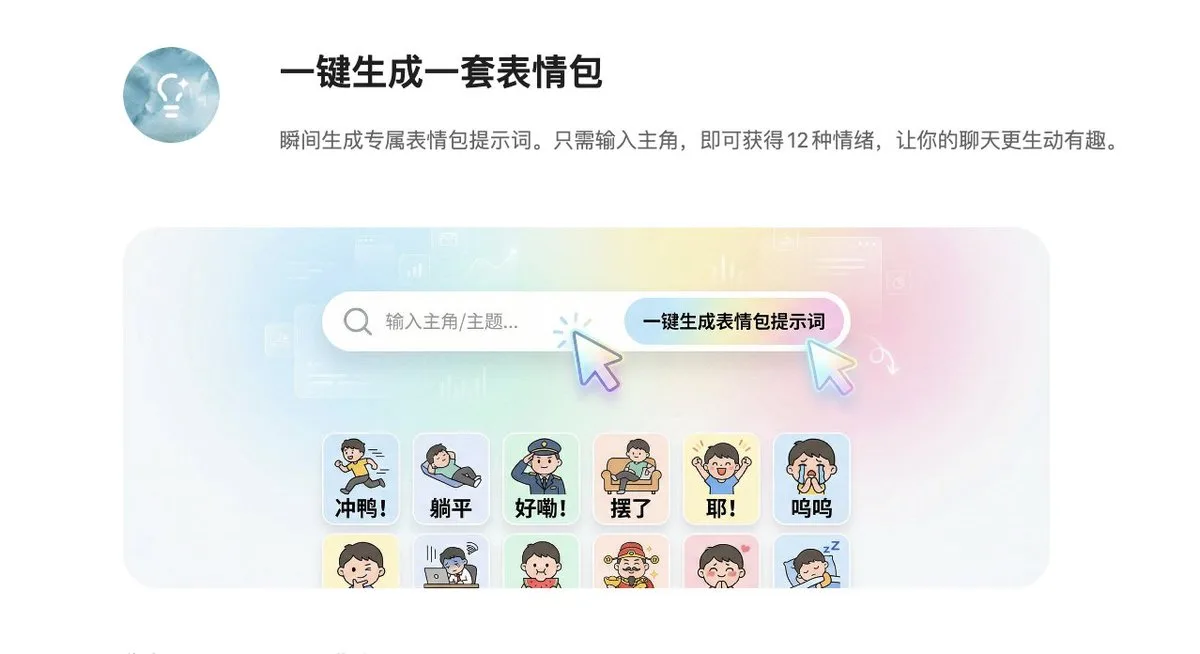
12-Grid Sticker/Emoji Generation Prompt
A structured prompt for generating a 12-panel grid of emojis or stickers in a 4:3 vertical format, with each panel depicting different emotions or actions.
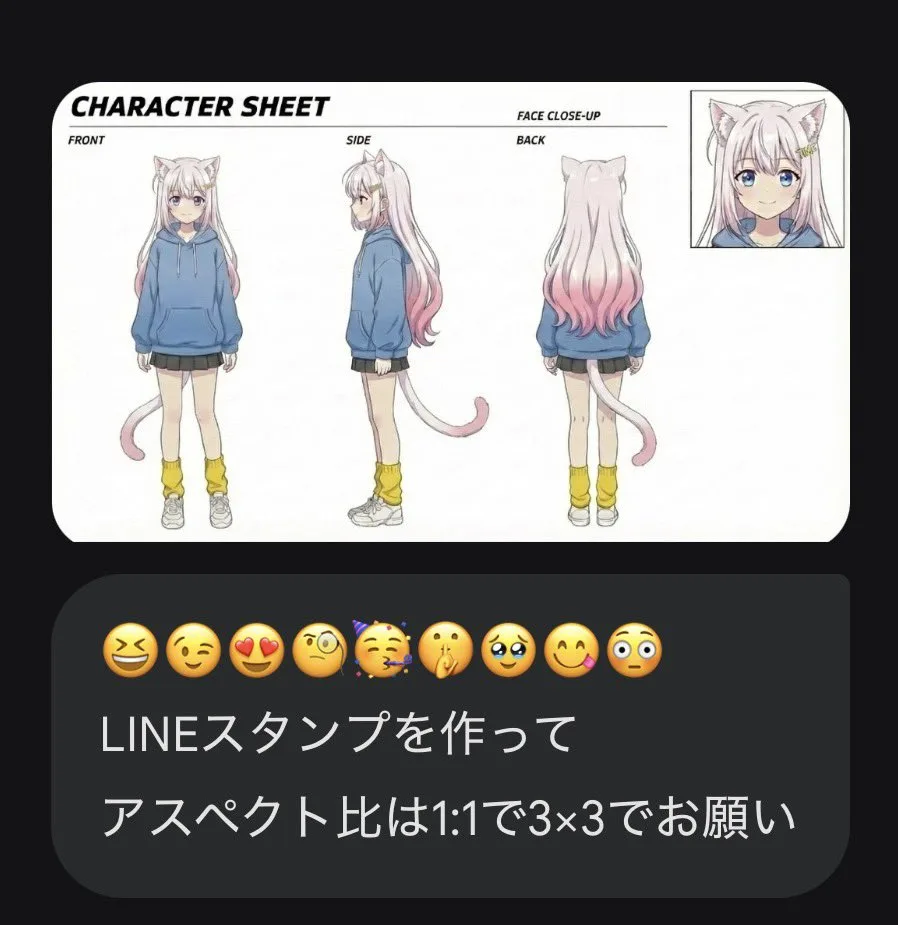
LINE Sticker Generation Prompt with Emojis
A prompt for creating LINE sticker packs using emojis and text instructions with a 1:1 aspect ratio and 3x3 grid layout.
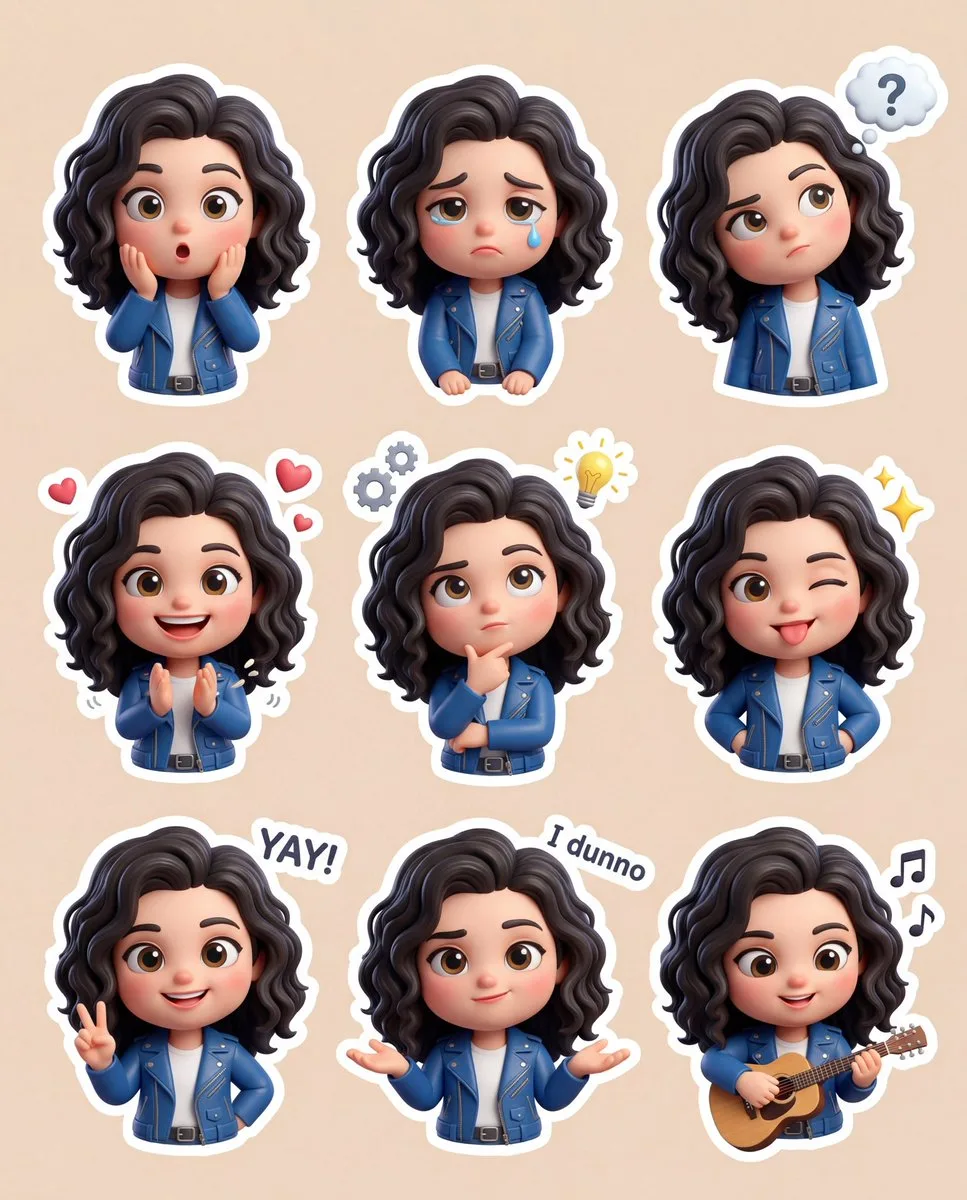
3D Chibi Sticker Set with Customizable Colors
A cute 3D chibi-style cartoon sticker set featuring the same character in various emotions and poses (use the uploaded face as reference). Shiny, expressive eyes; soft round face; slightly oversized head; small body prop…
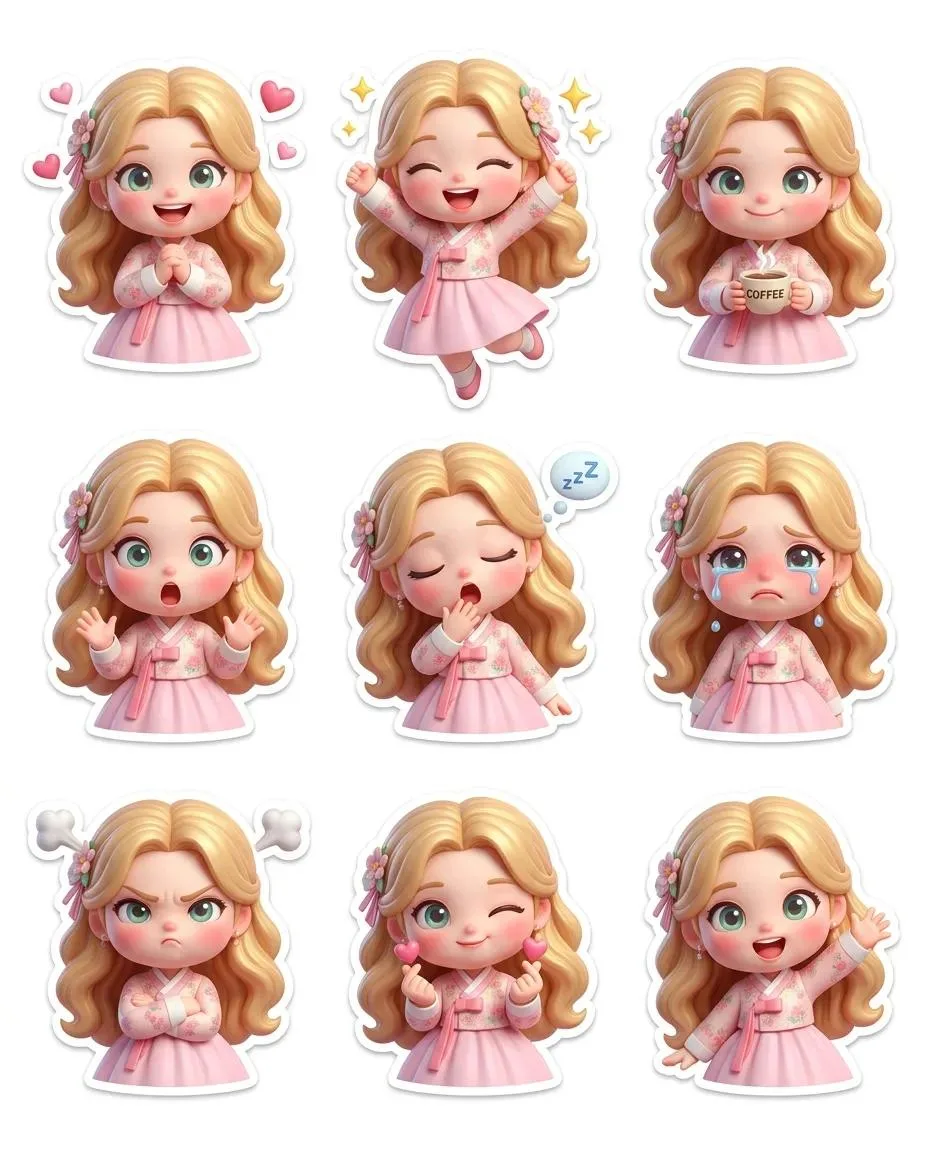
Pixar-Style Chibi Sticker Asset Set
{ "layout": "4:5", "grid": { "rows": 3, "columns": 3, "spacing": "even", "centered": true }, "character": { "identity": "same across all stickers", "hair": "pastel gradient gold", "eyes": "big glossy greenish-blue", "hea…
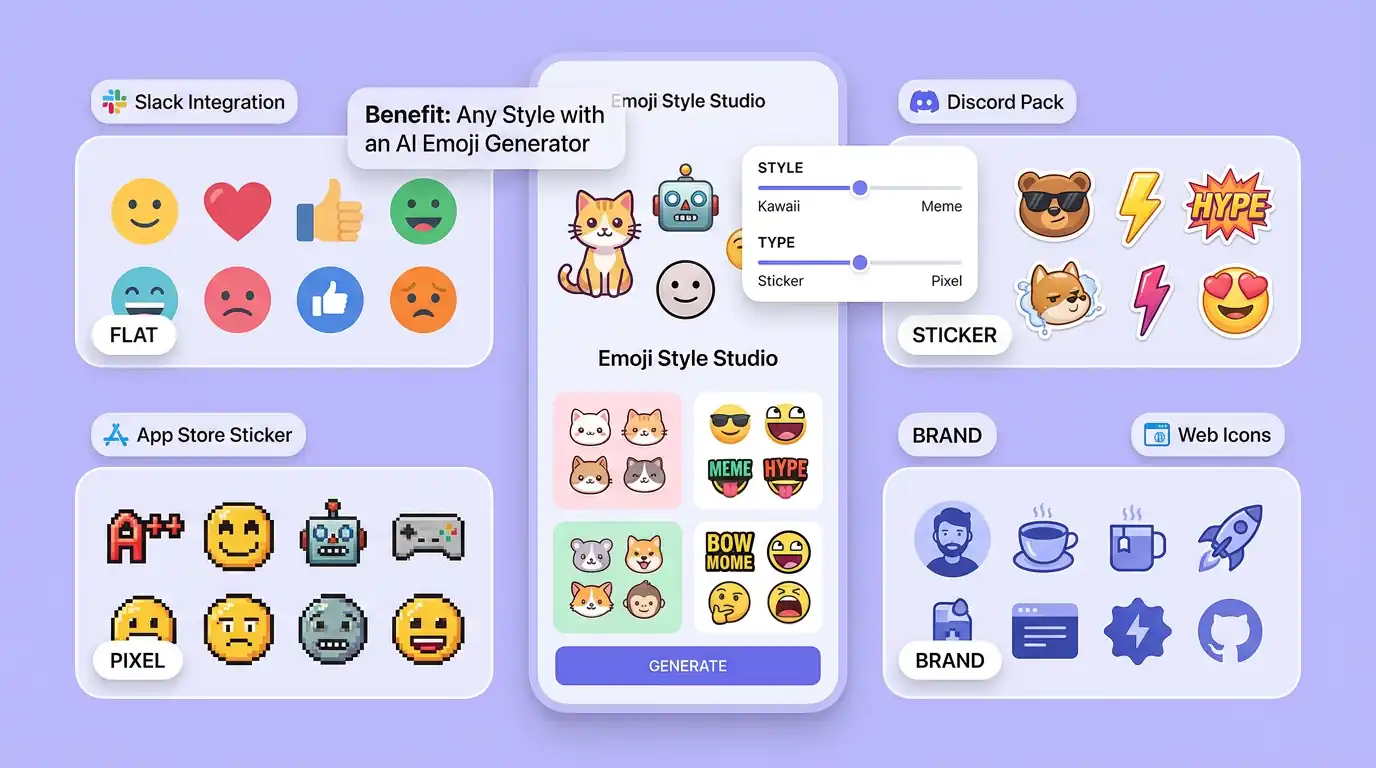
用 AI 表情符號產生器 明確創作方向
先寫清主題、風格、色彩、構圖與使用場景,再從多個方向中選擇適合專案的表情符號。
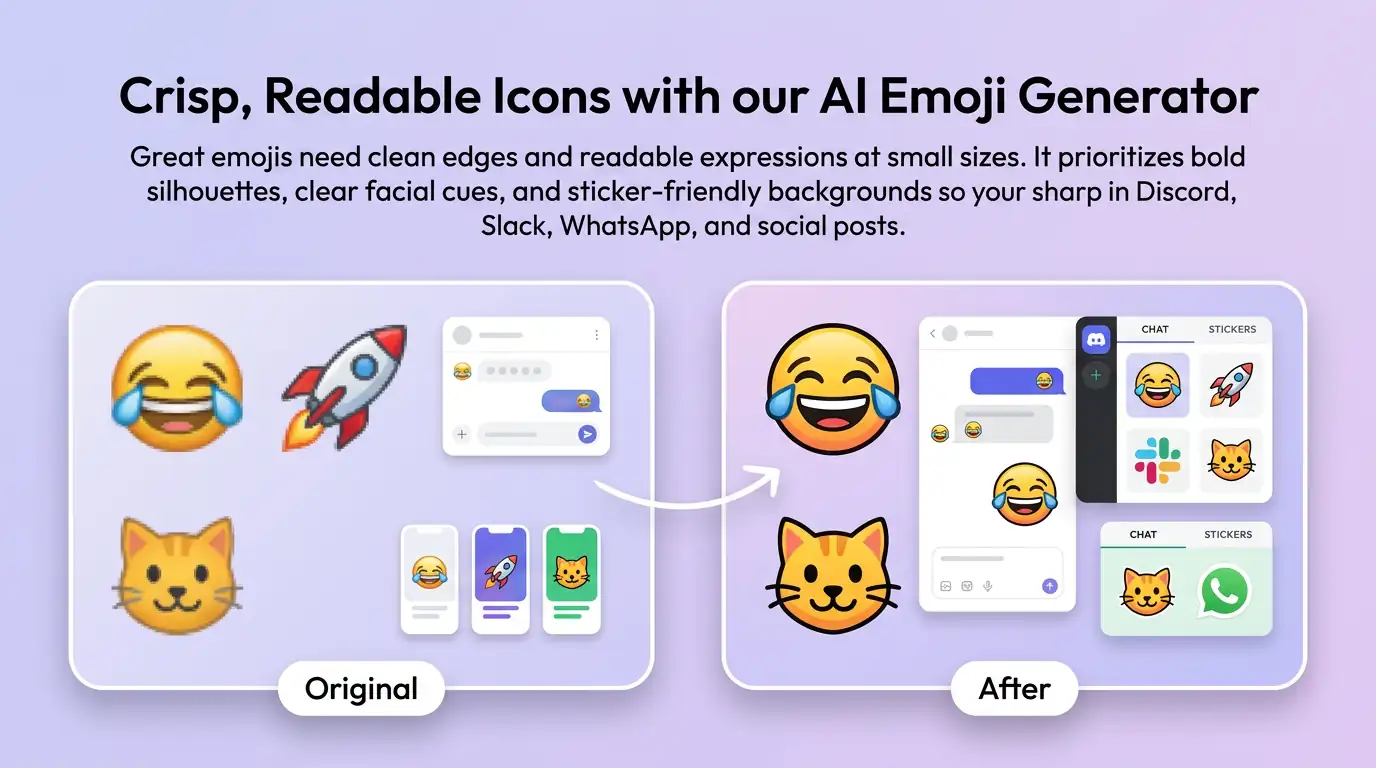
細化表情符號的關鍵細節
透過補充提示詞或參考圖,調整畫面重點、光線、質感與版式,讓表情符號更接近創作意圖。
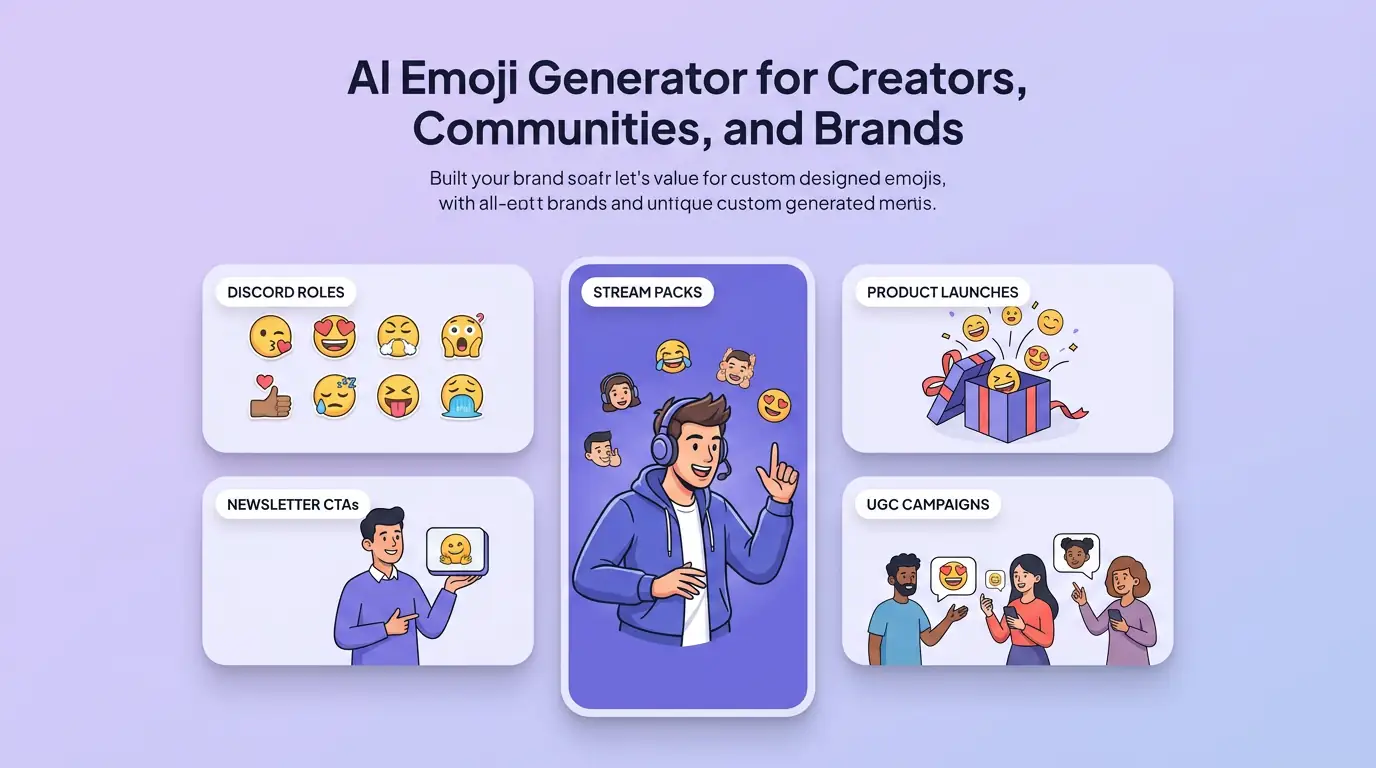
為實際創作場景準備表情符號
可將表情符號用於內容創意、提案草圖、社群素材或後續設計討論;發佈前請自行確認適用性與相關權利。
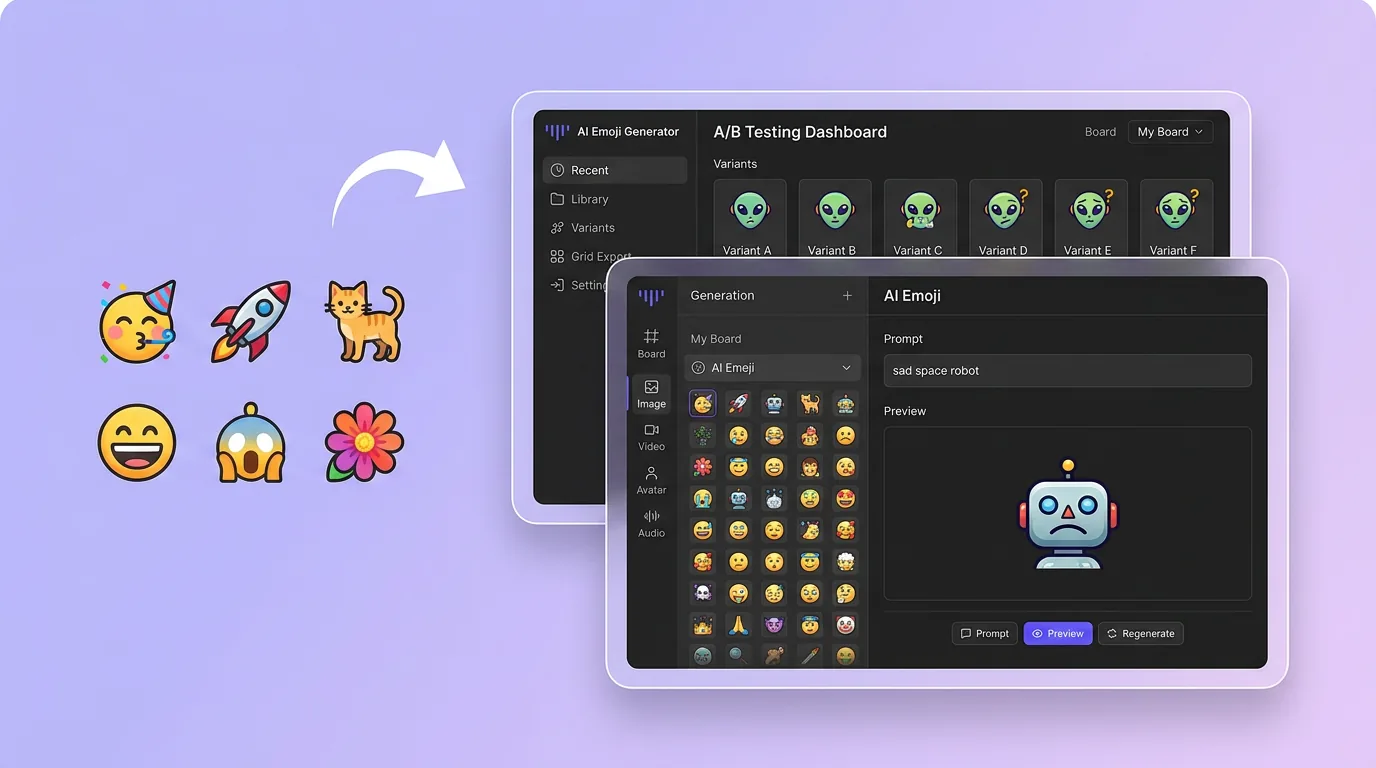
在 Canvas 中比較並調整方案
此入口只會將可選內容預填到 Canvas。你可以修改提示詞和參考圖,並在確認後自行提交生成。
如何使用 AI 表情符號產生器 建立表情符號
01
描述創作目標
寫下主題、風格、構圖和關鍵細節;需要時加入參考圖來說明想要的表情符號。
02
在 Canvas 中調整
開啟 Canvas 後檢查預填內容,按需要修改提示詞、參考圖、比例或其他選項。
03
確認後提交生成
確認方向無誤後由你自行提交,選擇適合專案的表情符號結果繼續使用。
更多 AI 圖片工具
結合相關圖片工具,繼續完善不同創作任務所需的視覺素材。
AI 表情符號產生器常見問題
開始創作
在 Canvas 中探索表情符號
從提示詞或可選參考圖開始,先檢查預填內容,再由你決定何時提交生成表情符號。