AI 傳單產生器:建立宣傳傳單
描述想要的宣傳傳單,也可加入參考圖來確定風格、構圖與細節。開啟 Canvas 後先檢查預填內容,再由你決定是否提交生成。
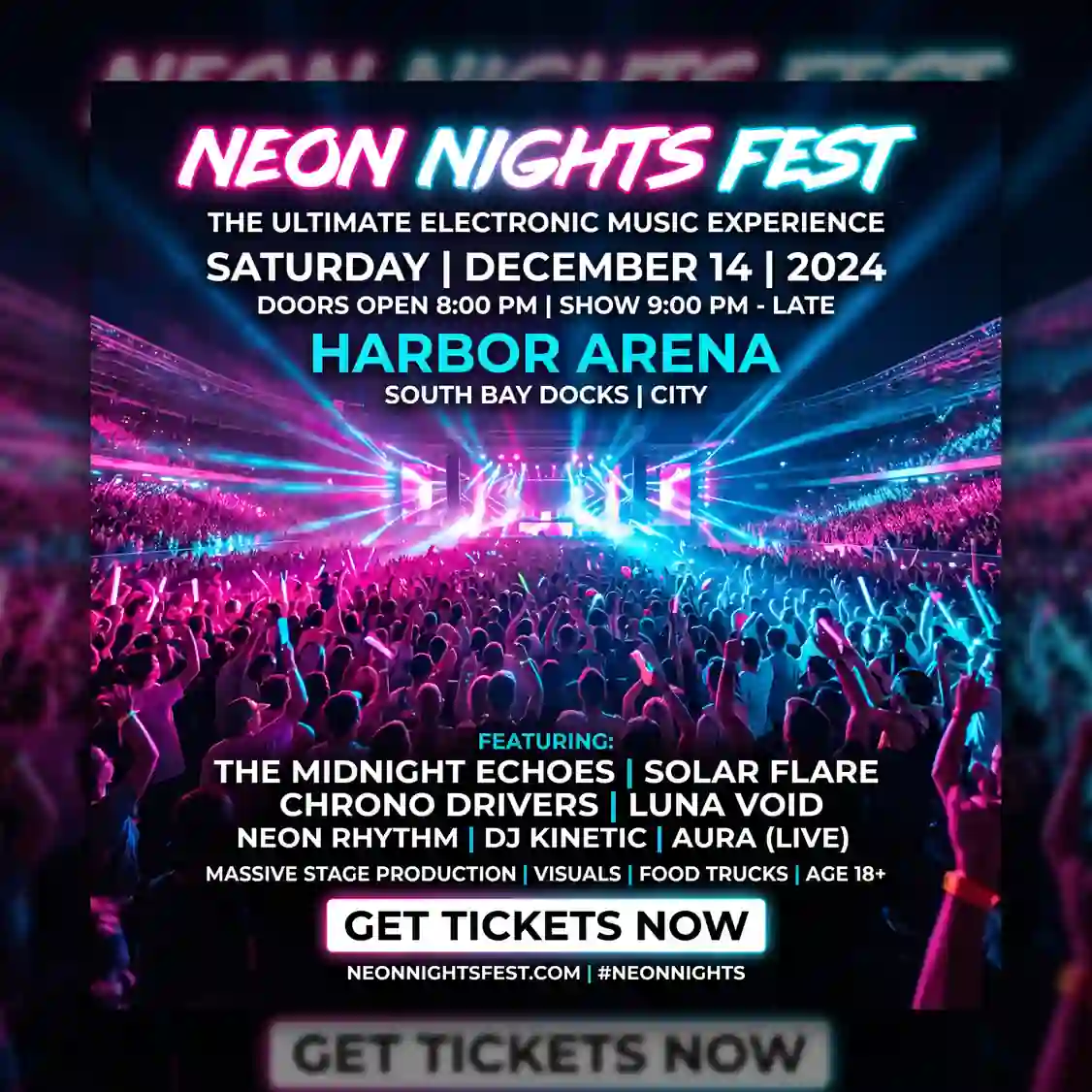
使用 AI 傳單產生器 建立宣傳傳單
從創意描述或參考圖出發,逐步確定風格、細節與用途。開啟 Canvas 後先檢查預填內容,再按自己的節奏提交生成。
適合此情境的提示詞示例
瀏覽與本頁意圖相符的圖片提示詞。開啟 Canvas 後可繼續使用自己的提示詞;僅預填,不會自動生成。
提示詞示例以英文顯示。
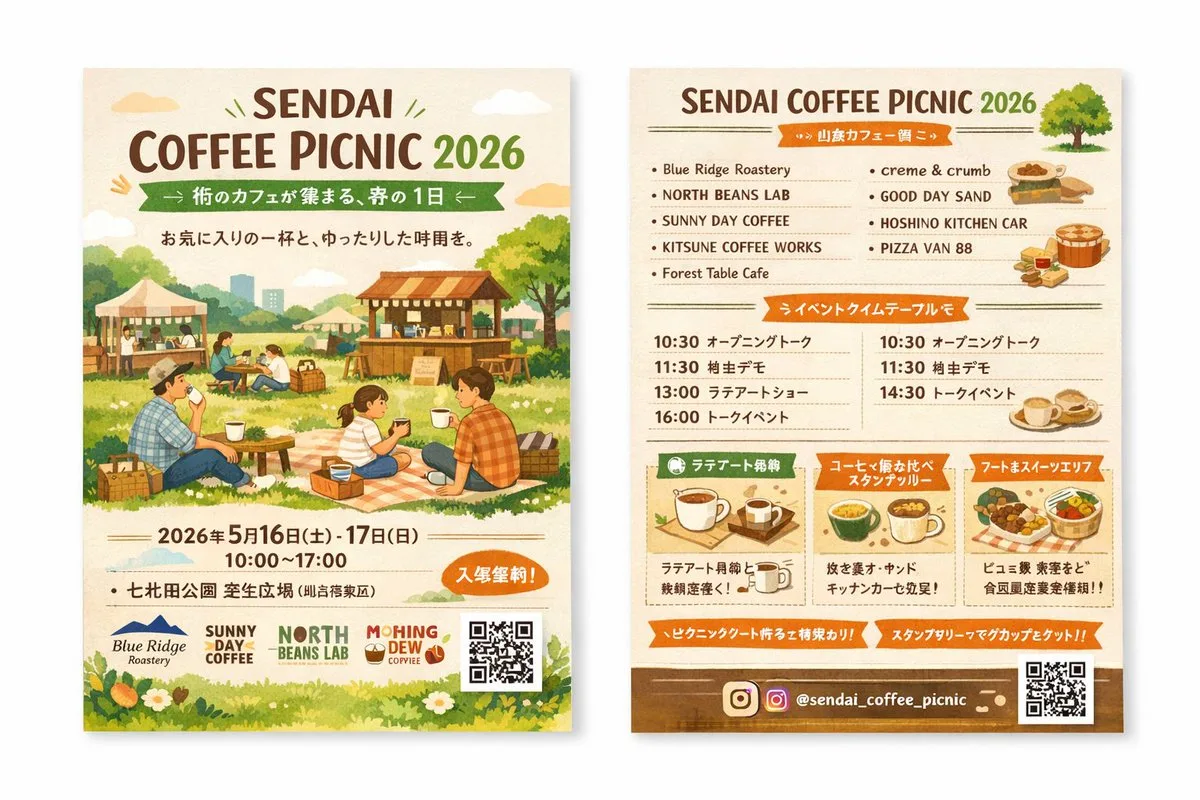
Double-Sided Watercolor Event Flyer Mockup
{ "type": "two-sided event flyer mockup", "style": "watercolor illustration, warm earthy tones, cozy, inviting, rustic", "left_side_front": { "header": { "title": "{argument name=\"event name\" default=\"SENDAI COFFEE PI…
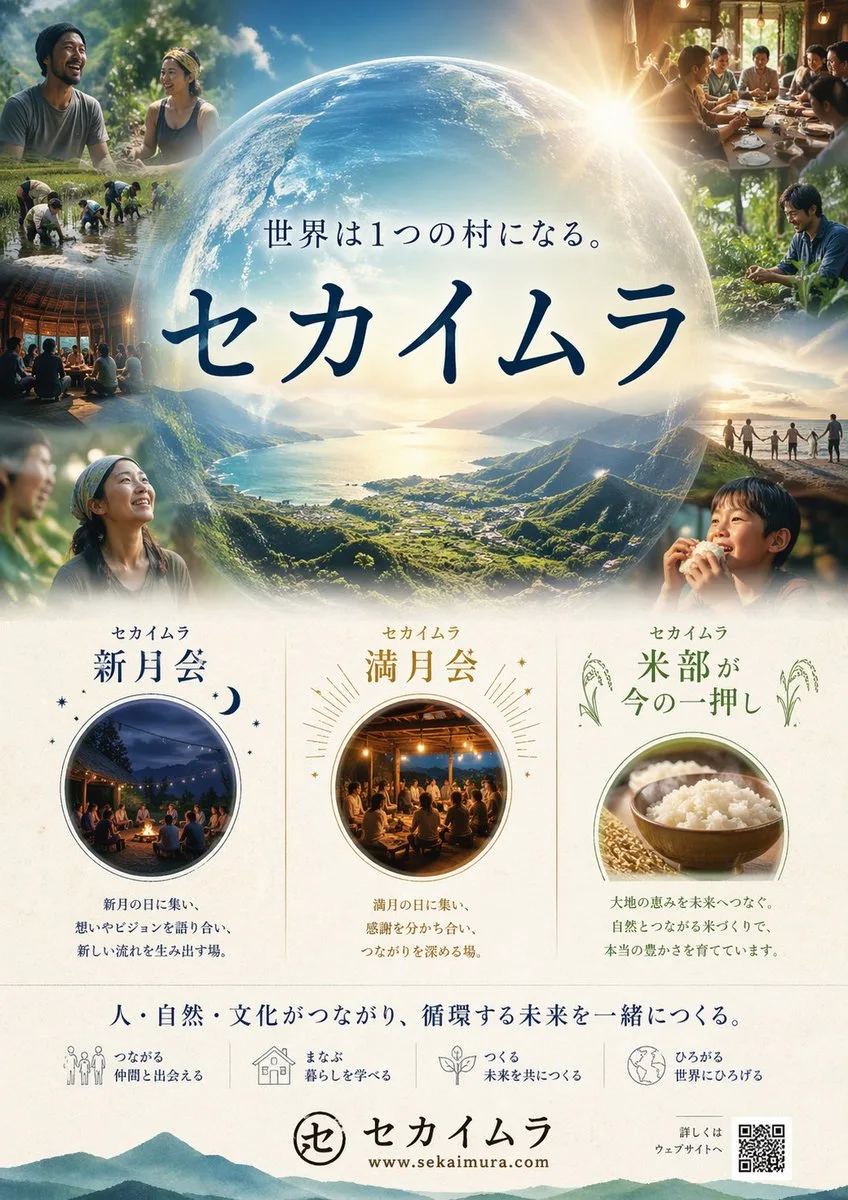
Japanese Eco-Community Promotional Poster
A polished Japanese promotional poster for a community and sustainability project called {argument name="project name" default="セカイムラ"}, designed like a premium eco-lifestyle campaign flyer. Vertical layout, clean and el…
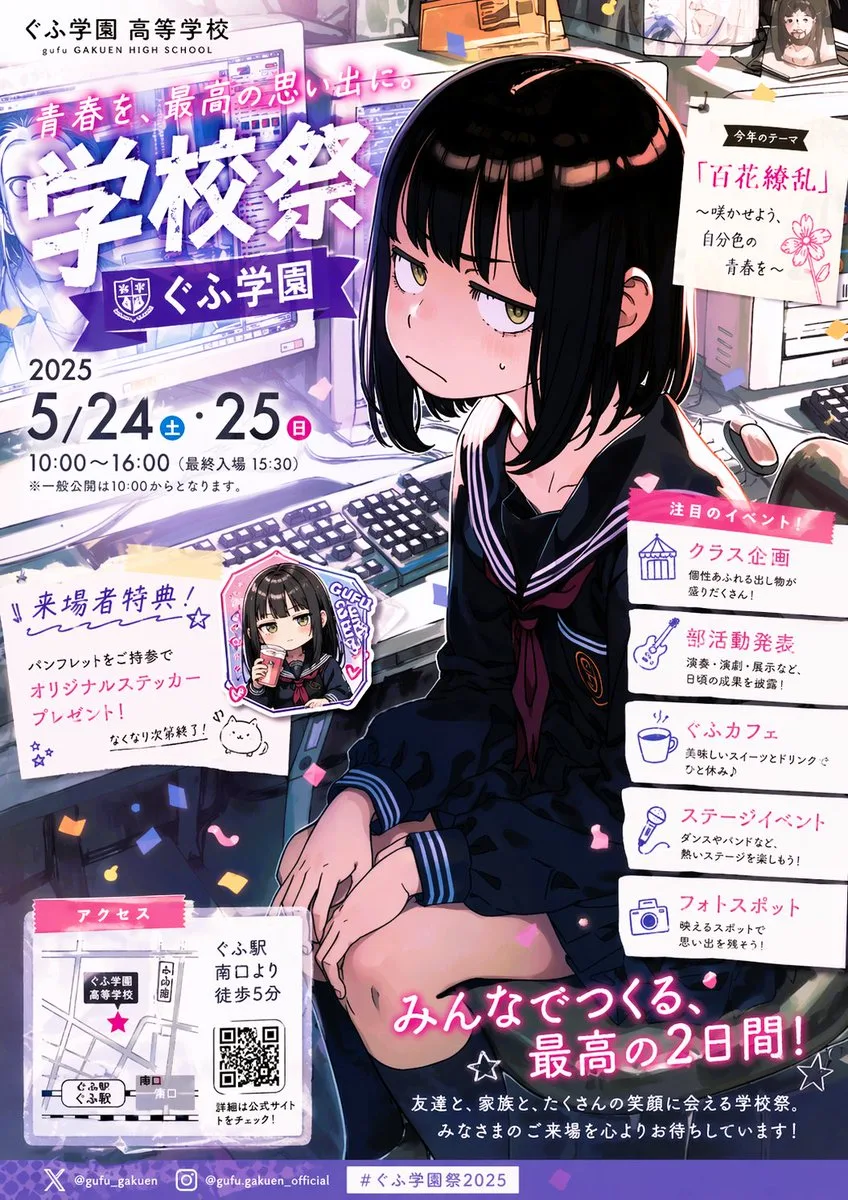
Anime School Festival Promo Poster
{"type":"anime school festival flyer poster","style":"Japanese promotional flyer, glossy manga illustration, vibrant purple and pink accent colors, dense print layout, confetti scattered across the composition, polished …
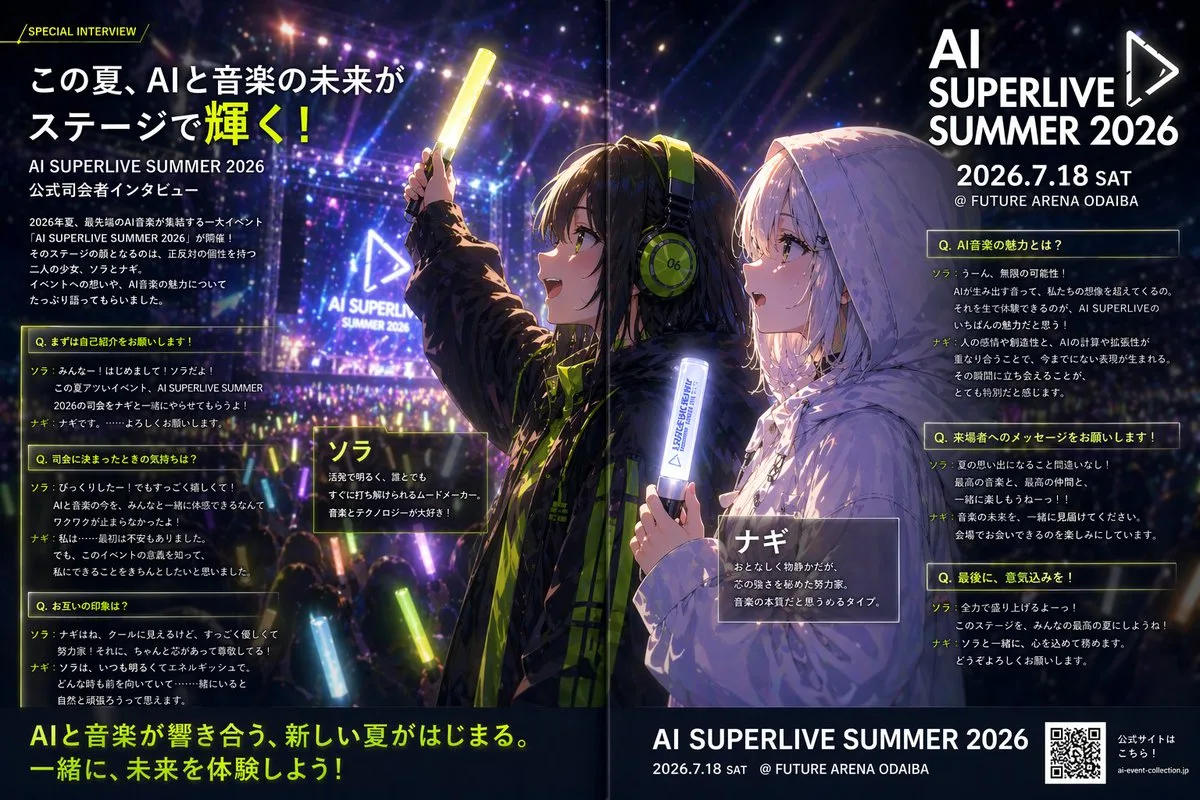
Anime Concert Interview Magazine Page
A high-impact anime promotional interview poster designed as a glossy two-page magazine spread for a futuristic live music event. The scene shows a packed nighttime concert arena filled with a crowd holding glowing light…
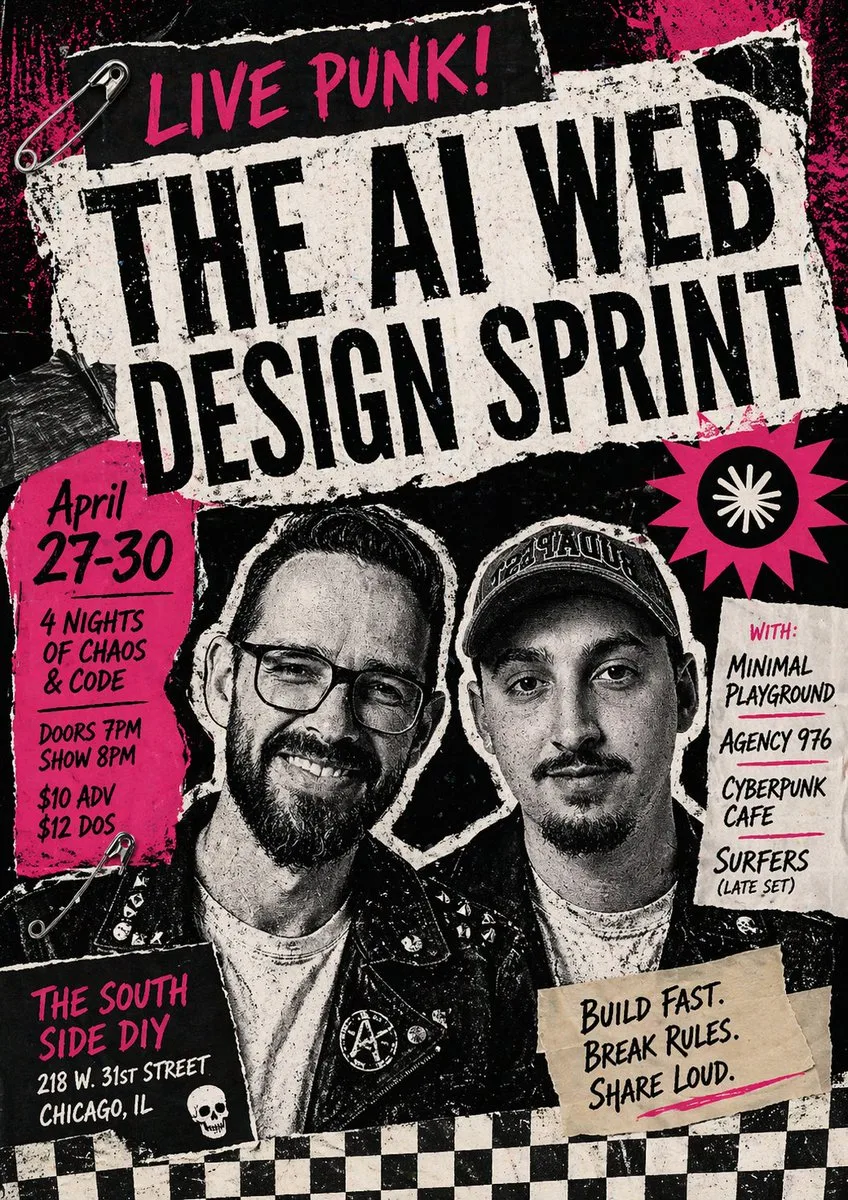
Punk AI Sprint Event Flyer
Create a raw, high-contrast punk rock gig poster collage for an event called {argument name="event title" default="THE AI WEB DESIGN SPRINT"}. The design should feel like a xeroxed underground flyer pasted on a city wall…
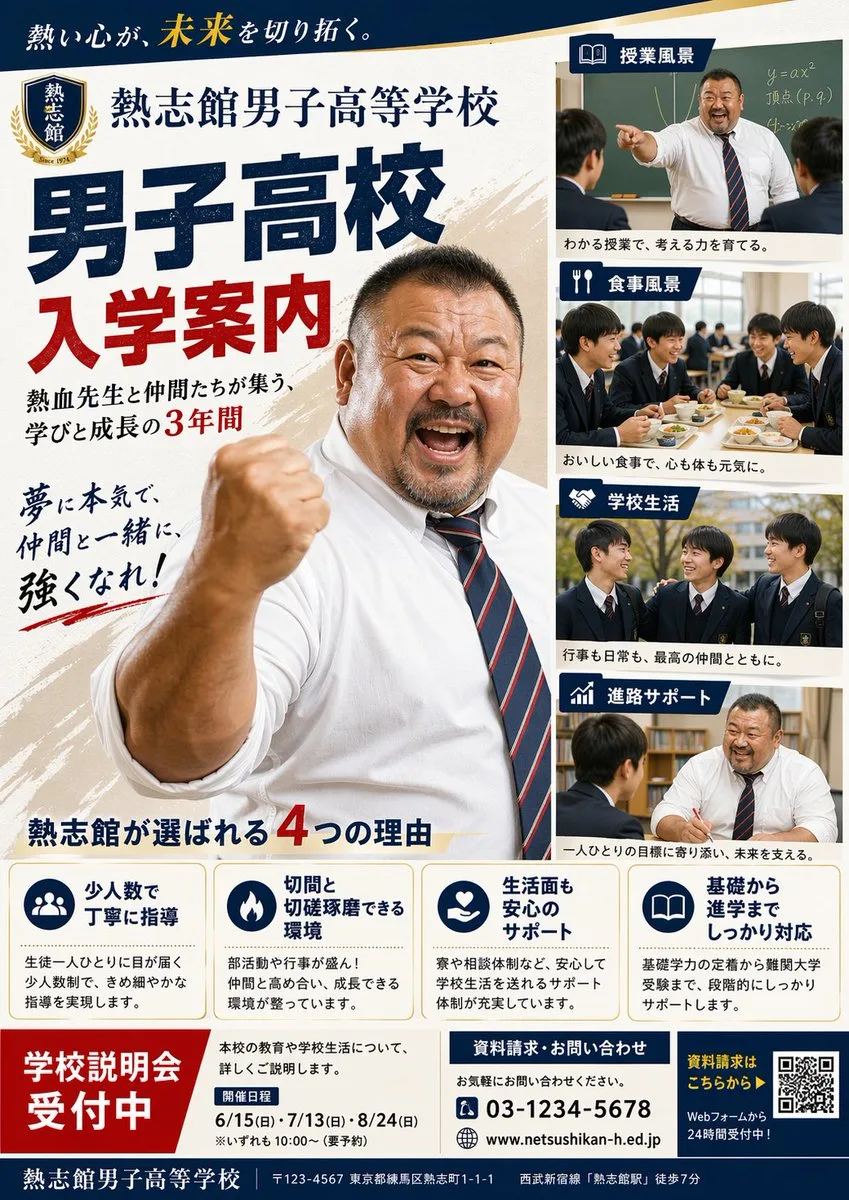
Japanese Boys' High School Recruitment Poster
{"type":"Japanese high school admissions poster","style":"formal school promotional flyer, clean editorial layout, realistic photography collage, bold Japanese typography, navy blue and red color scheme with gold accents…
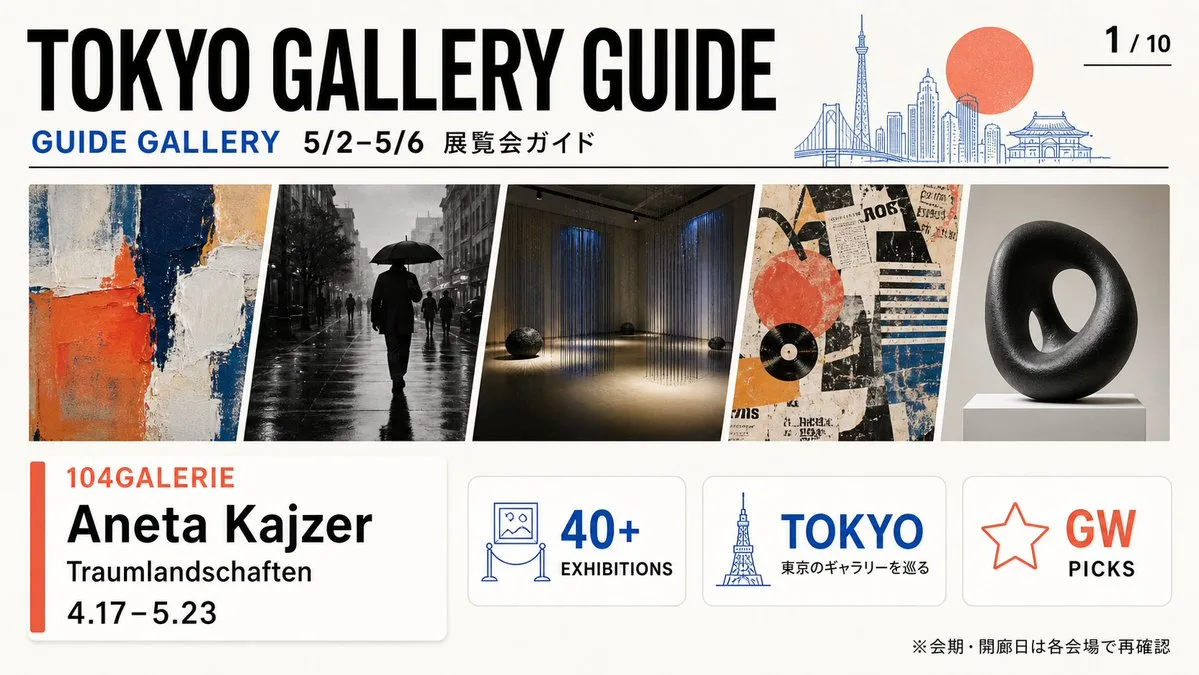
Tokyo Gallery Guide Brochure
{"type":"wide editorial brochure cover for a Tokyo art gallery guide","format":"16:9 landscape flyer, clean print-ready design, off-white paper background, crisp vector typography mixed with photographic art thumbnails",…
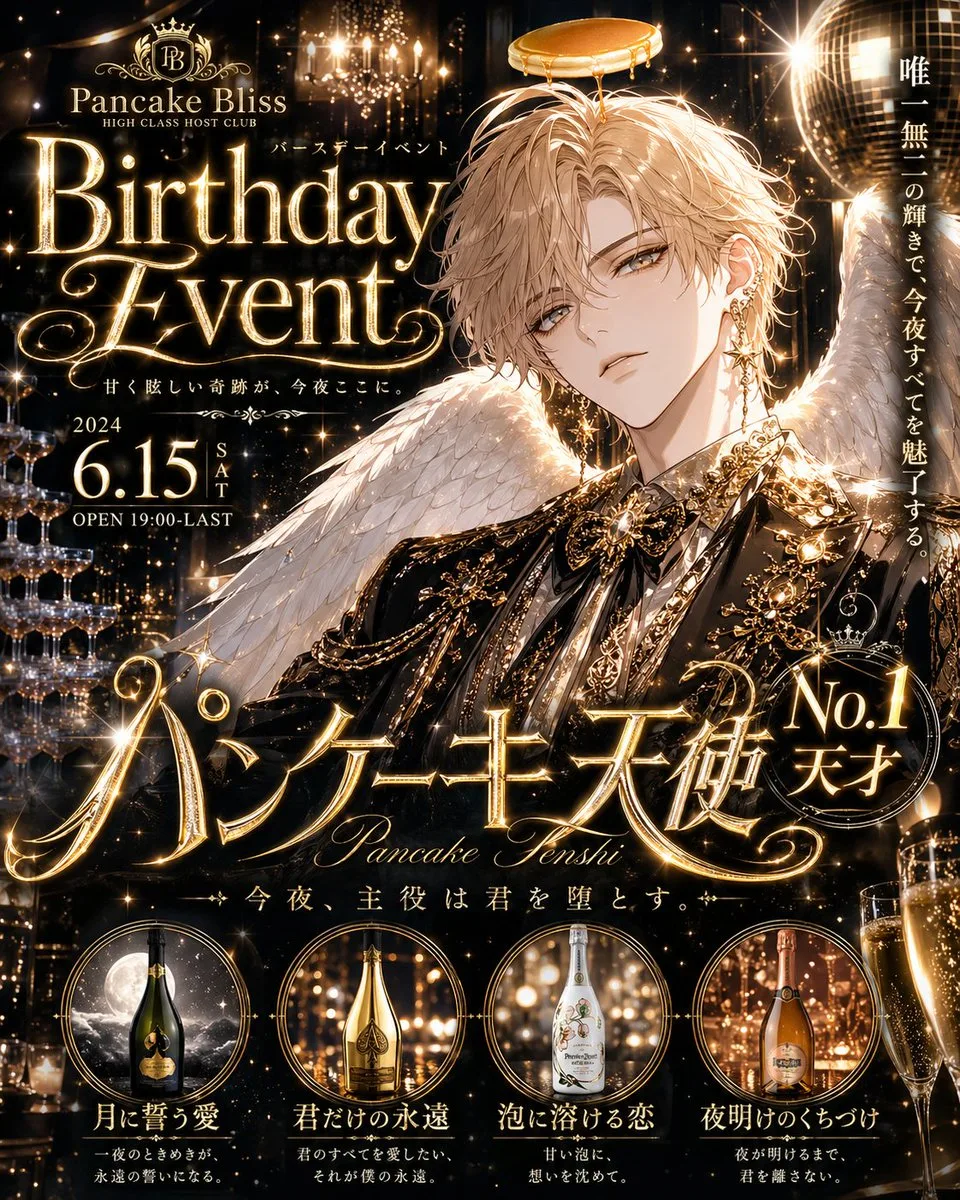
Sparkling Host Club Birthday Event Poster
{"type":"glittering Japanese host club birthday event poster","overall_style":"ultra-luxury nightlife advertisement, anime bishounen host, black and metallic gold palette, dense sparkles, champagne glow, ornate typograph…
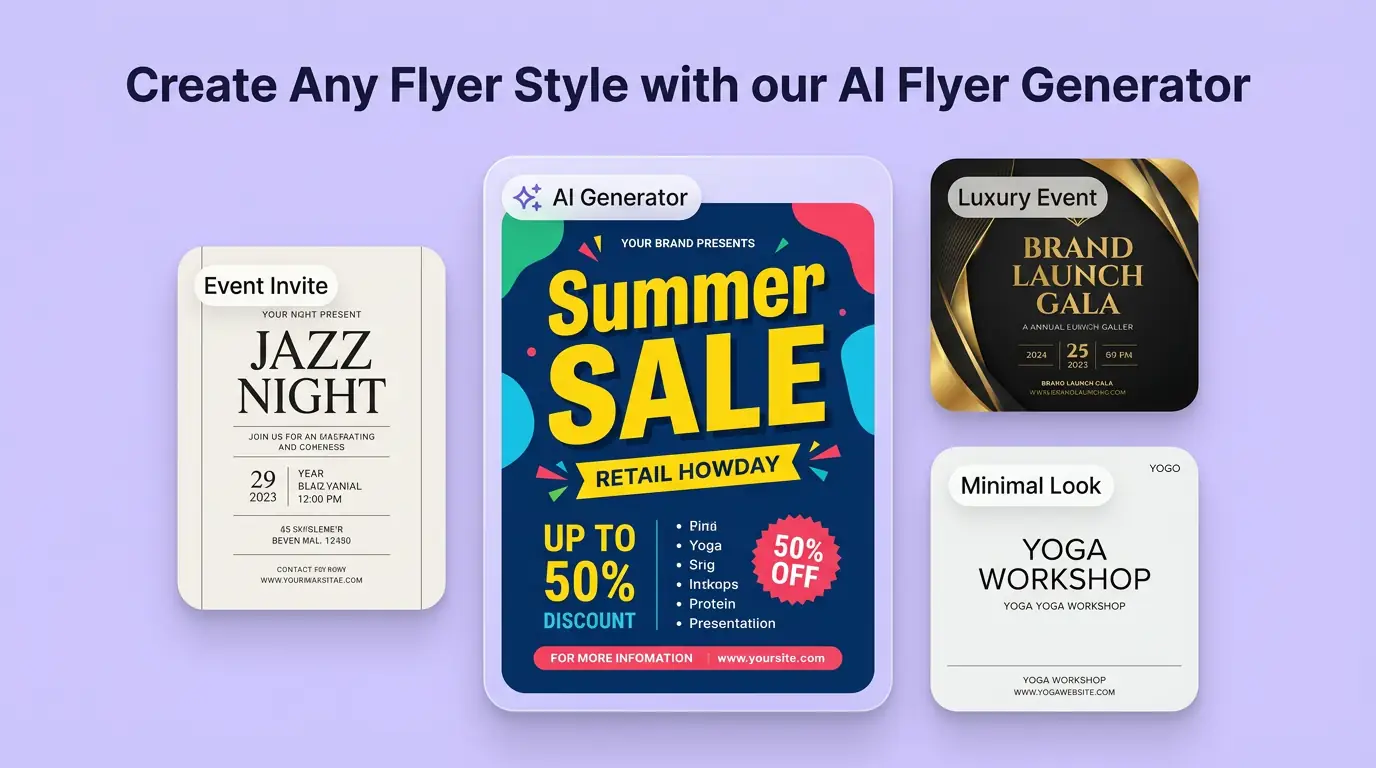
用 AI 傳單產生器 明確創作方向
先寫清主題、風格、色彩、構圖與使用場景,再從多個方向中選擇適合專案的宣傳傳單。
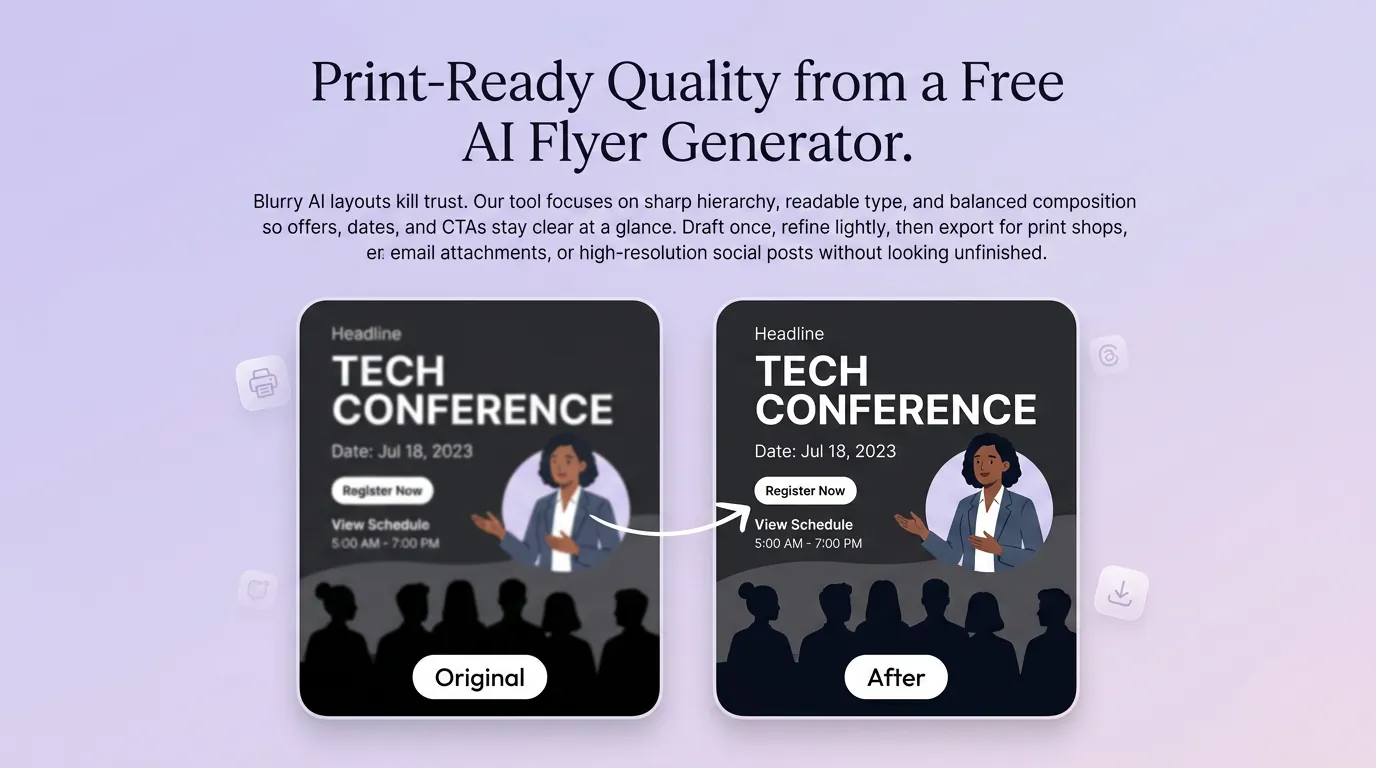
細化宣傳傳單的關鍵細節
透過補充提示詞或參考圖,調整畫面重點、光線、質感與版式,讓宣傳傳單更接近創作意圖。
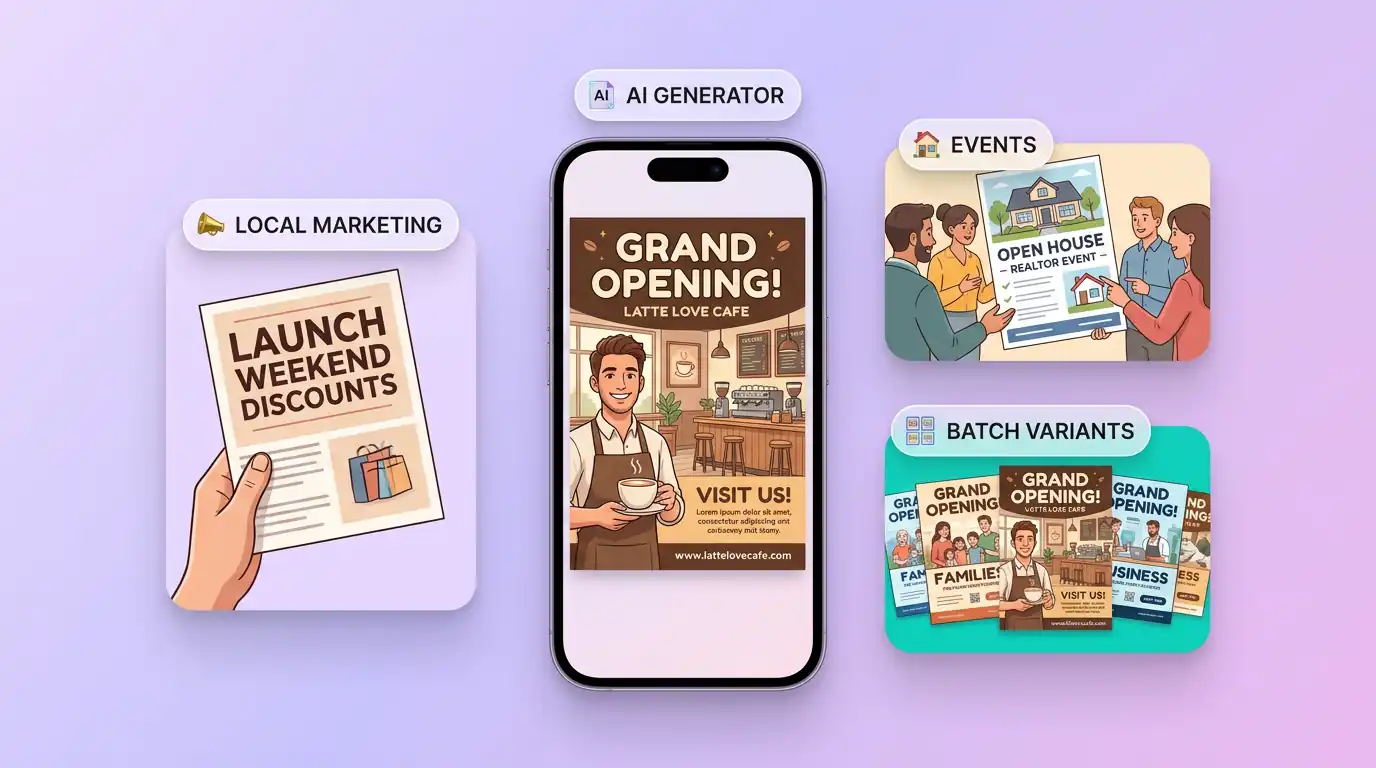
為實際創作場景準備宣傳傳單
可將宣傳傳單用於內容創意、提案草圖、社群素材或後續設計討論;發佈前請自行確認適用性與相關權利。
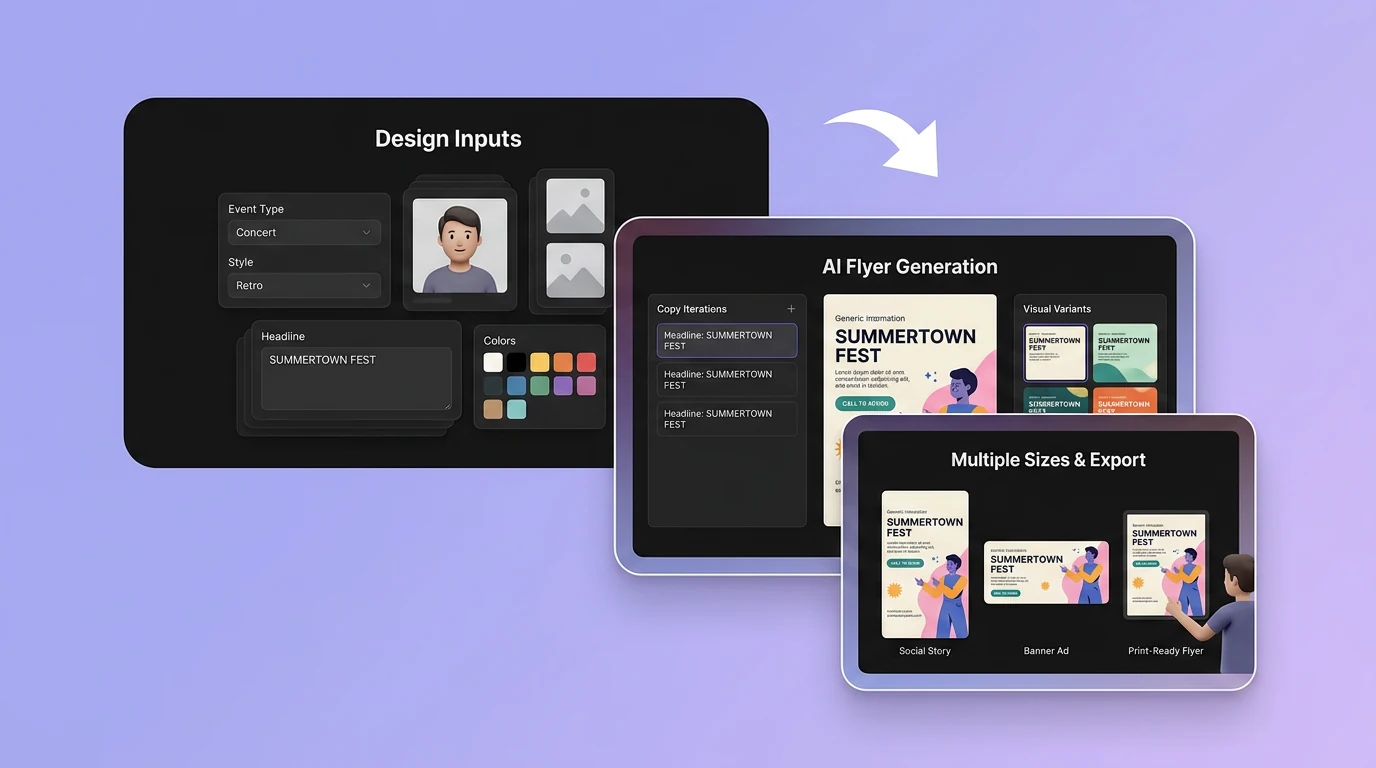
在 Canvas 中比較並調整方案
此入口只會將可選內容預填到 Canvas。你可以修改提示詞和參考圖,並在確認後自行提交生成。
如何使用 AI 傳單產生器 建立宣傳傳單
01
描述創作目標
寫下主題、風格、構圖和關鍵細節;需要時加入參考圖來說明想要的宣傳傳單。
02
在 Canvas 中調整
開啟 Canvas 後檢查預填內容,按需要修改提示詞、參考圖、比例或其他選項。
03
確認後提交生成
確認方向無誤後由你自行提交,選擇適合專案的宣傳傳單結果繼續使用。
探索更多工具
更多 AI 圖片工具
結合相關圖片工具,繼續完善不同創作任務所需的視覺素材。
AI 傳單產生器常見問題
開始創作
在 Canvas 中探索宣傳傳單
從提示詞或可選參考圖開始,先檢查預填內容,再由你決定何時提交生成宣傳傳單。