AI 職業形象照產生器:建立 LinkedIn、履歷與團隊職業形象照
描述想要的 LinkedIn、履歷與團隊職業形象照,也可加入參考圖來確定風格、構圖與細節。開啟 Canvas 後先檢查預填內容,再由你決定是否提交生成。面向 LinkedIn、履歷、講者簡介與團隊名錄等專業身份場景。

使用 AI 職業形象照產生器 建立 LinkedIn、履歷與團隊職業形象照
從創意描述或參考圖出發,逐步確定風格、細節與用途。開啟 Canvas 後先檢查預填內容,再按自己的節奏提交生成。面向 LinkedIn、履歷、講者簡介與團隊名錄等專業身份場景。
適合此情境的提示詞示例
瀏覽與本頁意圖相符的圖片提示詞。開啟 Canvas 後可繼續使用自己的提示詞;僅預填,不會自動生成。
提示詞示例以英文顯示。
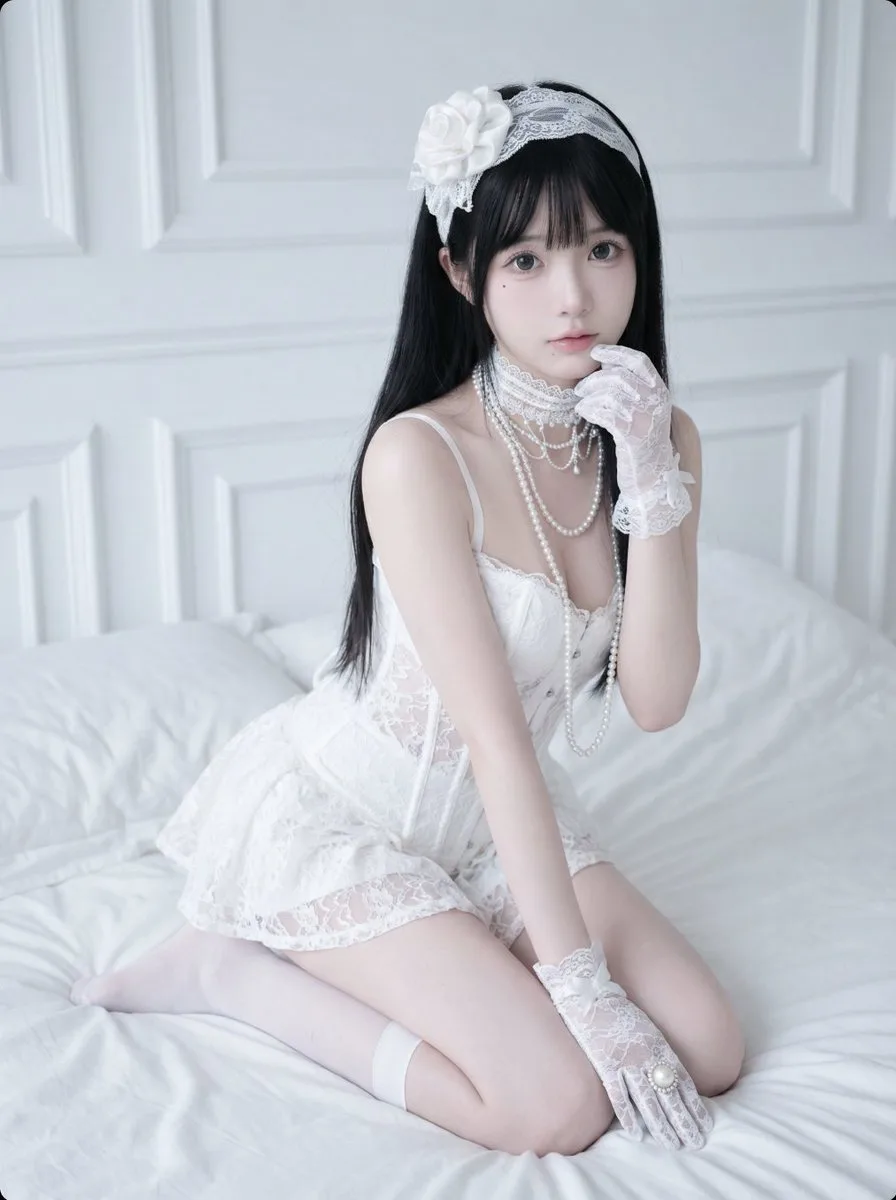
Professional Headshot Generation Prompt for Nano Banana 2
A prompt for Nano Banana 2 to generate high-quality professional headshots suitable for platforms like LinkedIn. It specifies a professional style with soft natural lighting, clear facial features, and a confident expres…

Professional Dark Background LinkedIn Headshot
A polished studio head-and-shoulders LinkedIn profile portrait of a {argument name="subject gender" default="man"} centered in frame, facing straight toward the camera with a neutral, confident expression, cropped from t…
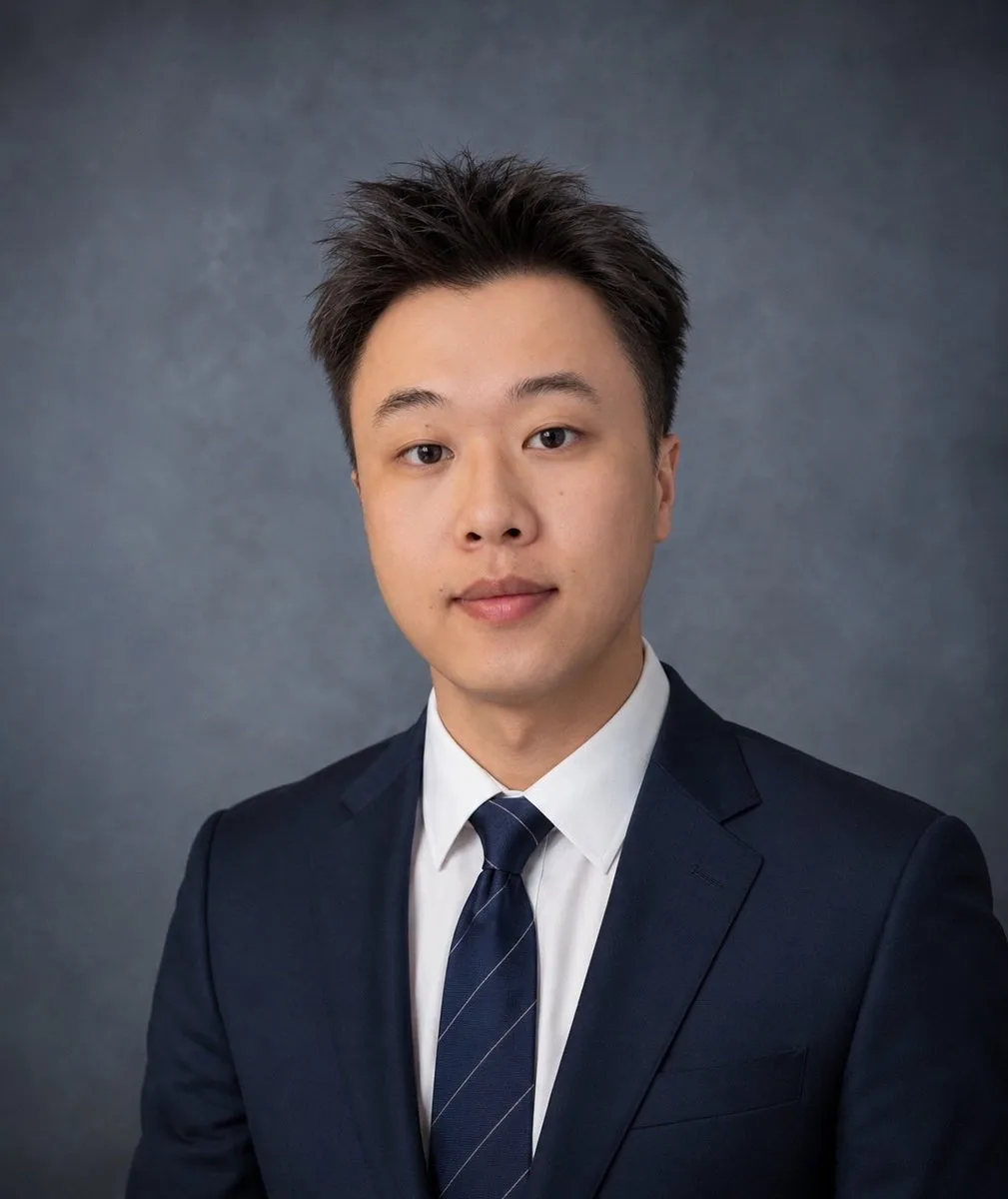
American LinkedIn Business Professional Headshot
A detailed professional prompt for generating American LinkedIn executive-style headshots, emphasizing facial feature restoration and corporate studio quality.
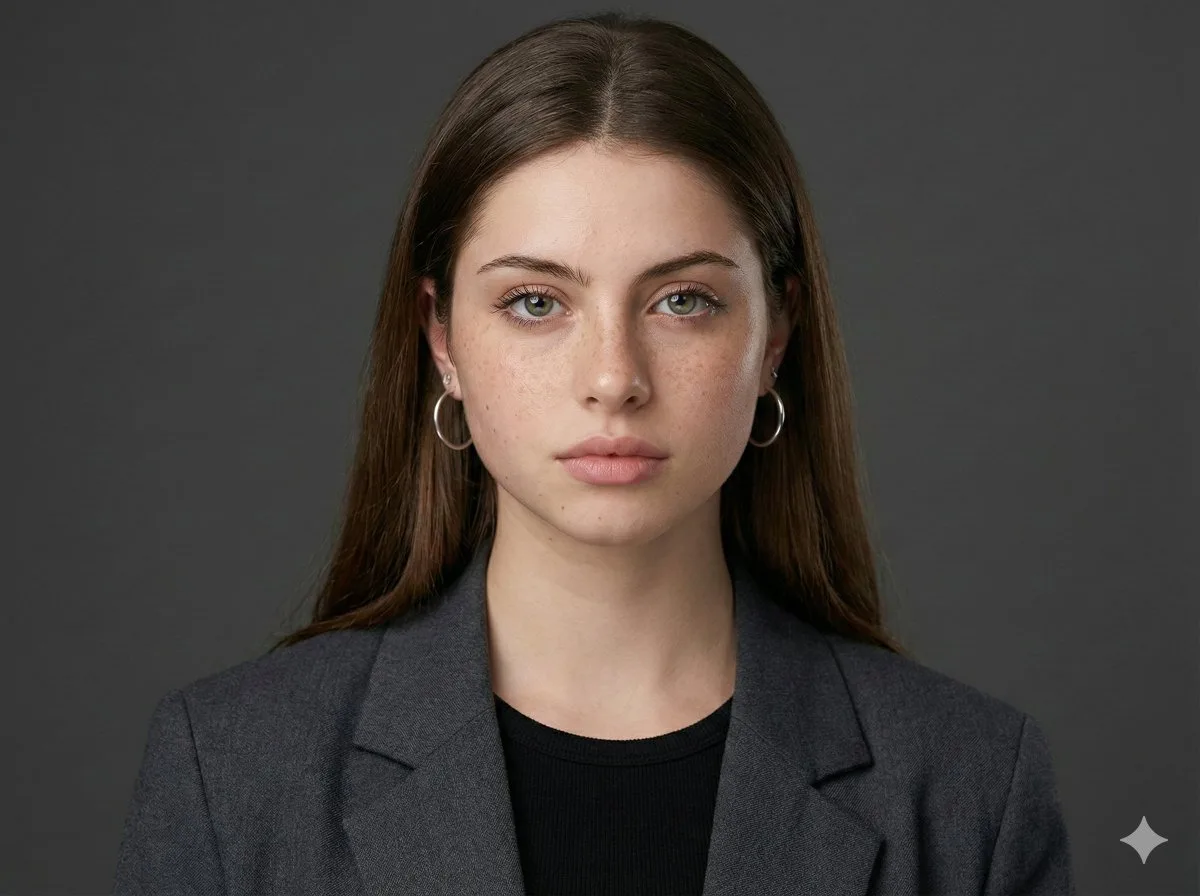
Selfie to Professional Headshot Prompt
Studio-style, sharp, neutral background.

Pixar-Style Headshot Prompt (Fixing Glasses Glare)
A prompt for generating Pixar-style professional headshots that specifically addresses lens glare to ensure clear visibility of the subject's eyes.
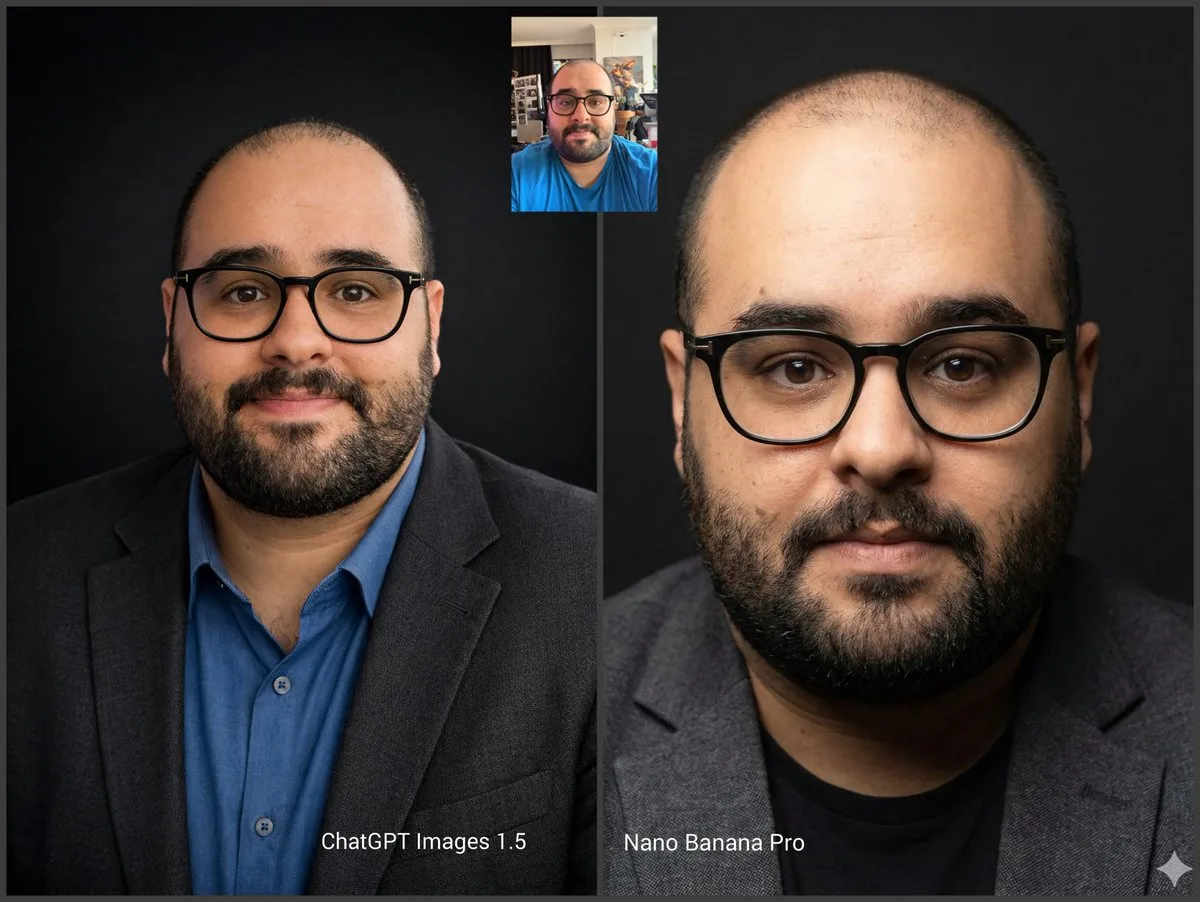
Professional Studio Headshot Generation
A professional, high-resolution profile photo, maintaining the exact facial structure, identity, and key features of the person in the input image. The subject is framed from the chest up, with ample headroom. The person…
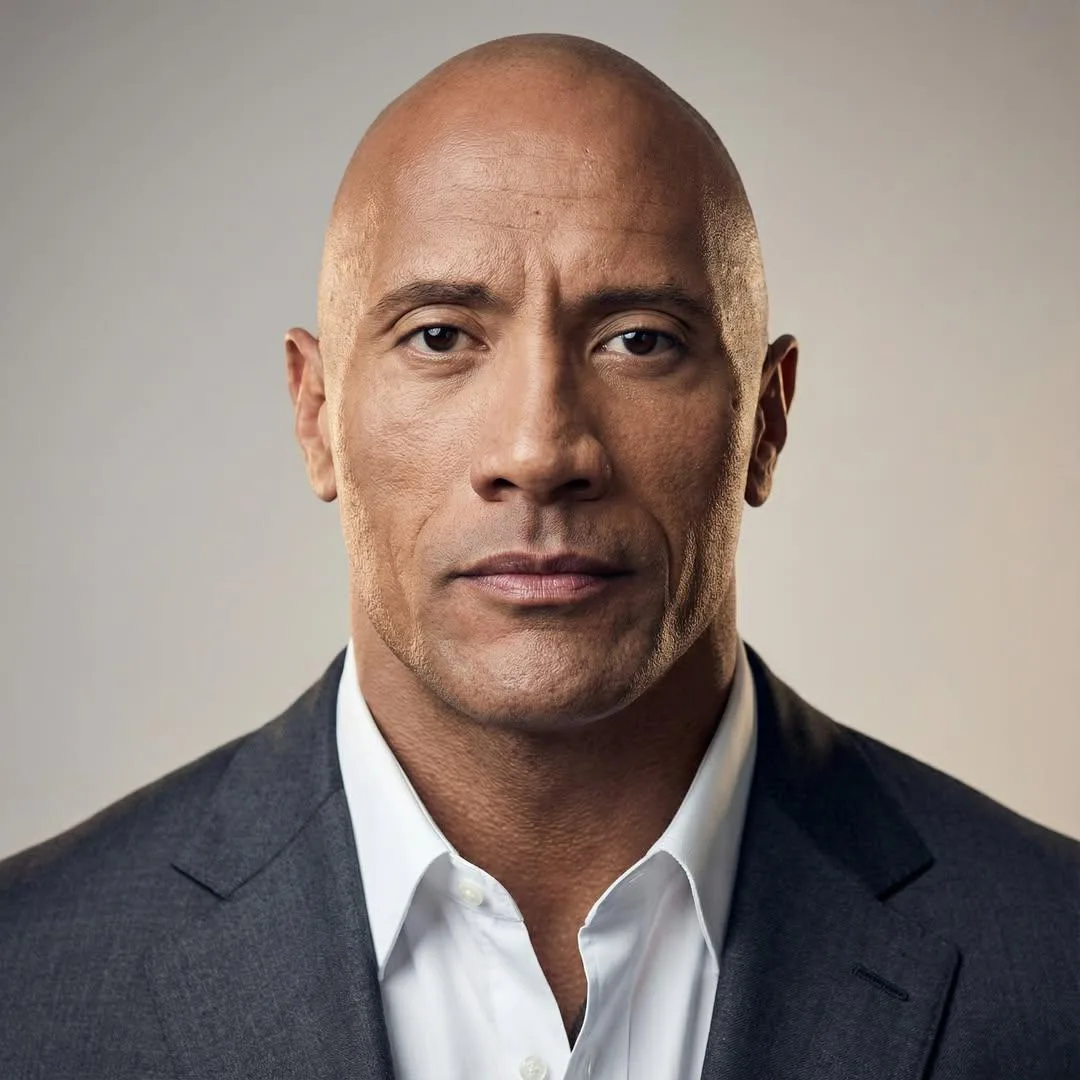
Thought Leader Aesthetic Avatar (Image-to-Image)
Using the attached image as the exact facial reference, create a high end thought leader aesthetic professional headshot. Maintain realistic facial structure, skin texture, and expression. Dress in minimalist, premium bu…

Hyper-Realistic Professional Headshots for the Creator Economy
Ultra realistic professional headshot of the person in the attached image with a modern creator economy aesthetic. Clean studio lighting with soft shadows, natural skin texture, sharp facial details, shallow depth of fie…
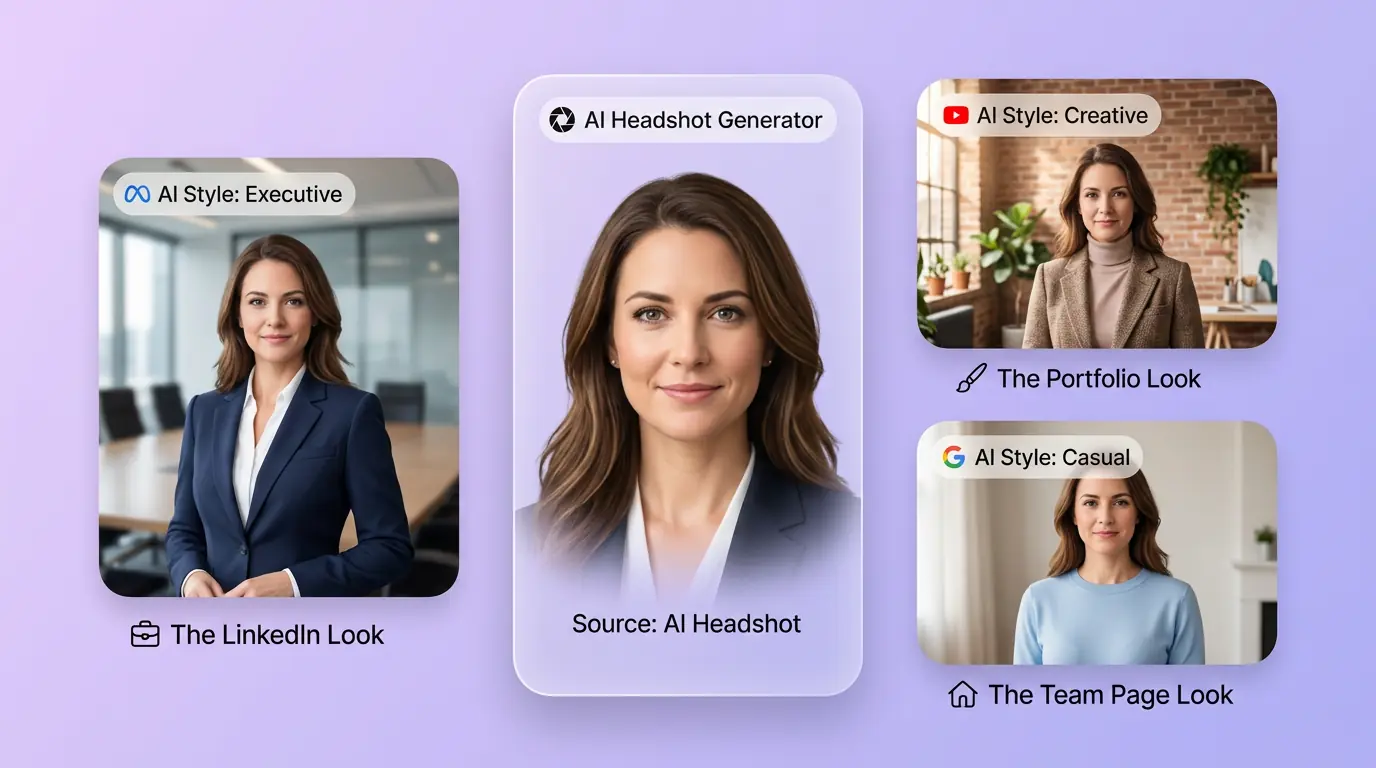
用 AI 職業形象照產生器 明確創作方向
先寫清主題、風格、色彩、構圖與使用場景,再從多個方向中選擇適合專案的 LinkedIn、履歷與團隊職業形象照。面向 LinkedIn、履歷、講者簡介與團隊名錄等專業身份場景。
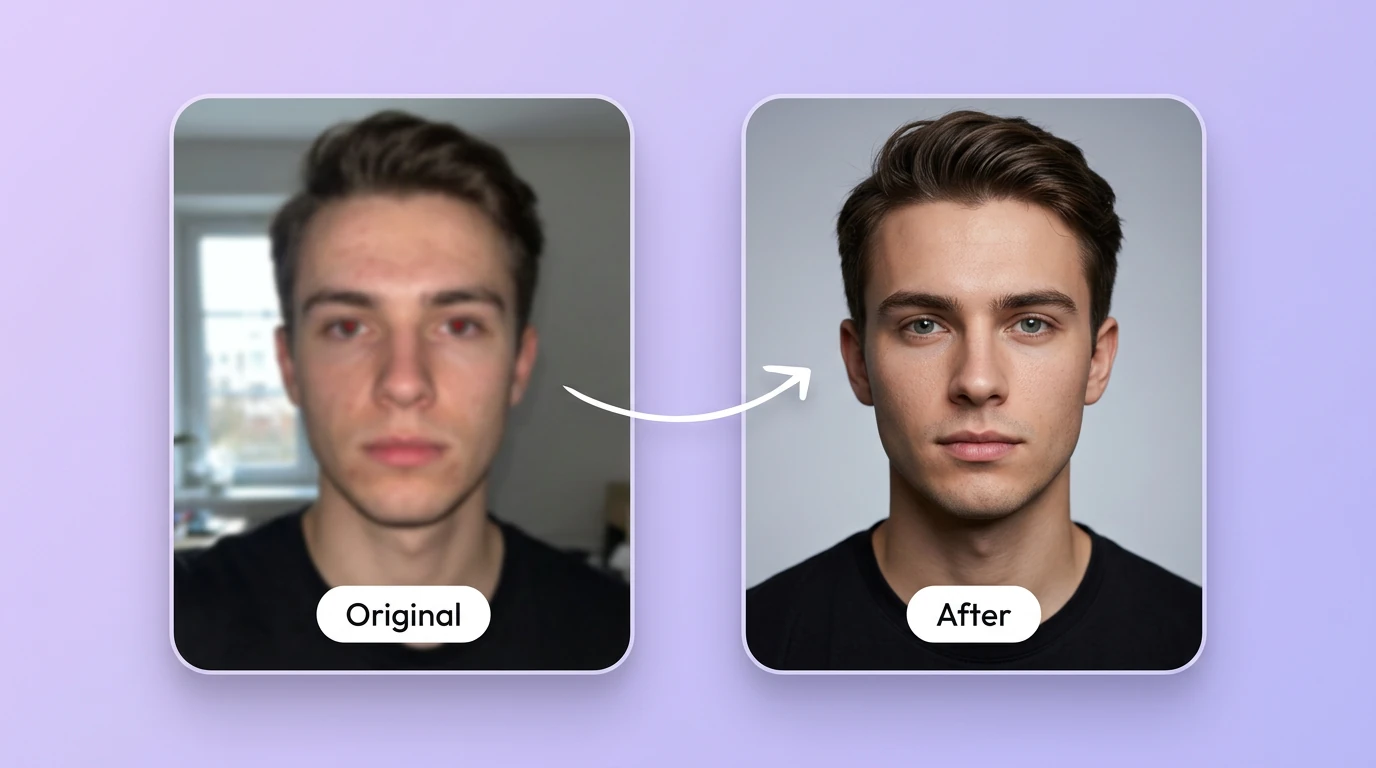
細化LinkedIn、履歷與團隊職業形象照的關鍵細節
透過補充提示詞或參考圖,調整畫面重點、光線、質感與版式,讓LinkedIn、履歷與團隊職業形象照更接近創作意圖。
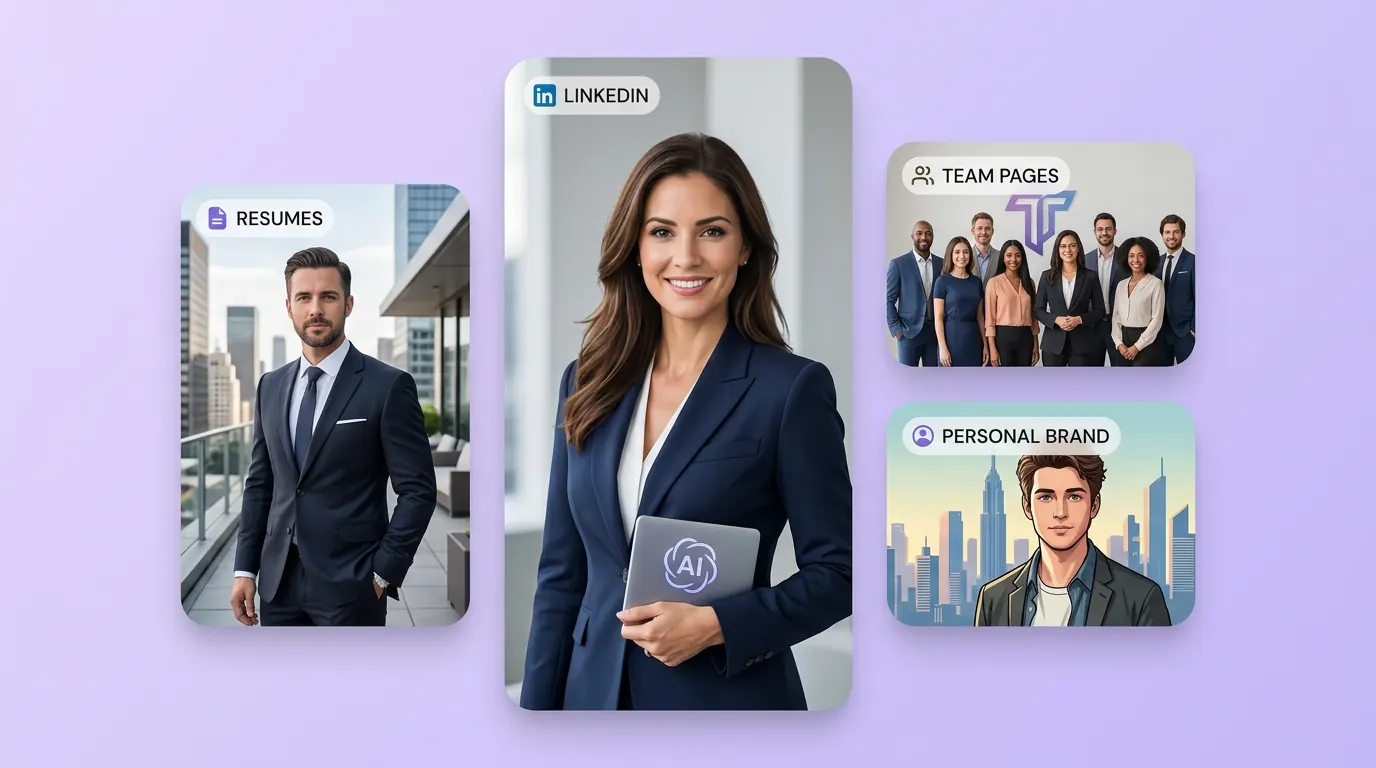
為實際創作場景準備LinkedIn、履歷與團隊職業形象照
可將LinkedIn、履歷與團隊職業形象照用於內容創意、提案草圖、社群素材或後續設計討論;發佈前請自行確認適用性與相關權利。
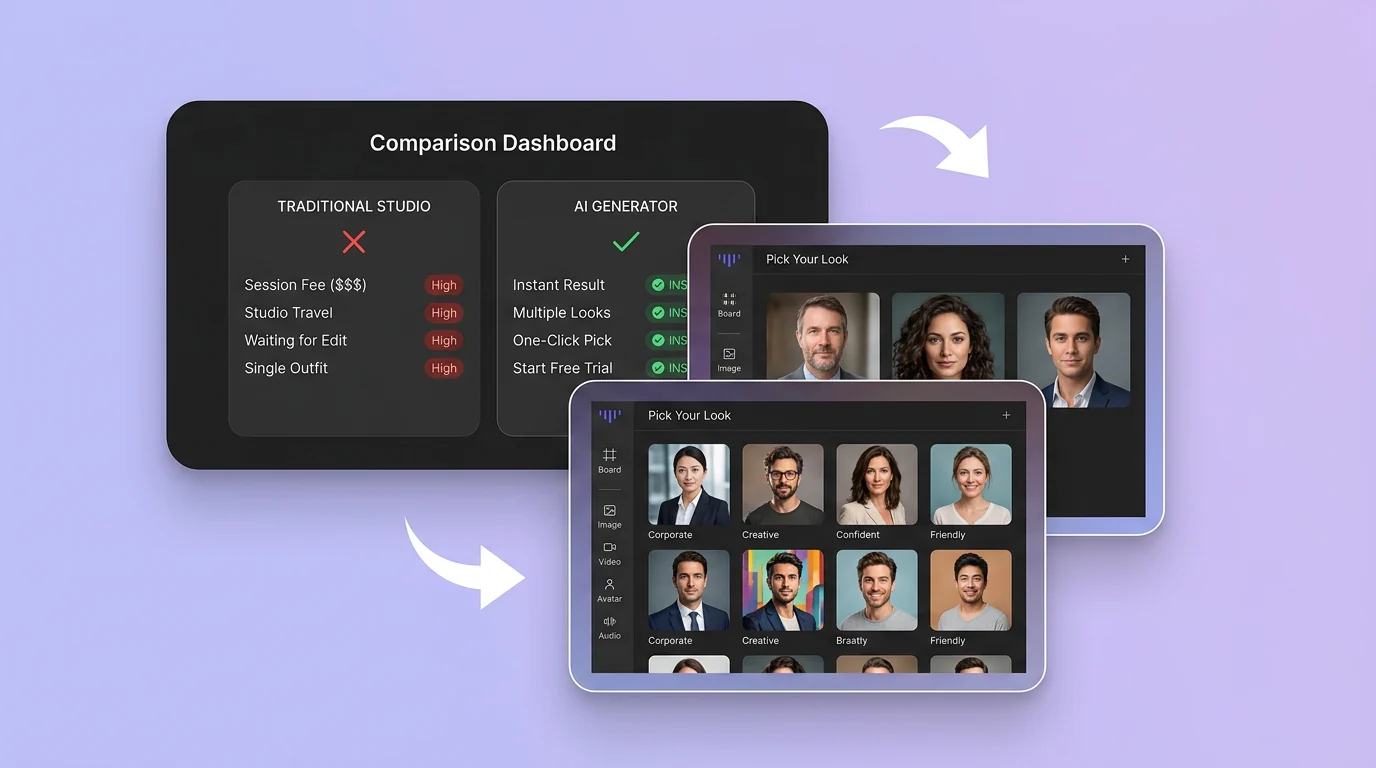
在 Canvas 中比較並調整方案
此入口只會將可選內容預填到 Canvas。你可以修改提示詞和參考圖,並在確認後自行提交生成。
如何使用 AI 職業形象照產生器 建立 LinkedIn、履歷與團隊職業形象照
01
描述創作目標
寫下主題、風格、構圖和關鍵細節;需要時加入參考圖來說明想要的 LinkedIn、履歷與團隊職業形象照。
02
在 Canvas 中調整
開啟 Canvas 後檢查預填內容,按需要修改提示詞、參考圖、比例或其他選項。
03
確認後提交生成
確認方向無誤後由你自行提交,選擇適合專案的 LinkedIn、履歷與團隊職業形象照結果繼續使用。
AI 職業形象照產生器常見問題
開始創作
在 Canvas 中探索LinkedIn、履歷與團隊職業形象照
從提示詞或可選參考圖開始,先檢查預填內容,再由你決定何時提交生成 LinkedIn、履歷與團隊職業形象照。