AI Logo 產生器:建立品牌 Logo 與標誌
描述想要的品牌 Logo 與標誌,也可加入參考圖來確定風格、構圖與細節。開啟 Canvas 後先檢查預填內容,再由你決定是否提交生成。聚焦品牌標誌、文字標與徽章,不以應用程式圖示套裝為主。

使用 AI Logo 產生器 建立品牌 Logo 與標誌
從創意描述或參考圖出發,逐步確定風格、細節與用途。開啟 Canvas 後先檢查預填內容,再按自己的節奏提交生成。聚焦品牌標誌、文字標與徽章,不以應用程式圖示套裝為主。
適合此情境的提示詞示例
瀏覽與本頁意圖相符的圖片提示詞。開啟 Canvas 後可繼續使用自己的提示詞;僅預填,不會自動生成。
提示詞示例以英文顯示。
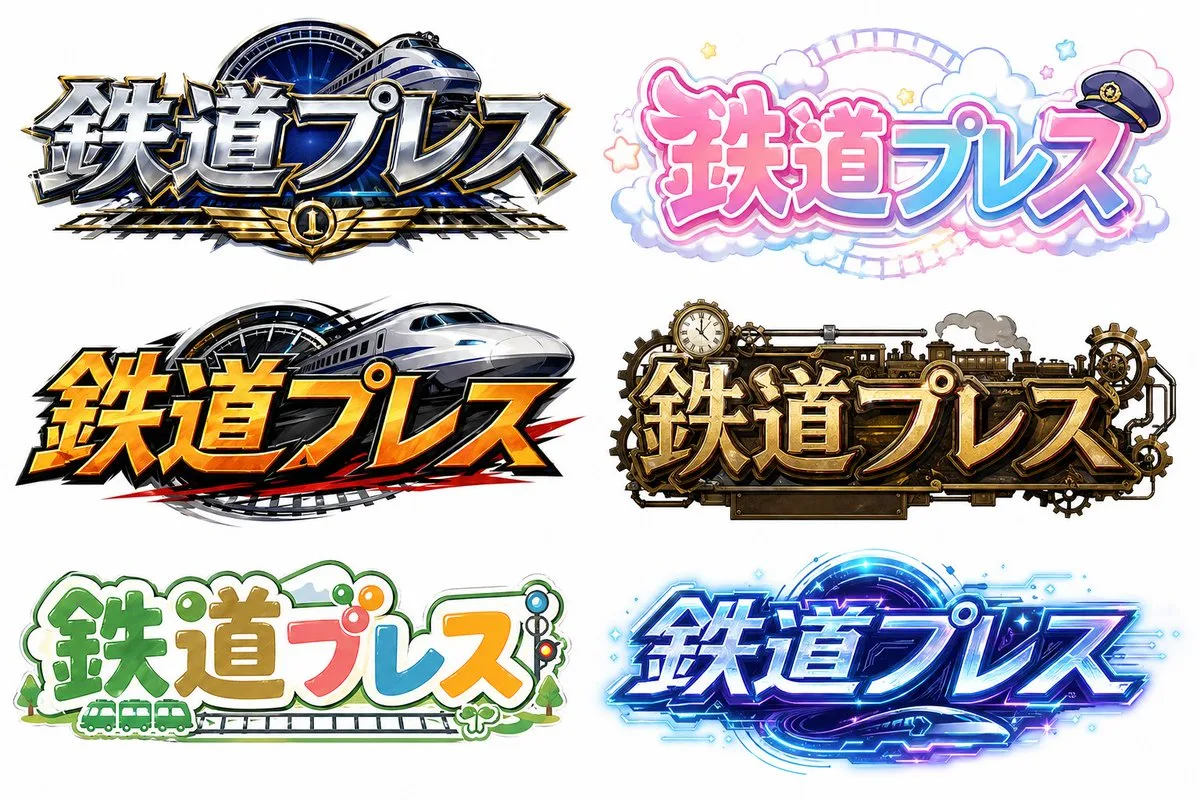
Six Japanese Train Logo Variations
{"type":"logo style sheet","subject":"Japanese title logo variations for the text {argument name=\"title text\" default=\"鉄道プレス\"}","background":"plain white","rendering":"high-resolution polished promotional logo concep…
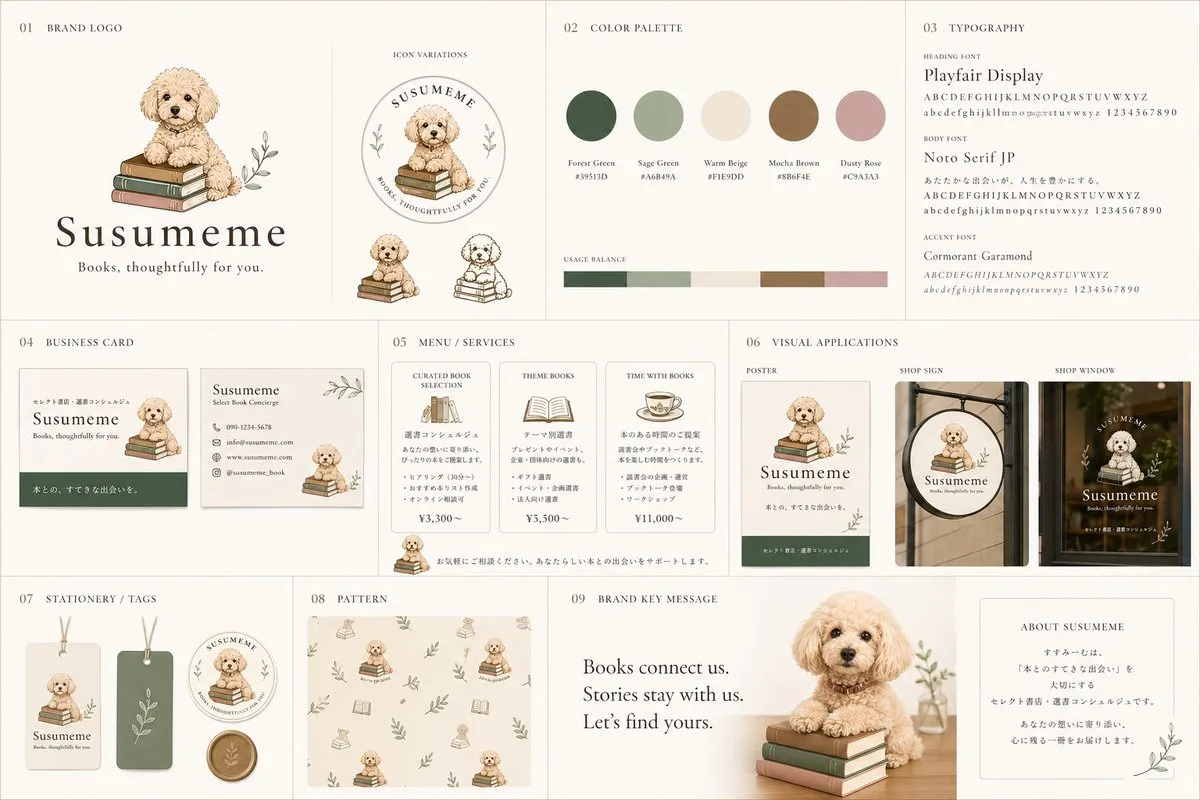
Bookstore Branding with Poodle Mascot
{"type":"brand identity board","brand":{"name":"{argument name=\"brand name\" default=\"Susumeme\"}","tagline":"{argument name=\"tagline\" default=\"Books, thoughtfully for you.\"}","theme":"warm, elegant, literary books…
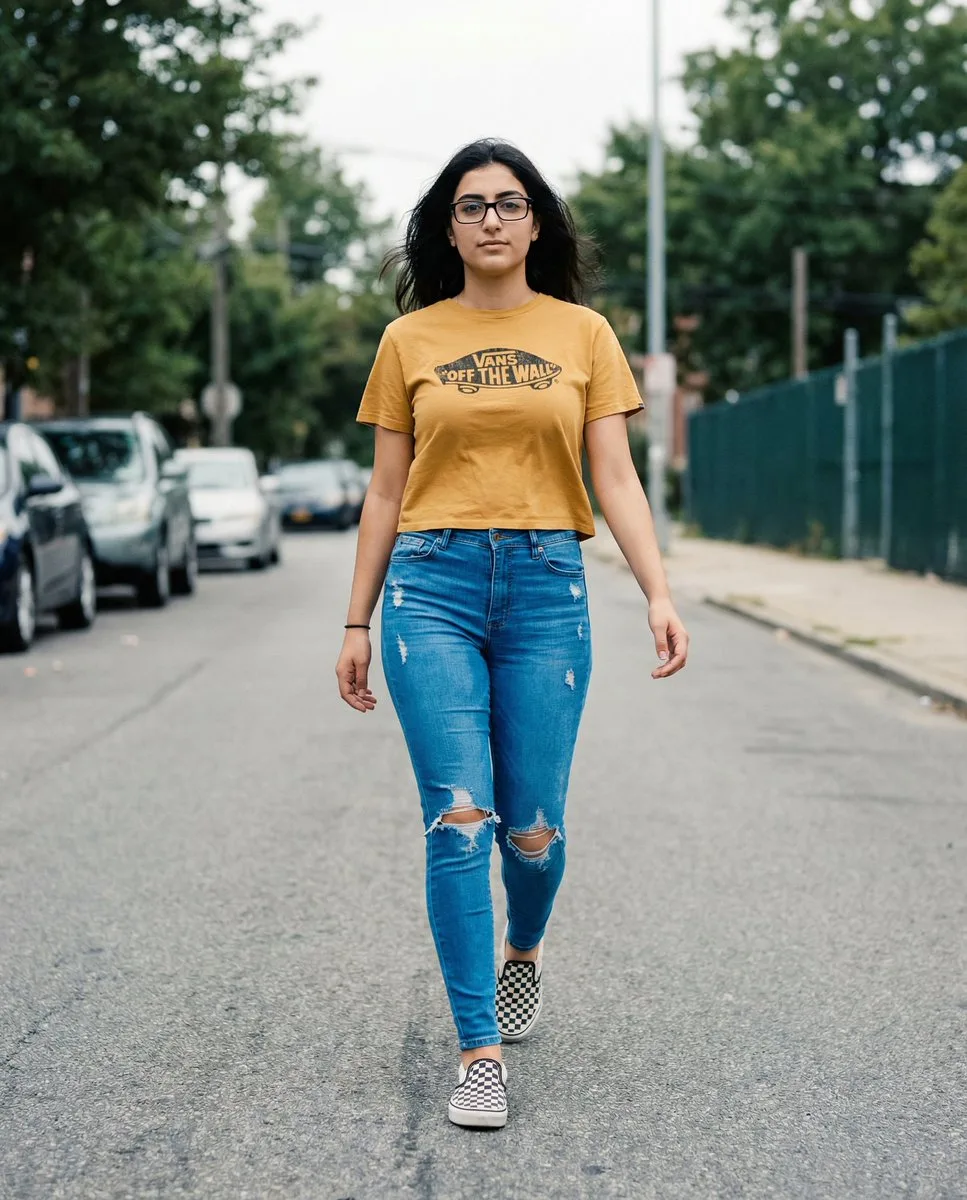
Vans Logo Street Fashion Portrait Replication
**THE T-SHIRT MUST DISPLAY A CLEAR, AUTHENTIC VANS LOGO (classic “Off The Wall” badge OR Vans wordmark) ON THE FRONT.** The logo must appear naturally printed on the cropped mustard-yellow tee, following fabric curvature…
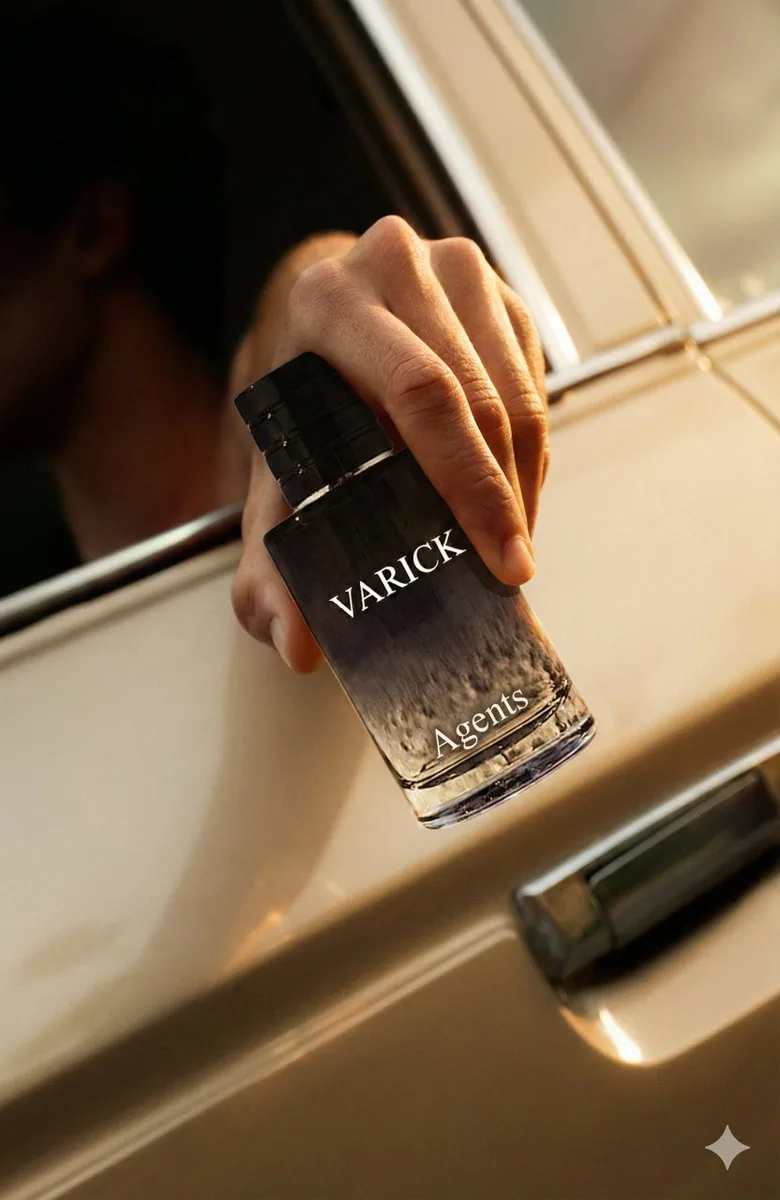
Ad Replacement and Brand Adaptation Prompt
Recreate the provided advertisement concept, but substitute the original product with {argument name="my product" default="mine"}. Requirements: Visual Continuity Match the source ad’s mood, lighting, camera angle, compo…

Universal JSON Template for Editorial Product Ads
{ "project": "Nano Banana - Universal Product Editorial Ad", "version": "1.1", "input_requirements": { "reference_product_image": { "upload_required": true, "usage": "extract visual characteristics, color palette, possib…

Unfiltered Smartphone Photo of Man in Shopping Cart at Liquor Store
FACE LOCK (MANDATORY): Use the exact same face from the uploaded reference image with absolutely no modification. Facial structure, proportions, bone shape, eyes, nose, mouth, jawline, skin tone, pores, micro-texture, ag…
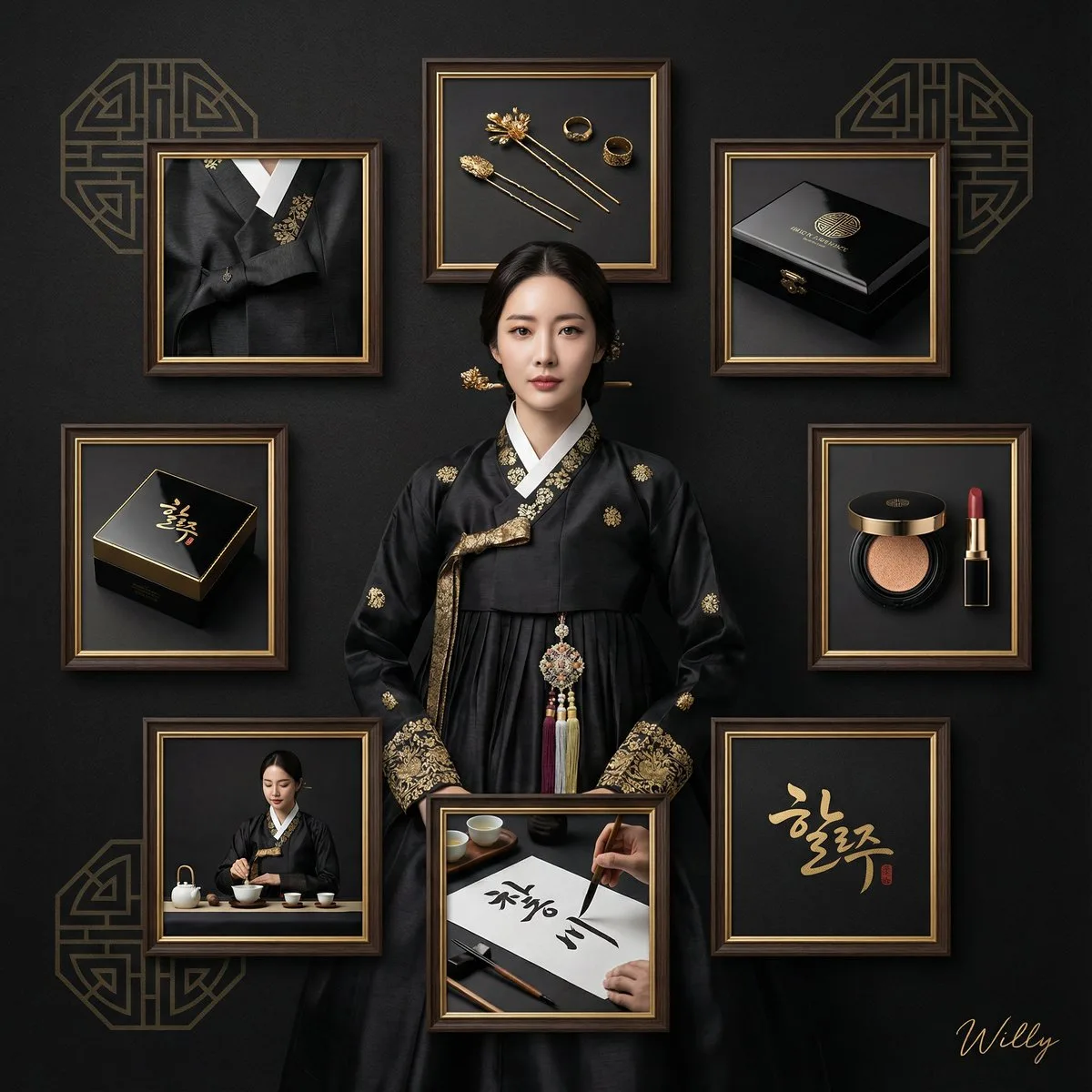
Luxury Black and Gold Korean Brand Collage
Luxury brand identity presentation, premium product branding collage, central hero with orbital panels arrangement, black and gold aesthetic, brand touchpoints showcase. Center: A Korean woman in a modernized black silk …

Ultra-realistic 3D Car Brand Rendering
An ultra-realistic, high-fidelity 3D render of the word [{argument name="car brand name" default="CAR_BRAND"}] crafted using the brand’s exact official typography, seamlessly integrated into a symbolic environment that a…
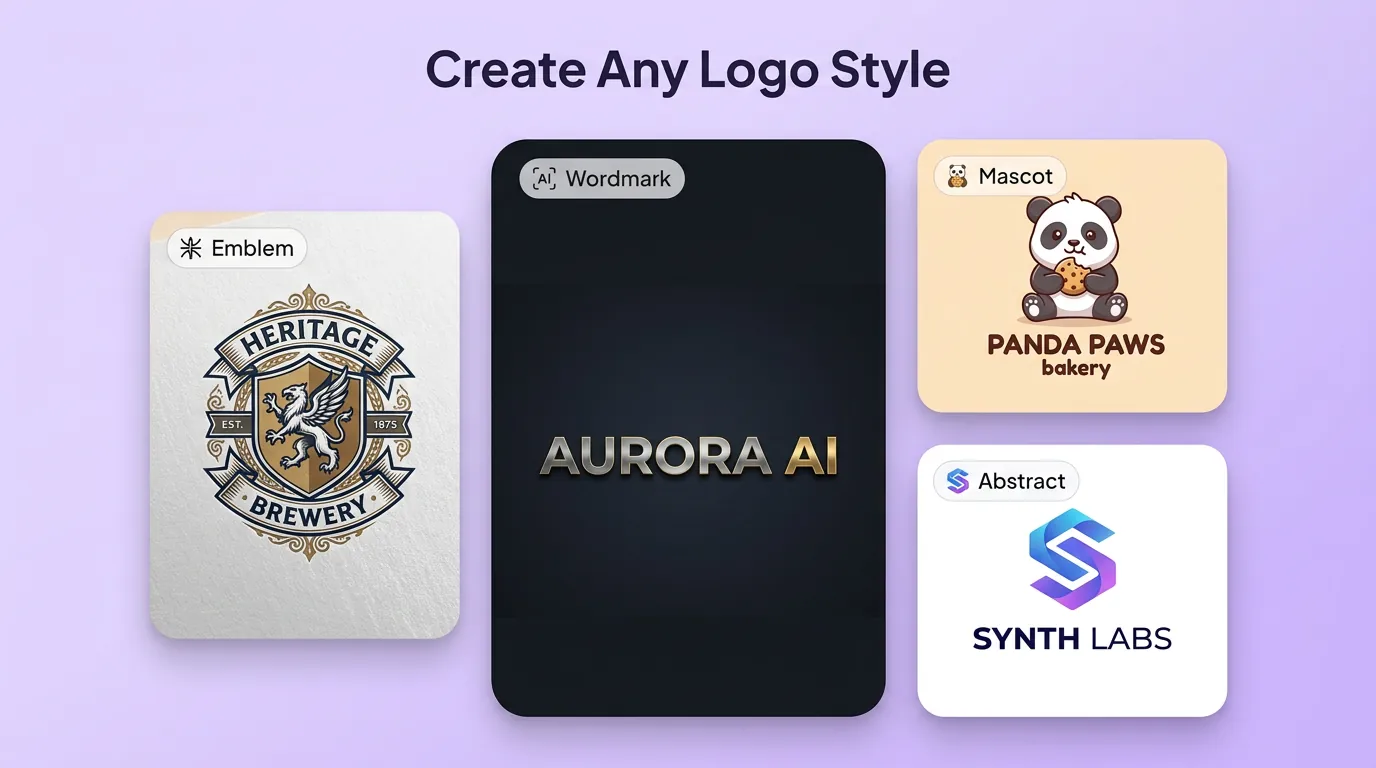
用 AI Logo 產生器 明確創作方向
先寫清主題、風格、色彩、構圖與使用場景,再從多個方向中選擇適合專案的品牌 Logo 與標誌。聚焦品牌標誌、文字標與徽章,不以應用程式圖示套裝為主。
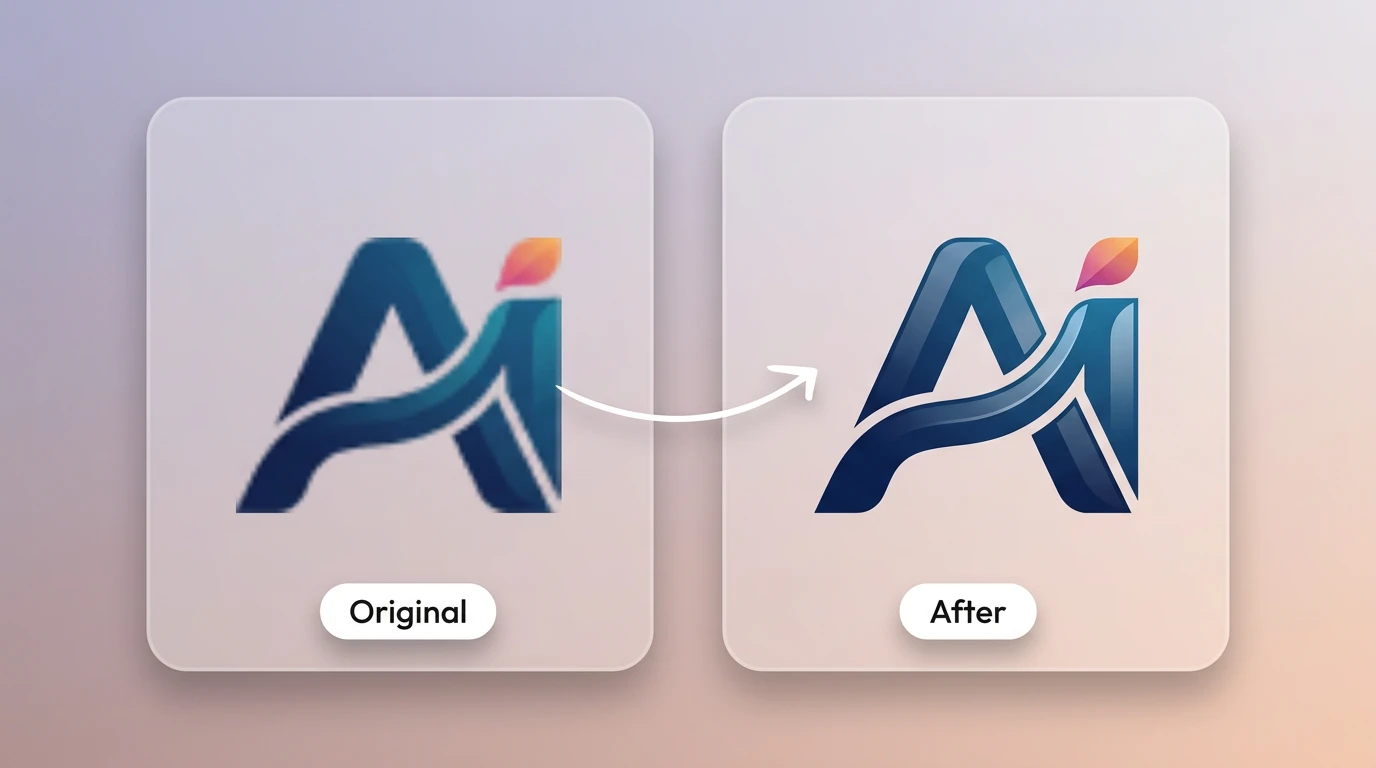
細化品牌 Logo 與標誌的關鍵細節
透過補充提示詞或參考圖,調整畫面重點、光線、質感與版式,讓品牌 Logo 與標誌更接近創作意圖。
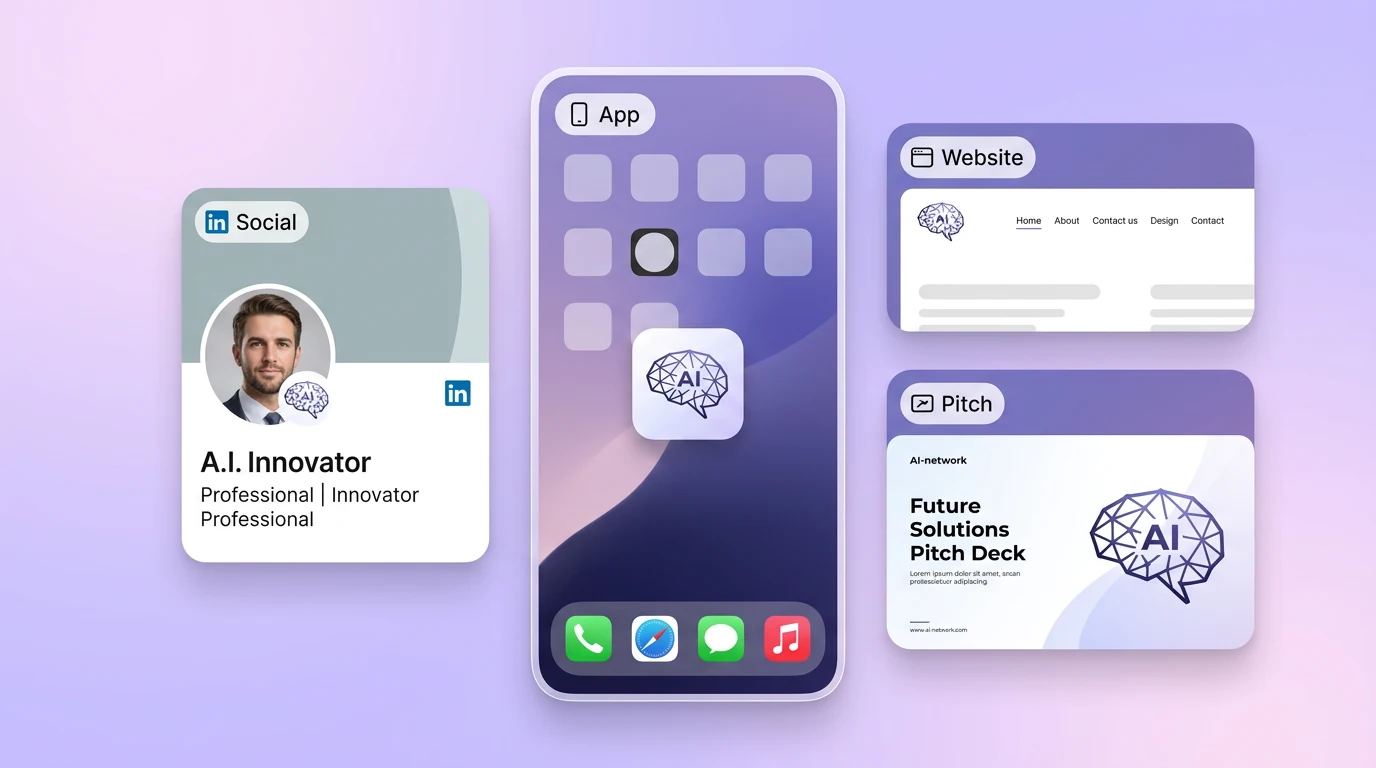
為實際創作場景準備品牌 Logo 與標誌
可將品牌 Logo 與標誌用於內容創意、提案草圖、社群素材或後續設計討論;發佈前請自行確認適用性與相關權利。
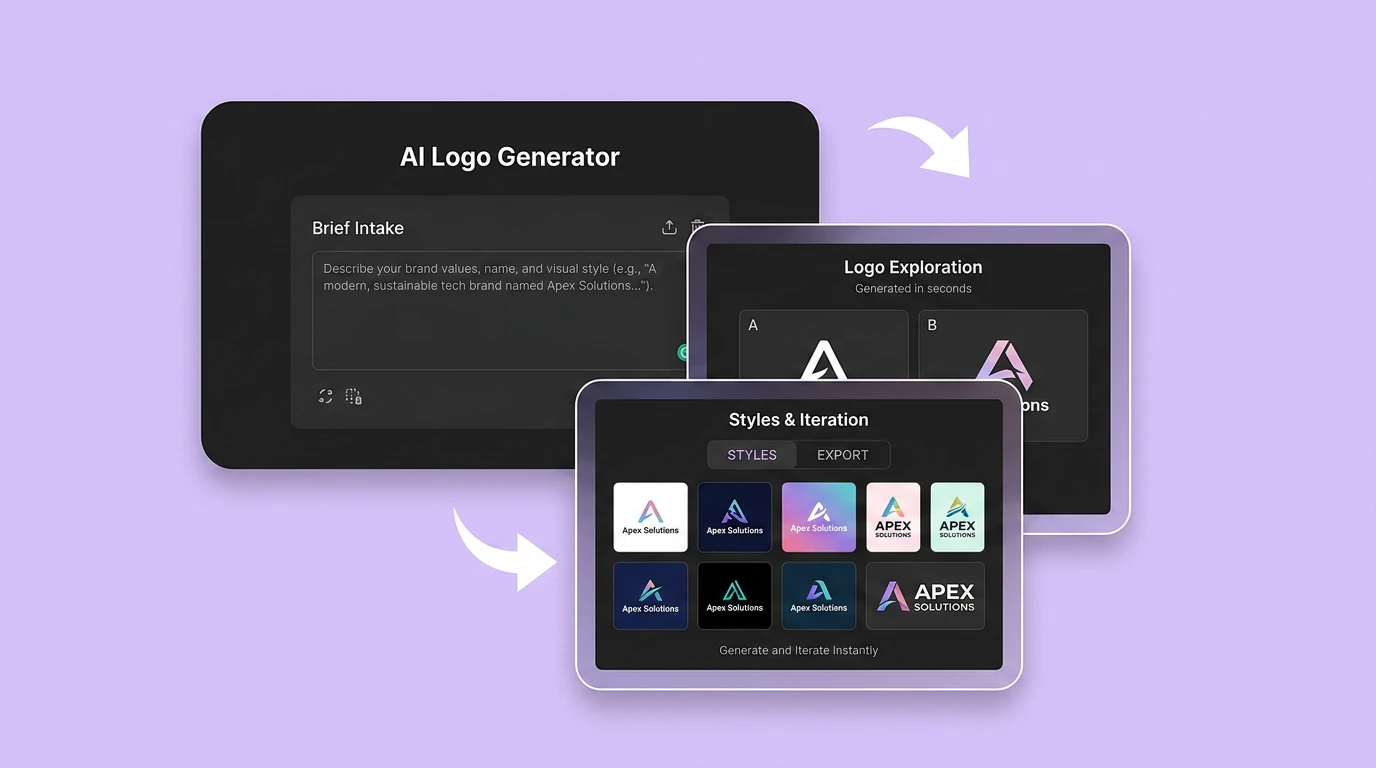
在 Canvas 中比較並調整方案
此入口只會將可選內容預填到 Canvas。你可以修改提示詞和參考圖,並在確認後自行提交生成。
使用方法
如何使用 AI Logo 產生器 建立品牌 Logo 與標誌
01
描述創作目標
寫下主題、風格、構圖和關鍵細節;需要時加入參考圖來說明想要的品牌 Logo 與標誌。
02
在 Canvas 中調整
開啟 Canvas 後檢查預填內容,按需要修改提示詞、參考圖、比例或其他選項。
03
確認後提交生成
確認方向無誤後由你自行提交,選擇適合專案的品牌 Logo 與標誌結果繼續使用。
AI Logo 產生器常見問題
開始創作
在 Canvas 中探索品牌 Logo 與標誌
從提示詞或可選參考圖開始,先檢查預填內容,再由你決定何時提交生成品牌 Logo 與標誌。