AI 海報產生器:建立海報視覺
描述想要的海報視覺,也可加入參考圖來確定風格、構圖與細節。開啟 Canvas 後先檢查預填內容,再由你決定是否提交生成。
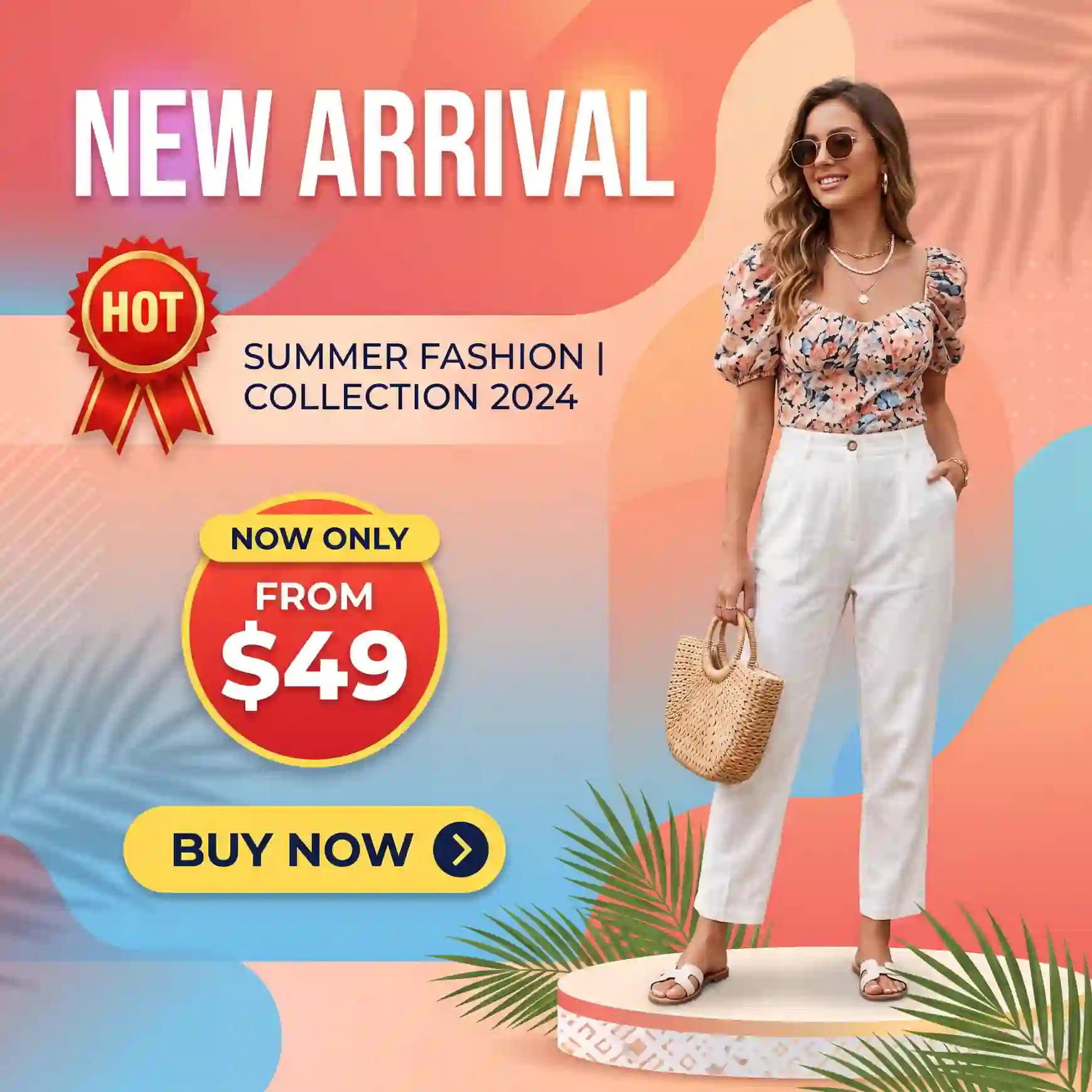
使用 AI 海報產生器 建立海報視覺
從創意描述或參考圖出發,逐步確定風格、細節與用途。開啟 Canvas 後先檢查預填內容,再按自己的節奏提交生成。
適合此情境的提示詞示例
瀏覽與本頁意圖相符的圖片提示詞。開啟 Canvas 後可繼續使用自己的提示詞;僅預填,不會自動生成。
提示詞示例以英文顯示。
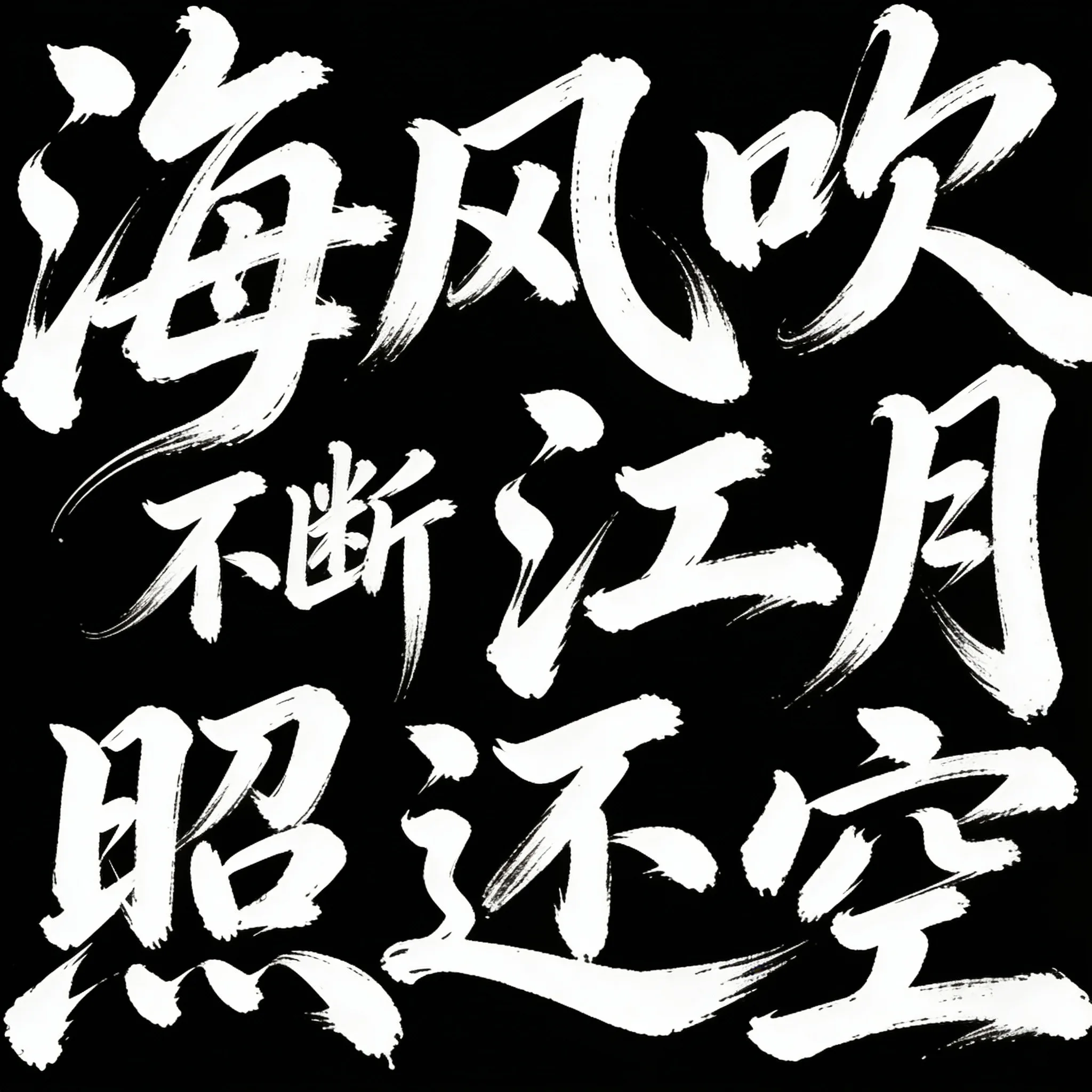
Wild Cursive Movie Title Font
This prompt creates wild and uninhibited cursive fonts with white text on a black background, featuring strong visual tension and dry-brush effects for movie posters.
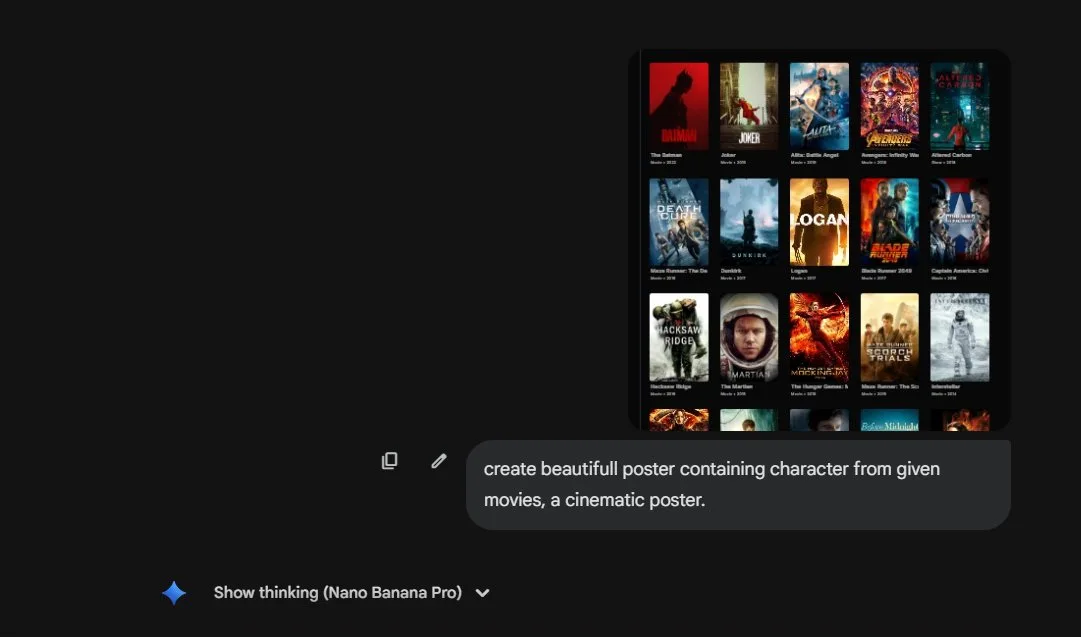
Movie Character Film Poster
create beautifull poster containing character from given movies, a cinematic poster.
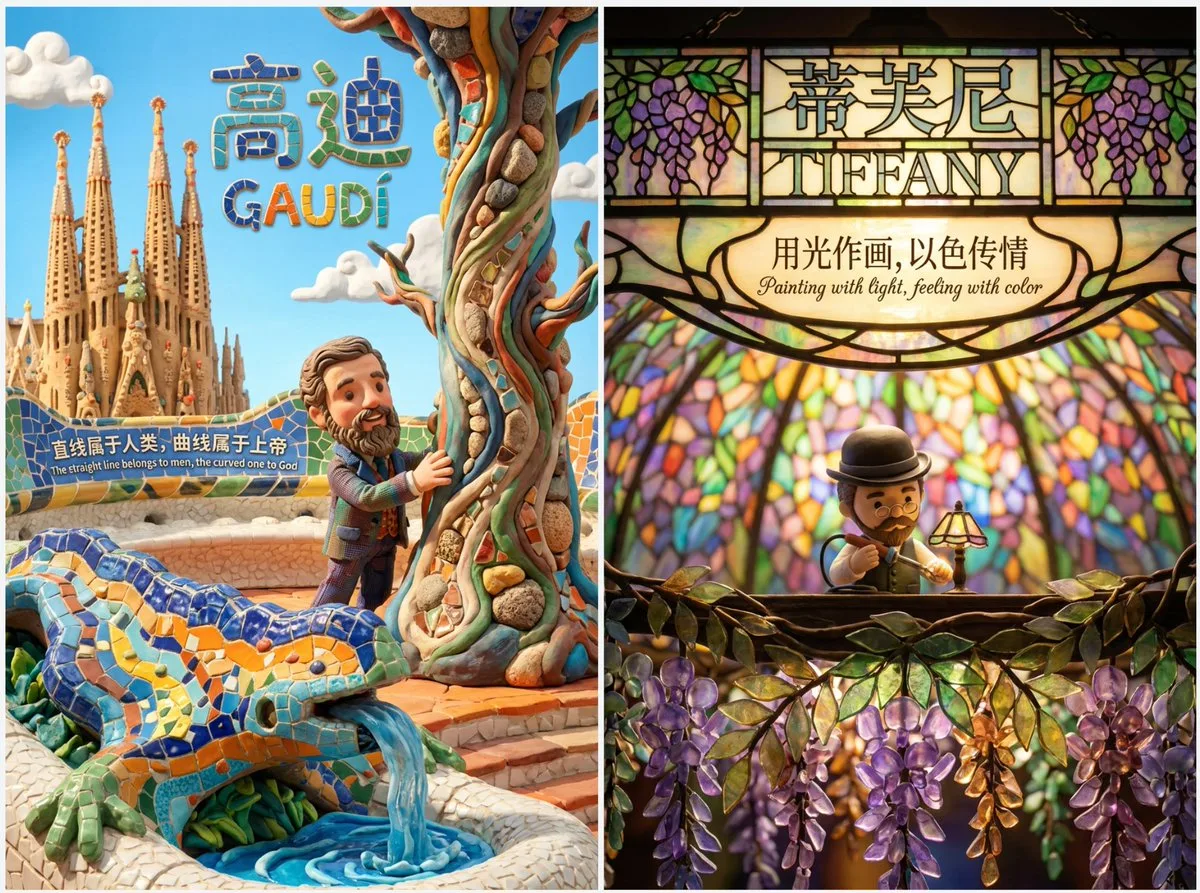
Cute Clay Style Theme Poster Template
A prompt template for generating cute clay animation style posters across various themes like movies and art.
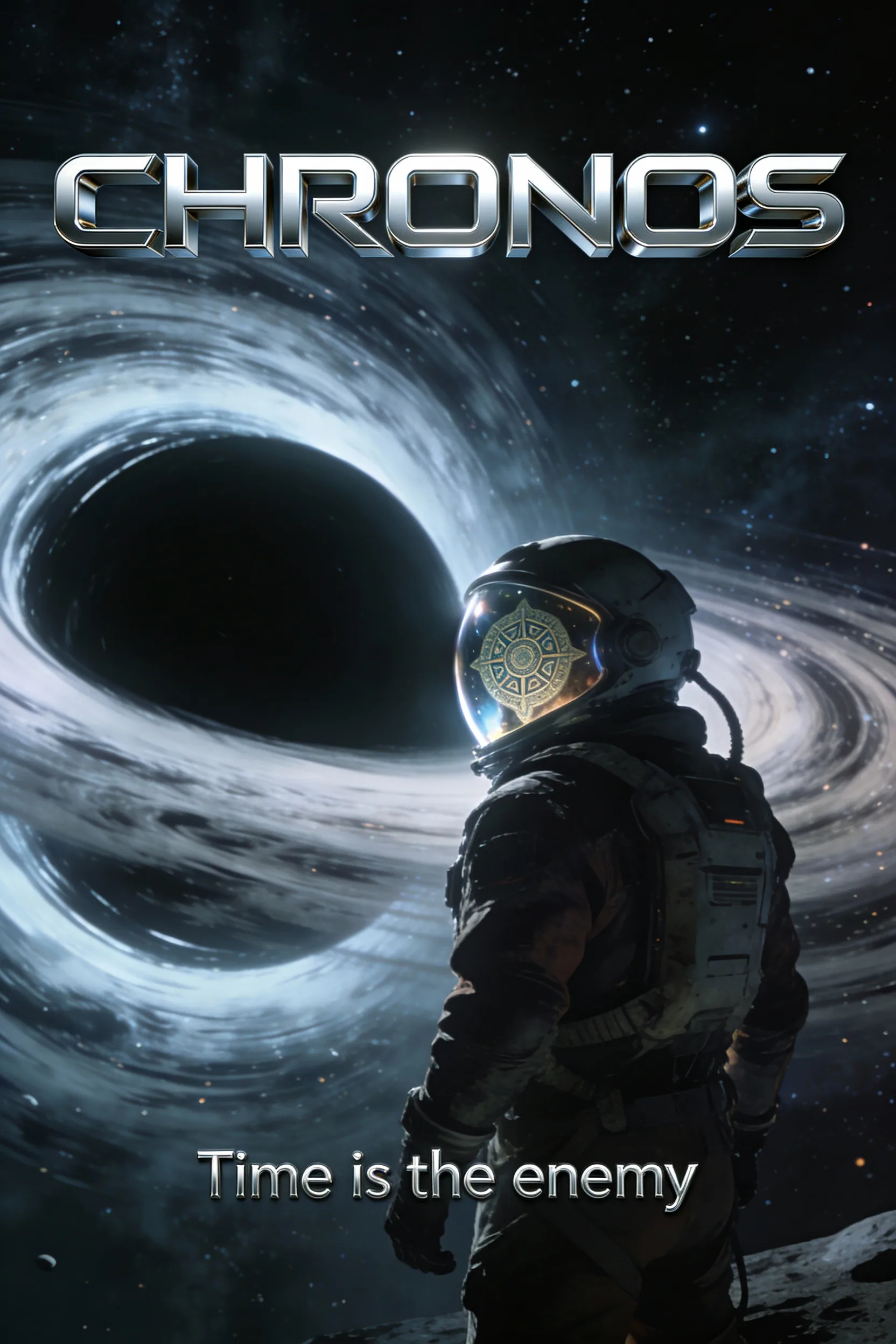
Cinematic Sci-Fi Poster 'CHRONOS'
A cinematic, epic movie poster for a fictional sci-fi blockbuster titled “CHRONOS”. The poster features the main hero, a rugged astronaut, looking out at a massive, swirling black hole in space. The reflection of a myste…
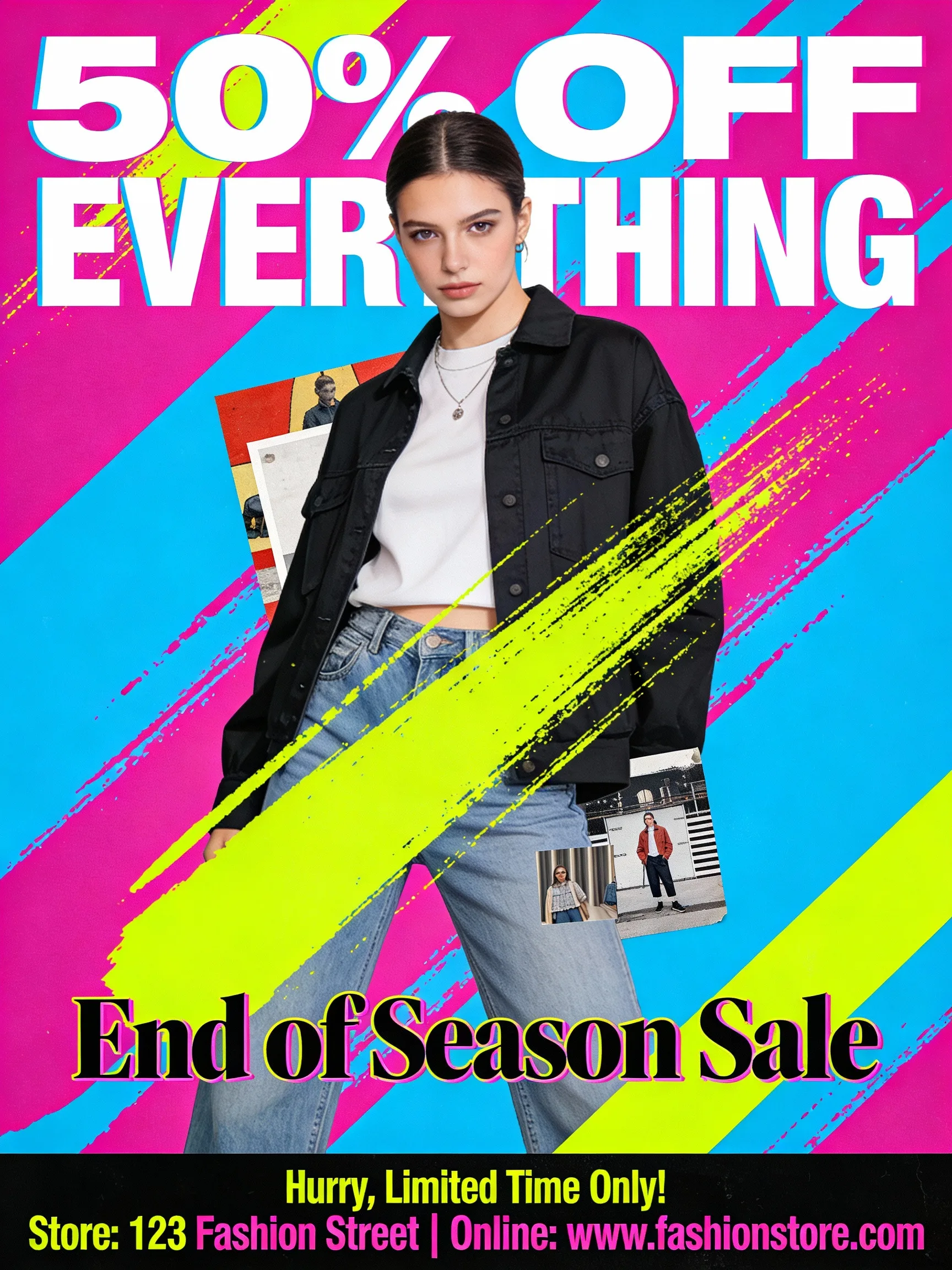
Trendy Fashion Sale Poster
A trendy and eye-catching poster for a fashion store’s end-of-season sale. The design uses bold, vibrant colors and modern, edgy typography. The main visual is a stylish model wearing clothes from the store, but the imag…

Horror-Style Realistic Phone Photo
{ "meta": { "width": 1200, "height": 1200, "aspect_ratio": "1:1", "version": "1.0" }, "scene_composition": { "subject": { "demographics": "Young woman, unspecified ethnicity", "physical_attributes": { "hair": "Long black…
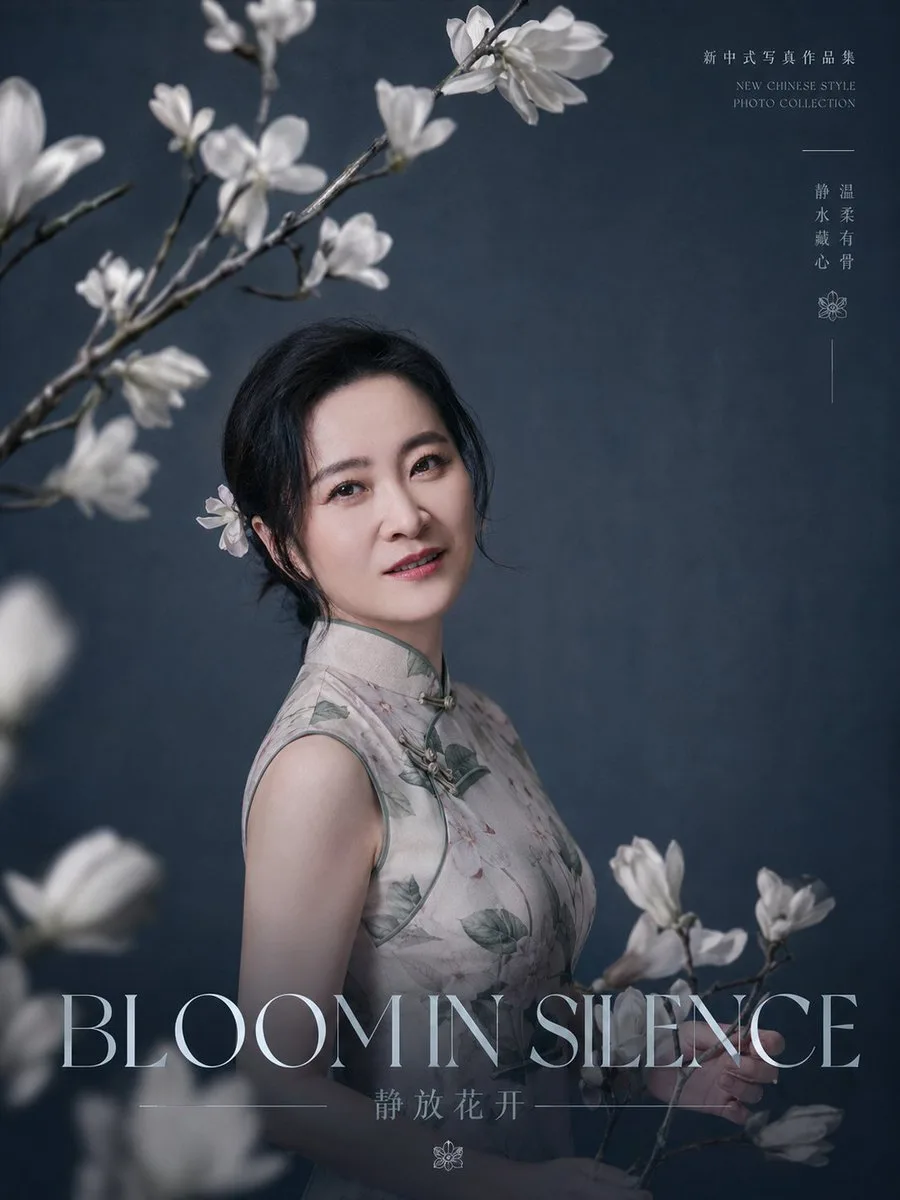
'Quiet Bloom' Portrait Poster
Create a refined editorial portrait poster for a new Chinese-style photo collection. A graceful middle-aged East Asian woman with {argument name="facial features" default="soft oval face, bright almond eyes, natural brow…
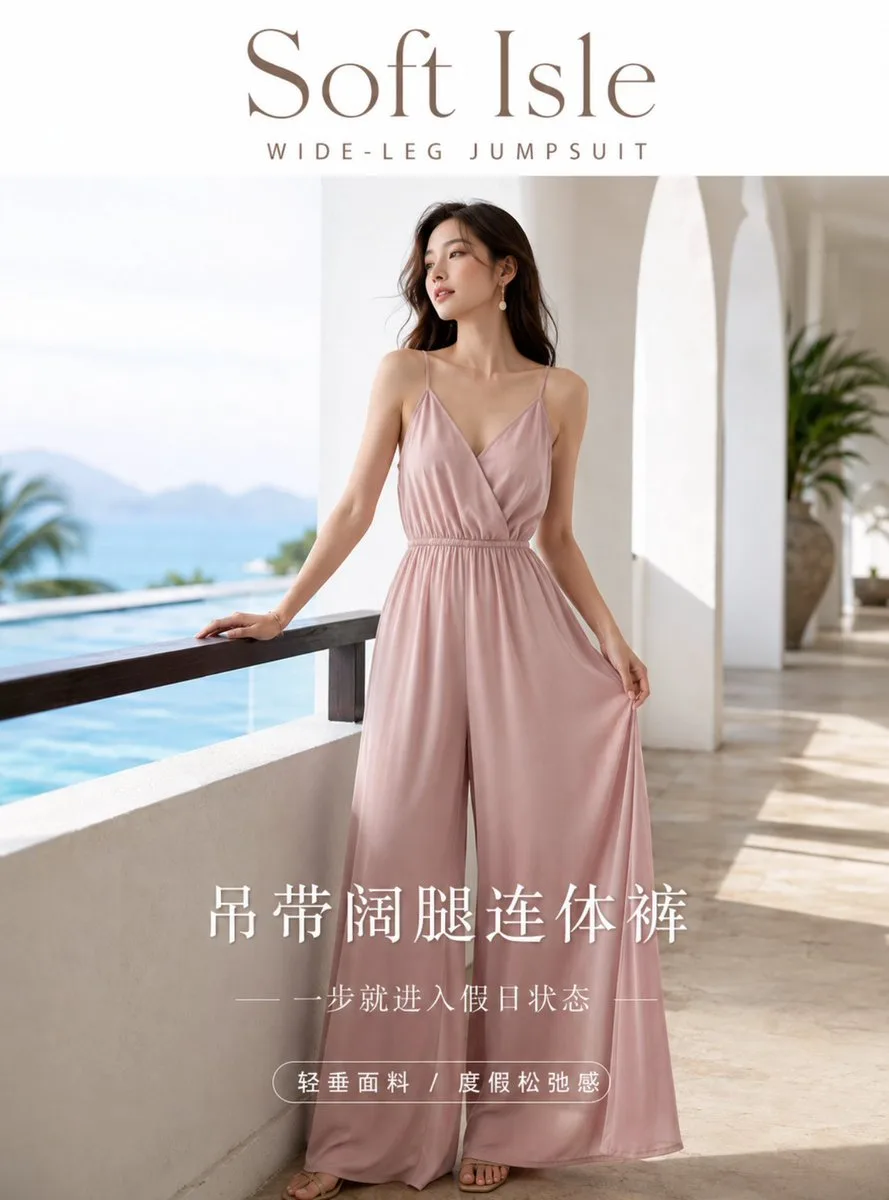
High-End Summer Fashion Poster Prompt
A professional resort-style fashion advertisement prompt including typography and font design instructions for a unified brand visual style.
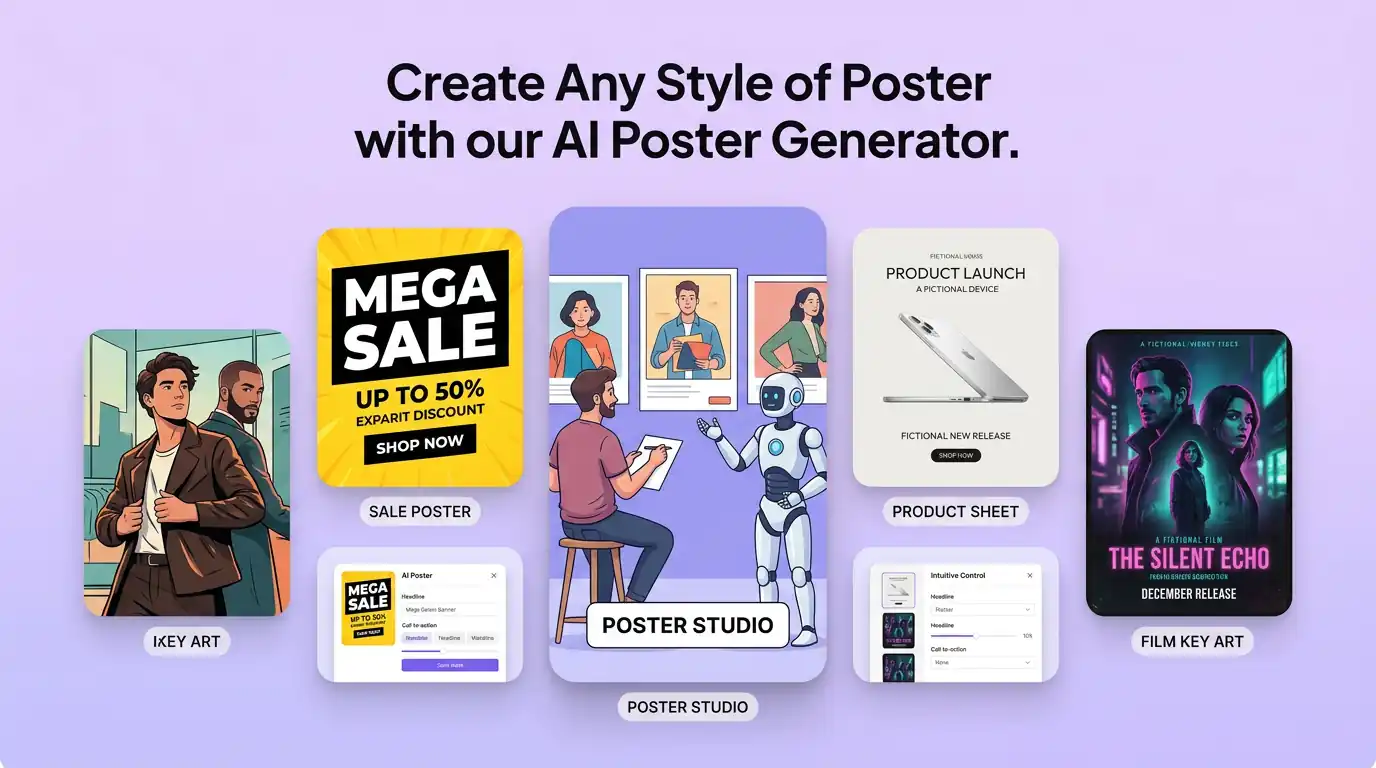
用 AI 海報產生器 明確創作方向
先寫清主題、風格、色彩、構圖與使用場景,再從多個方向中選擇適合專案的海報視覺。
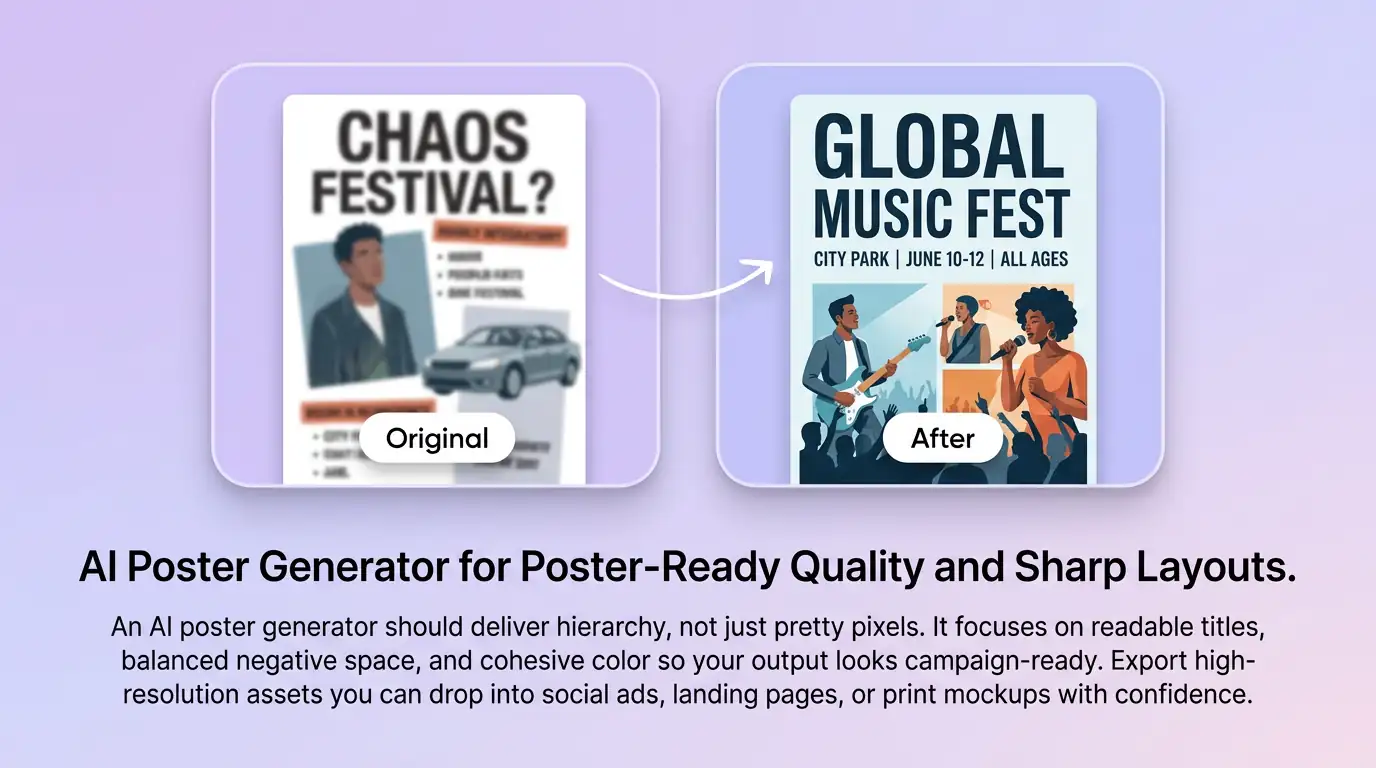
細化海報視覺的關鍵細節
透過補充提示詞或參考圖,調整畫面重點、光線、質感與版式,讓海報視覺更接近創作意圖。
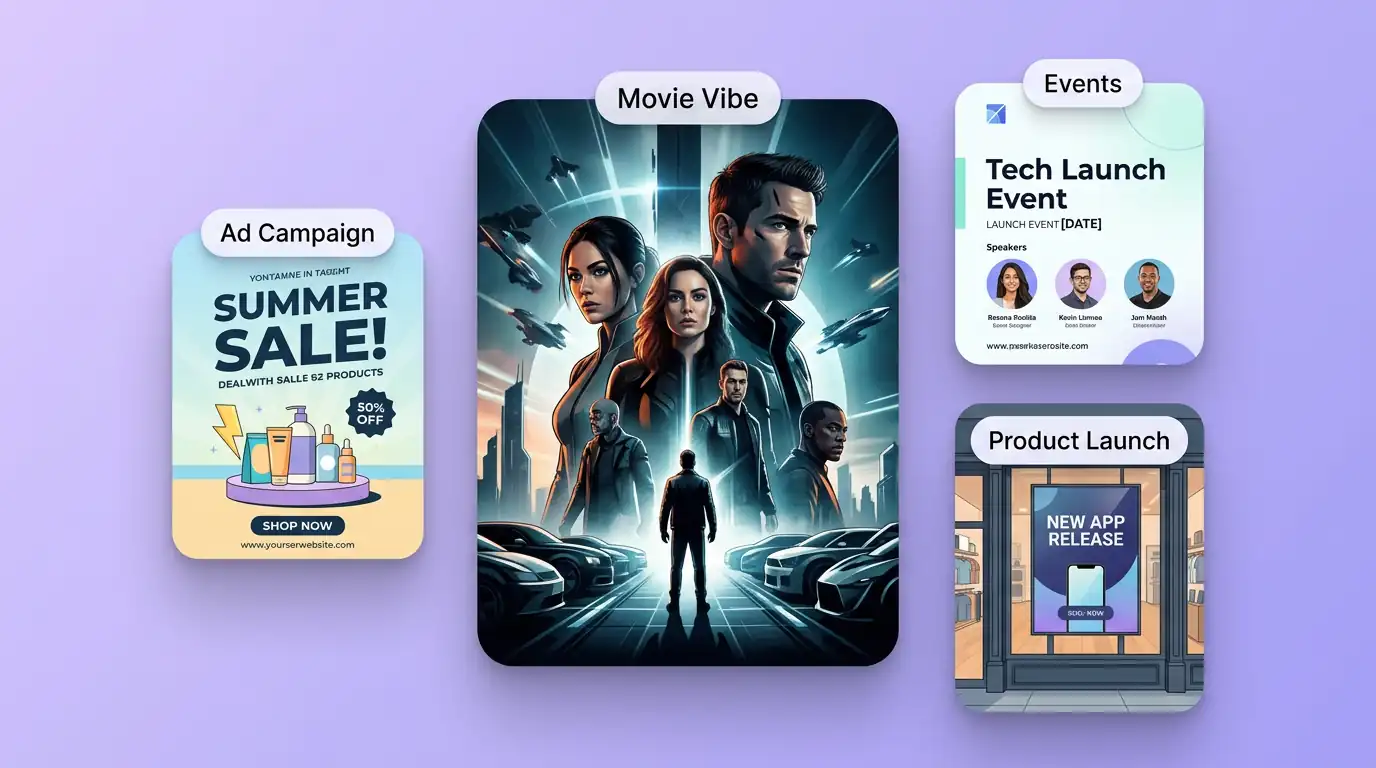
為實際創作場景準備海報視覺
可將海報視覺用於內容創意、提案草圖、社群素材或後續設計討論;發佈前請自行確認適用性與相關權利。
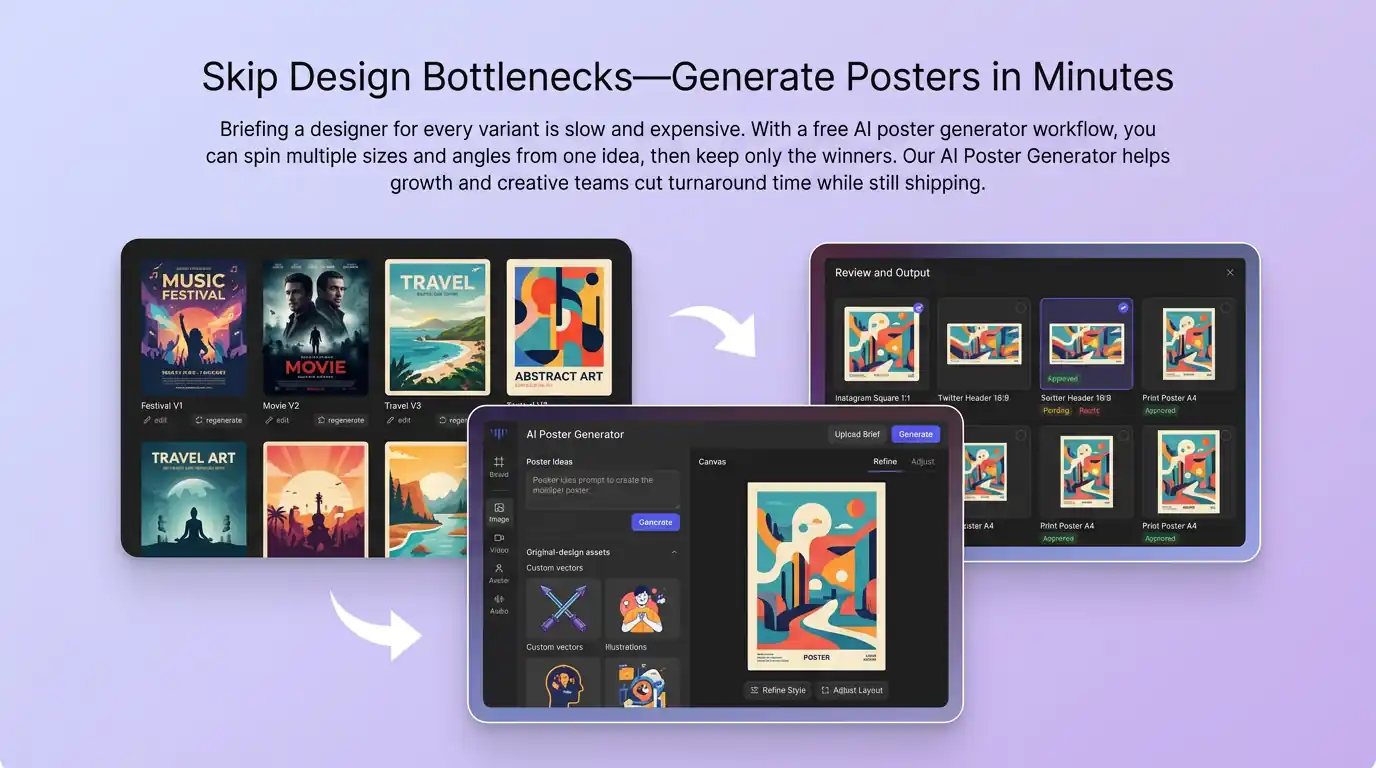
在 Canvas 中比較並調整方案
此入口只會將可選內容預填到 Canvas。你可以修改提示詞和參考圖,並在確認後自行提交生成。
如何使用 AI 海報產生器 建立海報視覺
01
描述創作目標
寫下主題、風格、構圖和關鍵細節;需要時加入參考圖來說明想要的海報視覺。
02
在 Canvas 中調整
開啟 Canvas 後檢查預填內容,按需要修改提示詞、參考圖、比例或其他選項。
03
確認後提交生成
確認方向無誤後由你自行提交,選擇適合專案的海報視覺結果繼續使用。
更多 AI 圖片工具
結合相關圖片工具,繼續完善不同創作任務所需的視覺素材。
AI 海報產生器常見問題
開始創作
在 Canvas 中探索海報視覺
從提示詞或可選參考圖開始,先檢查預填內容,再由你決定何時提交生成海報視覺。