精選案例 · 短片
創作後室恐怖短片
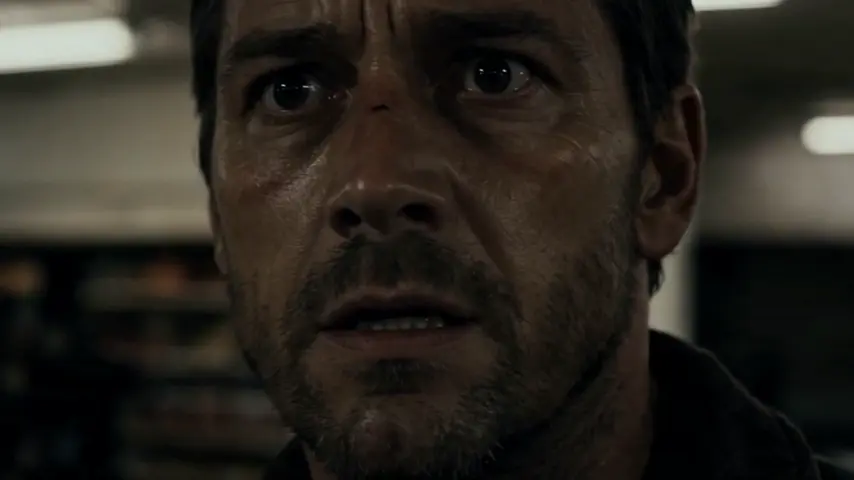
「創作後室恐怖短片」是 Topview Canvas 上的短片精選案例。16:9《後室》恐怖短片:商場保全 Mark 循著哭聲走進兒童遊樂區迷宮,逃過 Crawling Host,卻仍困在循環裡。紀錄時長 240 秒。頁面展示製作紀錄裡的提示詞;「使用此案例」會複製來源 Canvas。
Short Film 作者 PixelWander
案例影片
本案例使用的提示詞
Create a horror short film with a "Backrooms" theme.
**Story content**: Late one night, security guard Mark follows the sound of crying into the "Backrooms" labyrinth within the mall's children's play area. Although he manages to escape after being hunted by a monster known as the "Crawling Host," he finds himself trapped forever within the "game," becoming the next replacement in the cycle.
****Duration**: 240 seconds
**Aspect Ratio**: 16:9 (Landscape)
這個案例呈現什麼
「創作後室恐怖短片」是 Topview Canvas 的短片精選案例。16:9《後室》恐怖短片:商場保全 Mark 循著哭聲走進兒童遊樂區迷宮,逃過 Crawling Host,卻仍困在循環裡。紀錄時長 240 秒。提示詞只供閱讀;複製只傳送案例 id。
案例拆解
- 1
凍結的成片檔案
「創作後室恐怖短片」的成片放在凍結的 /media 路徑,尺寸來自上傳紀錄,執行時不必再呼叫 sample-cases。
- 2
短片分類
這個精選案例歸在短片。相關連結只留在同一分類,頁面不會假裝自己是工具總覽。
- 3
可複製的 Canvas
「創作後室恐怖短片」有來源 Canvas。「使用此案例」會依案例 id 複製該專案,再進入 /canvas,不會進 /board。
- 4
留下的提示詞
本頁提示詞來自正式環境留下的 initialPrompt,只供閱讀,不會跟著複製請求送出。
工作流
如何在 Canvas 使用這個精選案例
- 1
檢視案例
先看「創作後室恐怖短片」的成片;頁面有提示詞或參考素材時,一併閱讀。
- 2
使用此案例
點選「使用此案例」。尚未登入時,請在同一個 URL 完成電子郵件、Google 或 Apple 登入,複製就會繼續。
- 3
在你的 Canvas 中編輯
Topview 會在 /canvas 開啟複製後的專案。在那裡改場景、素材或模型——這個頁面不會跳到 Board。

精選案例常見問題
CANVAS
在 Canvas 繼續這個案例
「使用此案例」會把「創作後室恐怖短片」複製進你的 Canvas。登入後回到本頁,再開啟新的 /canvas 專案。