Turn Twitter Videosinto AI-Ready Creative
Start with the link. Let the Agent find the creative angle.
Use a Twitter/X video as reference material for your next ad, reaction, product story, or short-form campaign. Topview Agent turns the link into a working creative brief.
Use links and references you have the rights to reuse. Always respect copyright and X's terms.
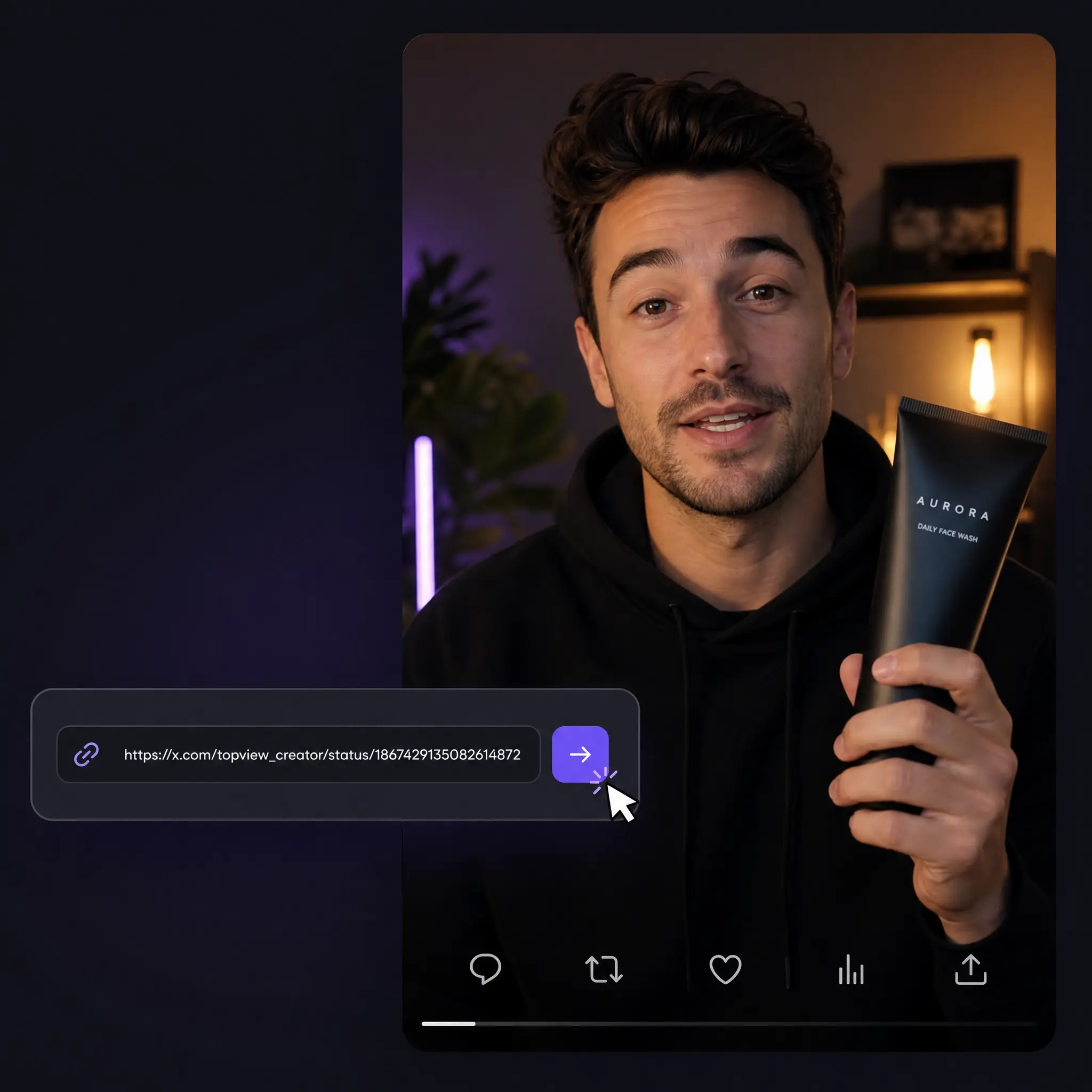
One Link, a Full Creative Starting Point
Bring in a Twitter/X video reference, then let Topview shape it into usable campaign material.
Understand the Original Post
Paste a public Tweet URL and use it as creative context. Topview can help identify what makes the post work before you build a new version.
- Capture hook, format, and topic context
- Works on desktop and mobile browsers
- Use the link as a reusable creative reference
Turn the Link into a New Video
Don't just repost — repurpose. Topview's AI analyzes the Tweet, writes a fresh script, and rebuilds the idea into a polished, on-brand video with avatars, voiceover, captions, and platform-ready formats.
- AI-written scripts and hooks
- 80+ realistic AI avatars and voices
- Export for X, TikTok, Reels, and Shorts
How to Create from a Twitter Video Link
Use any relevant Tweet as context, then move from link to creative direction in three steps.
Paste the Tweet URL
Copy the link to any public Twitter (X) post that contains a video and paste it into the input box above.
Let the Agent analyze it
Topview reads the hook, pacing, context, and visible creative structure so you are not starting from a blank prompt.
Create the next version
Turn the direction into a script, avatar video, captions, and platform-ready edits inside Topview.
Who Uses the Twitter Video Tool
From trend research to full-blown campaigns, it fits the way you work.
Social Media Managers
Study trending Tweet clips and turn the strongest formats into branded posts that keep your feed fresh and on-trend.
See morePerformance Marketers
Turn high-engagement Tweets into ad variants — new hooks, avatars, and aspect ratios — without a production team.
See moreContent Creators
Use clips as references for reaction videos, explainers, and social-native edits across YouTube, TikTok, and Reels.
See moreAgencies
Capture client-related Tweets, repurpose the angle into polished deliverables fast, and scale output across accounts.
Ecommerce & DTC Brands
Transform UGC and viral product Tweets into scroll-stopping ad creative that's ready to test in minutes.
Everyday Users
Collect links that inspire you and explore what a polished AI-made version could become.
Everything You Need in One Twitter Video Tool
A link-aware creative workflow and an AI studio, working together.
Link-Based Creative Intake
Start from a Twitter/X video link instead of rewriting the whole context from memory.
Agent Analysis
Let Topview identify the hook, topic, pacing, and creative structure before generation.
AI Script Generation
Let AI read the Tweet and write keyword-optimized scripts and hooks built to perform.
80+ Realistic AI Avatars
Add a human touch to remixed clips with lifelike avatars and natural voices in many languages.
Multi-Platform Export
Resize and export for X, TikTok, Instagram Reels, and YouTube Shorts in one click.
Auto Captions & Editing
Get automatic captions, smart cuts, and dynamic layouts so videos look polished out of the box.
More Than a Twitter Video Link Box
Basic tools stop at the link. Topview turns the reference into a creative workflow.
| Capability | Basic Link Tools | Topview Twitter Video Tool |
|---|---|---|
| Twitter/X link intake | Sometimes | Yes |
| Creative angle analysis | Often limited | Yes |
| AI script from the Tweet | No | Yes |
| AI avatars & voiceover | No | 80+ avatars |
| Auto captions & editing | No | Built in |
| Resize for TikTok / Reels / Shorts | No | One click |
| Commercial-ready output | Limited | Yes |
Create from Your First Twitter Video Link Today
Bring in a Tweet, let Topview Agent understand the creative angle, then turn it into a video your audience will actually share.
Try the Twitter Video ToolNo credit card required