
Cinematic Showcase
A macro photography prompt for a hyper-realistic video showing an artisan carving a miniature wooden sports car with realistic textures.
Tạo video AI tối đa 10 giây với audio đồng bộ từ văn bản, hình, audio và reference video. Gemini Omni Flash ra mắt tại Google I/O 2026 cho tạo điện ảnh, chỉnh ngôn ngữ tự nhiên và quy trình sáng tạo hiện đại.
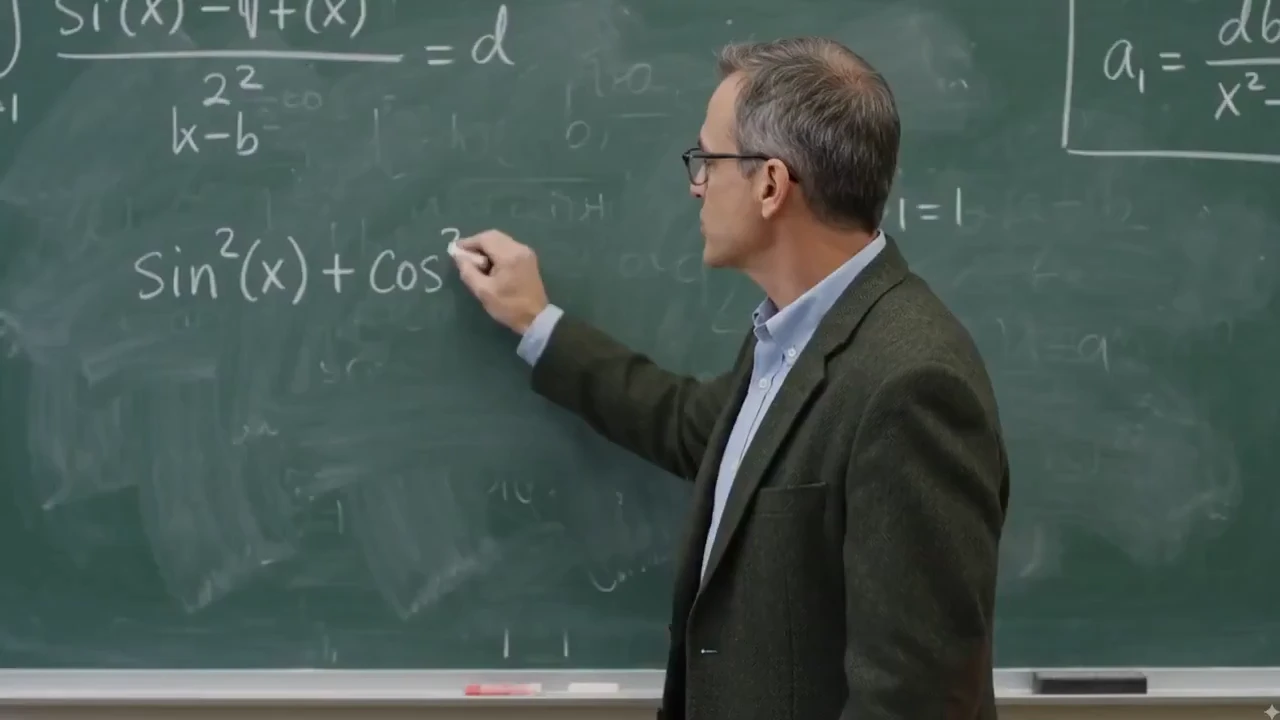
Gemini Omni được xây quanh chỉnh video lặp. Giữ phần đã ổn, rồi yêu cầu thay đổi chính xác về chủ thể, cảnh, máy, phong cách, chuyển động, chữ hoặc đồng bộ audio.
Yêu cầu thay đổi có mục tiêu bằng ngôn ngữ rõ, như thay nền, đổi góc máy, sửa hành động, hoặc giữ sản phẩm trong khi cập nhật cảnh.
Xóa logo, chữ và watermark khỏi bất kỳ clip video bằng một hướng dẫn trong khi giữ chuyển động nền, ánh sáng và ngữ cảnh xung quanh. Tuyệt để dọn footage stock, tái dùng clip creator và đánh bóng video sản phẩm.
Đổi ngôn ngữ shot sau khi tạo: từ close-up sang wide shot, chuyển góc thấp, thêm dolly-in, hoặc khiến cảnh cảm như one continuous take.
Thay môi trường trong khi giữ chủ thể chính, hành động, hướng ánh sáng và liên tục cảnh. Dùng cho biến thể sản phẩm, cảnh lifestyle và bản địa hóa chiến dịch.
Đổi sản phẩm, đạo cụ, trang phục hoặc reference nhân vật mà không dựng lại toàn bộ video. Chỉnh có thể giữ đường máy gốc, bóng tiếp xúc và ngữ cảnh xung quanh.
Biến cùng cảnh thành ngôn ngữ hình mới như chân thực điện ảnh, watercolor, claymation, anime, phác graphite hoặc kính 3D trong suốt trong khi giữ hành động đọc được.
Khám phá quy trình sáng tạo Gemini Omni mở ra ngoài tạo video cơ bản: VFX hội thoại, remix footage thật, vật lý và world magic, trộn reference, thời điểm dẫn audio, lip-sync, hoạt họa chữ, kiểm soát storyboard và kể chuyện hình nhận thế giới.
Đổi ánh sáng, vật liệu, thời tiết và môi trường qua ngôn ngữ tự nhiên—biến ngày thành đêm, đổi texture bề mặt, hoặc dựng lại cảnh mà không dựng lại shot từ đầu.
Remix footage thật với chèn sản phẩm và logo, thay nhân vật và chi tiết thương hiệu trong khi giữ chuyển máy gốc, thời điểm và cấu trúc cảnh.
Viết lại quy tắc vật lý và tạo khoảnh khắc thế giới siêu thực—vật liệu bất khả, hành động chống trọng lực, sinh vật lai và cảnh điện ảnh vẫn cảm gắn kết.
Dùng reference sản phẩm và câu lệnh súc tích để tạo shot điện ảnh, biến thể chiến dịch, teaser launch, YouTube Shorts và concept quảng cáo dạng ngắn.
Hình dung khoa học, lịch sử, văn hóa, lợi ích sản phẩm hoặc ý trừu tượng thành infographic hoạt họa với cảnh nhận thế giới và hướng máy dẫn.
Dùng nhạc, lời kể, hiệu ứng âm, ambience hoặc track giọng đa ngôn ngữ để dẫn nhịp hình, thời điểm chữ, lip-sync, cut, chuyển máy và hoạt họa khớp beat.
Cung cấp tranh trẻ em, khung storyboard hoặc beat cảnh, rồi tạo chuỗi hoạt họa theo thứ tự, nhịp và liên tục hình dự định.
Áp dụng chuyển động reference, phong cách hình 80s hoặc pattern hành động lên chủ thể mới trong khi giữ đầu ra cuối gắn kết và sẵn chiến dịch.
Kết hợp câu lệnh, hình sản phẩm, video reference chuyển động và tín hiệu audio trong một quy trình để video cuối thừa hưởng đúng chủ thể, chuyển động, tâm trạng, thời điểm và hướng giọng.
Dùng phác thô, tranh trẻ em, ghi chú bố cục hoặc reference layout để dẫn chủ thể xuất hiện đâu, máy khung hành động thế nào, và cảnh nên mở ra ra sao.
Tạo móc social, claim sản phẩm, caption, công thức, nhãn khoa học hoặc title card xuất hiện từng từ, theo hành động, hoặc chạm một beat cụ thể.
Hòa đặc điểm động vật bất khả vào shot điện ảnh đáng tin, từ lai voi-ốc sên đến động vật hoang dã fantasy với giải phẫu, texture, chuyển động và môi trường sống gắn kết.
Bắt đầu bằng một concept sáng tạo, rồi thích ứng thành clip social dọc, YouTube Shorts, quảng cáo vuông, video hero landing, explainer, cảnh avatar và media trang sản phẩm.
Chỉnh footage sẵn bằng hướng dẫn trực tiếp: thêm chi tiết thương hiệu, thay người hoặc nhân vật, và giữ chuyển máy gốc, thời điểm và cấu trúc cảnh nguyên.
Clip thật chia sẻ trên X—xem bài bên dưới, rồi tự dùng thử Gemini Omni trên Topview.
Gemini Omni Flash và Seedance 2.0 đều hỗ trợ quy trình video AI multimodal, nhưng giải quyết việc sản xuất khác. So sánh này tập trung trạng thái ra mắt, đầu vào, kiểm soát đầu ra, audio, chỉnh và mỗi mô hình khớp đâu nhất.
Reference hình nhanh trước khi đọc bảng so sánh chi tiết bên dưới.
Cảnh câu lệnh dẫn reference tạo bằng quy trình kiểu Gemini Omni.
| Điểm so sánh | Gemini Omni Flash | Seedance 2.0 | Khớp nhất |
|---|---|---|---|
| Định vị cốt lõi | Bản Gemini Omni đầu của Google cho tạo dẫn văn bản, hình, audio và video cộng chỉnh ngôn ngữ tự nhiên. | Mô hình multimodal hướng sản xuất với clip độ phân giải cao, quy trình audio gốc và kiểm soát điện ảnh mạnh. | Omni cho chỉnh và biến đổi dẫn reference; Seedance 2.0 cho sản xuất multi-shot bóng. |
| Độ dài clip và định dạng | Clip tối đa 10 giây hôm nay, với đầu ra thích ứng nền tảng 16:9, 9:16 và 1:1. | Thường định vị quanh shot 4-15 giây, đầu ra 480p/720p/1080p và nhiều tùy chọn tỷ lệ hơn. | Omni cho biến đổi sẵn social ngắn; Seedance 2.0 cho cảnh nháp-đến-hoàn thành dài hơn. |
| Audio, lời nói và lip-sync | Tạo audio đồng bộ và dùng reference audio cho thời điểm, ambience, tín hiệu lời kể và quy trình lip-sync đa ngôn ngữ. | Khớp mạnh cho tạo audio-video gốc, hiệu ứng âm, lồng tiếng, nhạc và clip dẫn lip-sync. | Seedance 2.0 cho cảnh dẫn âm; Omni cho đồng bộ dẫn chỉnh, biến thể ngôn ngữ và thay đổi hình đúng lúc. |
| Kiểm soát reference | Dùng văn bản, hình, audio, video, phác và storyboard để dẫn nhân vật, sản phẩm, chuyển động, phong cách và hình giáo dục. | Hỗ trợ đầu vào reference multimodal rộng cho nhân vật, phong cách, chuyển động, âm và liên tục multi-shot. | Omni khi reference bất thường như tranh hoặc infographic dẫn ý; Seedance 2.0 khi liên tục shot là ưu tiên. |
| Quy trình chỉnh | Chỉnh tiếp hội thoại: thay vật thể, đổi nền, chỉnh máy, giữ reference, restyle look 80s, hoặc thêm chữ đúng lúc. | Hỗ trợ tạo cảnh dẫn câu lệnh, chỉnh nhân vật/hành động và lắp multi-shot trong pipeline tạo rộng hơn. | Omni khi tinh chỉnh ngôn ngữ tự nhiên lặp là việc; Seedance 2.0 khi cảnh lượt đầu cần cảm hoàn thành. |
| Sẵn có và tín hiệu tin cậy | Ra mắt tại Google I/O 2026 ngày 19 tháng 5, hiện qua trải nghiệm sản phẩm Google, với provenance SynthID/C2PA và truy cập API dự kiến sau. | Sẵn qua nền tảng creator và aggregator API với cài đặt sản xuất rõ như độ phân giải, thời lượng và tỷ lệ. | Dùng Omni cho khám phá sáng tạo native Google và ý YouTube Shorts; dùng Seedance 2.0 khi kiểm soát sản xuất sẵn API quan trọng hôm nay. |
Quy trình kiểu Gemini Omni kết hợp câu lệnh với reference hình, audio và video để creator dẫn chủ thể, chuyển động, ngôn ngữ máy, ánh sáng, phong cách, thời điểm và định dạng nền tảng ở một chỗ.
Dùng cách này cho quảng cáo sản phẩm, YouTube Shorts, video lip-sync đa ngôn ngữ, explainer, storyboard, test phong cách và biến đổi video dựa reference.
Gemini Omni là họ mô hình media tạo sinh multimodal của Google DeepMind để tạo, chỉnh và biến đổi video từ đầu vào văn bản, hình, audio và video. Mô hình phát hành đầu, Gemini Omni Flash, ra mắt tại Google I/O 2026 ngày 19 tháng 5.
Với creator và marketer, Gemini Omni chuyển tạo video AI sang quy trình ngôn ngữ tự nhiên: bắt đầu bằng ý tưởng hoặc reference, tạo video với audio đồng bộ, rồi tinh chỉnh kết quả qua chỉnh có mục tiêu thay vì dựng lại toàn bộ clip.
Dùng cấu trúc hướng dẫn câu lệnh chính thức để kiểm soát điều xảy ra trên màn, máy chuyển thế nào, cảnh cảm thế nào, và reference nên được giữ ra sao.
Bắt đầu bằng chủ thể chính và hành động thấy được: ai hoặc gì xuất hiện, điều gì đổi, và người xem nên chú ý gì trước.
Thêm ngôn ngữ shot như close-up, wide-angle, tracking shot, dolly-in, máy khóa, one continuous shot hoặc zoom smartphone.
Dẫn look bằng thuật ngữ như chân thực, điện ảnh, claymation, watercolor, phác graphite, broadcast retro 80s, ánh ban ngày ấm, rim light hoặc cảnh đêm neon.
Mô tả môi trường và để mô hình dùng kiến thức thế giới cho vật lý, lịch sử, khoa học, văn hóa và chi tiết cảnh đáng tin, gồm cảnh infographic khoa học.
Dùng hình, video, audio hoặc storyboard để giữ ngoại hình nhân vật, hình dạng sản phẩm, chuyển động, nhịp, nhận diện avatar hoặc phong cách hình qua các lần tạo.
Tinh chỉnh clip bằng lệnh tập trung: đổi nền, thay vật thể, chỉnh góc máy, thêm chữ hoạt họa, đồng bộ môi sang ngôn ngữ khác, hoặc khớp chỉnh với nhạc.
Gemini Omni Prompt Library
127+ Gemini Omni Prompts & Guide
Cinematic Showcase
A macro photography prompt for a hyper-realistic video showing an artisan carving a miniature wooden sports car with realistic textures.
Brand Commercial
A comprehensive prompt for generating vertical UGC-style product videos of portable fans, covering unboxing, macro details, and functional demos with a focus on ASMR and realistic textures.
Short Film
The opening shot for the 'Ember and the Firefly' cinematic demo, featuring a wide push-in on a character freezing as they spot a glowing firefly.
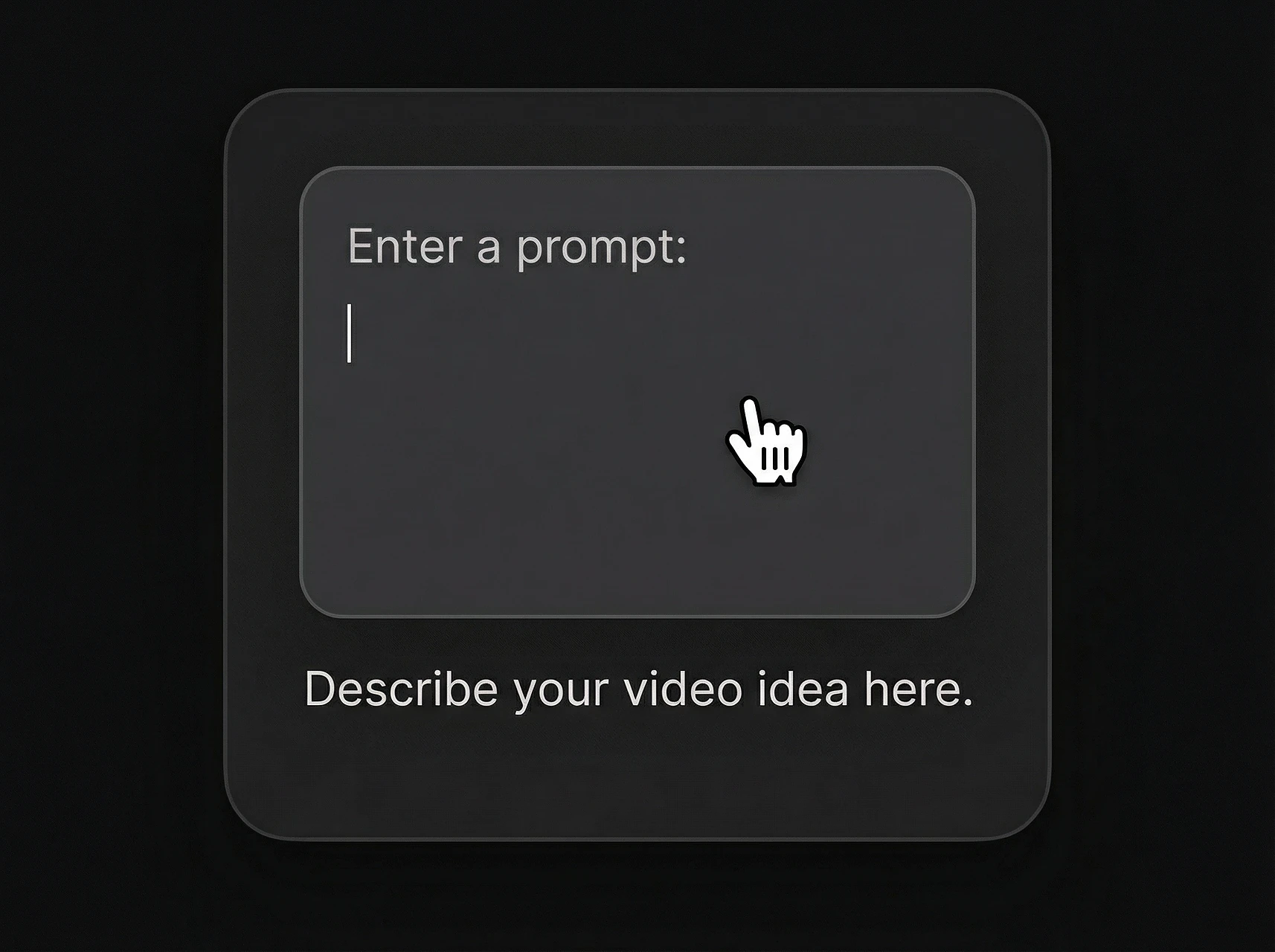
Đặt tên chủ thể, hành động, địa điểm và kết quả mong muốn. Cụ thể về điều người xem nên thấy trong vài giây đầu.
Chỉ rõ chuyển động máy, khung shot, ánh sáng, phong cách, tâm trạng audio và mọi yêu cầu chữ trên màn hoặc thời điểm.
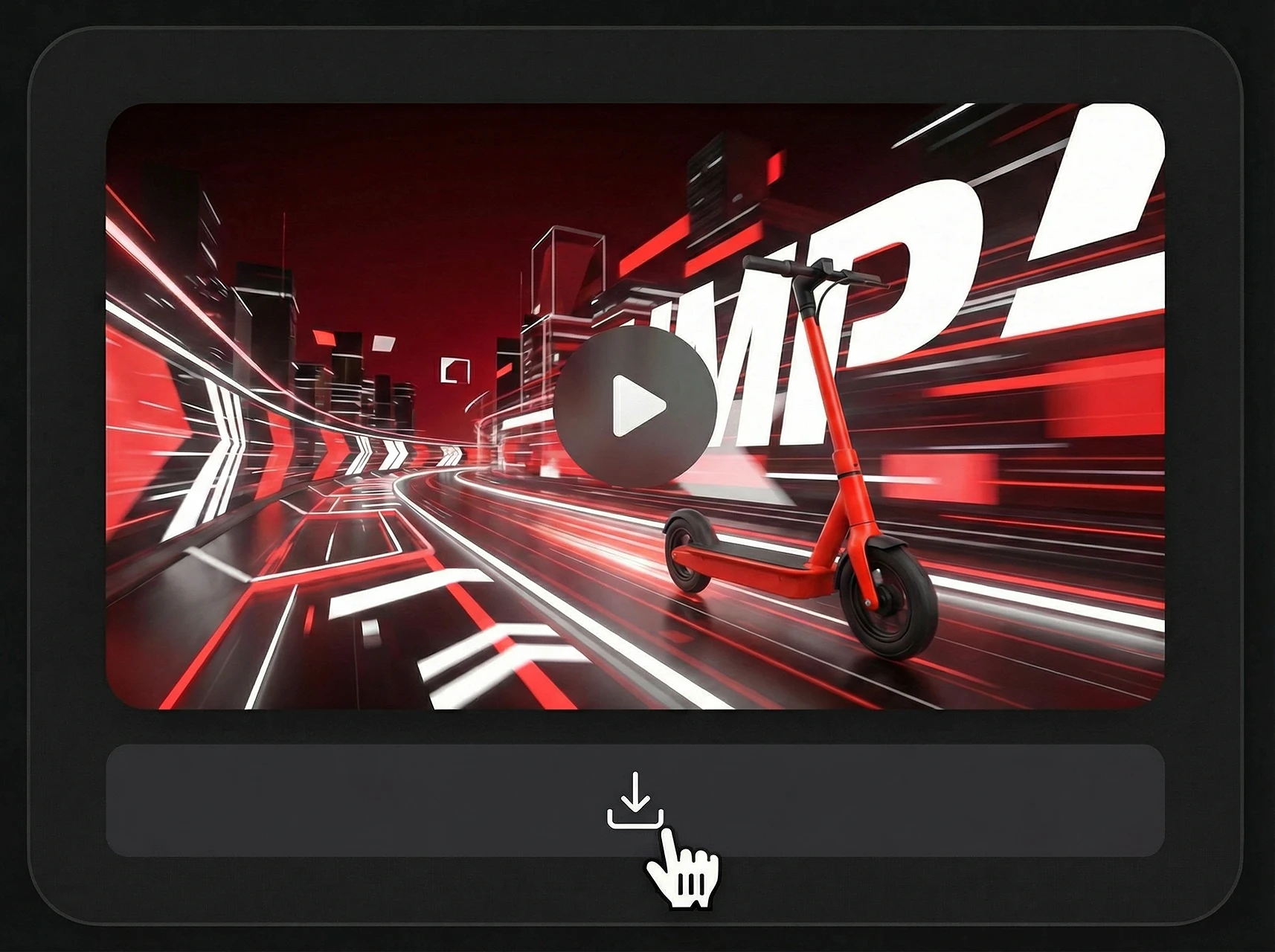
Sau kết quả đầu, yêu cầu chỉnh tập trung như đổi nền, giữ reference, chỉnh chuyển động hoặc đồng bộ chữ với nhạc.
Dùng một quy trình multimodal qua khám phá, test sáng tạo và nội dung sẵn sản xuất.
| Nền tảng | Định dạng tốt nhất | Use case |
|---|---|---|
| TikTok / Reels | Dọc 9:16 | Móc nhanh, reveal sản phẩm, chỉnh đồng bộ chữ |
| YouTube | Ngang 16:9 | Explainer, demo, cảnh giáo dục |
| Quảng cáo trả phí | Dọc / vuông | Test biến thể, góc chiến dịch, chuyện sản phẩm |
| Thương mại điện tử | Media sản phẩm | Xoay sản phẩm, cảnh lifestyle, video marketplace |
| Landing | Video hero | Demo tính năng, hình launch, kể chuyện thương hiệu |
Quy trình kiểu Gemini Omni hữu ích nhất khi đội cần đi từ ý tưởng đến video dẫn reference nhanh, rồi thích ứng cùng hướng sáng tạo cho các kênh khác.
Tóm tắt tập trung creator về thông tin chính thức Gemini Omni và Gemini Omni Flash quan trọng cho quy trình video.
Mô hình phát hành đầu trong họ media tạo sinh multimodal Gemini Omni.
Được Google DeepMind giới thiệu cho quy trình tạo và chỉnh video multimodal, với truy cập developer/API rộng hơn dự kiến sau.
Tạo video từ câu lệnh và reference, rồi tinh chỉnh kết quả bằng hướng dẫn ngôn ngữ tự nhiên.
Tài liệu chính thức nhấn đầu ra video chất lượng cao với audio đồng bộ và hỗ trợ đầu vào văn bản, hình, audio và video.
Clip phát hành đầu hiện bị giới hạn tối đa 10 giây, với quy trình tạo và kéo dài hơn dự kiến mở rộng.
Khớp nhất để thích ứng ý tưởng cho YouTube, Shorts, quảng cáo social, trang sản phẩm, explainer và cảnh điện ảnh.
Dùng clip sẵn làm reference cho chuyển động, hành động, cấu trúc cảnh hoặc biến đổi video.
Giữ nhân vật, sản phẩm, vật thể, tín hiệu phong cách hoặc khung storyboard từ hình tải lên.
Dẫn nhịp, âm thanh, ambience, lời kể và thời điểm hình bằng đầu vào audio.
Kiểm soát chủ thể, hành động, máy, ánh sáng, phong cách, địa điểm, chữ và thời điểm qua hướng dẫn câu lệnh.
Tinh chỉnh video đã tạo hoặc sẵn qua hướng dẫn tiếp mà không viết lại toàn bộ câu lệnh.
Hữu ích cho đội cần concept video dẫn câu lệnh, nhất quán reference và biến thể chiến dịch nhanh.
Dùng Topview để prototype video sản phẩm, quảng cáo social, explainer và biến thể sáng tạo với quy trình video AI dẫn câu lệnh lấy cảm hứng từ mô hình multimodal mới nhất.
Câu lệnh thành video / Hình ảnh thành video / Video sản phẩm / Quảng cáo social
Social Lifestyle
A high-energy cinematic prompt for Gemini Omni that creates a 15-second day-in-the-life sequence of a Japanese boxer.
Channel Intro
A fast-paced 5-second 2D Chinese anime character intro clip using three reference images, featuring ink-wash backgrounds and heroic poses.
Game Cinematic
A creative prompt for making a video similar to The Sims character creation interface, featuring dancing, a rotating Plumbob, and static UI.
Music Video
A comprehensive prompt for generating high-quality stylized music videos featuring two characters with unique VFX, soft ink-wash aesthetics, and synchronized hand-drawn effects.