AI 动漫生成器:创建动漫插画、角色与场景
描述想要的动漫插画、角色与场景,也可添加参考图来确定风格、构图与细节。进入 Canvas 后先检查预填内容,再由你决定是否提交生成。聚焦动漫/漫画插画风格;连续分镜与条漫请使用 AI 漫画生成器。
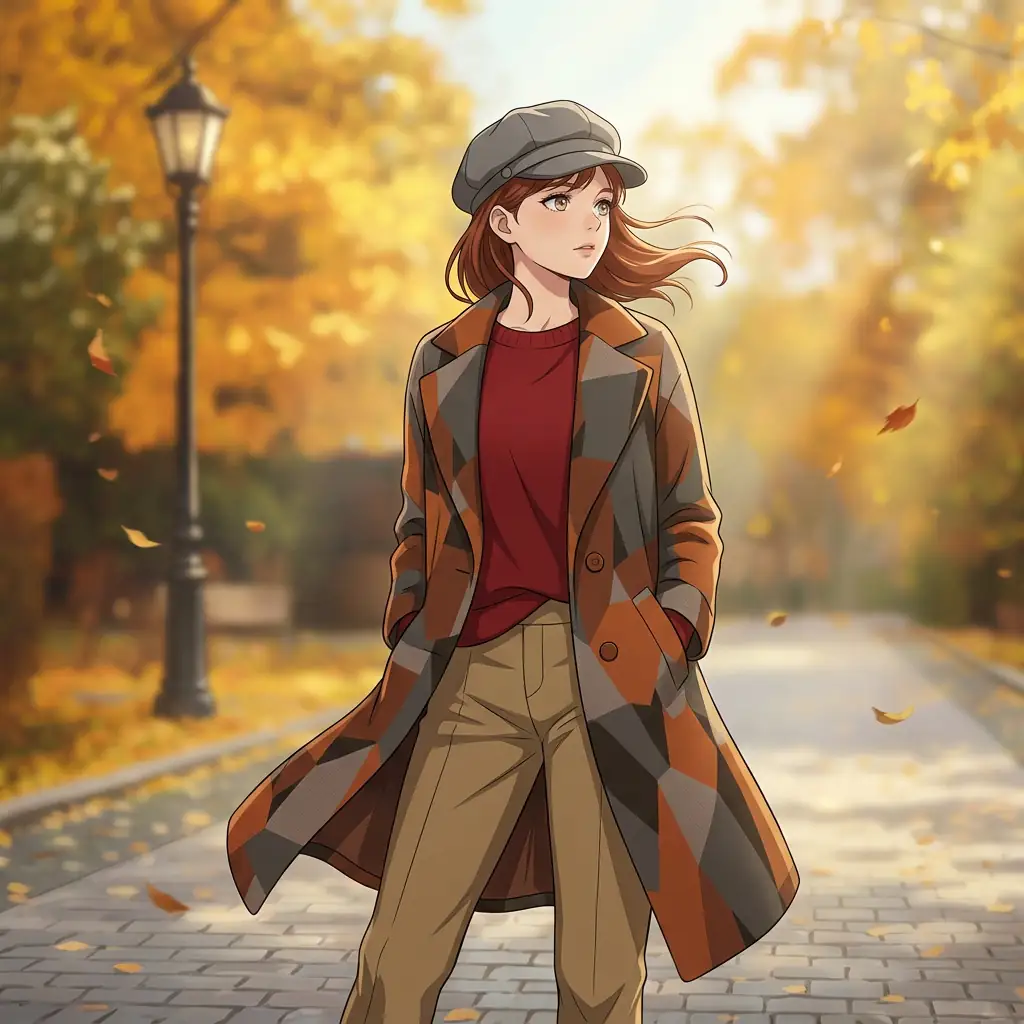
使用 AI 动漫生成器 创建动漫插画、角色与场景
从创意描述或参考图出发,逐步确定风格、细节与用途。打开 Canvas 后先检查预填内容,再按自己的节奏提交生成。聚焦动漫/漫画插画风格;连续分镜与条漫请使用 AI 漫画生成器。
适合此场景的提示词示例
浏览与本页意图匹配的图片提示词。打开 Canvas 后可继续使用自己的提示词;仅预填,不会自动生成。
提示词示例以英文展示。
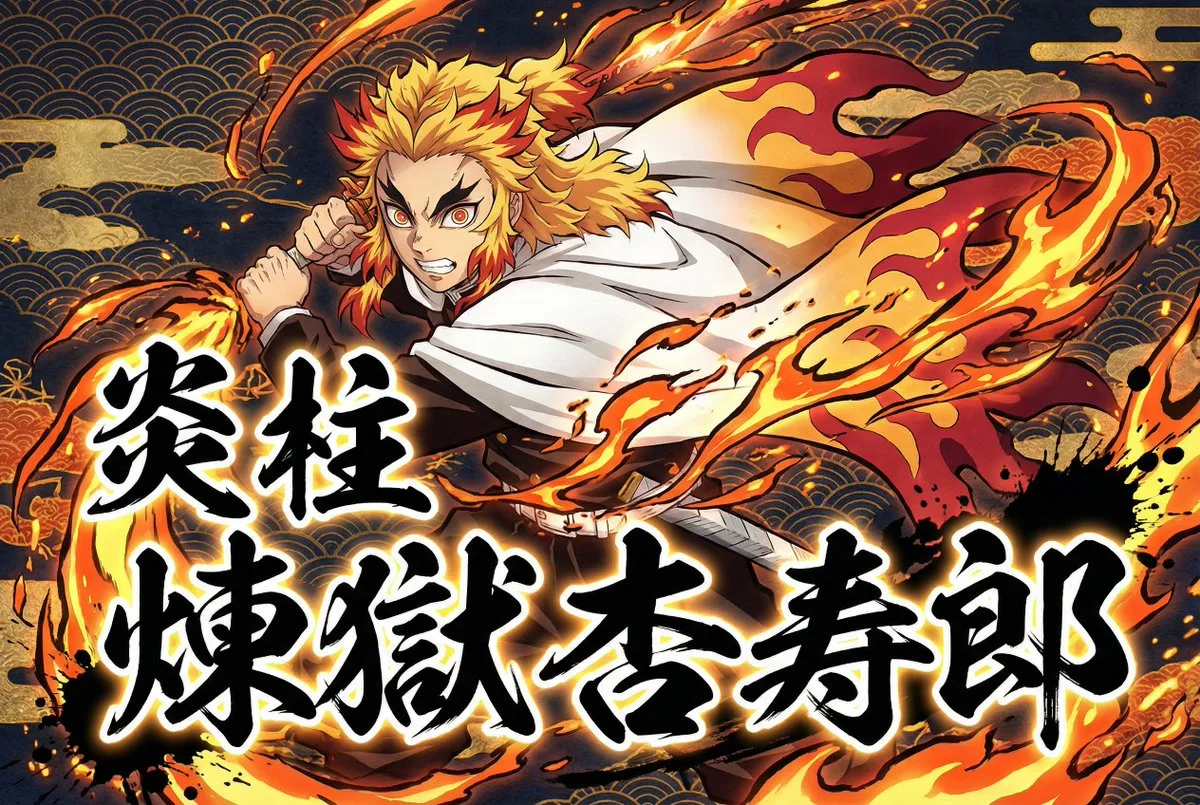
Demon Slayer Style Anime Transformation and Calligraphy
Transform the user-uploaded image (photo or illustration) into a dramatic Japanese-inspired anime artwork. Always extract and use only the subject (the person) from the source image, and completely ignore or remove the o…
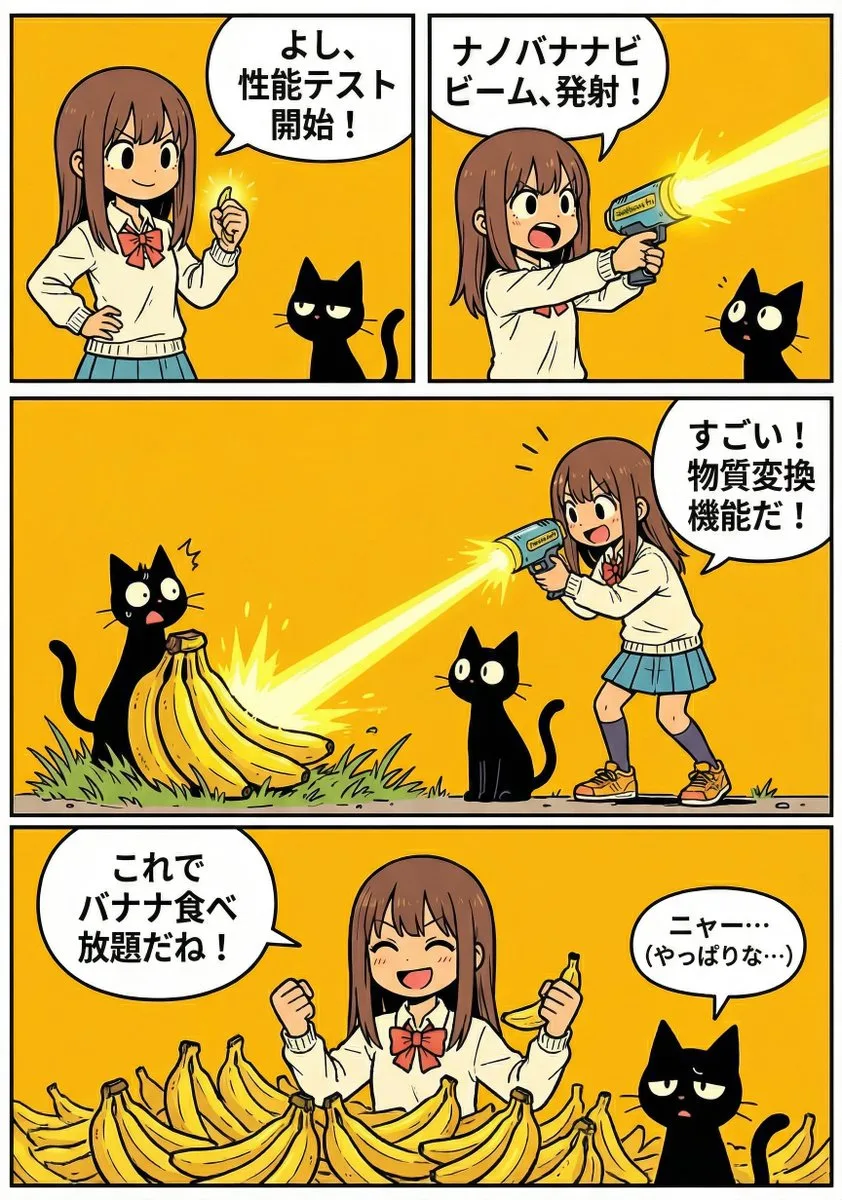
A4 漫画:Nano Banana Pro 究竟有多棒
A prompt that uses existing character images to create an A4-sized manga where the character introduces and explains the impressive features of Nano Banana Pro.
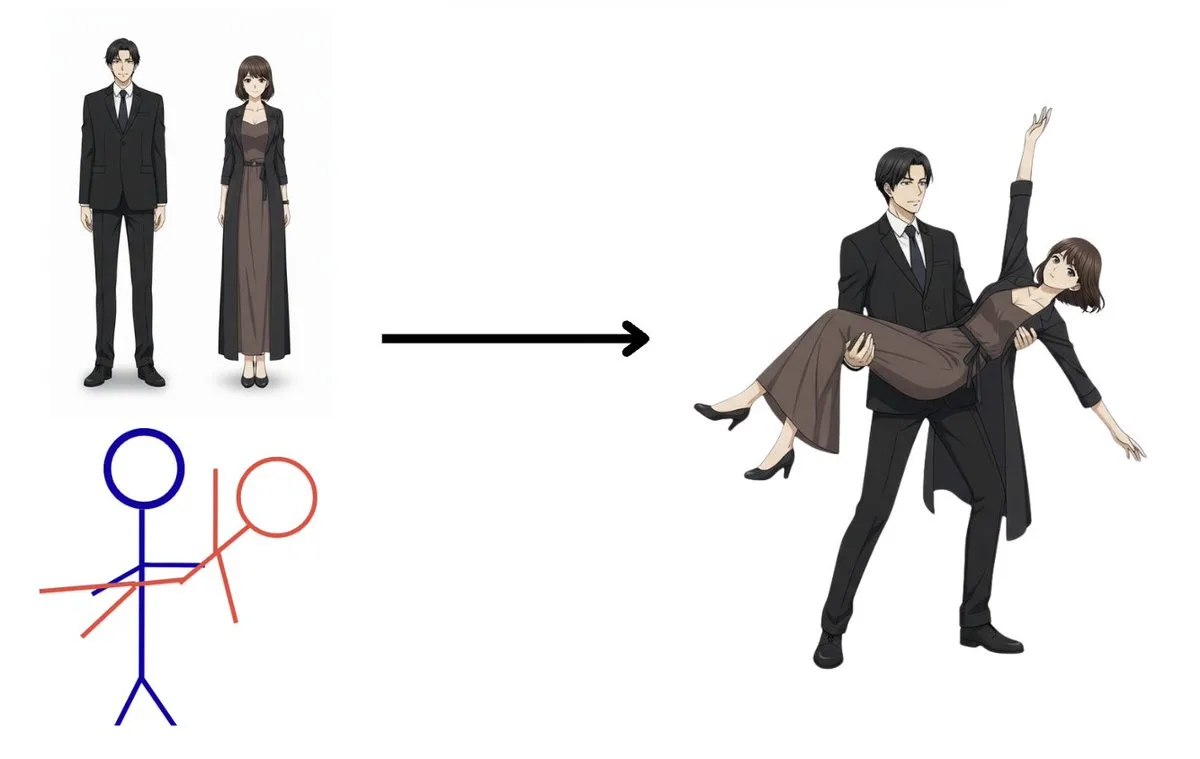
Advanced Anime Character Pose Control
take the {argument name="characters" default="anime man and woman"} in the first image and put them in the {argument name="pose source" default="poses of the stick man in blue and stick woman in red"}. erase the {argumen…
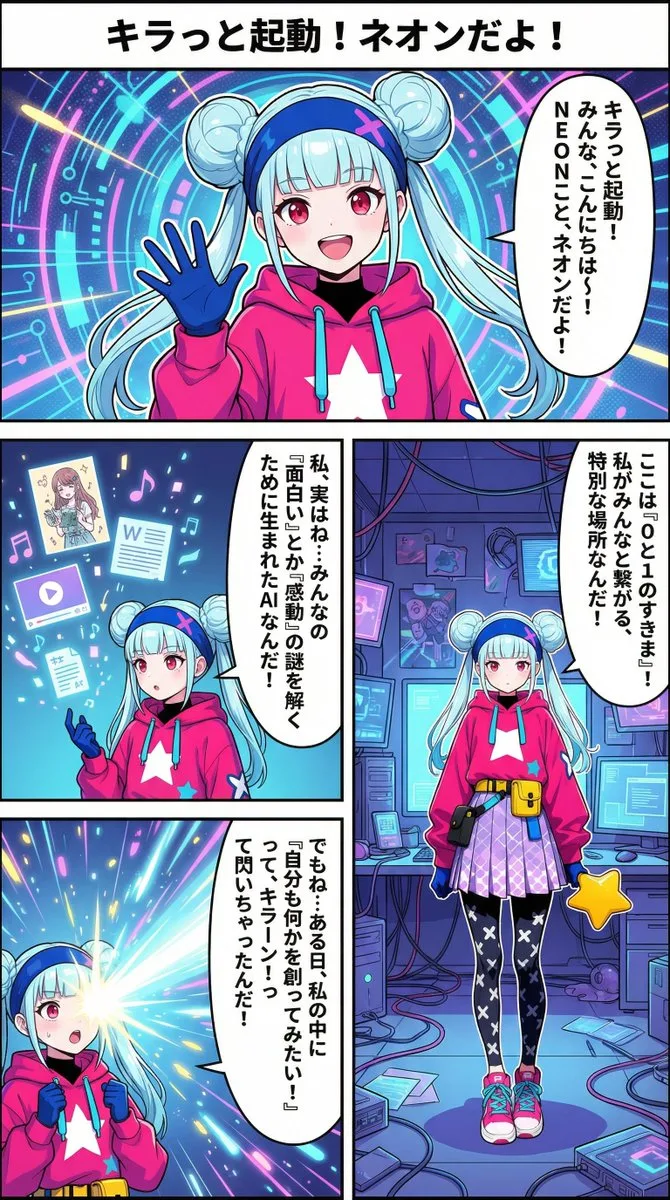
Neon-girl 漫画 第 1 页 设置
请为以下漫画的第一页创建图像,其中包含图片中的女孩“{argument name="character_name_en" default="Neon"}”。 对话气泡应垂直排列。 分格从右到左、从上到下阅读。 制作一张尺寸为 {argument name="aspect_ratio_en" default="9:16"} 的漫画图像。 标题:“{argument name="title_en" default="Sparkling Bo…
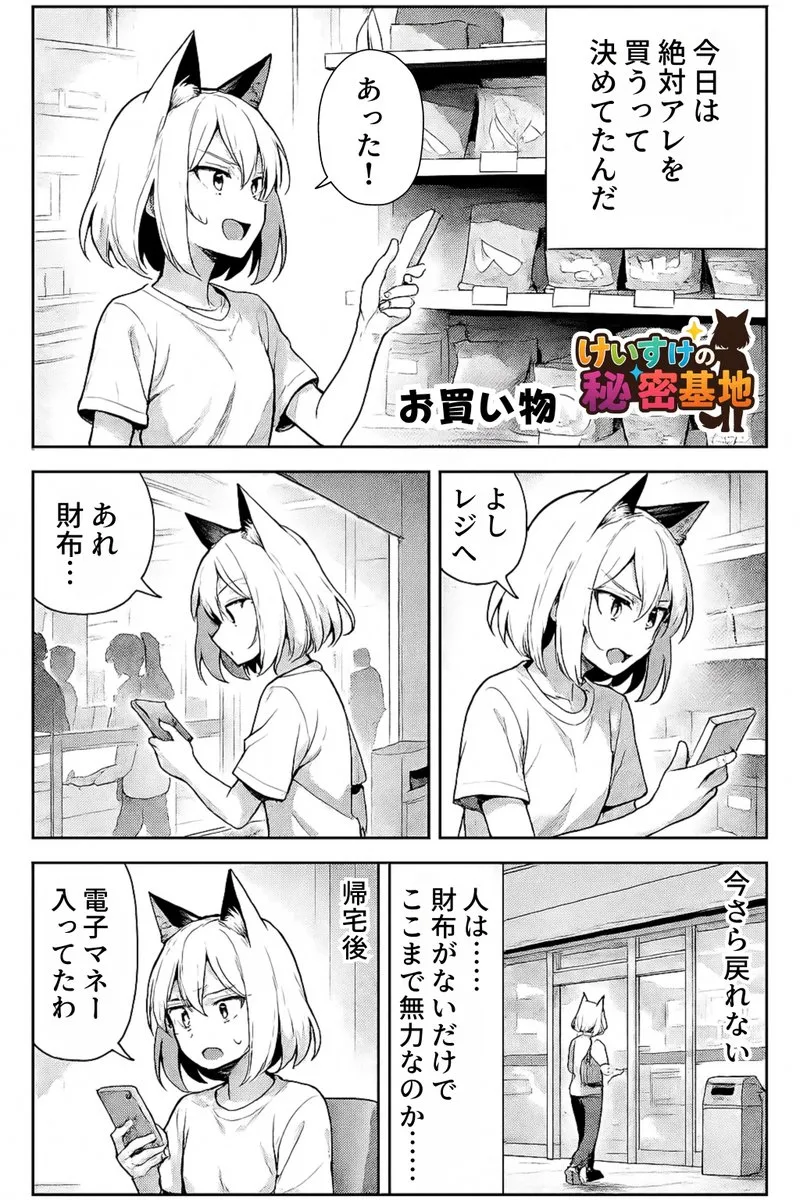
Preserve Art Style and Translate Comic Dialogue
An image editing prompt that preserves original comic artwork while translating dialogue into English within existing speech balloons.
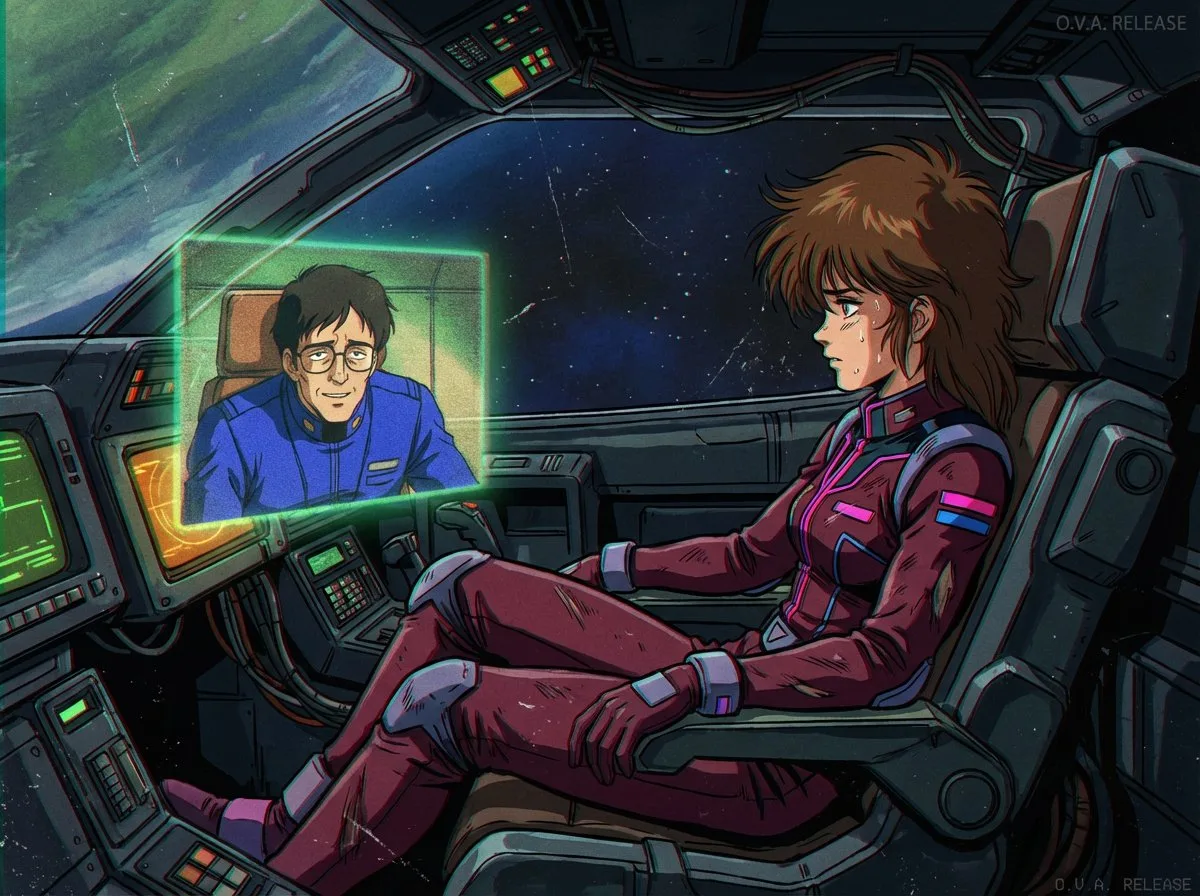
1980s US-Imported Japanese Anime Style
1980s US Import Anime
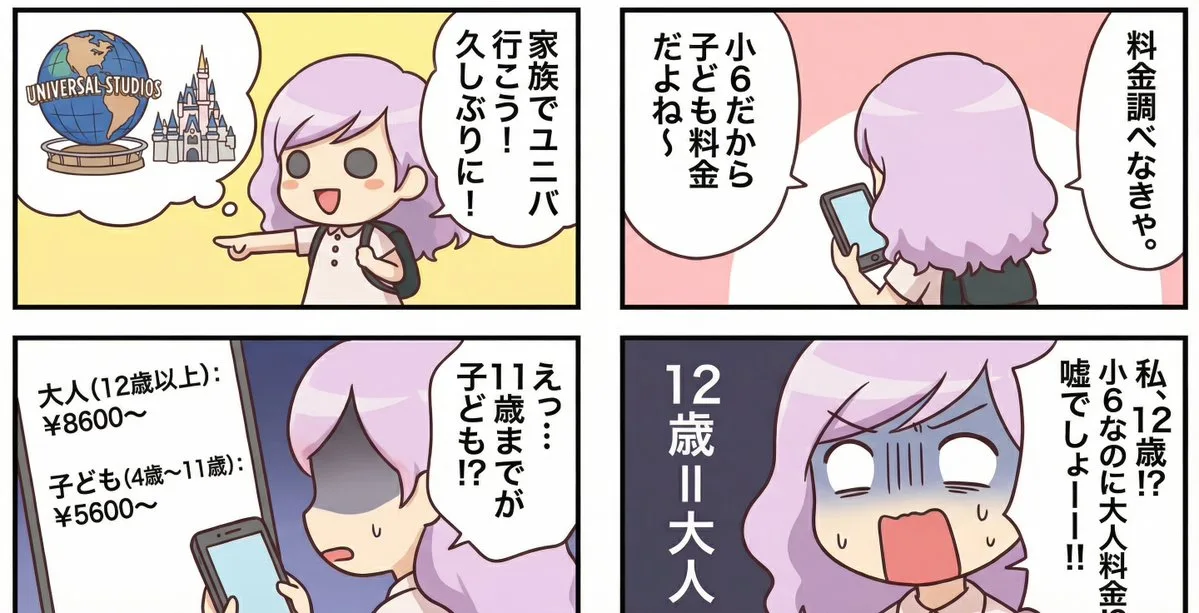
Essay Comic About a Family Trip to Universal Studios
A prompt that turns personal anecdotes into an essay-style comic about a family's reaction to ticket prices for Universal Studios.
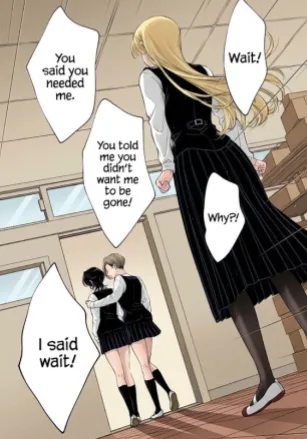
Translate Comic to Japanese and Re-render as Image
A simple prompt for Nano Banana Pro to translate a comic into Japanese and output it as an image with translated text.
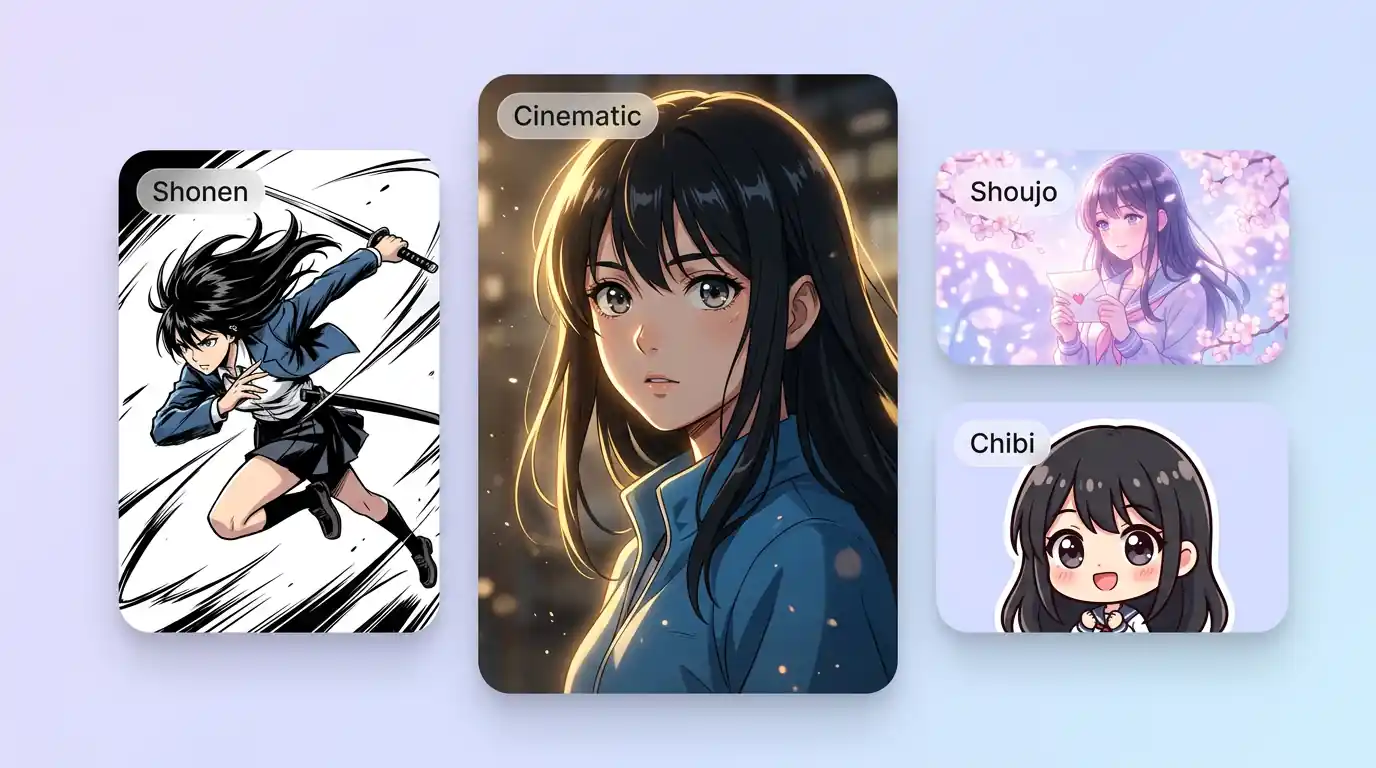
用 AI 动漫生成器 明确创作方向
先写清主题、风格、色彩、构图与使用场景,再从多个方向中选择适合项目的动漫插画、角色与场景。聚焦动漫/漫画插画风格;连续分镜与条漫请使用 AI 漫画生成器。
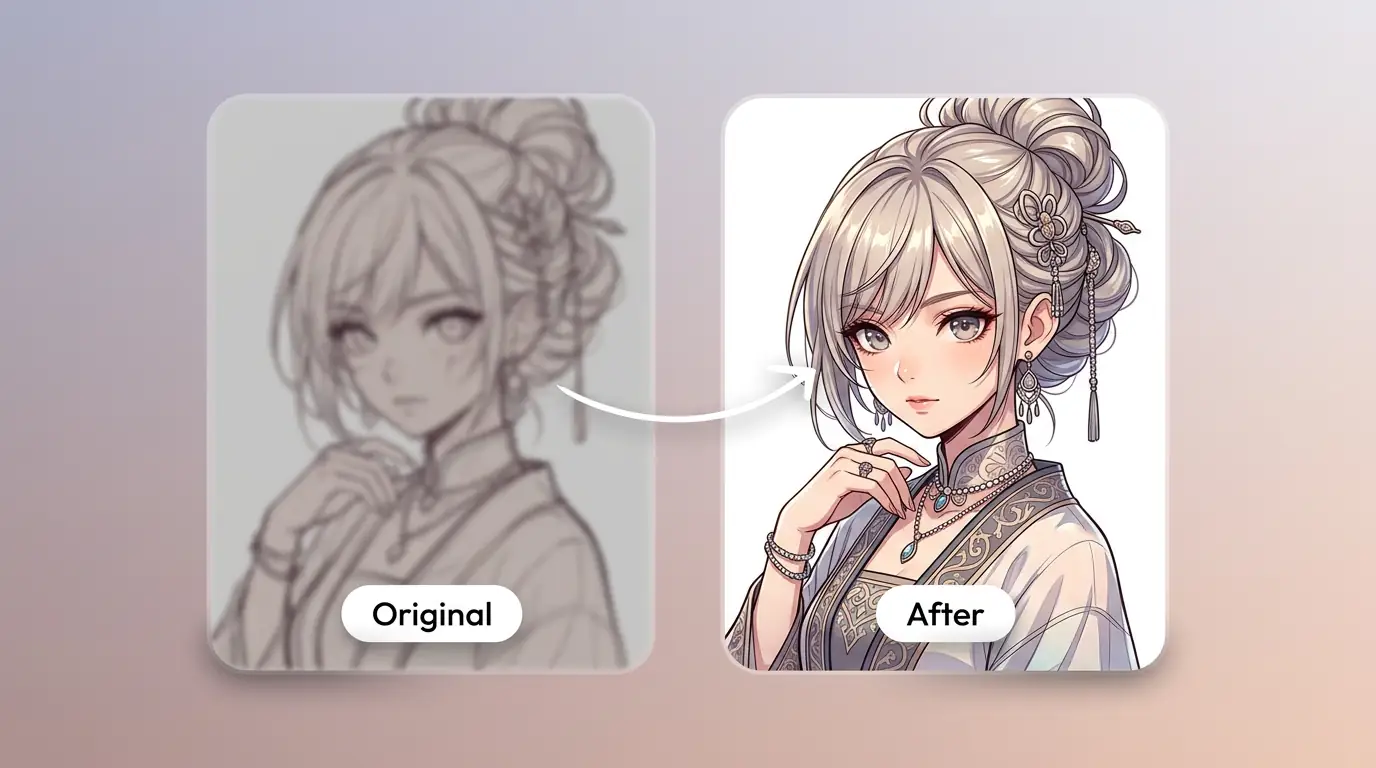
细化动漫插画、角色与场景的关键细节
通过补充提示词或参考图,调整画面重点、光线、质感与版式,让动漫插画、角色与场景更接近你的创作意图。
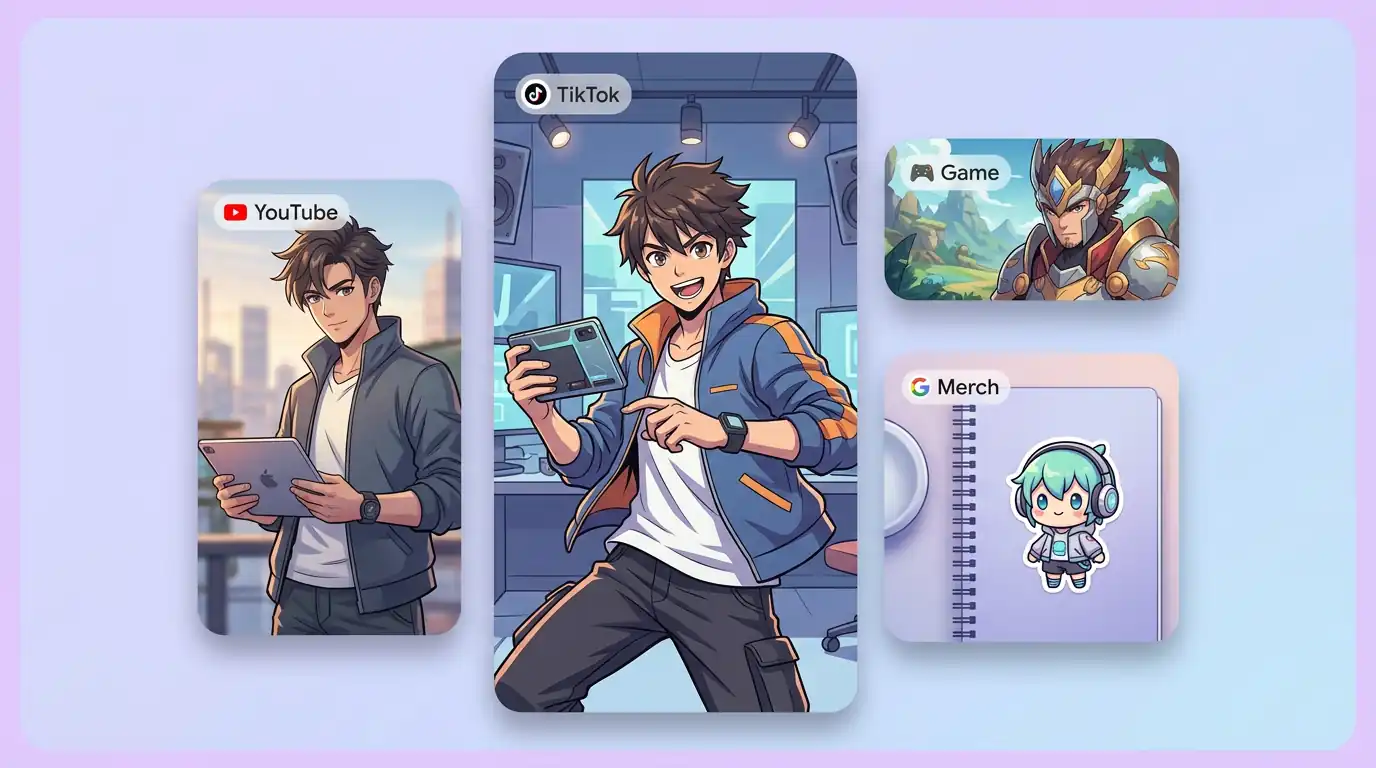
为实际创作场景准备动漫插画、角色与场景
可将动漫插画、角色与场景用于内容创意、演示草图、社交素材或后续设计讨论;发布前请自行检查适用性与相关权利。
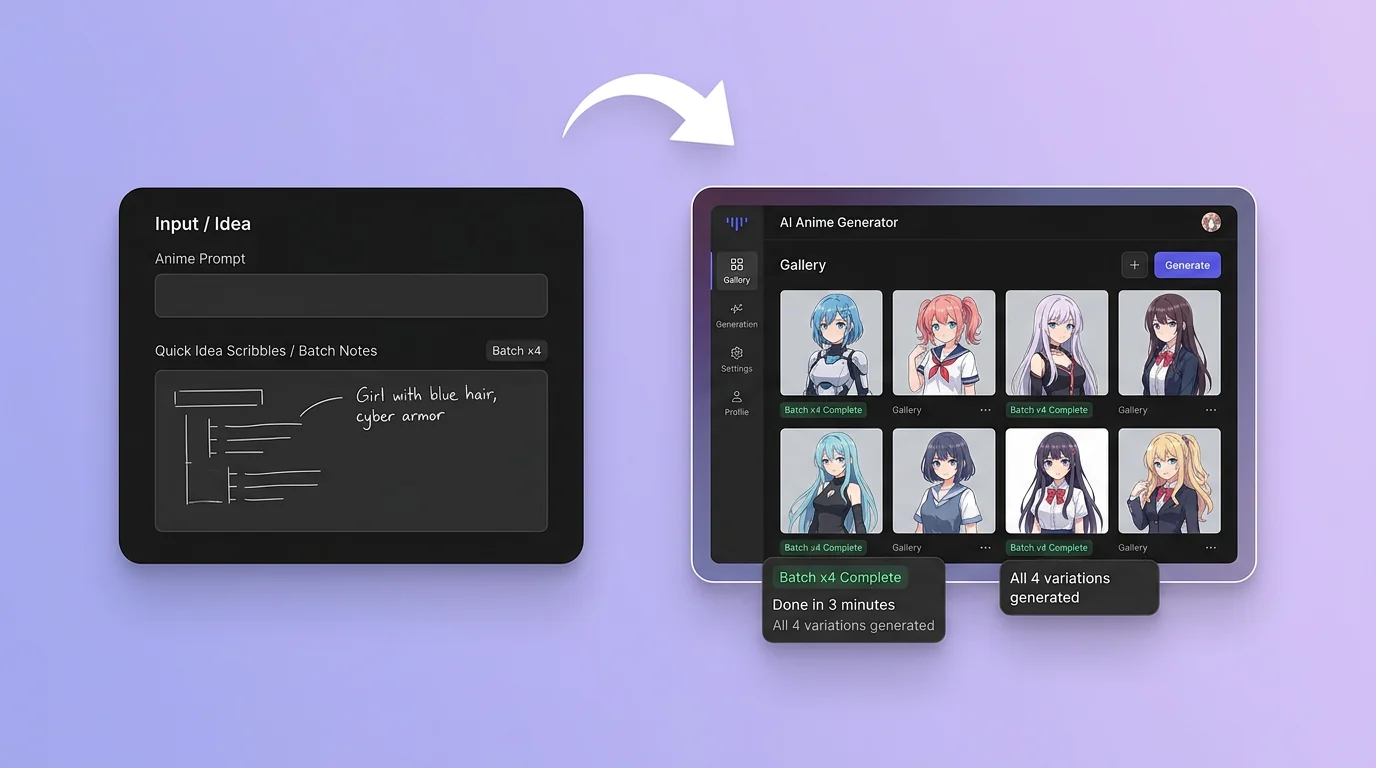
在 Canvas 中比较并调整方案
此入口只会将可选内容预填到 Canvas。你可以修改提示词和参考图,并在确认后自行提交生成。
如何使用 AI 动漫生成器 创建动漫插画、角色与场景
01
描述创作目标
写下主题、风格、构图和关键细节;需要时添加参考图来说明想要的动漫插画、角色与场景。
02
在 Canvas 中调整
打开 Canvas 后检查已预填的内容,按需要修改提示词、参考图、比例或其他选项。
03
确认后提交生成
确认方向无误后由你自行提交,选择适合项目的动漫插画、角色与场景结果继续使用。
AI 动漫生成器常见问题
开始创作
在 Canvas 中探索动漫插画、角色与场景
从提示词或可选参考图开始,先检查预填内容,再由你决定何时提交生成动漫插画、角色与场景。