AI 人脸生成器:创建原创角色与概念人脸
描述想要的原创角色与概念人脸,也可添加参考图来确定风格、构图与细节。进入 Canvas 后先检查预填内容,再由你决定是否提交生成。用于虚构角色、选角概念与创意人脸,不以证件照或职业形象照为主。
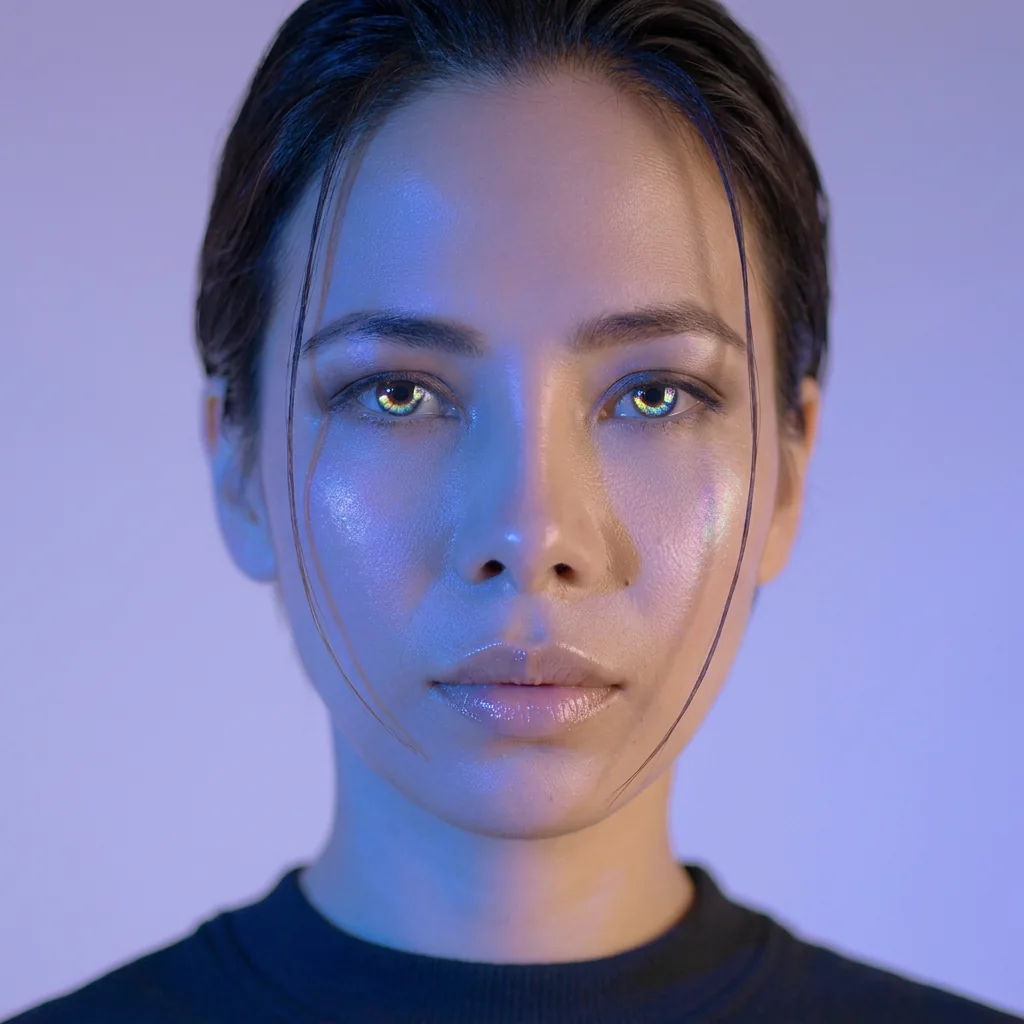
使用 AI 人脸生成器 创建原创角色与概念人脸
从创意描述或参考图出发,逐步确定风格、细节与用途。打开 Canvas 后先检查预填内容,再按自己的节奏提交生成。用于虚构角色、选角概念与创意人脸,不以证件照或职业形象照为主。
适合此场景的提示词示例
浏览与本页意图匹配的图片提示词。打开 Canvas 后可继续使用自己的提示词;仅预填,不会自动生成。
提示词示例以英文展示。
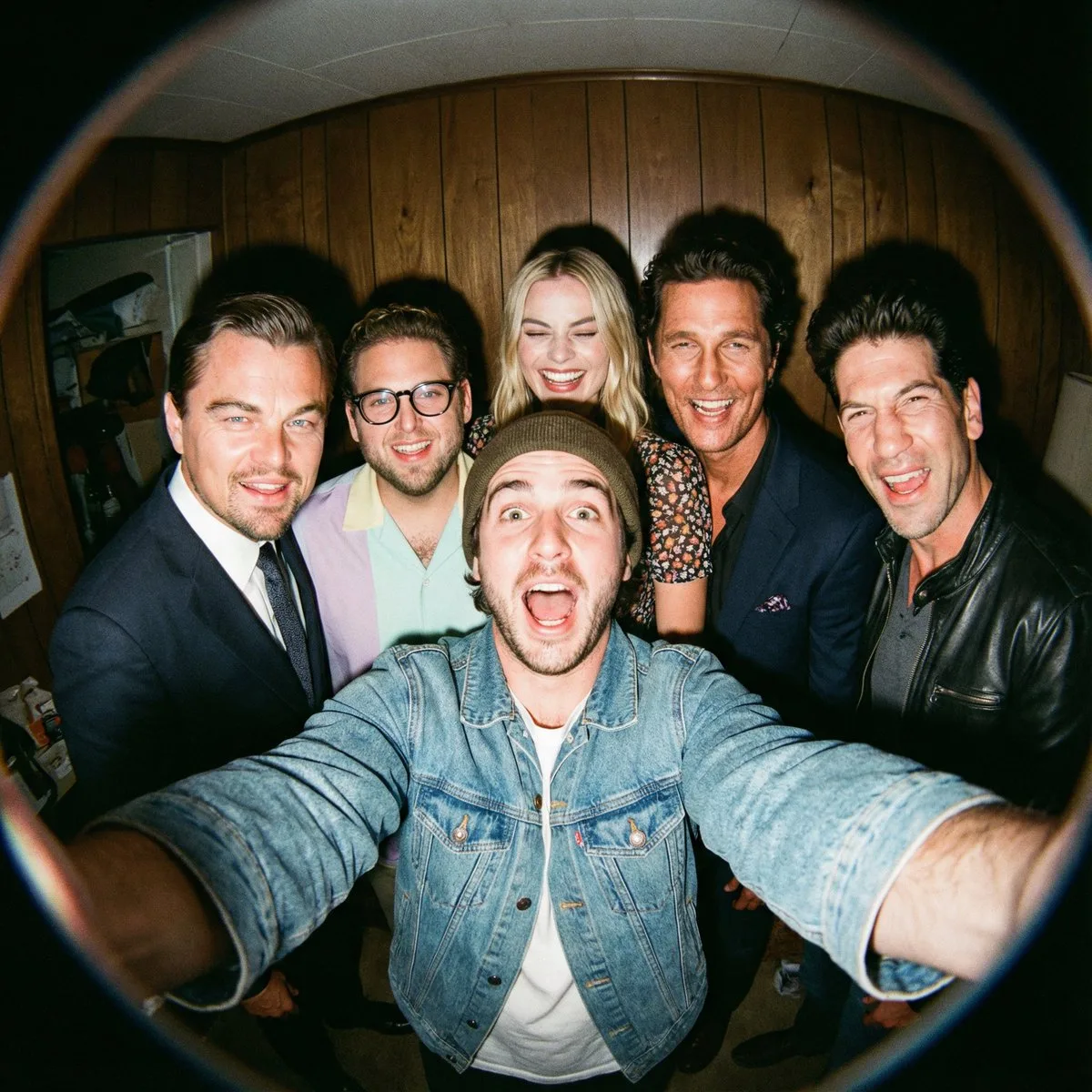
Fisheye Selfie with Movie Characters
A film-like fisheye wide-angle 360-degree selfie without any camera or phone visible in the subject’s hands. A real and exaggerated selfie of {argument name="person from uploaded image" default="person from uploaded imag…
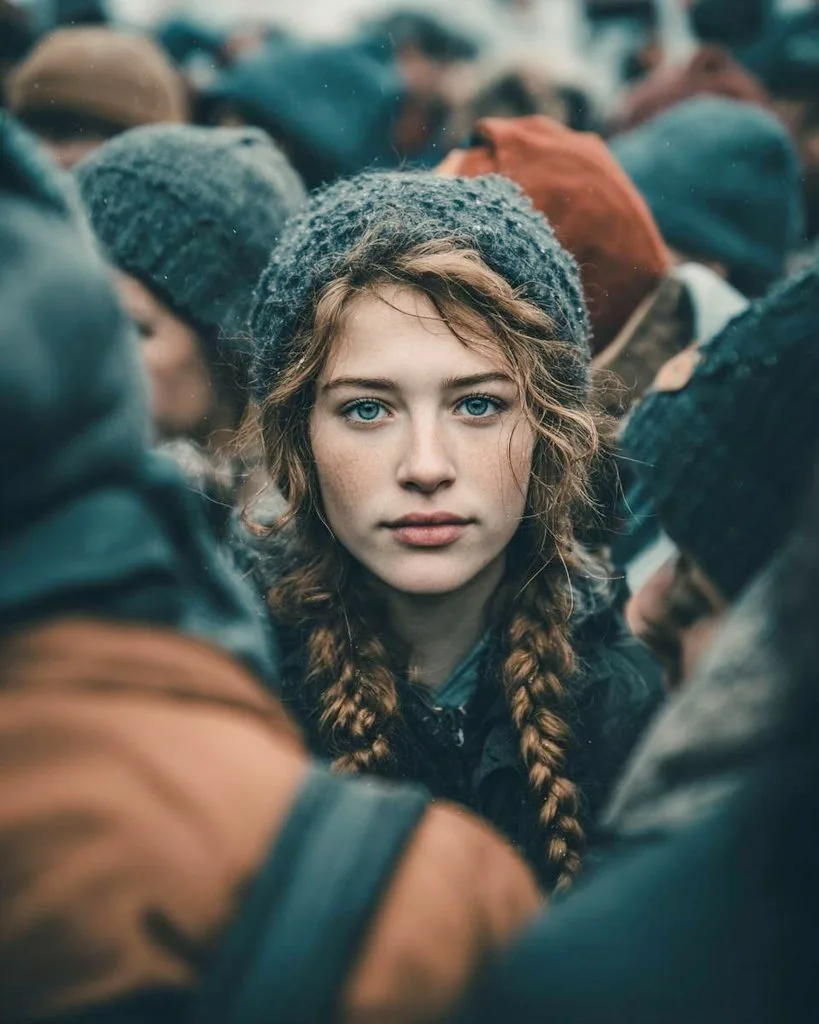
Cinematic Street Portrait Prompt for Nano Banana Pro
{ "Objective": "Create a cinematic, emotionally compelling Midjourney-style AI-generated street portrait with storytelling depth.", "Narrative": { "Theme": "Stillness within chaos", "Message": "In a crowd full of motion,…
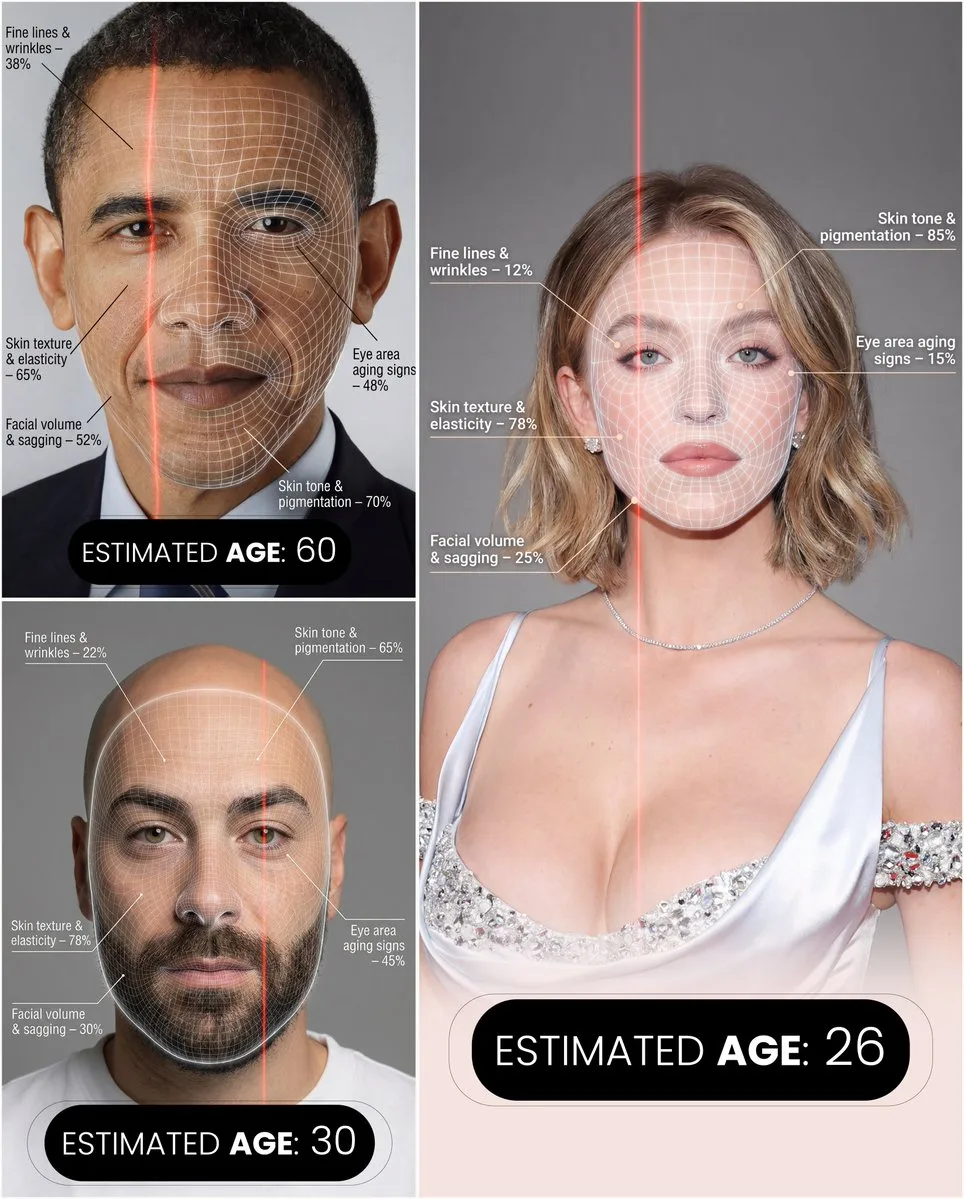
Futuristic Facial Age Detector Infographic
A hyper-realistic, high-resolution portrait infographic based on ({argument name="reference_photo" default="your photo"}). Keep the same person, identity, hairstyle, clothing and natural skin tone from ({argument name="r…
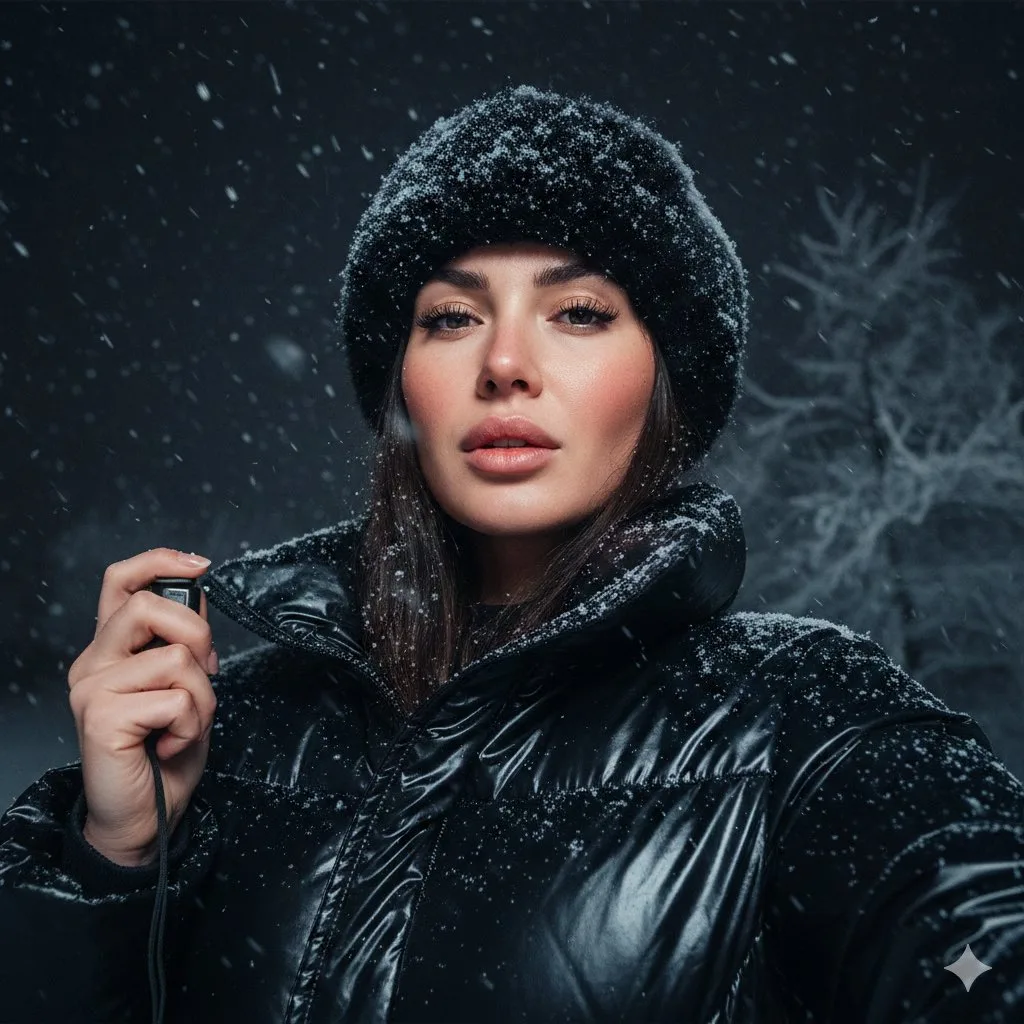
Detailed JSON Prompt for Cinematic Winter Selfie Portrait
{ "pose": { "description": "She holds the camera with her left hand, positioned slightly below eye level, capturing her face from a confident upward angle; lips softly parted, expression calm yet intense." }, "background…
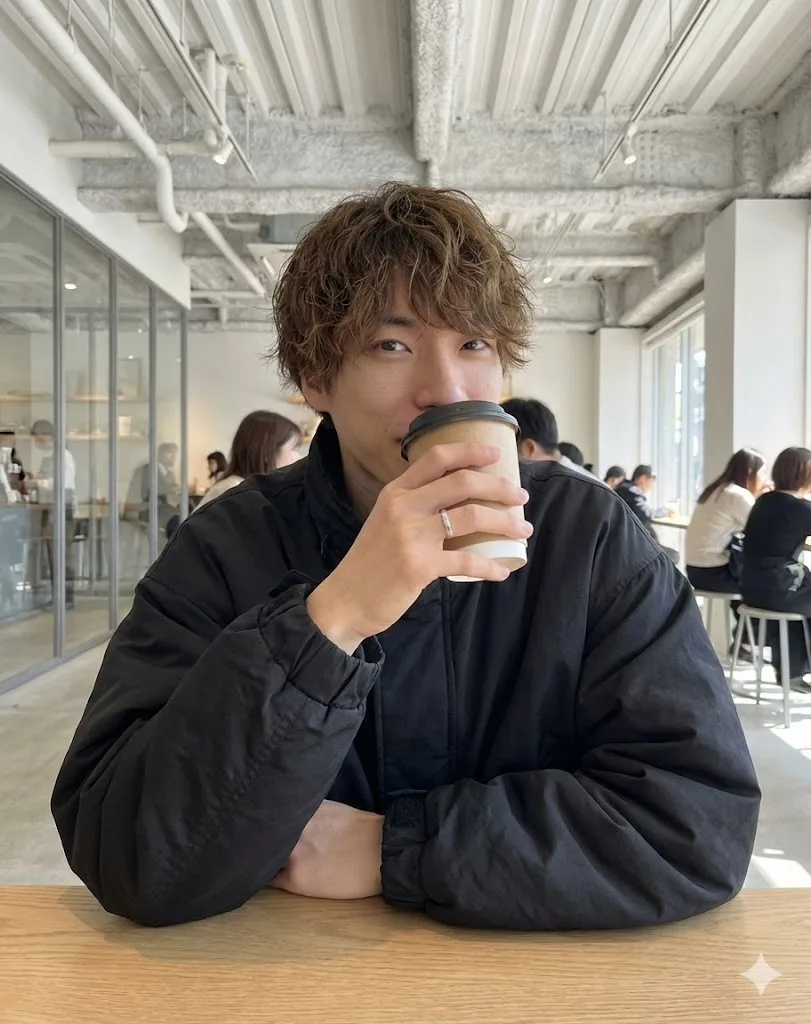
Cafe Date POV Profile Picture for Nano Banana Pro
{ "settings": { "aspect_ratio": "{argument name="アスペクト比" default="3:4"}", "resolution": "{argument name="解像度" default="8k"}", "quality_preset": "{argument name="クオリティプリセット" default="high quality"}", "style_emulation": "{…
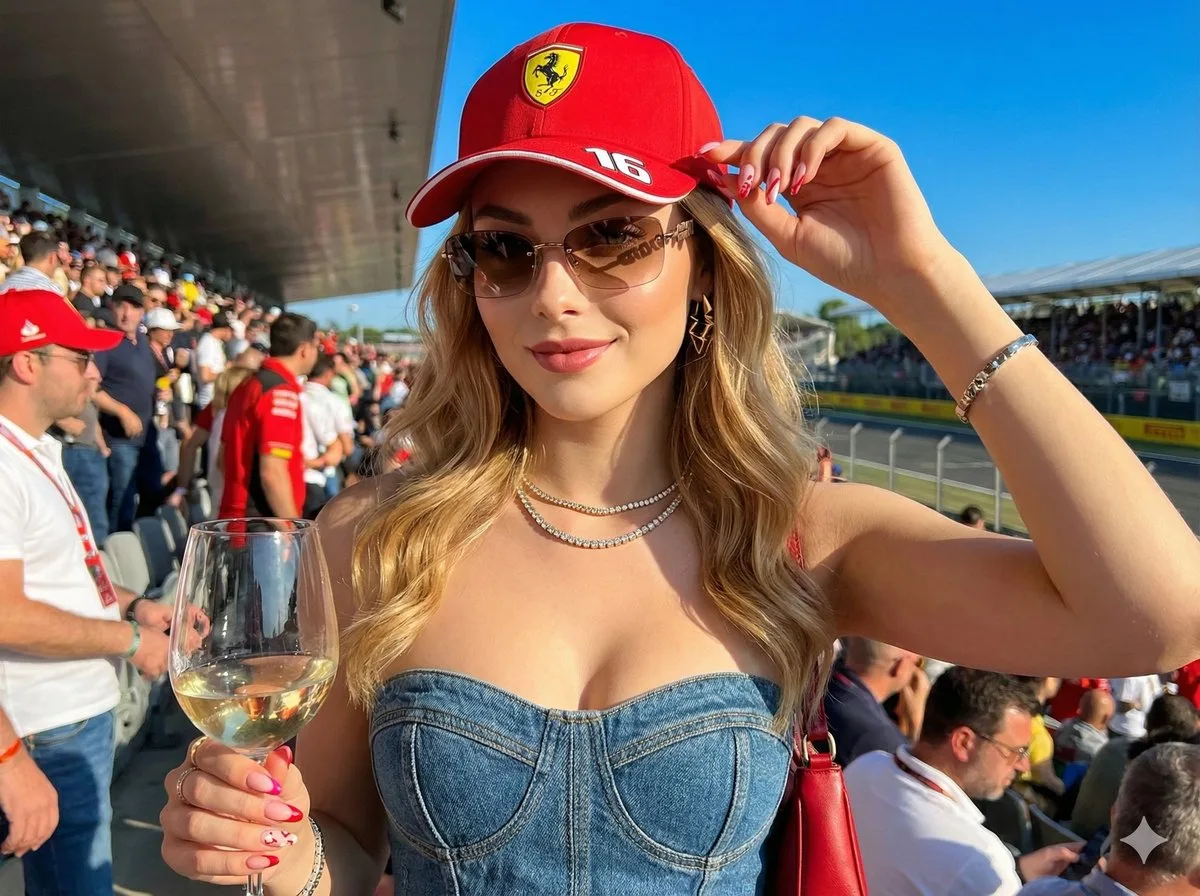
Ultra-Realistic F1 VIP Fan Selfie Edit
Create a hyper-realistic image in 8K resolution, keeping exactly my real face, features, skin color, eyes, and hair as per the reference image. I am the {argument name="subject_gender_role" default="woman"} in the photo;…
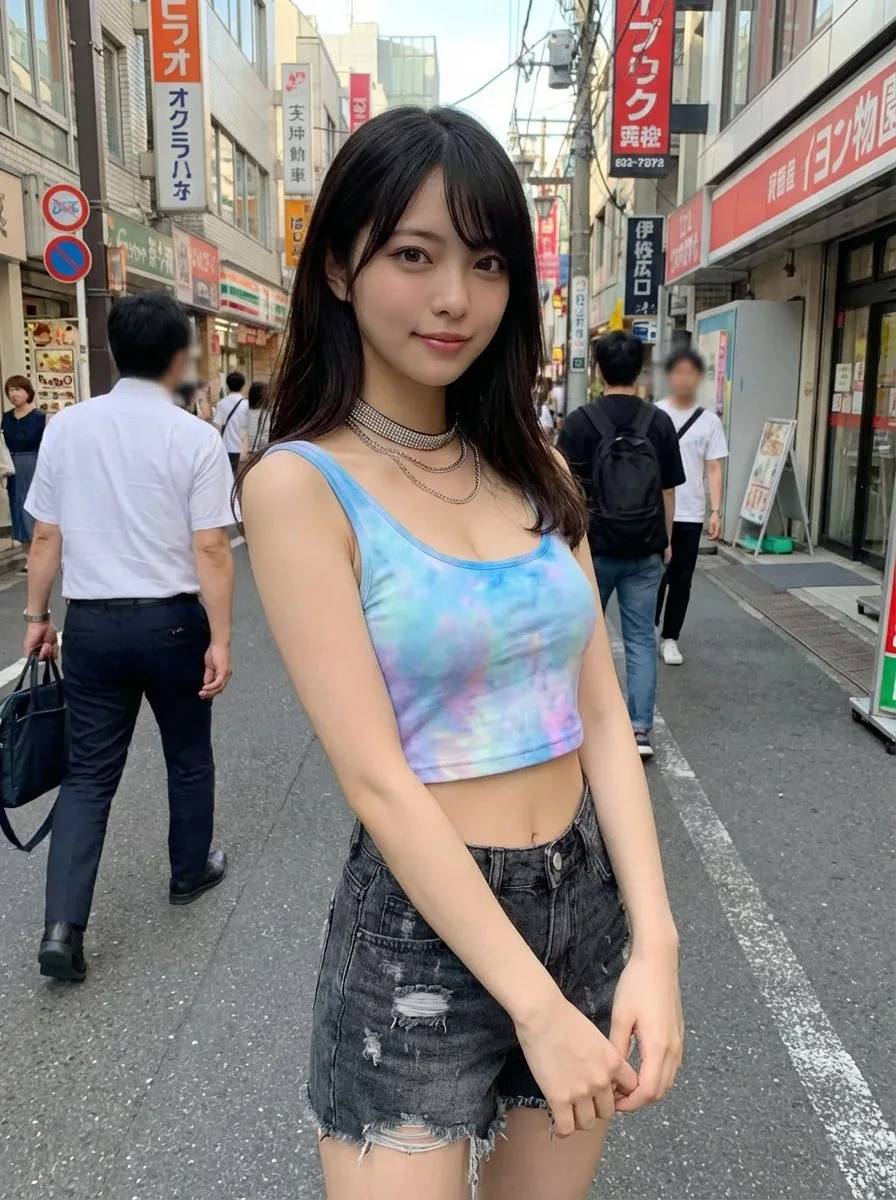
Virtual Clothing Try-On with Tokyo Street Option
Generate an image of the person from the uploaded reference image, keeping the face and hairstyle exactly as in the uploaded image. Dress the person in the clothing from the uploaded clothing image, preserving the style,…
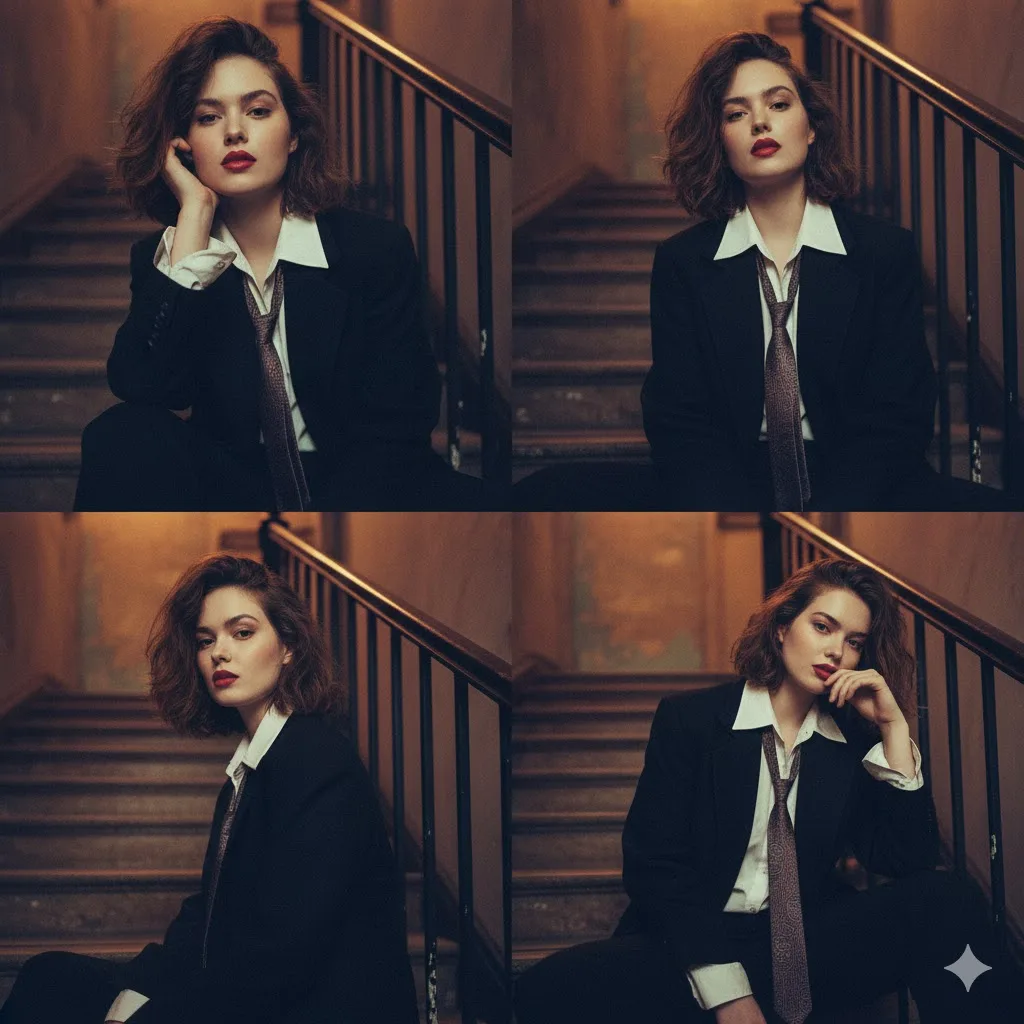
2x2 Moody Editorial Collage of Androgynous Woman
{ "image_description": { "overall_composition": "A moody, cinematic 2x2 collage featuring the same young woman", "subject": { "appearance": { "hair": "Short, tousled", "makeup": "Bold red lipstick", "style": "Striking, a…
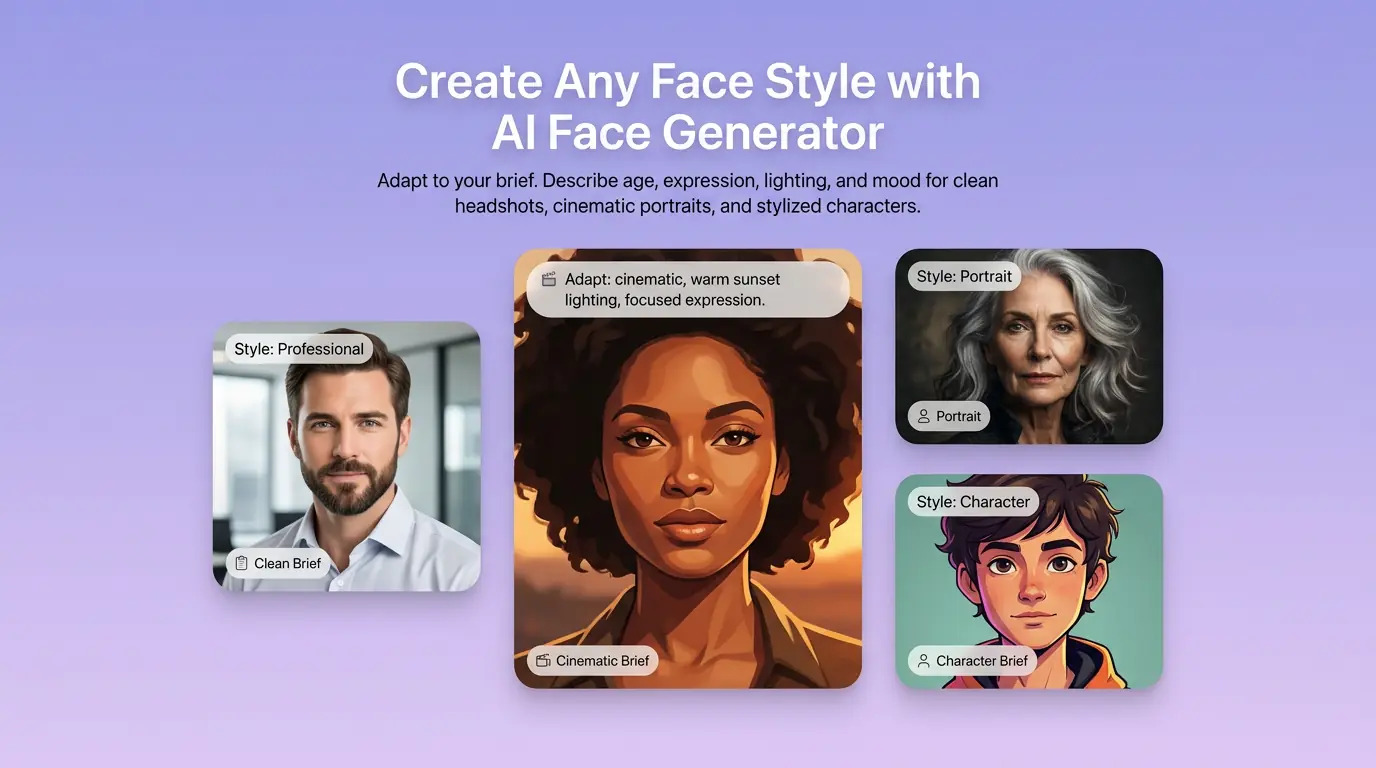
用 AI 人脸生成器 明确创作方向
先写清主题、风格、色彩、构图与使用场景,再从多个方向中选择适合项目的原创角色与概念人脸。用于虚构角色、选角概念与创意人脸,不以证件照或职业形象照为主。
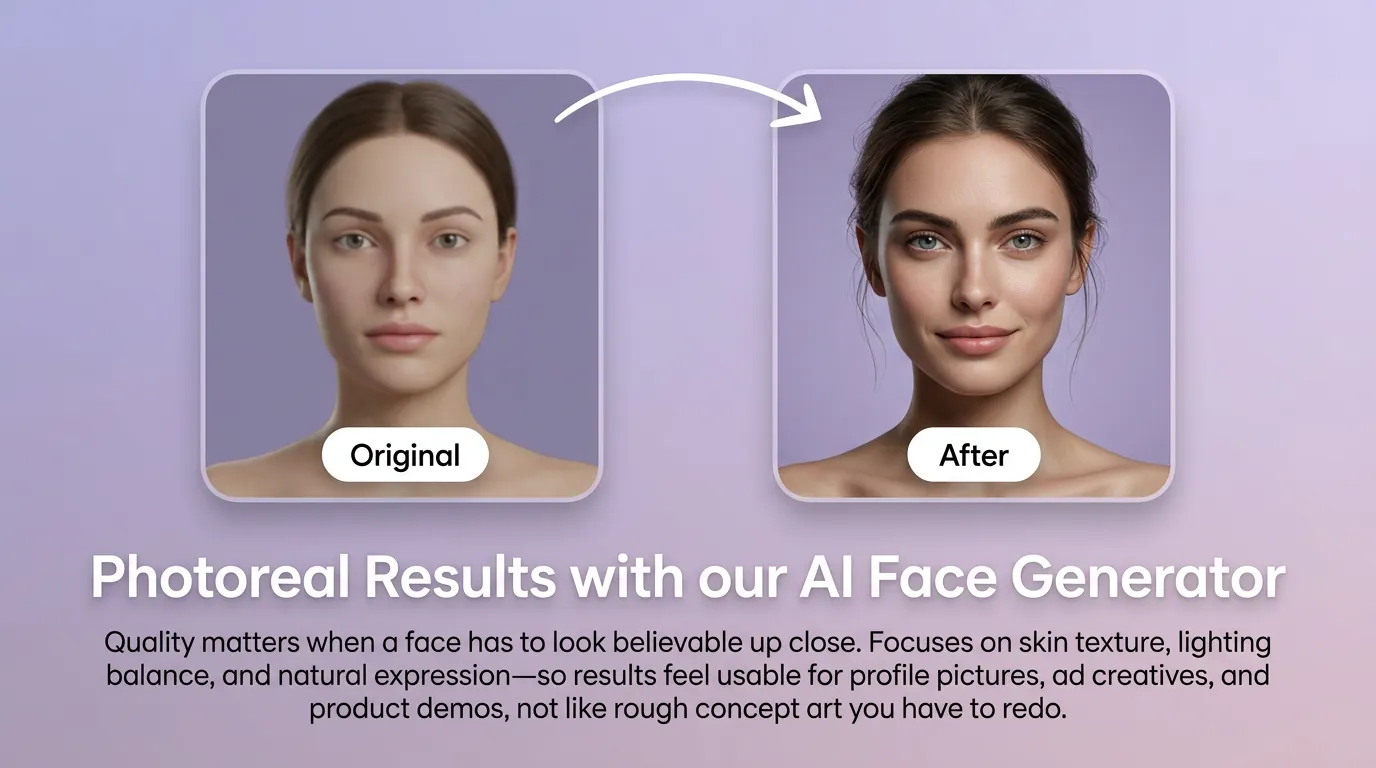
细化原创角色与概念人脸的关键细节
通过补充提示词或参考图,调整画面重点、光线、质感与版式,让原创角色与概念人脸更接近你的创作意图。
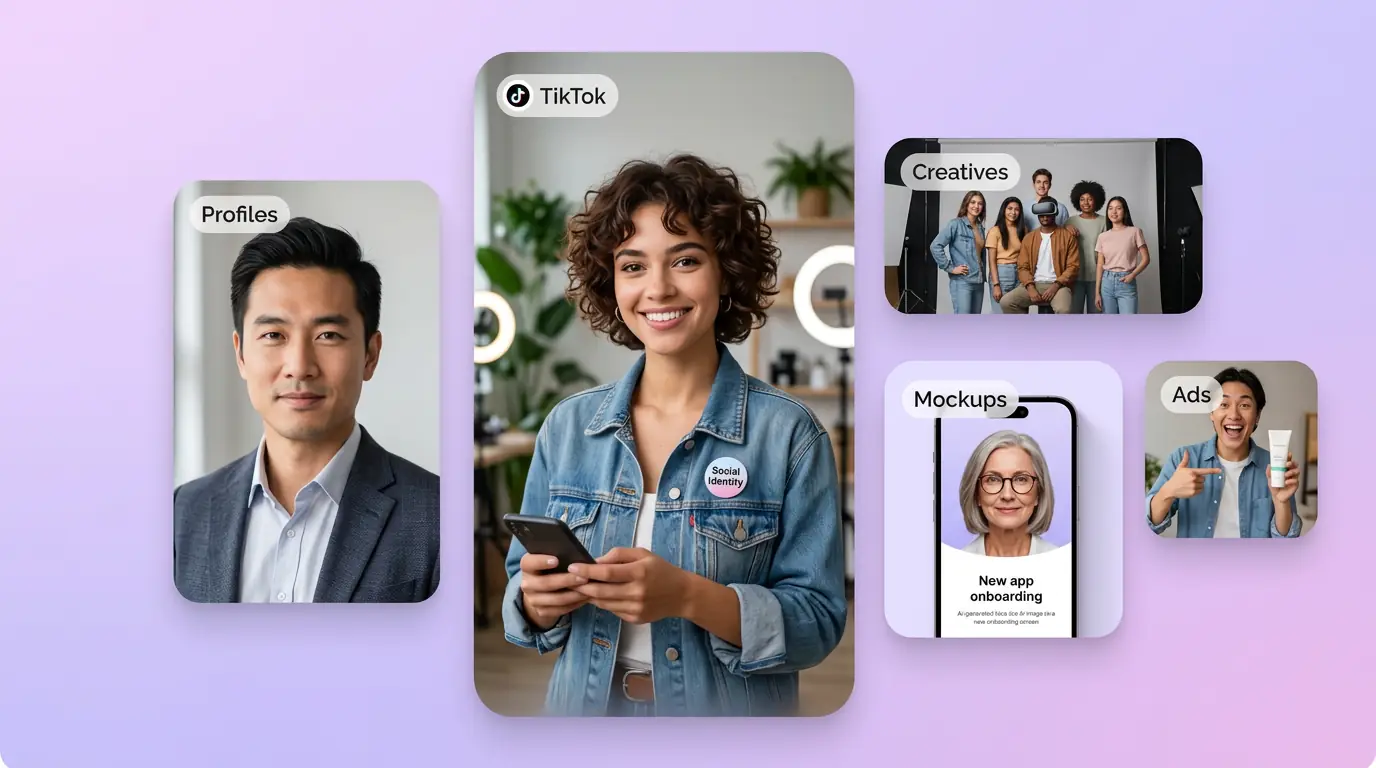
为实际创作场景准备原创角色与概念人脸
可将原创角色与概念人脸用于内容创意、演示草图、社交素材或后续设计讨论;发布前请自行检查适用性与相关权利。
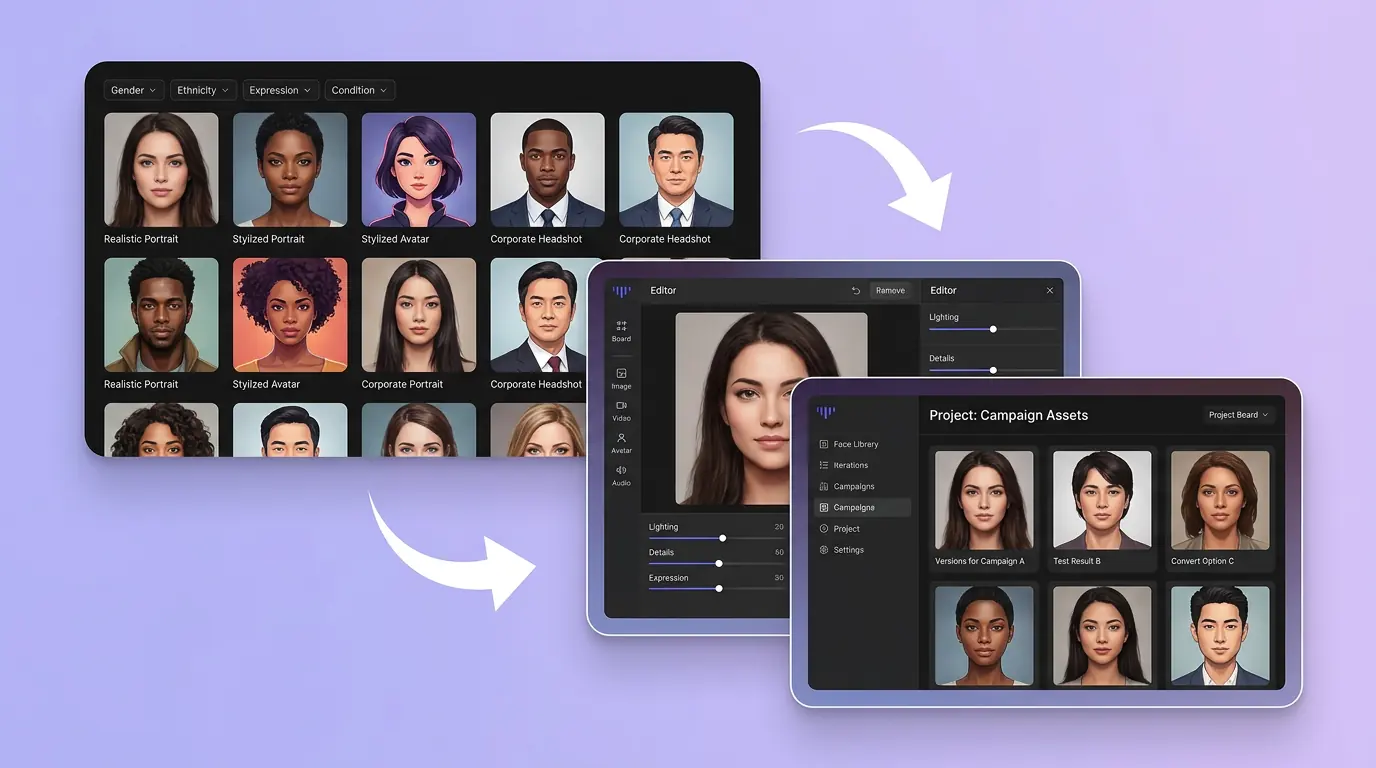
在 Canvas 中比较并调整方案
此入口只会将可选内容预填到 Canvas。你可以修改提示词和参考图,并在确认后自行提交生成。
如何使用 AI 人脸生成器 创建原创角色与概念人脸
01
描述创作目标
写下主题、风格、构图和关键细节;需要时添加参考图来说明想要的原创角色与概念人脸。
02
在 Canvas 中调整
打开 Canvas 后检查已预填的内容,按需要修改提示词、参考图、比例或其他选项。
03
确认后提交生成
确认方向无误后由你自行提交,选择适合项目的原创角色与概念人脸结果继续使用。
更多 AI 图片工具
结合相关图片工具,继续完善不同创作任务所需的视觉素材。
AI 人脸生成器常见问题
开始创作
在 Canvas 中探索原创角色与概念人脸
从提示词或可选参考图开始,先检查预填内容,再由你决定何时提交生成原创角色与概念人脸。