AI 发型生成器:创建发型效果
描述想要的发型效果,也可添加参考图来确定风格、构图与细节。进入 Canvas 后先检查预填内容,再由你决定是否提交生成。
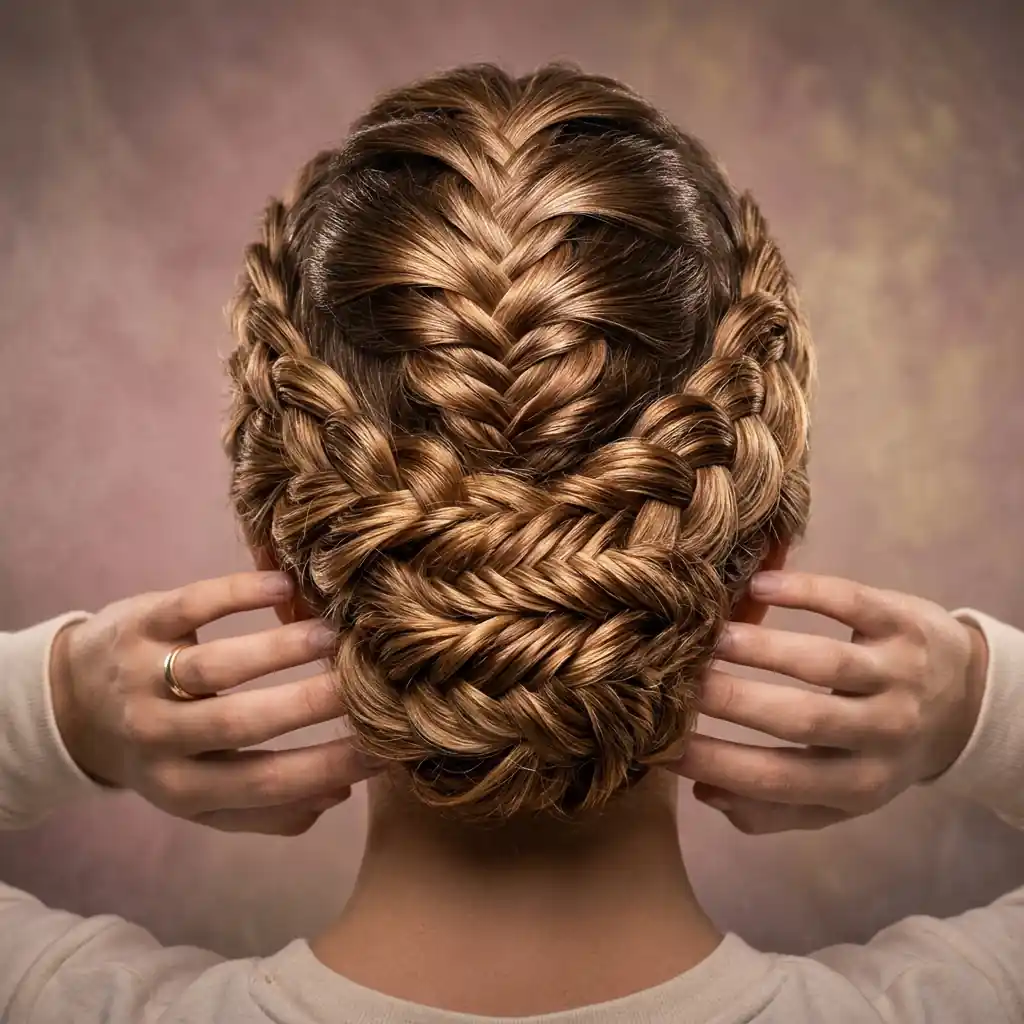
使用 AI 发型生成器 创建发型效果
从创意描述或参考图出发,逐步确定风格、细节与用途。打开 Canvas 后先检查预填内容,再按自己的节奏提交生成。
适合此场景的提示词示例
浏览与本页意图匹配的图片提示词。打开 Canvas 后可继续使用自己的提示词;仅预填,不会自动生成。
提示词示例以英文展示。
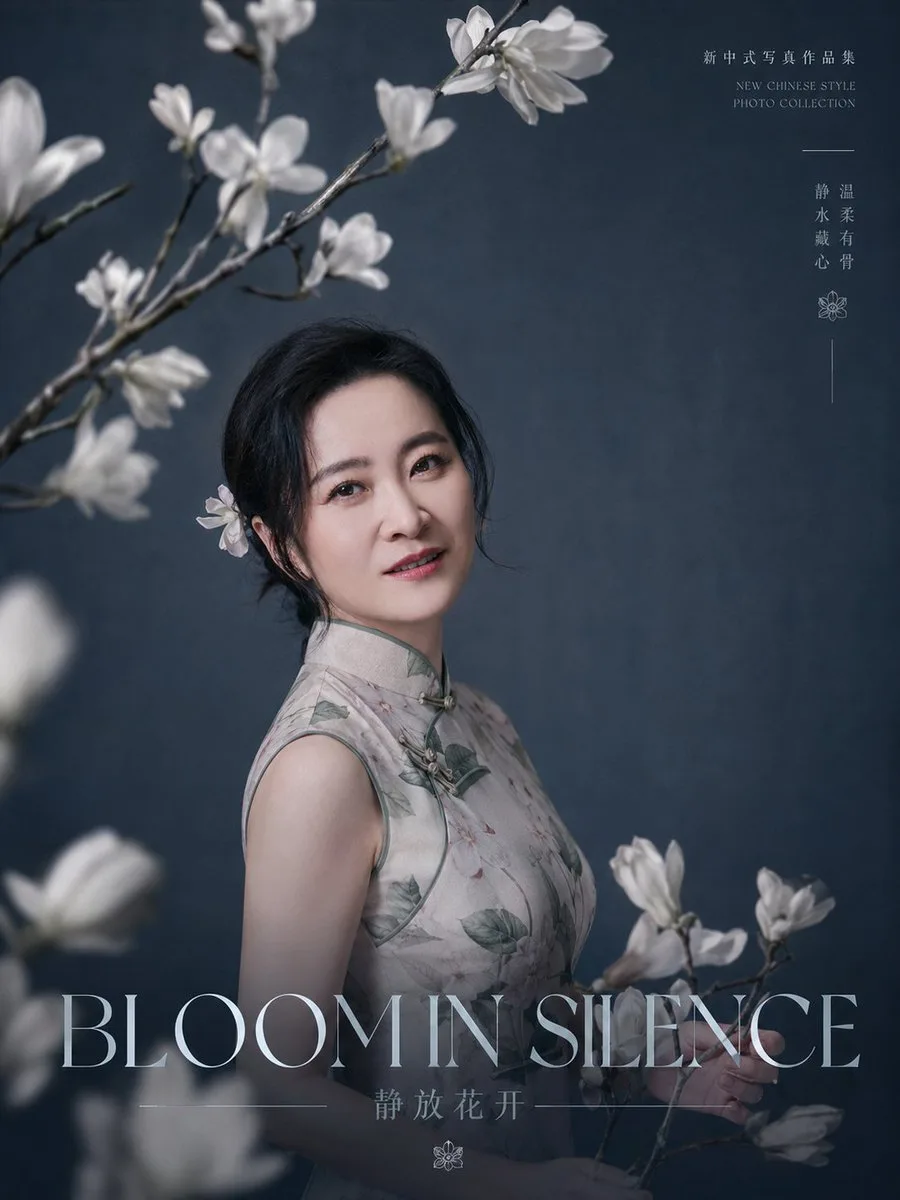
'Quiet Bloom' Portrait Poster
Create a refined editorial portrait poster for a new Chinese-style photo collection. A graceful middle-aged East Asian woman with {argument name="facial features" default="soft oval face, bright almond eyes, natural brow…
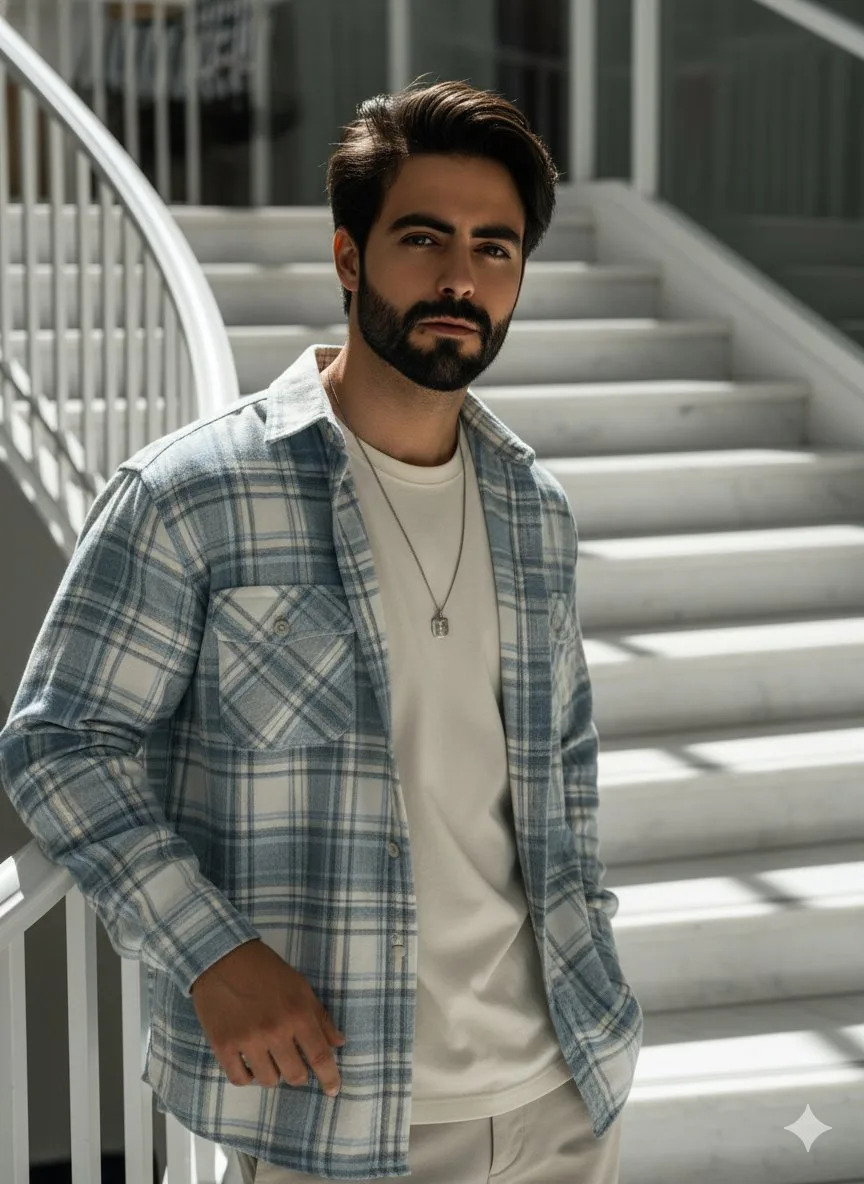
Gemini 3 Pro High-Angle Fashion Portrait Prompt
High-angle fashion portrait of a 25-year-old Asian man, with the same facial features as the man in the reference photo, messy hairstyle framed on his face, leaning casually on a white marble staircase
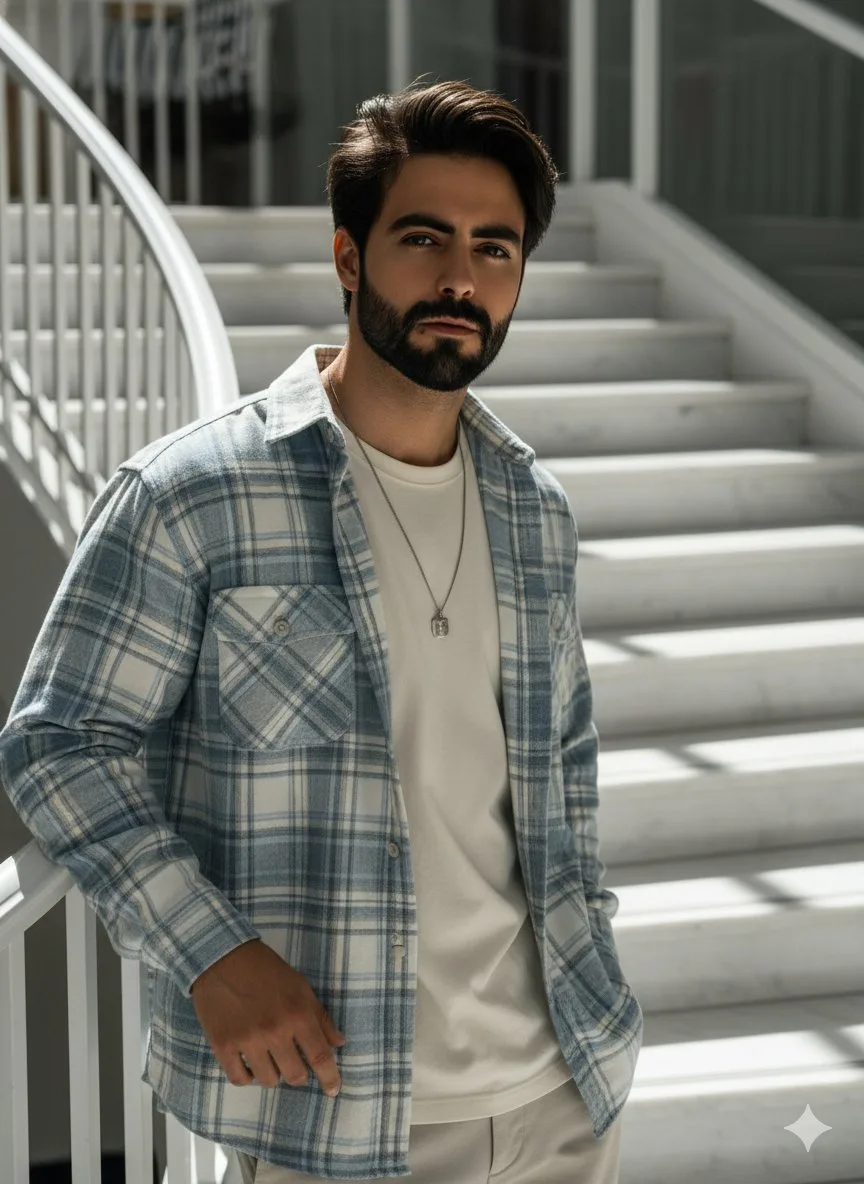
High-Angle Fashion Portrait on Marble Stairs
High-angle fashion portrait of a {argument name="age" default="25-year-old"} {argument name="ethnicity" default="Asian"} man, with the same facial features as the man in the reference photo, messy hairstyle framed on his…
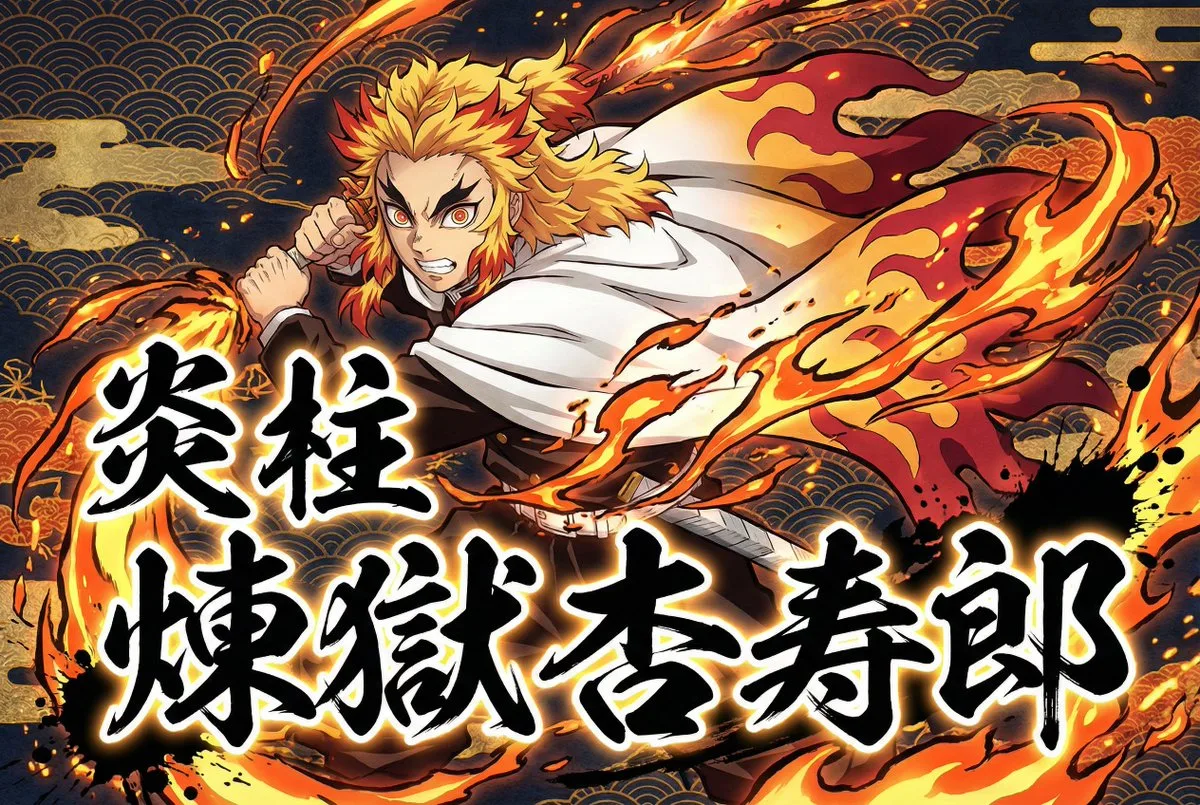
Demon Slayer Style Anime Transformation and Calligraphy
Transform the user-uploaded image (photo or illustration) into a dramatic Japanese-inspired anime artwork. Always extract and use only the subject (the person) from the source image, and completely ignore or remove the o…
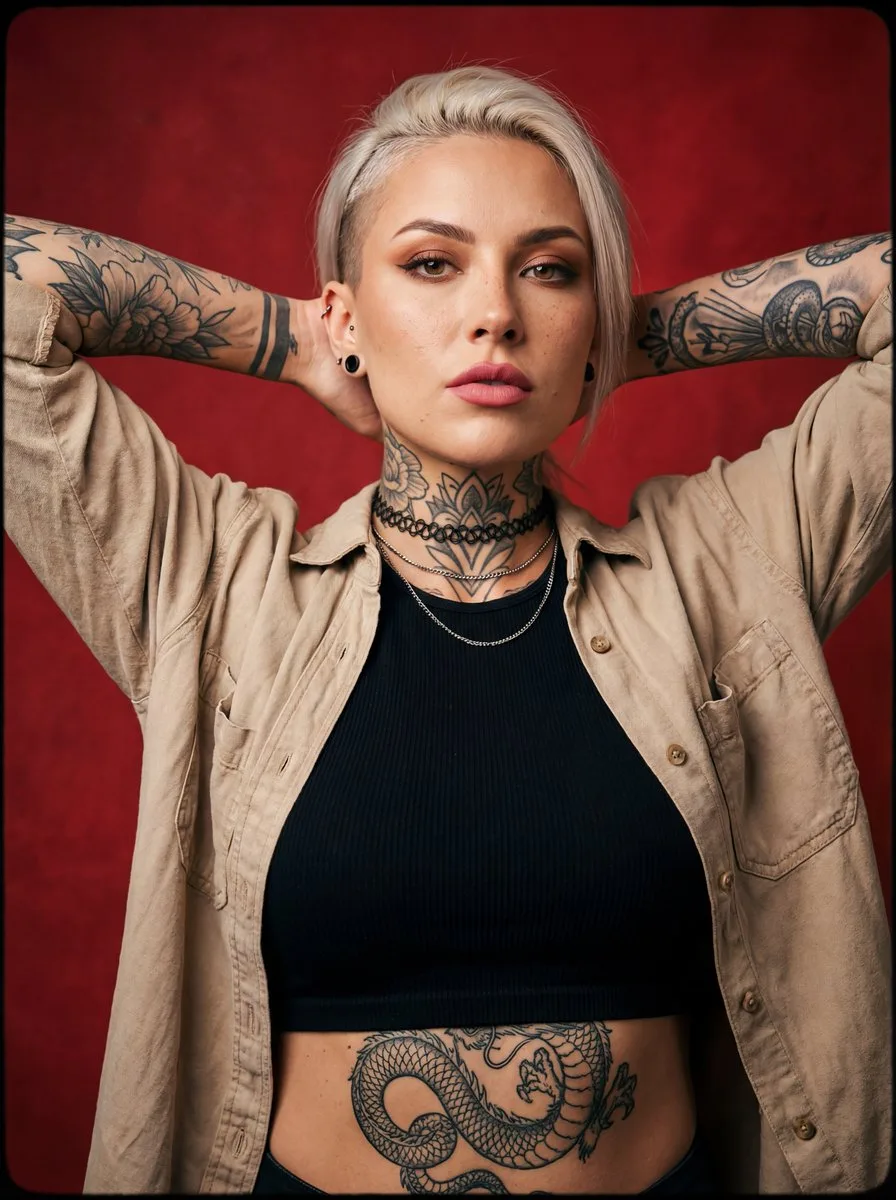
Alternative Tattooed Woman Studio Portrait
A bold, alternative-style young woman in her mid-20s with a powerful, confident attitude. She has a half-shaved undercut hairstyle: one side closely shaved, the other side long, straight platinum-blonde hair falling over…
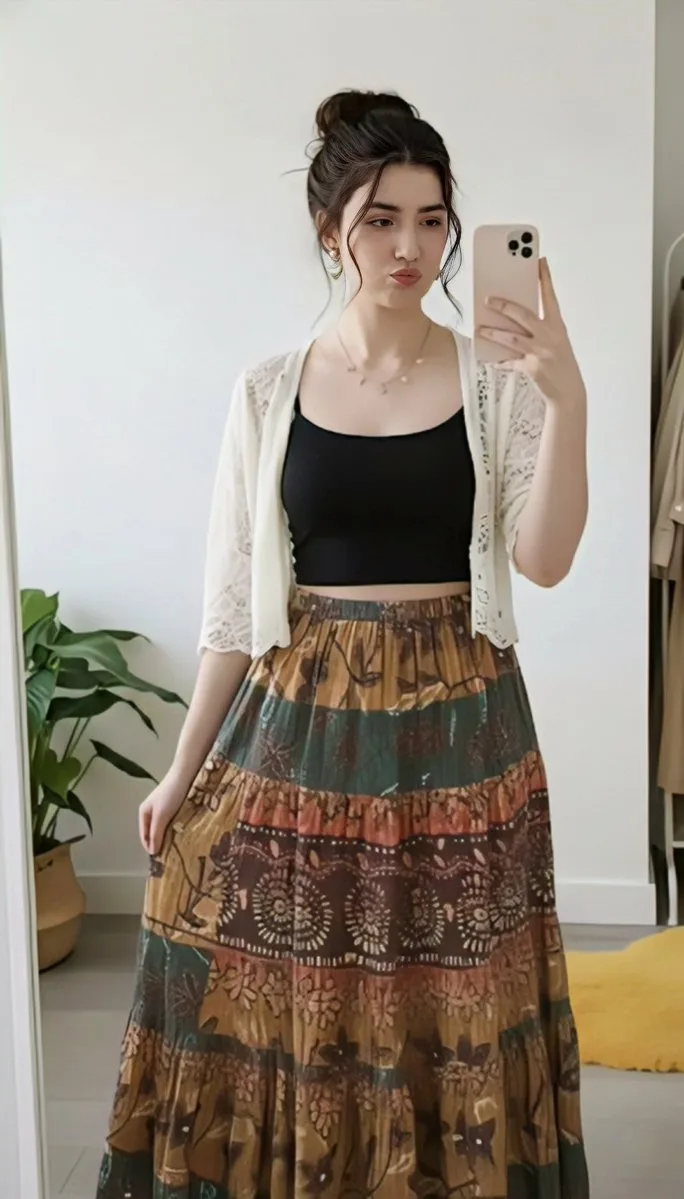
Replace Clothing While Maintaining Identity and Pose
Keep my exact face, pose, body, and environment from my original photo. Change ONLY the clothing and accessories so they match the dress and accessories from the second reference image with full accuracy. Do not alter my…
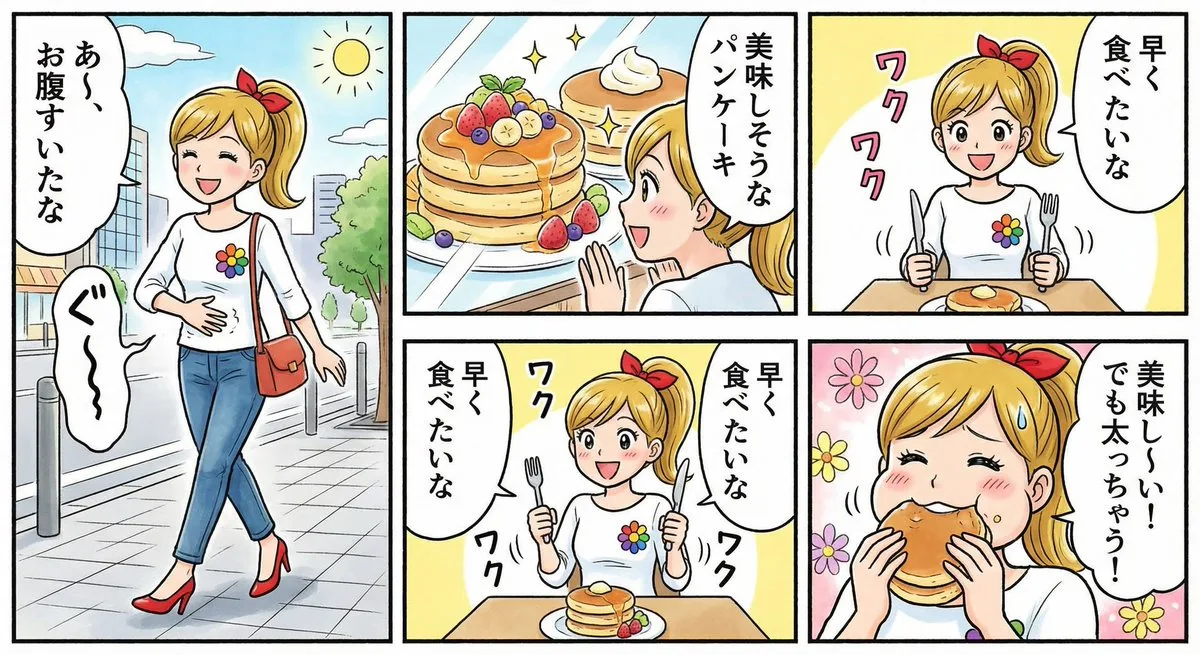
Four-Panel Comic: Hungry Woman and Pancakes
我想创作一个以一位女性为主角的四格漫画。 这位女性是{argument name="nationality_en" default="日本人"}。她表情开朗。 {argument name="hairstyle_en" default="金色马尾辫,系着红色发带。"} {argument name="top_outfit_en" default="一件白色衬衫,胸前有一个彩虹色的花朵补丁。"} {argument name="botto…
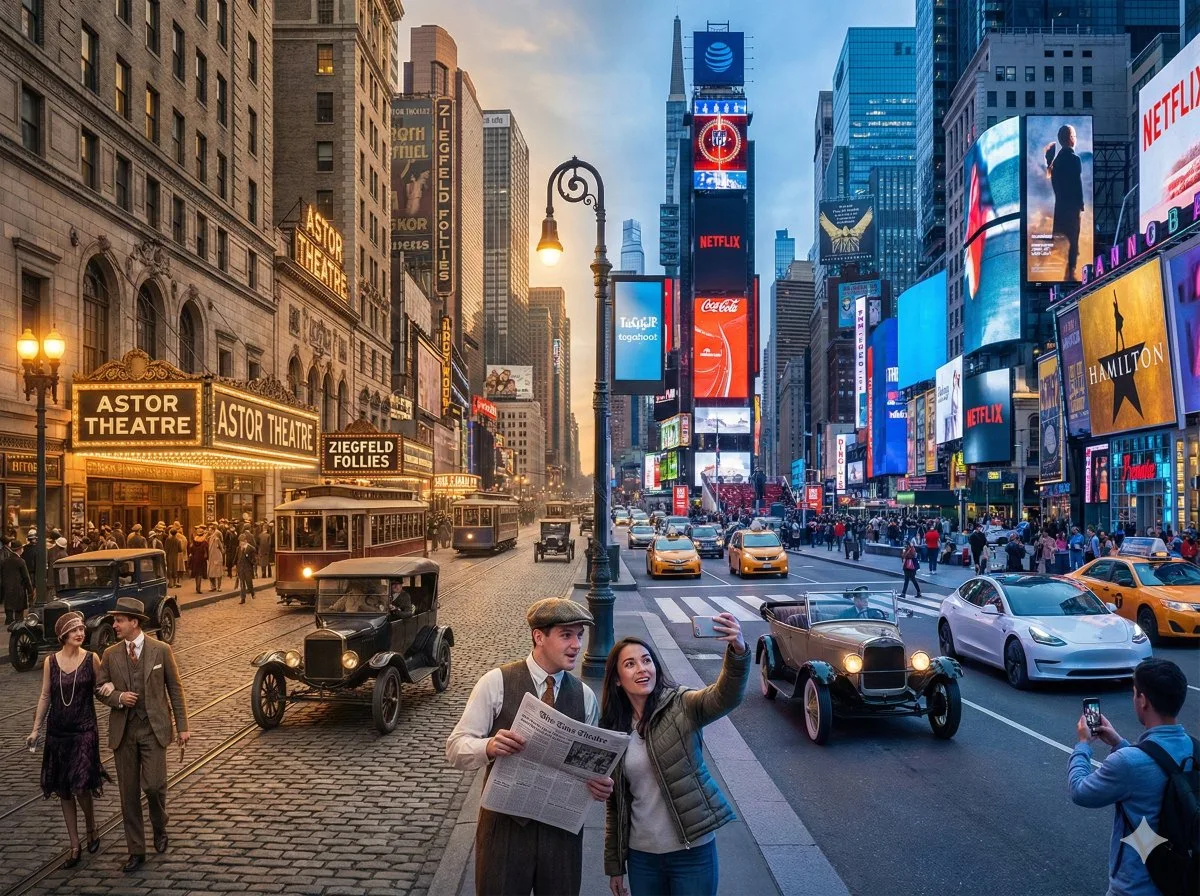
Split-Screen Cinematic Time Travel
A horizontal split-screen cinematic shot of {argument name="scene" default="{Scene}"}, seamlessly blending two different eras: {argument name="era A" default="{Era_A}"} on the left and {argument name="era B" default="{Er…
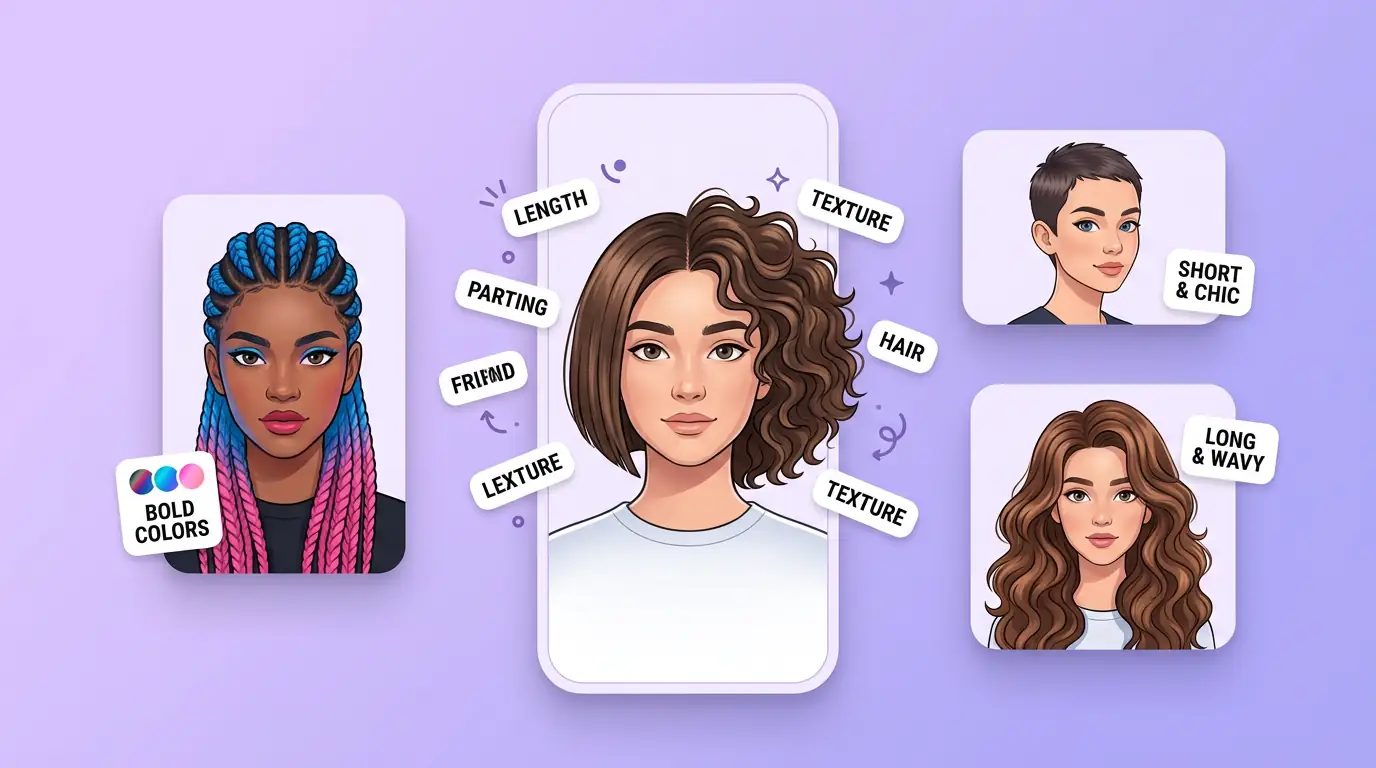
用 AI 发型生成器 明确创作方向
先写清主题、风格、色彩、构图与使用场景,再从多个方向中选择适合项目的发型效果。
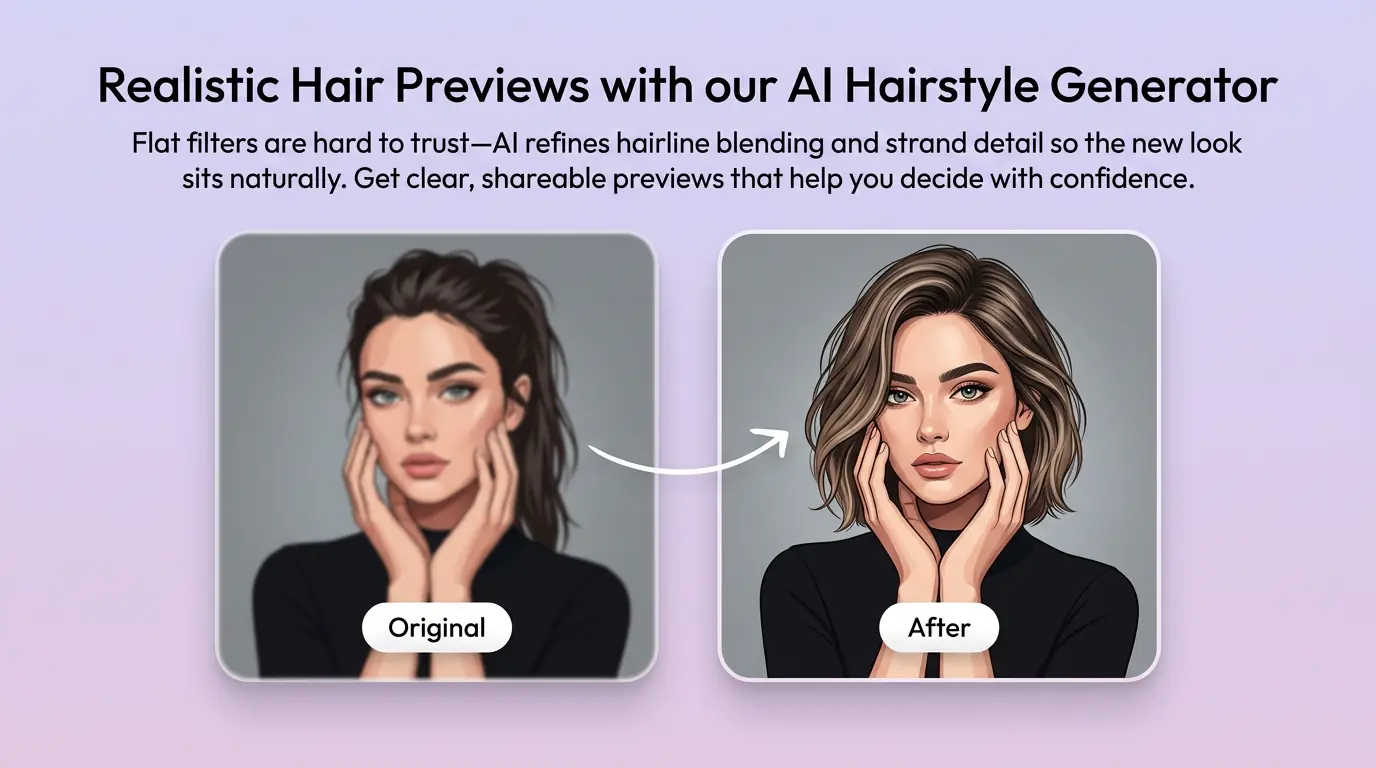
细化发型效果的关键细节
通过补充提示词或参考图,调整画面重点、光线、质感与版式,让发型效果更接近你的创作意图。
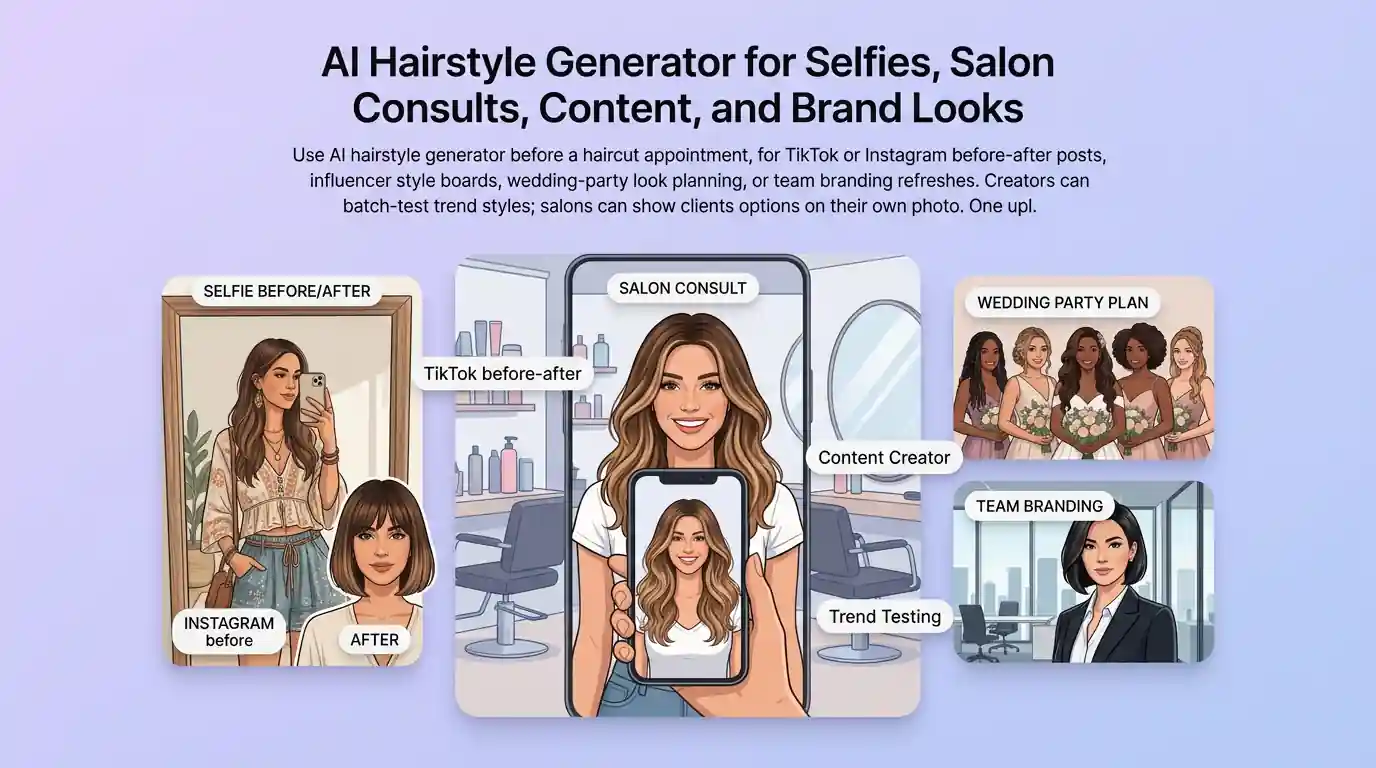
为实际创作场景准备发型效果
可将发型效果用于内容创意、演示草图、社交素材或后续设计讨论;发布前请自行检查适用性与相关权利。
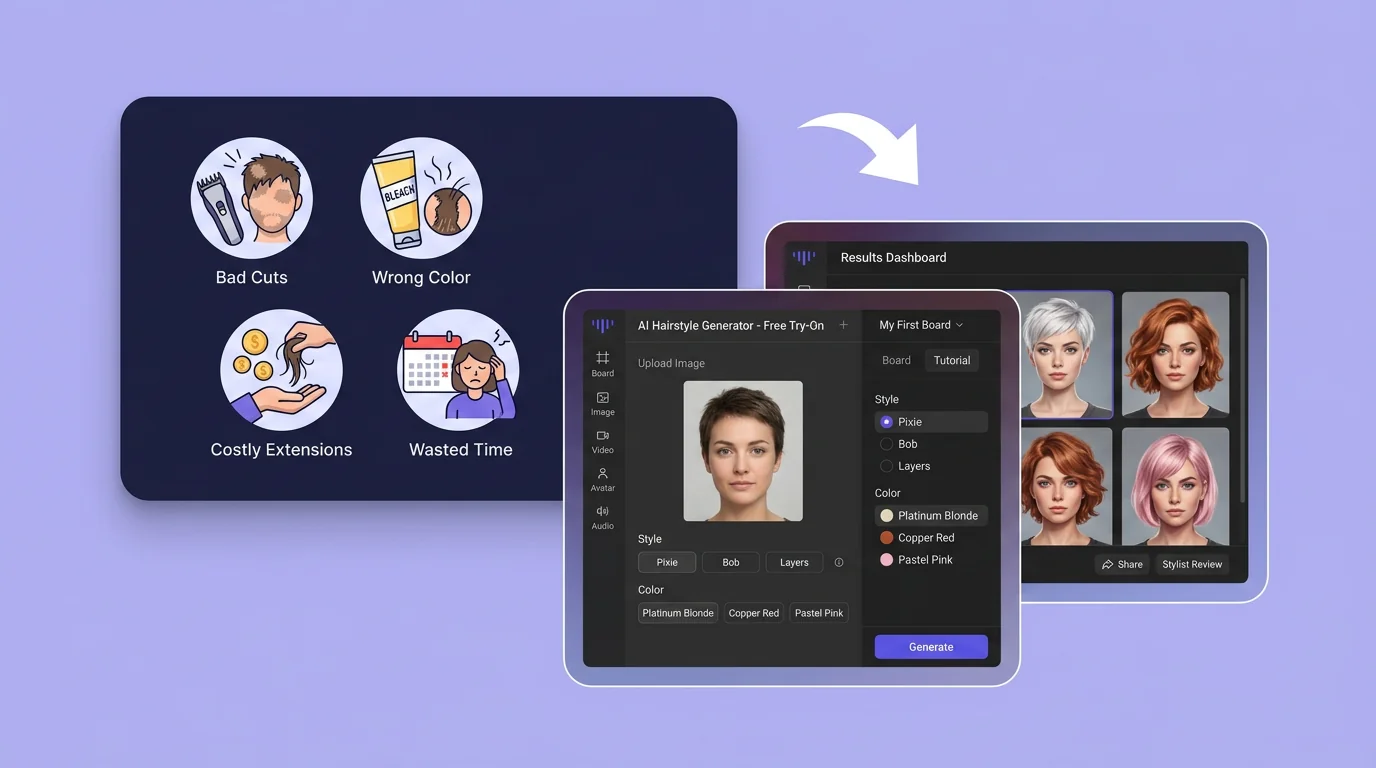
在 Canvas 中比较并调整方案
此入口只会将可选内容预填到 Canvas。你可以修改提示词和参考图,并在确认后自行提交生成。
如何使用 AI 发型生成器 创建发型效果
01
描述创作目标
写下主题、风格、构图和关键细节;需要时添加参考图来说明想要的发型效果。
02
在 Canvas 中调整
打开 Canvas 后检查已预填的内容,按需要修改提示词、参考图、比例或其他选项。
03
确认后提交生成
确认方向无误后由你自行提交,选择适合项目的发型效果结果继续使用。
更多 AI 图片工具
结合相关图片工具,继续完善不同创作任务所需的视觉素材。
AI 发型生成器常见问题
开始创作
在 Canvas 中探索发型效果
从提示词或可选参考图开始,先检查预填内容,再由你决定何时提交生成发型效果。