AI 穿搭生成器:创建服装穿搭
描述想要的服装穿搭,也可添加参考图来确定风格、构图与细节。进入 Canvas 后先检查预填内容,再由你决定是否提交生成。
使用 AI 穿搭生成器 创建服装穿搭
从创意描述或参考图出发,逐步确定风格、细节与用途。打开 Canvas 后先检查预填内容,再按自己的节奏提交生成。
适合此场景的提示词示例
浏览与本页意图匹配的图片提示词。打开 Canvas 后可继续使用自己的提示词;仅预填,不会自动生成。
提示词示例以英文展示。
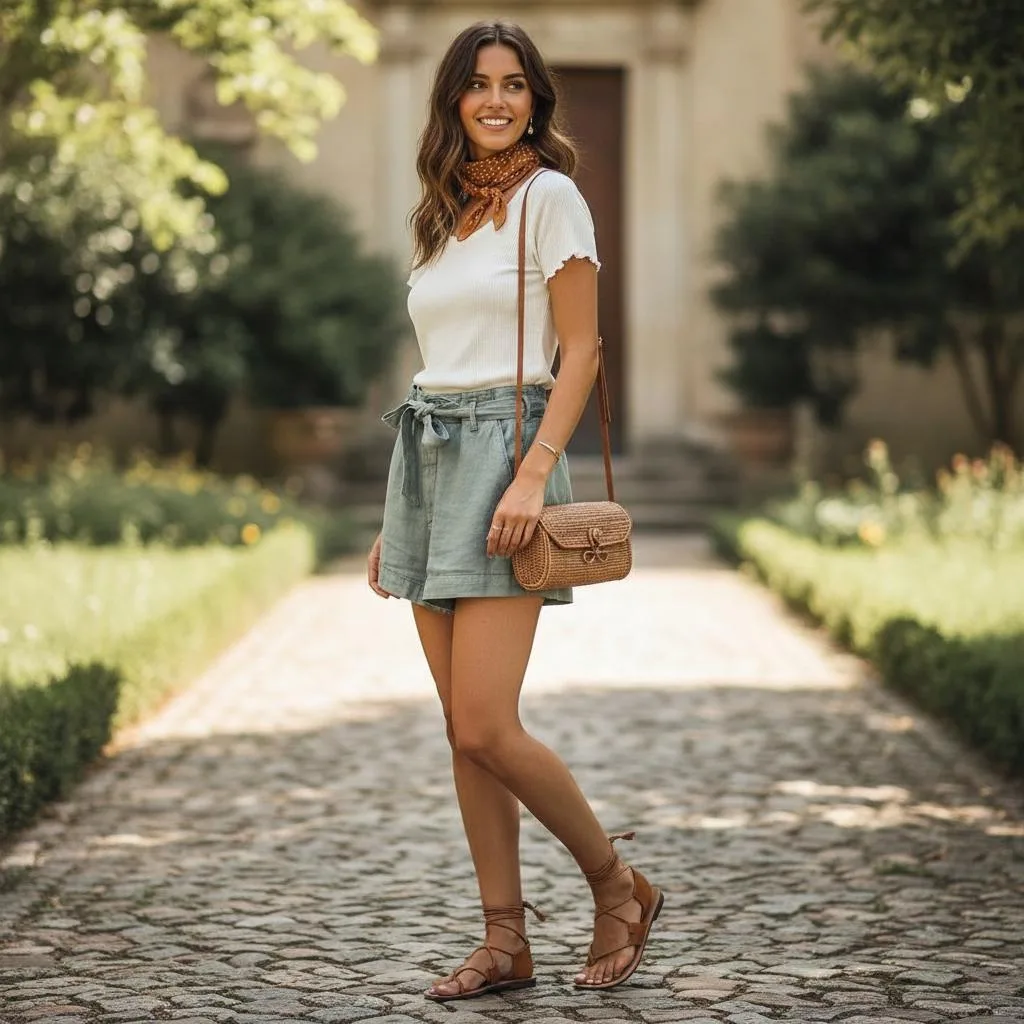
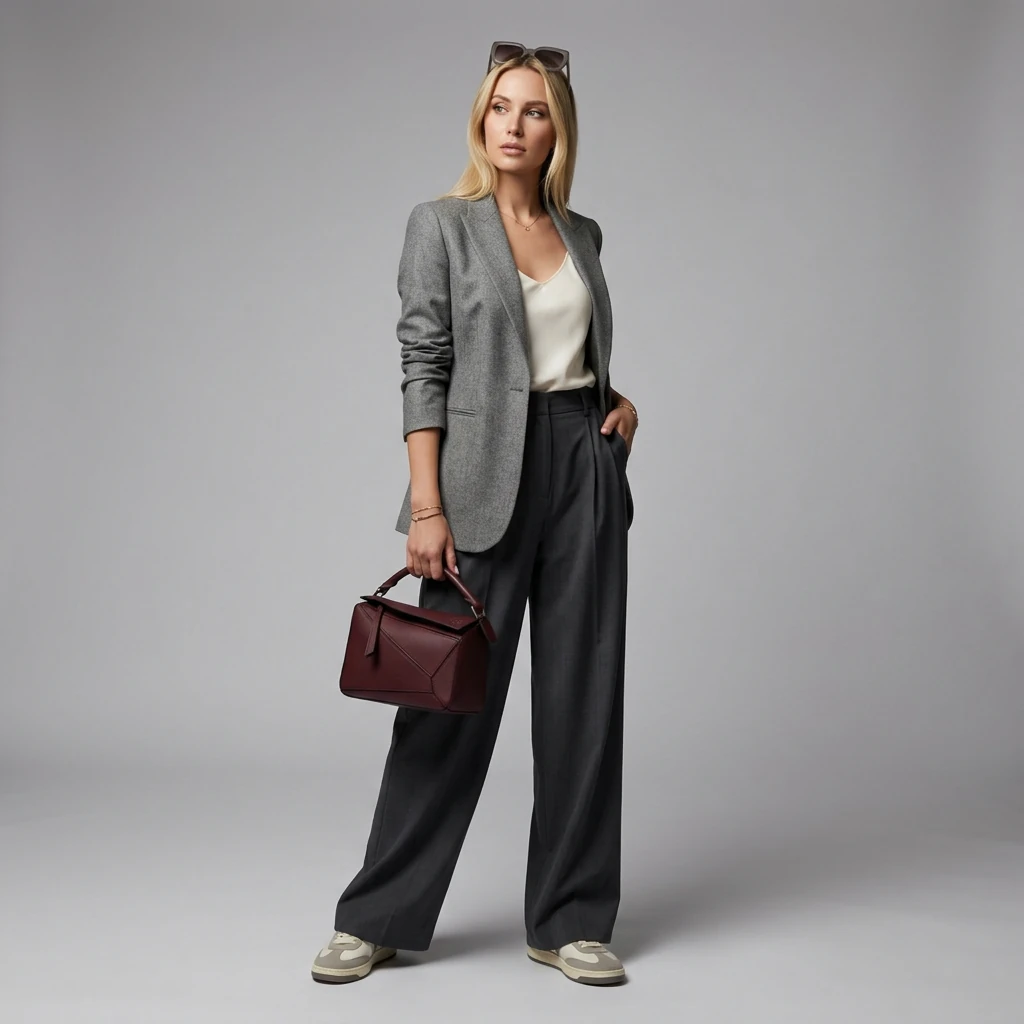
AI Virtual Clothing Try-on
show {argument name="subject" default="woman"} wearing the {argument name="clothing" default="outfit"}
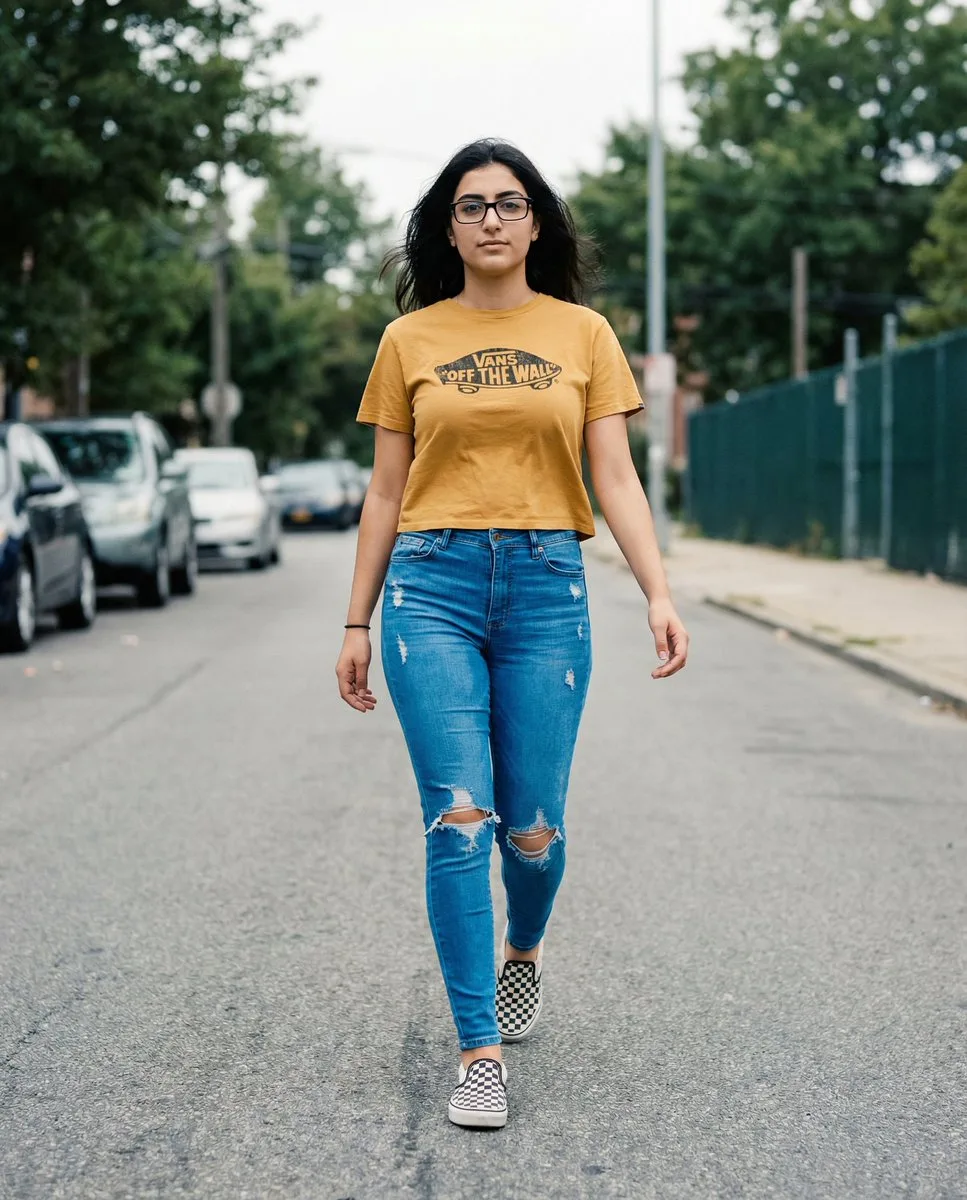
Vans Logo Street Fashion Portrait Replication
**THE T-SHIRT MUST DISPLAY A CLEAR, AUTHENTIC VANS LOGO (classic “Off The Wall” badge OR Vans wordmark) ON THE FRONT.** The logo must appear naturally printed on the cropped mustard-yellow tee, following fabric curvature…
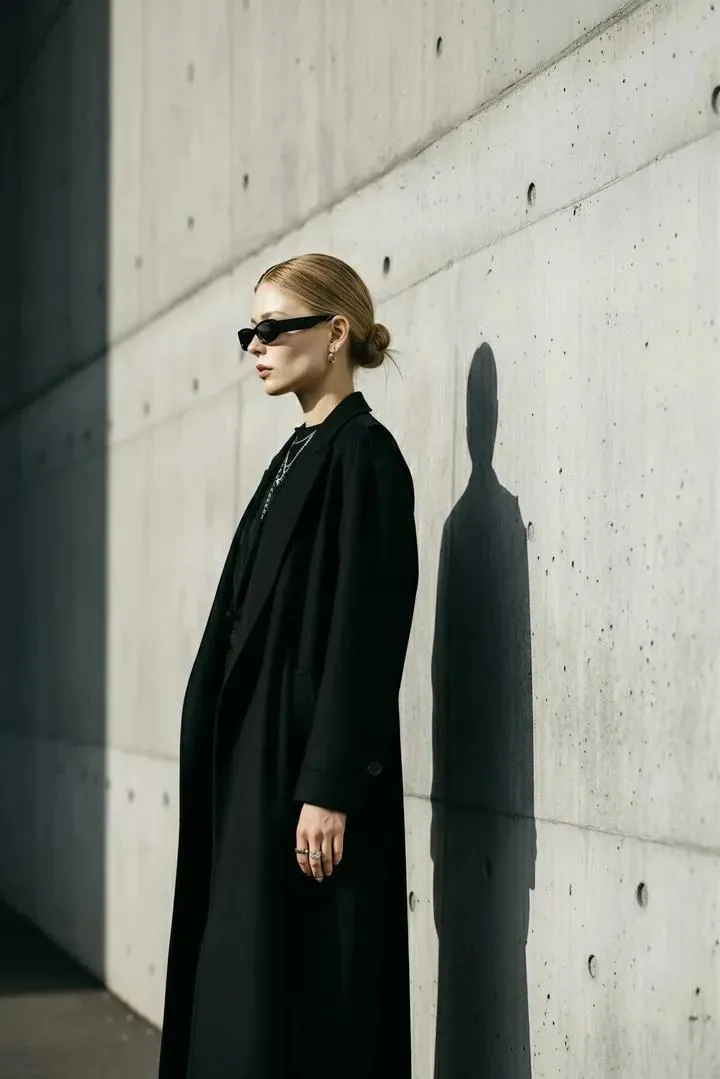
Minimalist Urban Haute Couture Portrait Prompt
A stylish woman standing against a modern concrete wall, wearing an all-black outfit with a long coat, sleek sunglasses, and minimalist jewelry. Her hair is tied in a neat low bun, casting a sharp shadow on the wall. Moo…
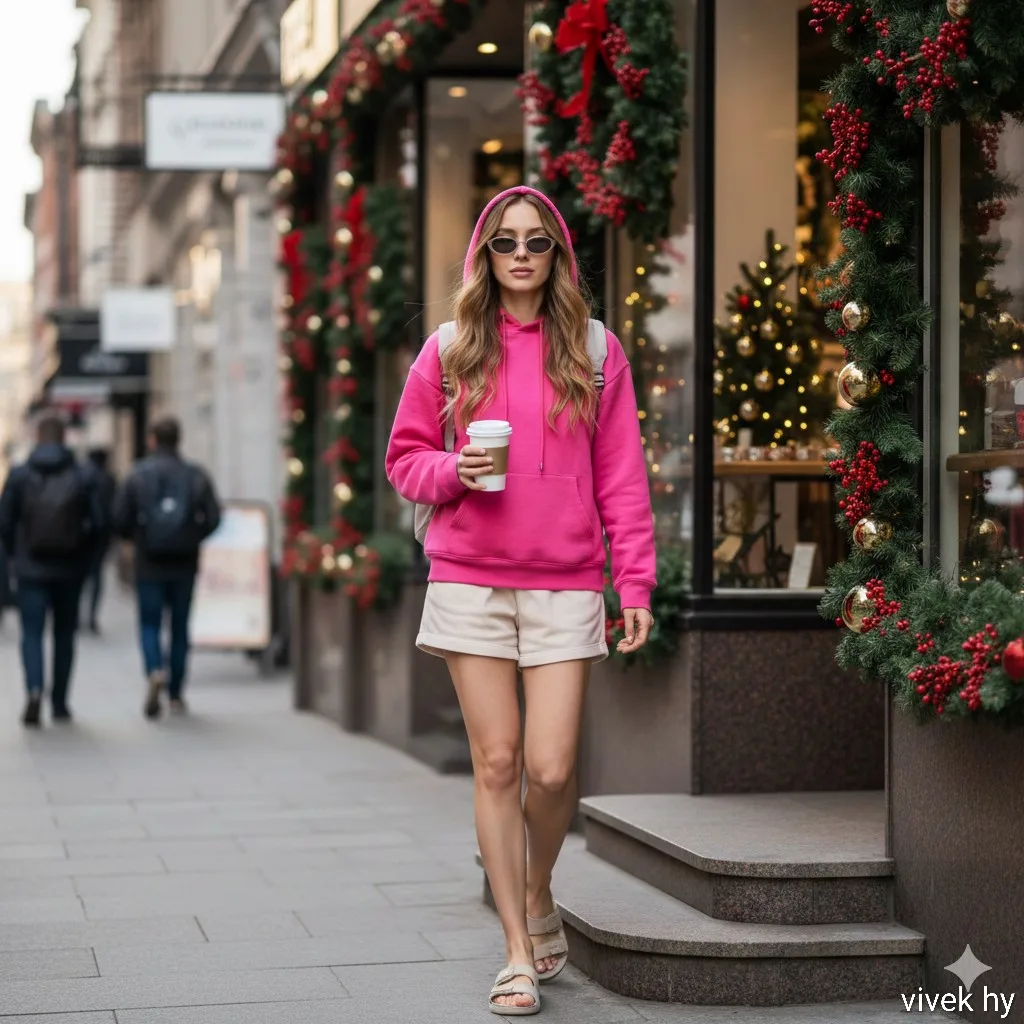
Street Snapshot: Bright Pink Hoodie
{ "style": "Ultra-realistic candid street portrait, 4K clarity", "camera": { "lens": "50mm f/1.8", "angle": "Eye-level street photography angle", "lighting": "Soft natural daylight, slight diffused shadows" }, "scene": {…
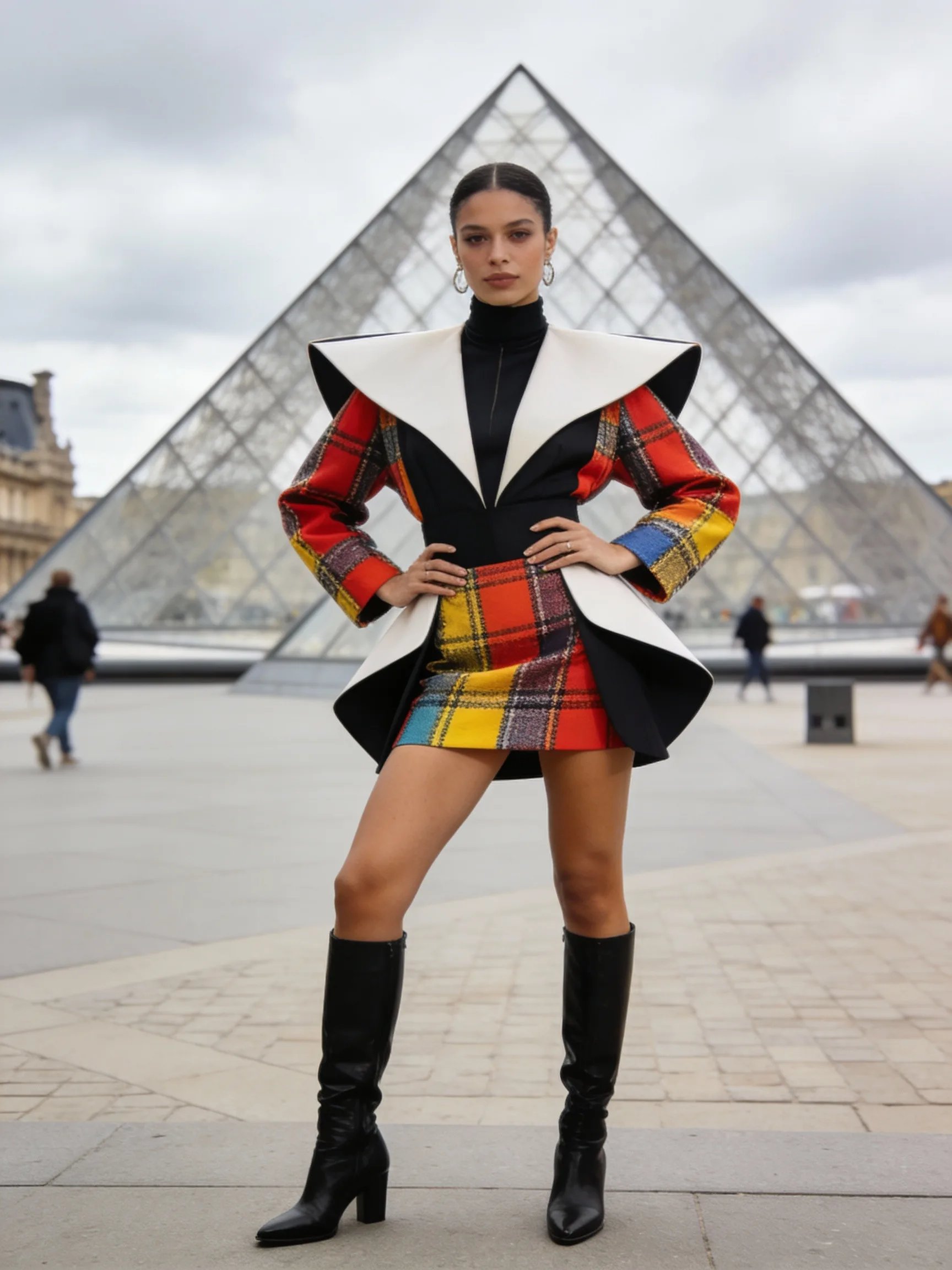
Parisian Fashionista Street Style
A street style photo of a fashion influencer in Paris during Fashion Week. She is wearing an avant-garde outfit and posing confidently in front of the Louvre Pyramid. The background is slightly blurred to keep the focus …
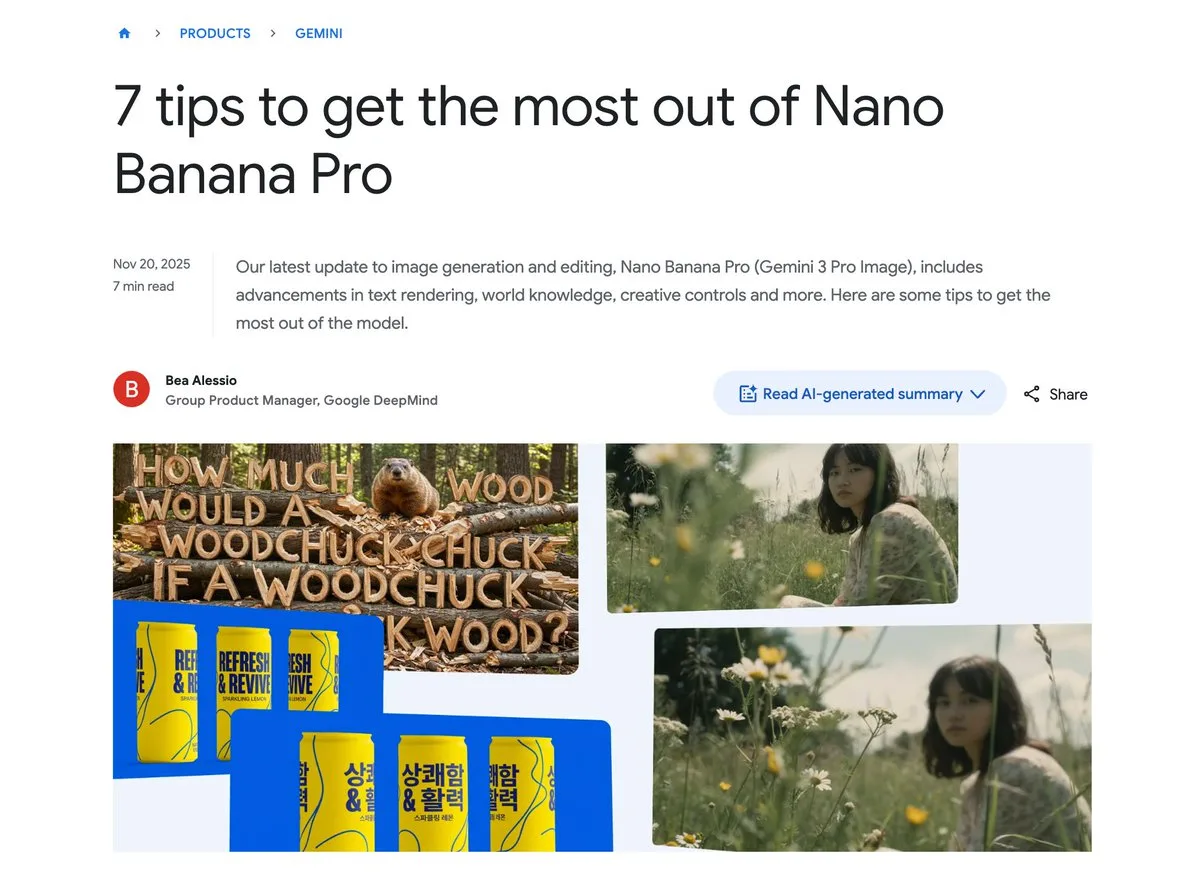
Character Consistency for Outfit Changes
A Korean example prompt using reference images to maintain character appearance while changing only their clothing.
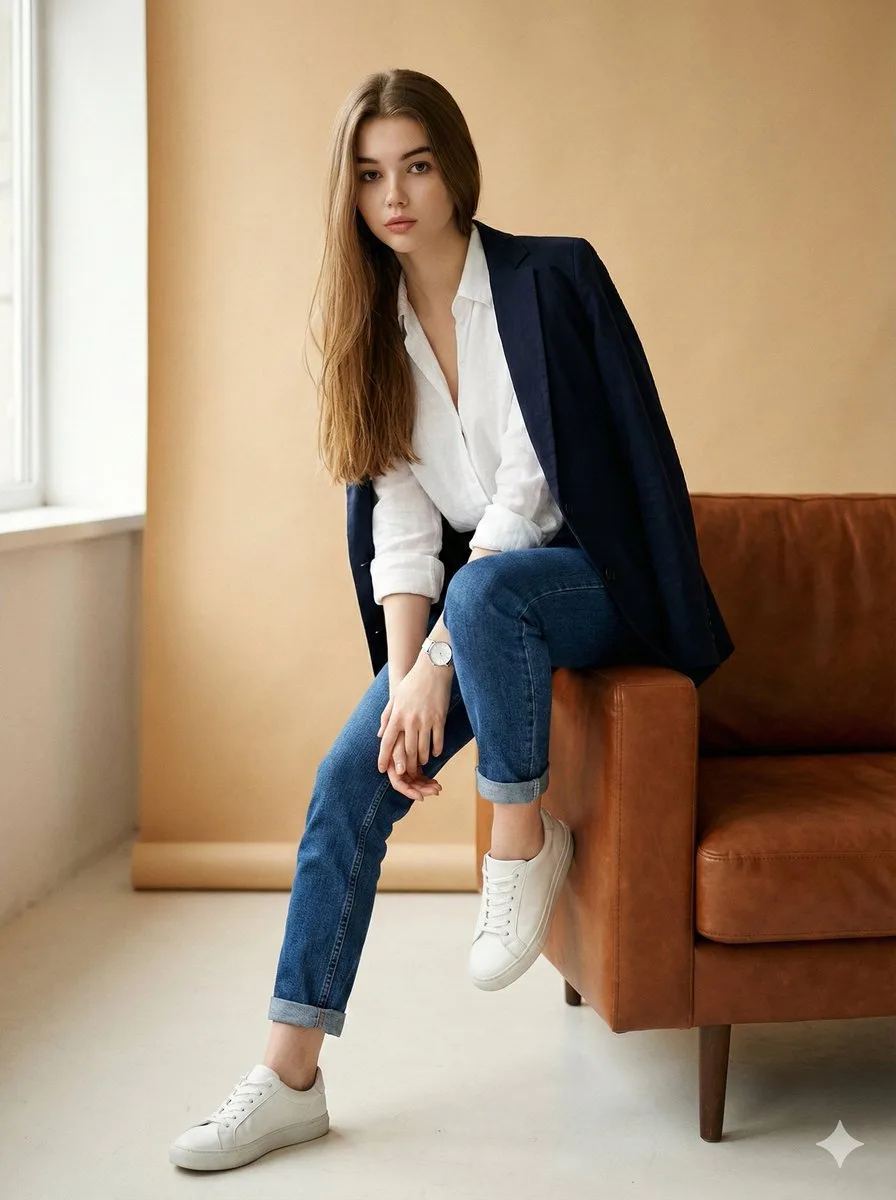
Image Editing Prompt for High-End Fashion Magazine Portraits
{ "type": "image_edit_prompt", "goal": "Transform the original image into a polished high-end fashion editorial portrait of a woman while preserving her facial features and natural proportions.", "identity_preservation":…
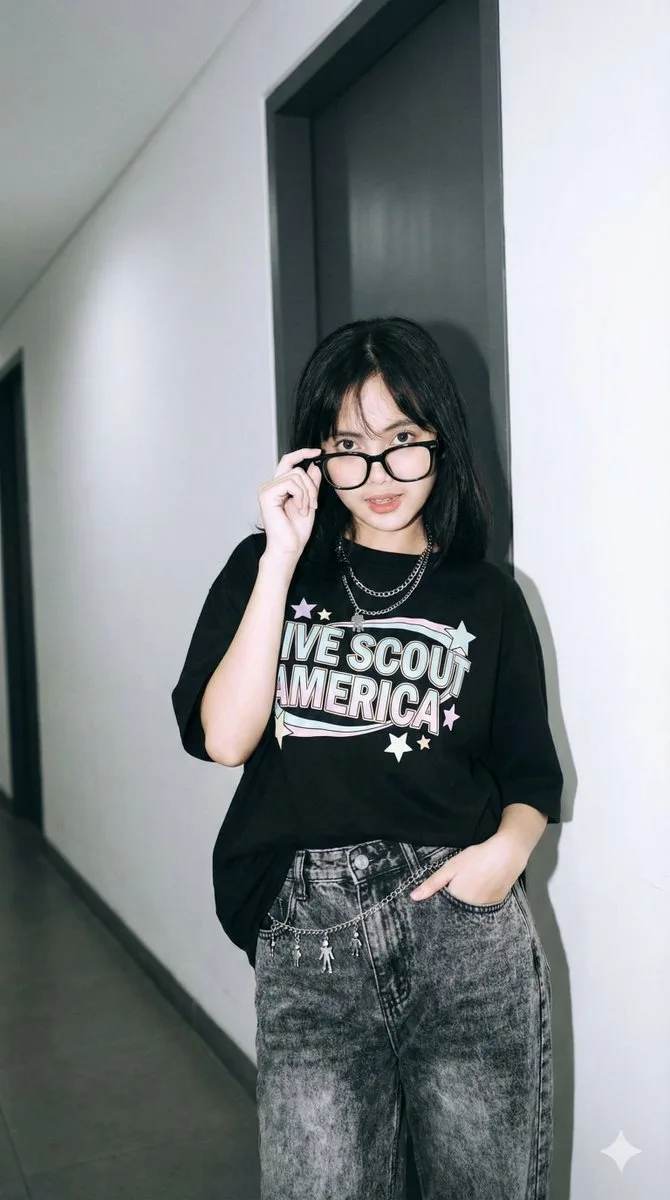
Y2K Streetwear Portrait with Direct Flash
{ "prompt": { "action": "Buat gambar dari foto ini tanpa mengubah wajah", "subject": "Seorang wanita muda berpose berdiri santai sambil bersandar di sudut ruangan, satu tangan dimasukkan ke dalam saku celana depan, tanga…
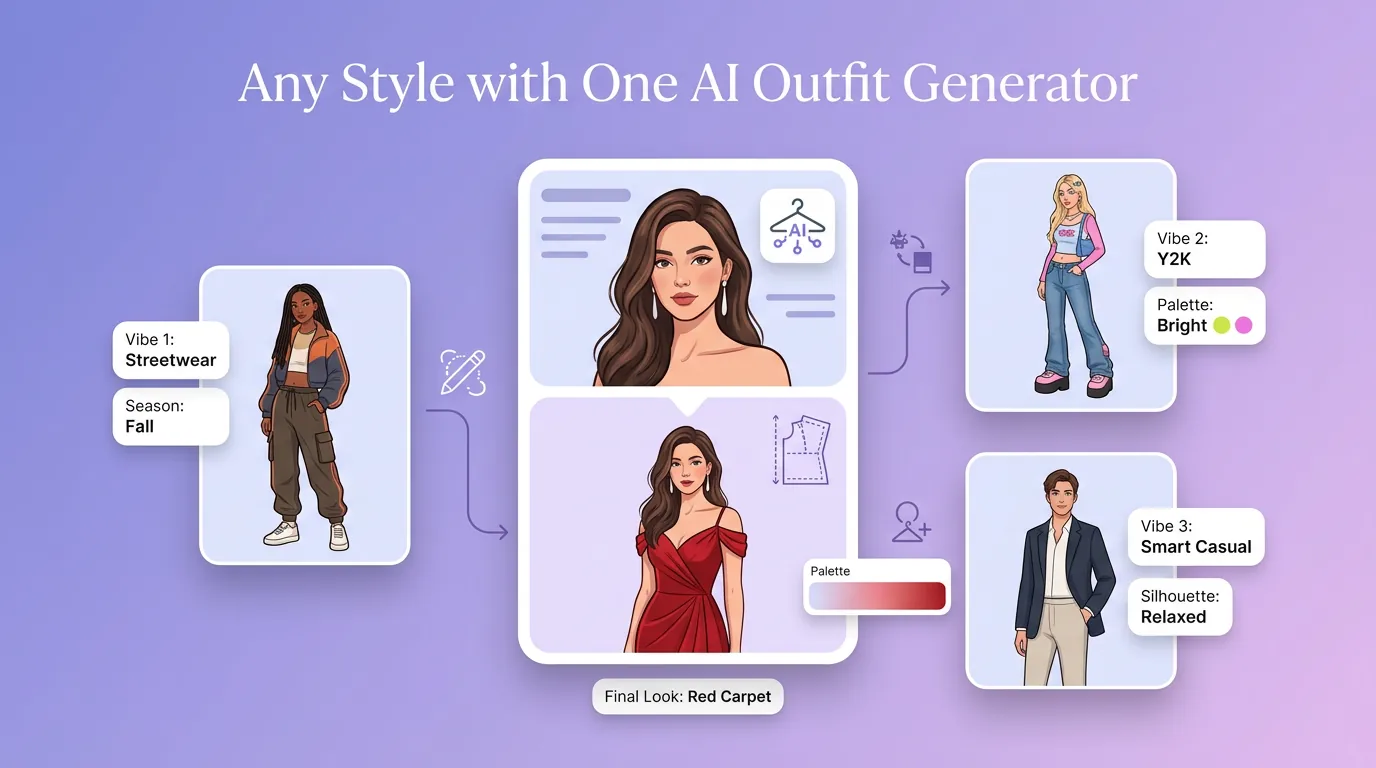
用 AI 穿搭生成器 明确创作方向
先写清主题、风格、色彩、构图与使用场景,再从多个方向中选择适合项目的服装穿搭。
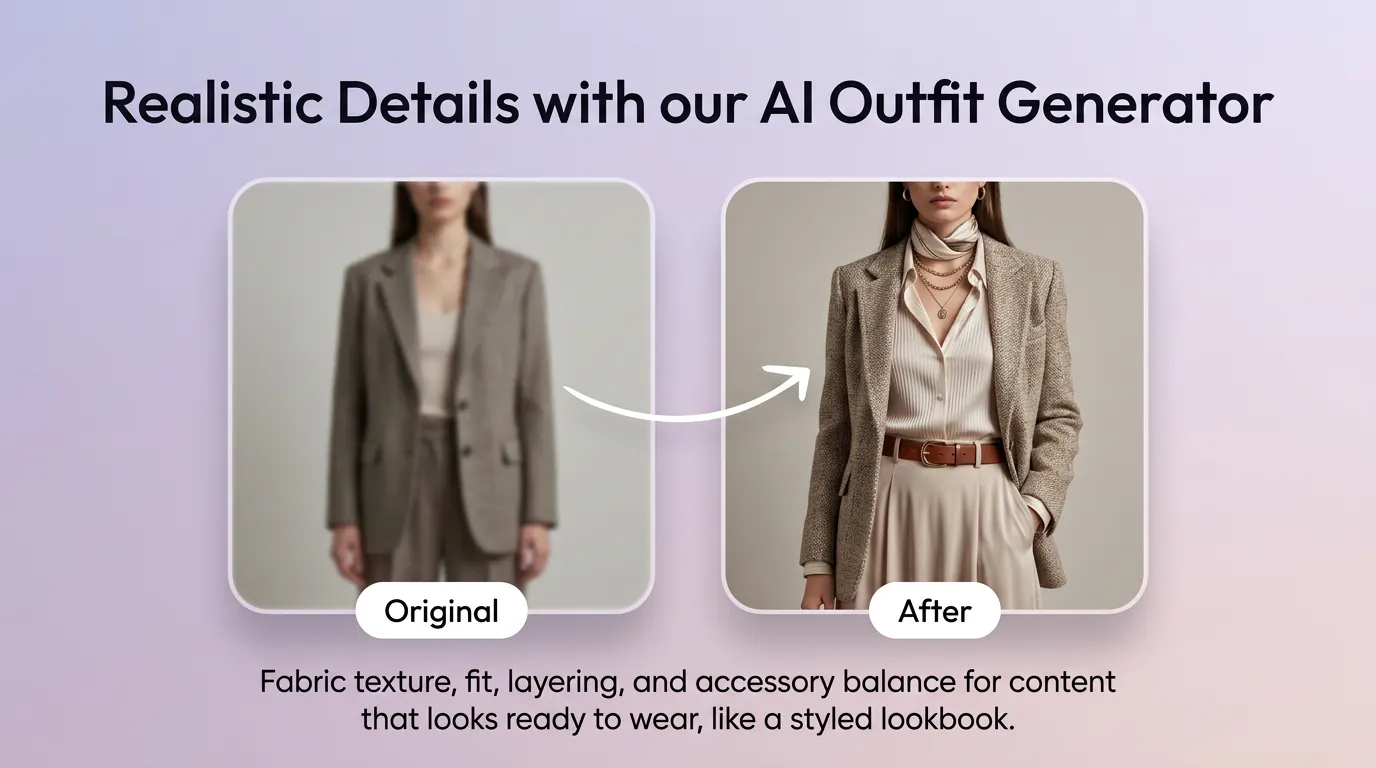
细化服装穿搭的关键细节
通过补充提示词或参考图,调整画面重点、光线、质感与版式,让服装穿搭更接近你的创作意图。
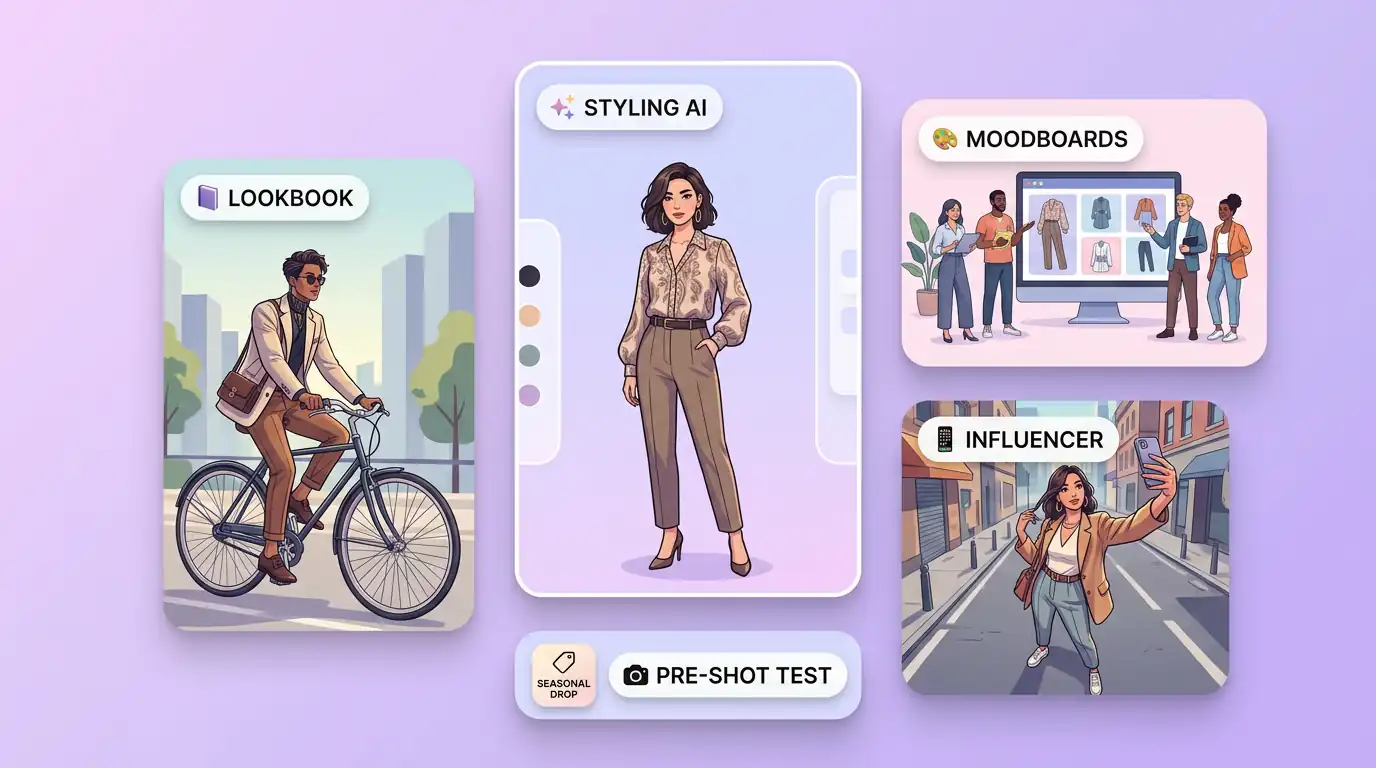
为实际创作场景准备服装穿搭
可将服装穿搭用于内容创意、演示草图、社交素材或后续设计讨论;发布前请自行检查适用性与相关权利。
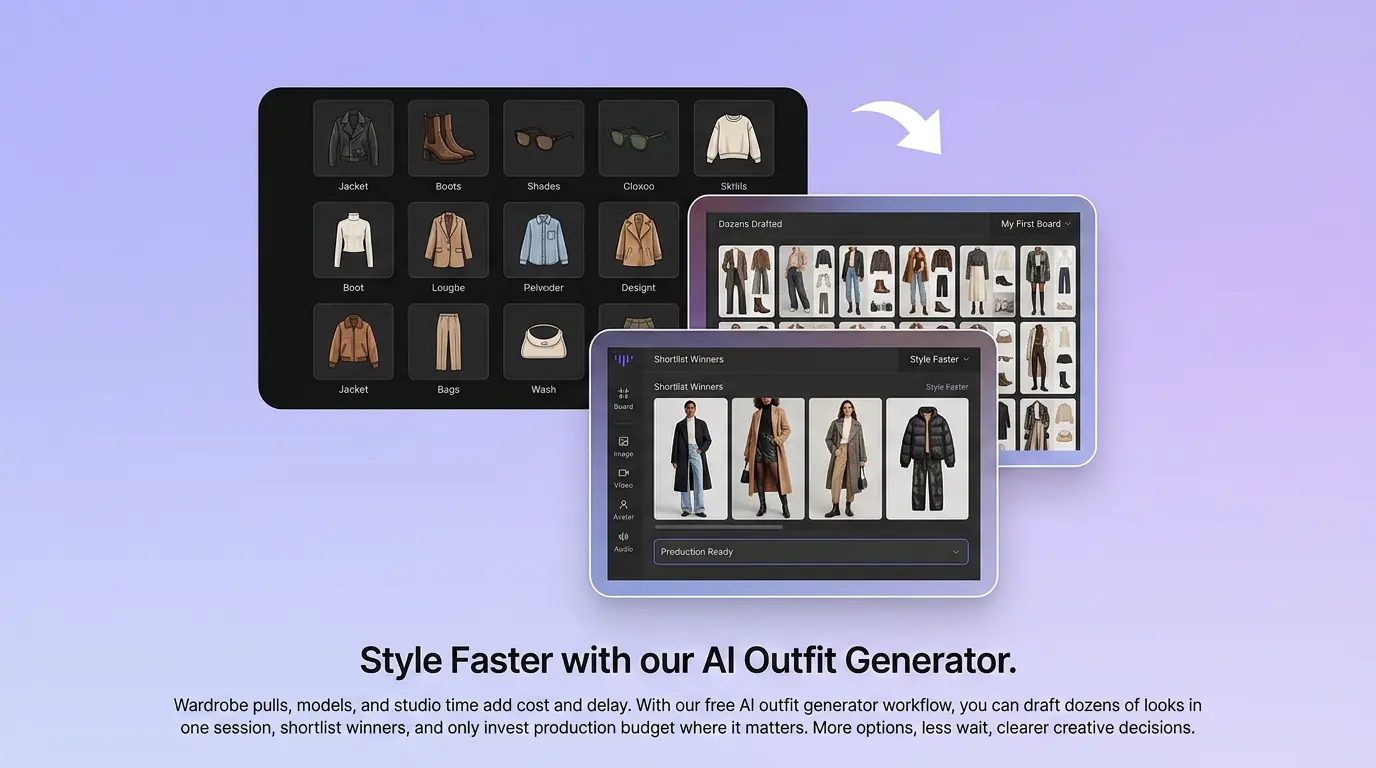
在 Canvas 中比较并调整方案
此入口只会将可选内容预填到 Canvas。你可以修改提示词和参考图,并在确认后自行提交生成。
如何使用 AI 穿搭生成器 创建服装穿搭
01
描述创作目标
写下主题、风格、构图和关键细节;需要时添加参考图来说明想要的服装穿搭。
02
在 Canvas 中调整
打开 Canvas 后检查已预填的内容,按需要修改提示词、参考图、比例或其他选项。
03
确认后提交生成
确认方向无误后由你自行提交,选择适合项目的服装穿搭结果继续使用。
AI 穿搭生成器常见问题
开始创作
在 Canvas 中探索服装穿搭
从提示词或可选参考图开始,先检查预填内容,再由你决定何时提交生成服装穿搭。