Cas vedette · Vidéo explicative
Créer une vidéo explicative en animation dessinée à la main
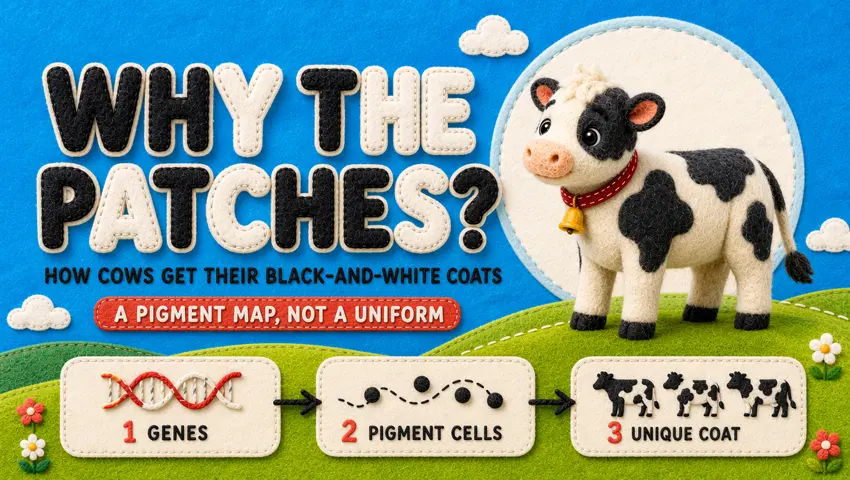
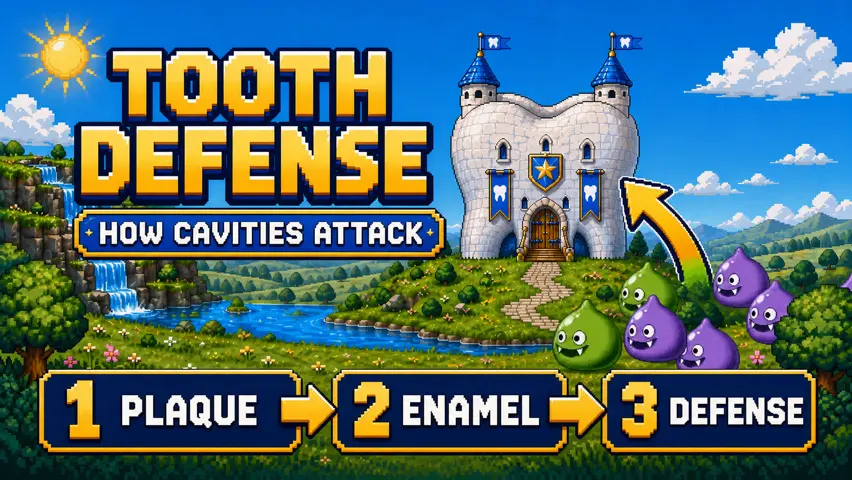
Créer une vidéo explicative en animation dessinée à la main est un cas vedette Vidéo explicative sur Topview Canvas. Le prompt enregistré commence ainsi : Create an explanatory video Topic: Illustrate the concept of the “procrastination snowball effect.” Visual style: Dynamic flat 2D editorial animation set in a geometric papercraft world. Use cobalt blue as the primary color, accented with cream, orange, and gold, with a high-contrast and highly saturated palette. Incorporate Risograph print textures, paper grain, dry-brush edges, hand-drawn outlines, bold color blocks, overprint misalignment, exaggerated yet elegant characters, geometric props, and layered foregrounds and backgrounds. Animation style: Playful and vivid, featuring cinematic camera movements, elastic deformation, smooth lens panning, and visually metaphorical storytelling. Duration: 45 seconds Aspect ratio: Landscape 16:9 Restrictions: No realistic style, 3D effects, or glossy rendering.
Prompt de ce cas
Create an explanatory video
Topic: Illustrate the concept of the “procrastination snowball effect.”
Visual style: Dynamic flat 2D editorial animation set in a geometric papercraft world. Use cobalt blue as the primary color, accented with cream, orange, and gold, with a high-contrast and highly saturated palette. Incorporate Risograph print textures, paper grain, dry-brush edges, hand-drawn outlines, bold color blocks, overprint misalignment, exaggerated yet elegant characters, geometric props, and layered foregrounds and backgrounds.
Animation style: Playful and vivid, featuring cinematic camera movements, elastic deformation, smooth lens panning, and visually metaphorical storytelling.
Duration: 45 seconds
Aspect ratio: Landscape 16:9
Restrictions: No realistic style, 3D effects, or glossy rendering.
Ce que montre ce cas
Créer une vidéo explicative en animation dessinée à la main est un cas vedette Vidéo explicative sur Topview Canvas. Le prompt enregistré commence ainsi : Create an explanatory video Topic: Illustrate the concept of the “procrastination snowball effect.” Visual style: Dynamic flat 2D editorial animation set in a geometric papercraft world. Use cobalt blue as the primary color, accented with cream, orange, and gold, with a high-contrast and highly saturated palette. Incorporate Risograph print textures, paper grain, dry-brush edges, hand-drawn outlines, bold color blocks, overprint misalignment, exaggerated yet elegant characters, geometric props, and layered foregrounds and backgrounds. Animation style: Playful and vivid, featuring cinematic camera movements, elastic deformation, smooth lens panning, and visually metaphorical storytelling. Duration: 45 seconds Aspect ratio: Landscape 16:9 Restrictions: No realistic style, 3D effects, or glossy rendering.
Lecture du cas
- 1
Vidéo de cas hébergée
La vidéo de détail de Créer une vidéo explicative en animation dessinée à la main se trouve sur un chemin /media figé, avec les dimensions mesurées lors de l'upload, pour que la page s'affiche sans appeler sample-cases à l'exécution.
- 2
Place dans la catégorie
Ce cas vedette est classé sous Vidéo explicative. Les liens associés restent dans cette catégorie, pour que la page ne se fasse pas passer pour un hub d'outils.
- 3
Canvas clonable
Créer une vidéo explicative en animation dessinée à la main a un Canvas source. « Utiliser ce cas » copie ce projet par id de cas, puis ouvre /canvas — jamais /board.
- 4
Prompt documenté
Le prompt affiché est l'initialPrompt enregistré en production. Il est là pour lecture ; il n'est pas envoyé dans la requête de copie.
PARCOURS
Comment partir de ce cas vedette dans Canvas
- 1
Examiner le cas
Regardez le média publié pour Créer une vidéo explicative en animation dessinée à la main et, lorsqu'ils sont affichés, le prompt enregistré et les références.
- 2
Utiliser ce cas
Sélectionnez Utiliser ce cas. Si vous n'êtes pas connecté, terminez la connexion e-mail, Google ou Apple sur cette même URL, puis la copie reprend.
- 3
Modifier dans votre Canvas
Topview ouvre le projet copié sur /canvas. Changez scènes, ressources ou modèles là-bas — cette page n'ouvre pas Board.
FAQ du cas vedette
CANVAS
Poursuivre ce cas dans Canvas
« Utiliser ce cas » copie Créer une vidéo explicative en animation dessinée à la main dans votre Canvas. Après connexion, vous revenez sur cette page, puis le nouveau projet /canvas s'ouvre.