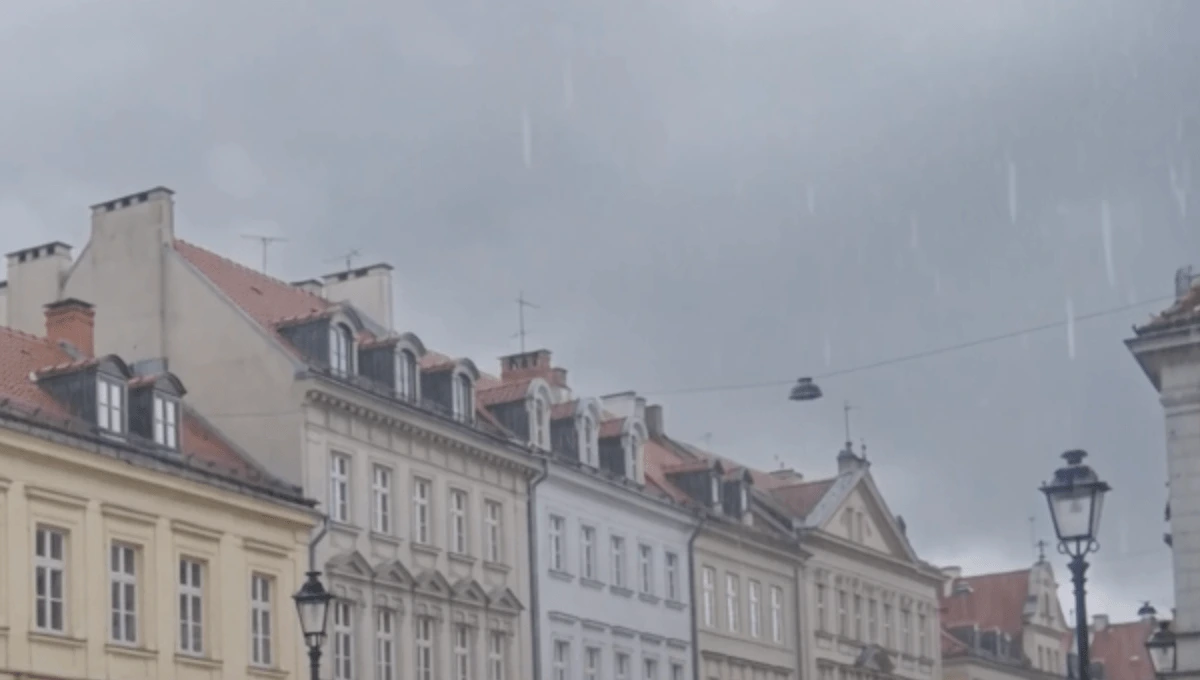
Rainfall with Natural Depth
Make the rain belong in the shot. Rain near the camera should feel different from rain farther away. Explore rainfall that has a natural sense of movement, scale, and depth within the environment.
Change the weather. Transform the atmosphere.
Turn clear-weather footage into a rainy street, a snowy winter scene, a foggy morning, or an overcast day. Choose from 67 preset weather conditions to transform existing videos with AI—no prompt writing required.
BEFORE & AFTER
A single scene can tell a completely different story when the weather changes. With 67 weather conditions to explore, you can reimagine an existing video in rain, snow, fog, overcast skies, and more.
Compare the atmosphere, ground conditions, lighting, and environmental details while keeping the original shot as your creative foundation.
Start with the shot you already have.
See the people, location, action, and surroundings as they originally appeared.
Bring rainfall into the environment.
Add visible precipitation, wet-ground reflections, and the subdued atmosphere of a rainy day.
Turn the scene into a winter setting.
Introduce falling snow, snow accumulation on exposed surfaces, and environmental lighting that supports the colder atmosphere.
Give the location a misty new look.
Explore a foggy environment with softened distant visibility and a more atmospheric sense of depth.
Replace direct sunshine with cloudy-day light.
Explore a more subdued atmosphere with diffused ambient illumination and gentler shadows.
Review every generated version against the same original footage.
Choose the weather result that best supports your story.
Explore All Weather PresetsMake the whole scene feel like rain.
Rain can change a location's mood in an instant. Transform clear-weather footage with falling rain, wet-surface reflections, and environmental lighting that supports a rainy atmosphere. Choose a rain weather preset and explore a new version of your original scene without manually building a rain effect.
Make the rain belong in the shot. Rain near the camera should feel different from rain farther away. Explore rainfall that has a natural sense of movement, scale, and depth within the environment.
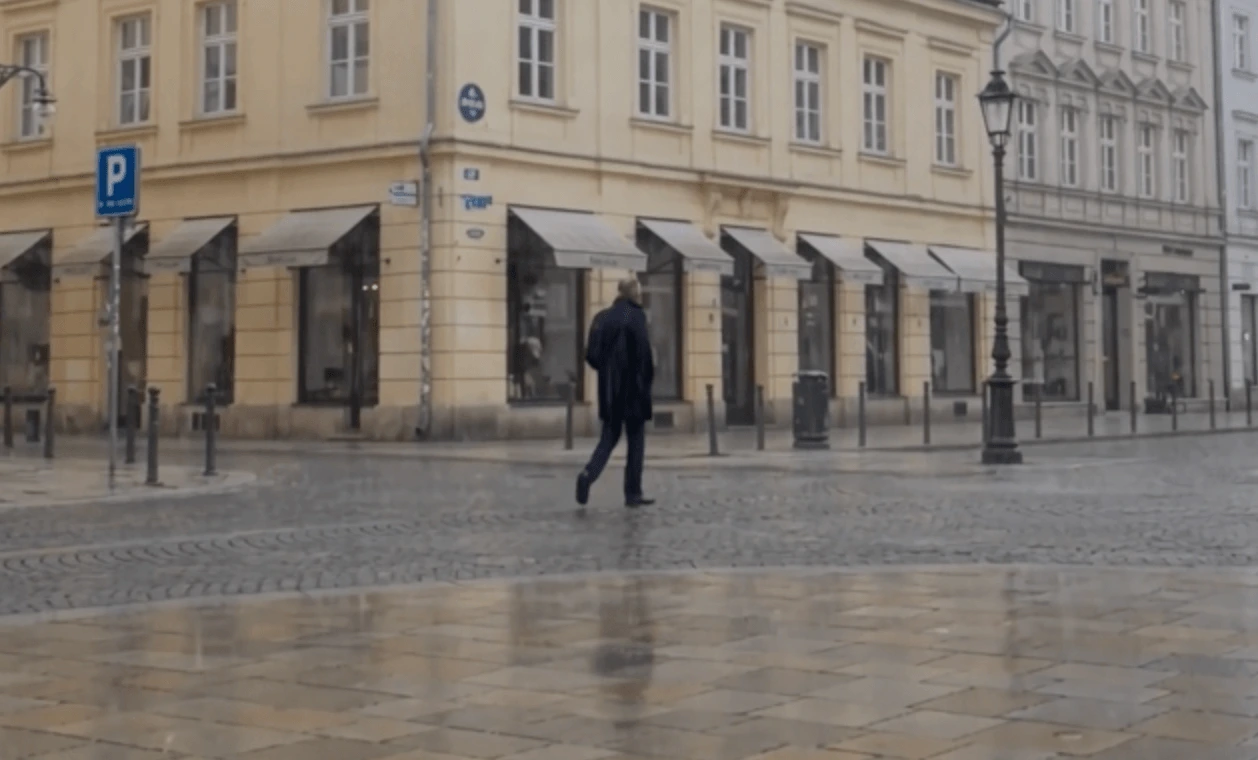
Let the weather reach the ground. Rain doesn't stop at falling droplets. The environment transformation can include wet pavement and reflections that respond to existing surfaces and surrounding light sources.
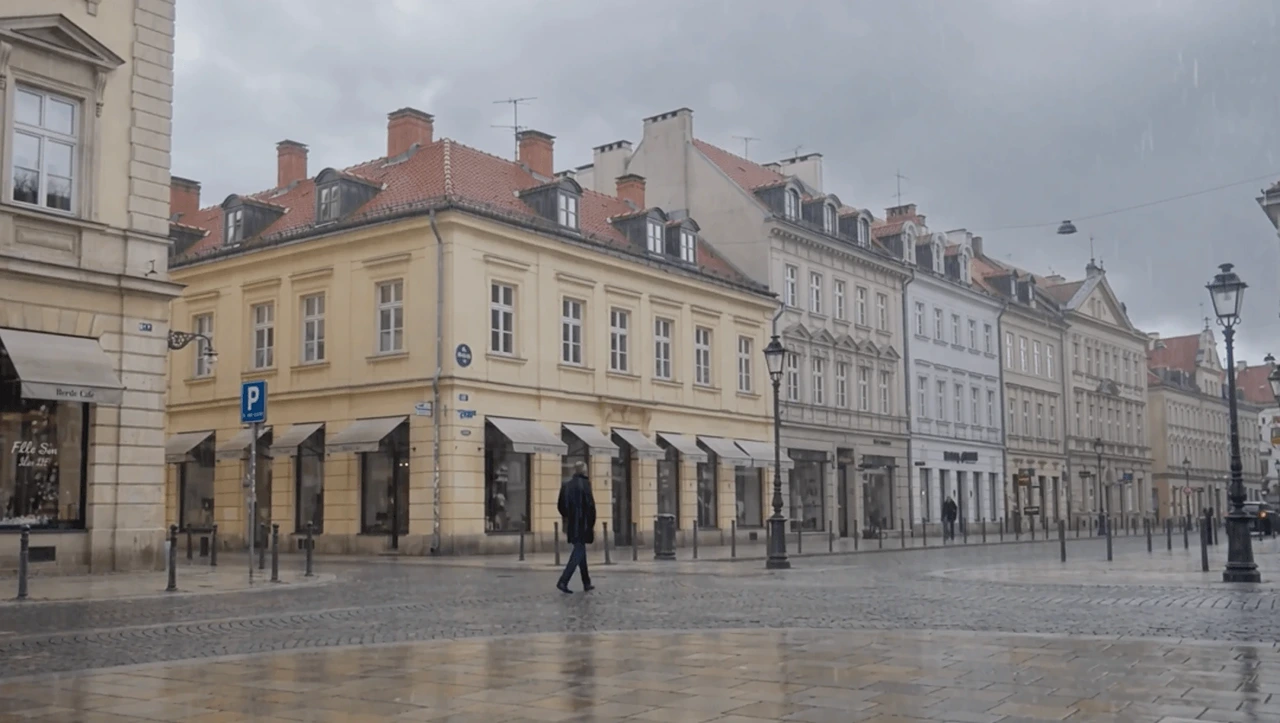
Make the light match the weather. A rainy street looks different from the same location under direct sunlight. Exploring changes to environmental illumination and contrast that helps the new rainy atmosphere feel connected to the location.
Bring snowfall into the scene—and let it settle.
Create a winter atmosphere in footage that was originally captured without snow. Add falling snow, snow accumulation on exposed surfaces, and environmental lighting that supports the new setting. Choose a snow weather preset to explore a seasonal transformation without reshooting your original footage.
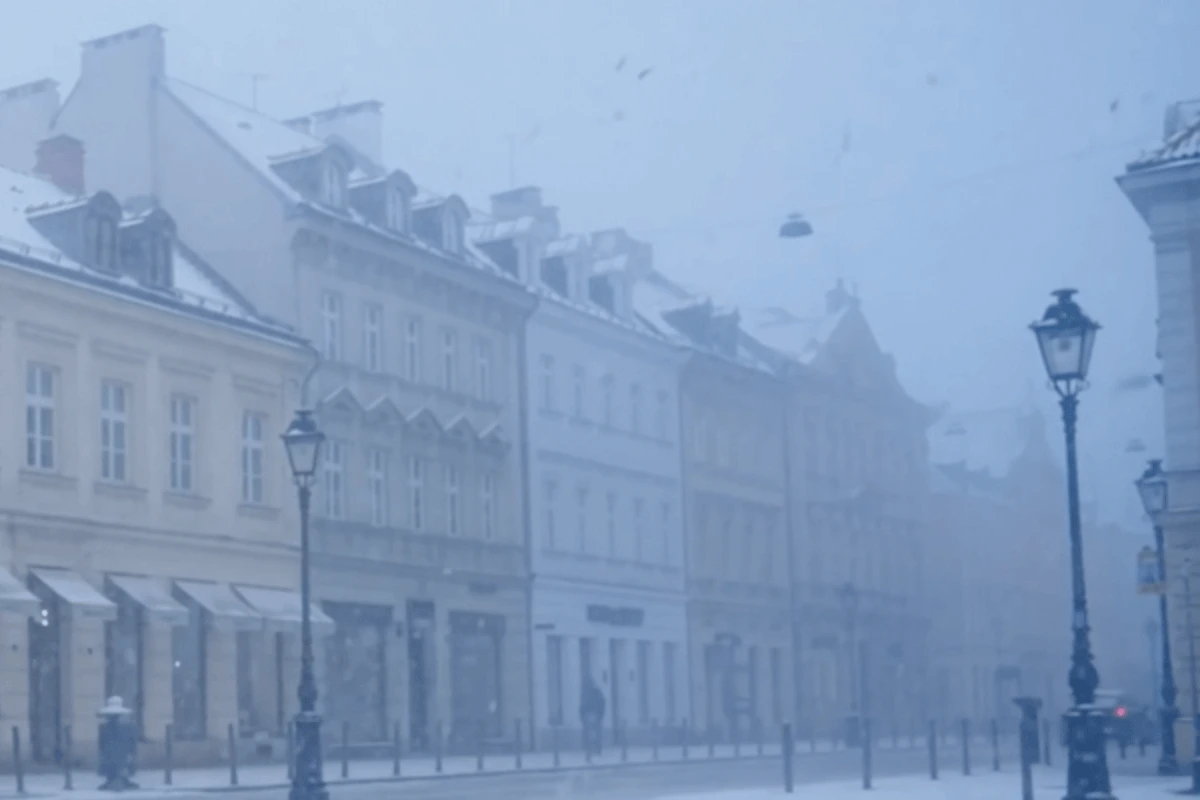
Create depth with falling snow. Snowflakes closer to the camera appear differently from those farther away. Explore how varied snowfall and natural movement create a sense of depth in the original scene.
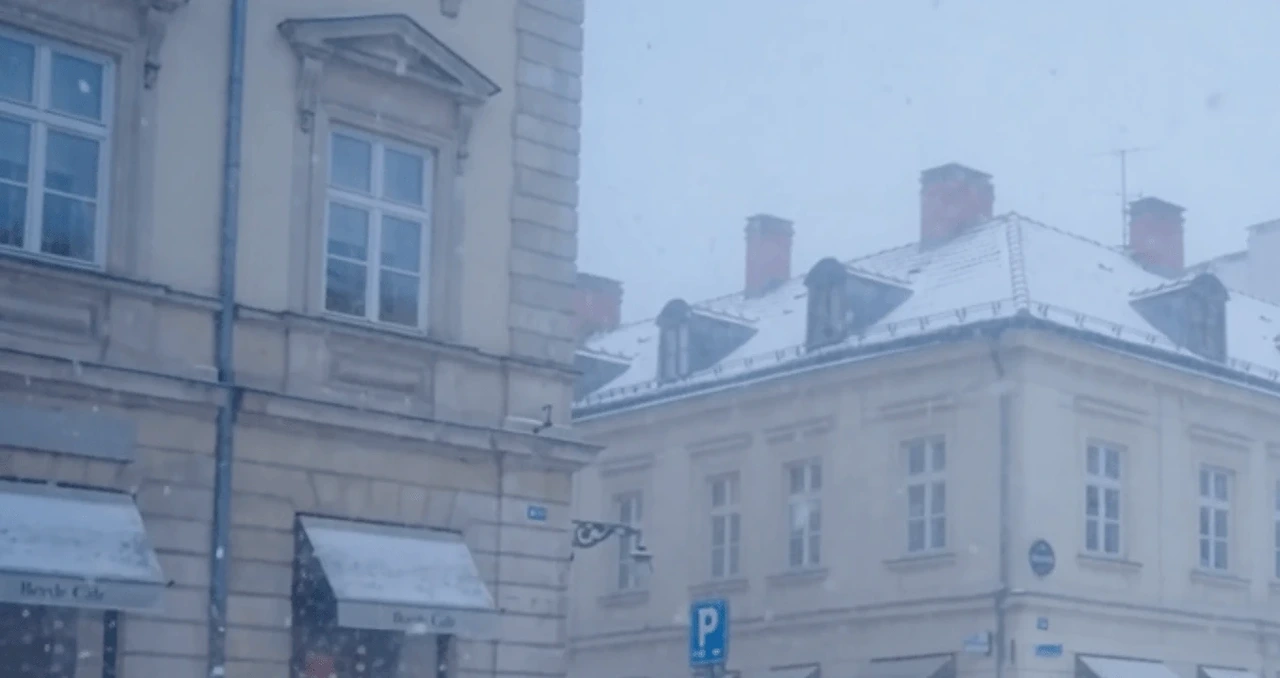
Go beyond falling flakes. A winter environment can include snow resting on pavement, rooftops, steps, and other exposed surfaces. Topview's weather editing supports snow accumulation as part of the scene transformation.
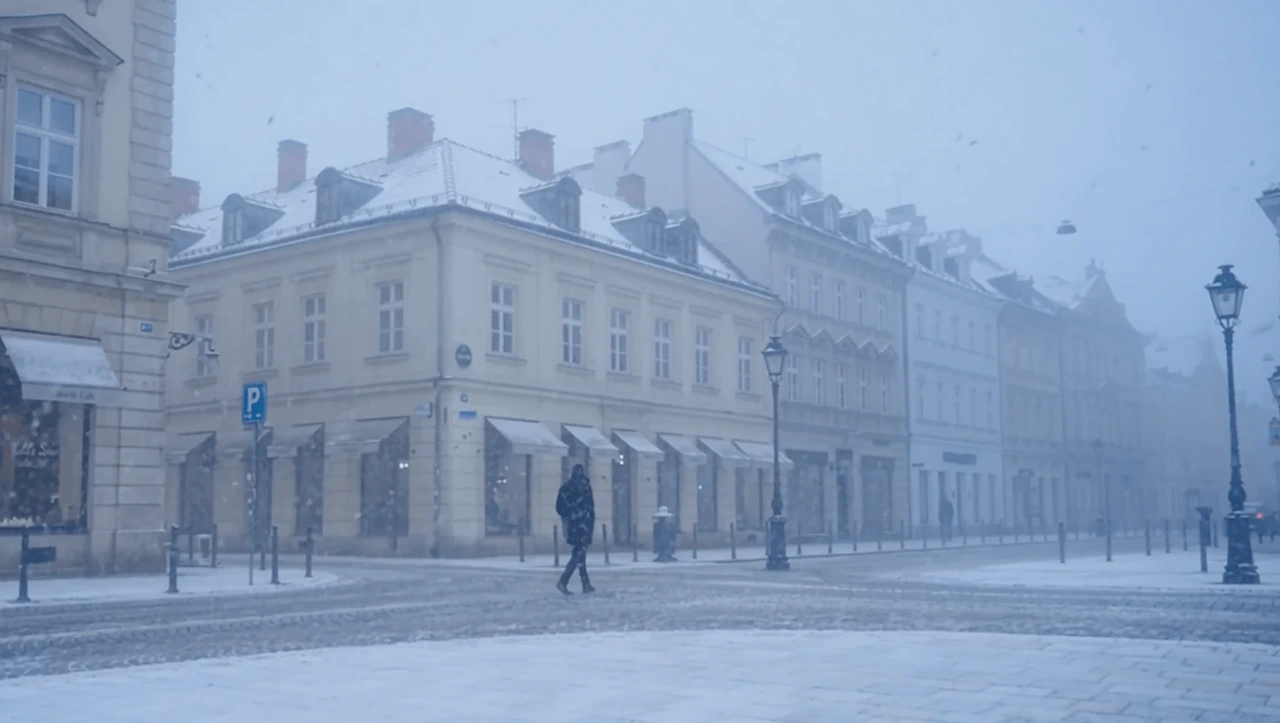
Make the environment feel like winter. Snowy surfaces and winter weather can change the appearance of ambient light and surface highlights. Explore a more cohesive winter setting with corresponding changes to the environment and illumination.
Not every weather change requires falling rain or snow. Fog and overcast conditions can change the mood of a location through atmosphere, visibility, and light.
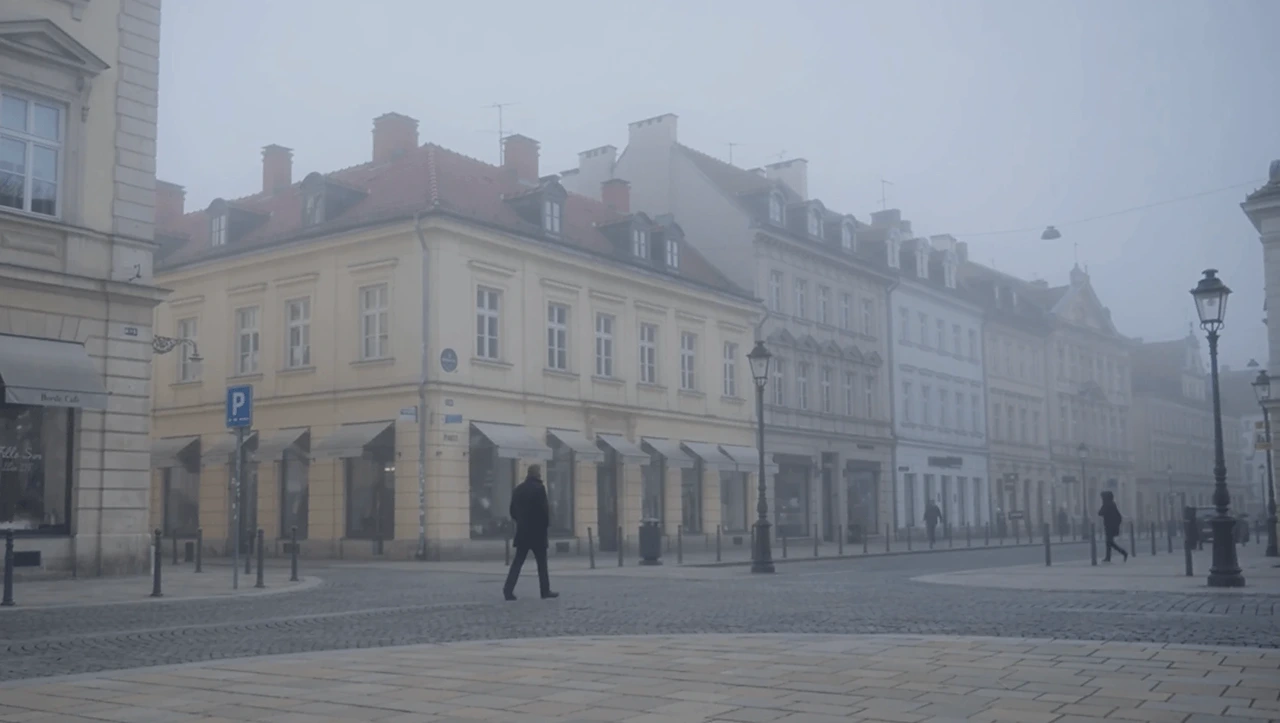
Give the scene a misty atmosphere. Turn an outdoor scene into a foggy environment that feels quieter, softer, or more mysterious. Explore the visual depth and atmospheric character of fog for cinematic exteriors, landscapes, and suspenseful scenes.
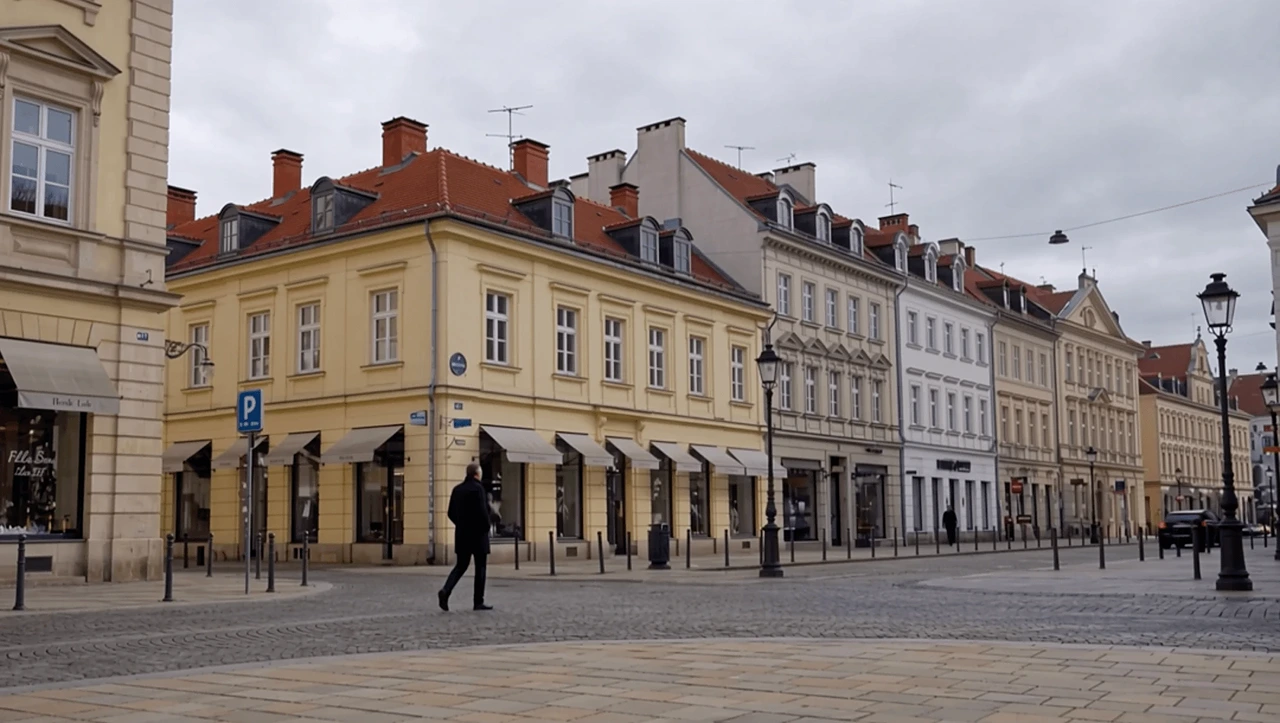
Make bright sunshine feel like a cloudy day. Explore a more subdued outdoor atmosphere with cloud-covered skies and softer environmental illumination. Overcast weather is useful for dialogue scenes, outdoor portraits, lifestyle footage, and sequences that call for less dramatic direct sunlight.
Rain, snow, fog, and overcast are just some of the weather conditions available. Browse the full selection of 67 weather presets to find the environment that fits your creative direction.
BEYOND WEATHER OVERLAYS
The weather is more than what falls through the frame. It changes the appearance of surfaces, the environment, and the lighting that gives a location its character.
More possibilities. Less setup. Choose from 67 preset weather conditions to explore different environments for your existing footage. Instead of writing complex weather instructions, select the weather effect that best matches your scene.
Let the environment complete the effect. Rain and snow can affect the scene's illumination and the appearance of its surroundings. Exploring weather changes that involve the environment rather than relying on precipitation alone.
Change the weather, not the story. The source video already contains the characters, action, framing, and camera movement that matter. Use those elements as the foundation and review the generated result for unwanted changes.
Turn snowfall into a winter environment. Go beyond adding flakes in front of the camera. Explore snow accumulation on suitable exposed surfaces, together with falling snow and winter lighting. The goal is a snowy atmosphere that feels connected to the original location.
CREATIVE USE CASES
Different weather conditions can change the emotional meaning of the same scene. Explore the environment that best serves your creative direction.
Set the atmosphere around the performance. Rain can create tension or melancholy. Snow can make a scene feel quiet and isolated. Fog can introduce uncertainty or mystery. Choose a weather preset to explore how the same footage might work under different environmental conditions.
Give campaigns a seasonal setting. A lifestyle shot may need a rainy-day mood for one campaign or a winter atmosphere for another. Explore weather variations while keeping important products, people, and brand elements recognizable.
Let the weather amplify the mood. Rain, fog, and snowfall can create distinctive environments around an existing performance. Use a weather preset to experiment with the visual atmosphere while keeping the original performer and camera movement as the starting point.
Make everyday footage feel different. Turn a familiar street into a rainy scene, add snowfall to a travel clip, or explore a foggy atmosphere. Use preset weather effects for seasonal edits, short-form storytelling, and creative social content.
No complicated weather setup or prompt writing. Start with your footage and choose the weather you want.
1
Choose an existing video to edit. Start with footage that clearly shows the subjects and surrounding environment, so you can evaluate the weather transformation.
2
Browse 67 weather conditions and choose the effect that matches your scene. Start with Rain, Snow, Fog, or Overcast, or explore the full preset selection for additional weather options. No text prompt is required.
3
Generate the weather-edited video. Compare it with the original footage and review the precipitation, surfaces, lighting, camera movement, and scene continuity. Choose another preset if you want to explore a different weather look.
An AI video weather changer is a video editing tool that uses artificial intelligence to modify the apparent weather conditions in existing footage.
Topview Video Weather Changer offers 67 preset weather conditions, allowing users to select a weather effect instead of writing a custom prompt. Depending on the chosen condition, the transformation can involve precipitation, atmospheric changes, wet-ground reflections, snow accumulation, and environmental lighting.
The original footage provides the subjects, movement, location, and composition used as the foundation of the edit.
| Method | Main Purpose | Typical Result |
|---|---|---|
| AI Video Weather Changer | Choose a preset to change weather in existing footage | AI-generated weather and corresponding environmental changes |
| Traditional Rain or Snow Overlay | Place precipitation particles over footage | A separate layer of falling rain or snow |
| AI Change Time of Day | Modify the apparent hour of the scene | Daylight, nighttime, dusk, or blue hour |
| AI Video Relighting | Change the appearance of illumination | Different lighting direction, softness, or color |
| Color Grading | Adjust colors, tones, and contrast | A refined visual look without necessarily changing weather |
Use AI weather editing when your scene calls for a different weather condition and you want more than a simple particle overlay. Choose a preset to explore a rainy, snowy, foggy, or overcast environment without manually describing each part of the weather effect. For edits that require only a layer of falling particles over unchanged original pixels, a traditional overlay may be more appropriate.
You don't need to write a prompt to use preset weather editing. The most important choices are the source video, the selected weather, and how carefully you review the output.
Consider the location, story, and mood before selecting a preset. A rainy city street, a snowy landscape, and a foggy forest each create a different atmosphere. Choose the condition that best supports the footage rather than selecting a weather effect only for its visual intensity.
Watch how precipitation behaves throughout the clip. Look for natural spatial depth, stable movement, and consistent appearance around people, objects, and the background.
Footage with recognizable subjects, consistent movement, and visible surroundings makes it easier to evaluate the result. Look for source clips where the environment is clearly established.
If one weather condition doesn't suit the scene, explore another from the available selection. Different weather choices can produce different creative moods using the same source footage.
Weather and light should work together. Check whether the illumination fits the selected condition and whether visible surfaces and subjects remain coherent.
A convincing thumbnail doesn't guarantee a consistent moving result. Inspect multiple frames for visual stability, changing objects, unnatural reflections, and weather effects that appear disconnected from the environment.
Rain and snow can change more than the air. When reviewing a rainy result, check the wet surfaces and reflections. For snow, look at accumulation on exposed ground and objects.
Rain, snow, fog, or cloudy skies—the atmosphere of your next scene doesn't have to depend on the forecast. Transform the environment around your existing footage and bring a new mood to your story.
Change Video Weather