
Ideogram 4.5 AI Image Generator
Name the part. Keep the rest.
Precise Edit keeps the source width and height.
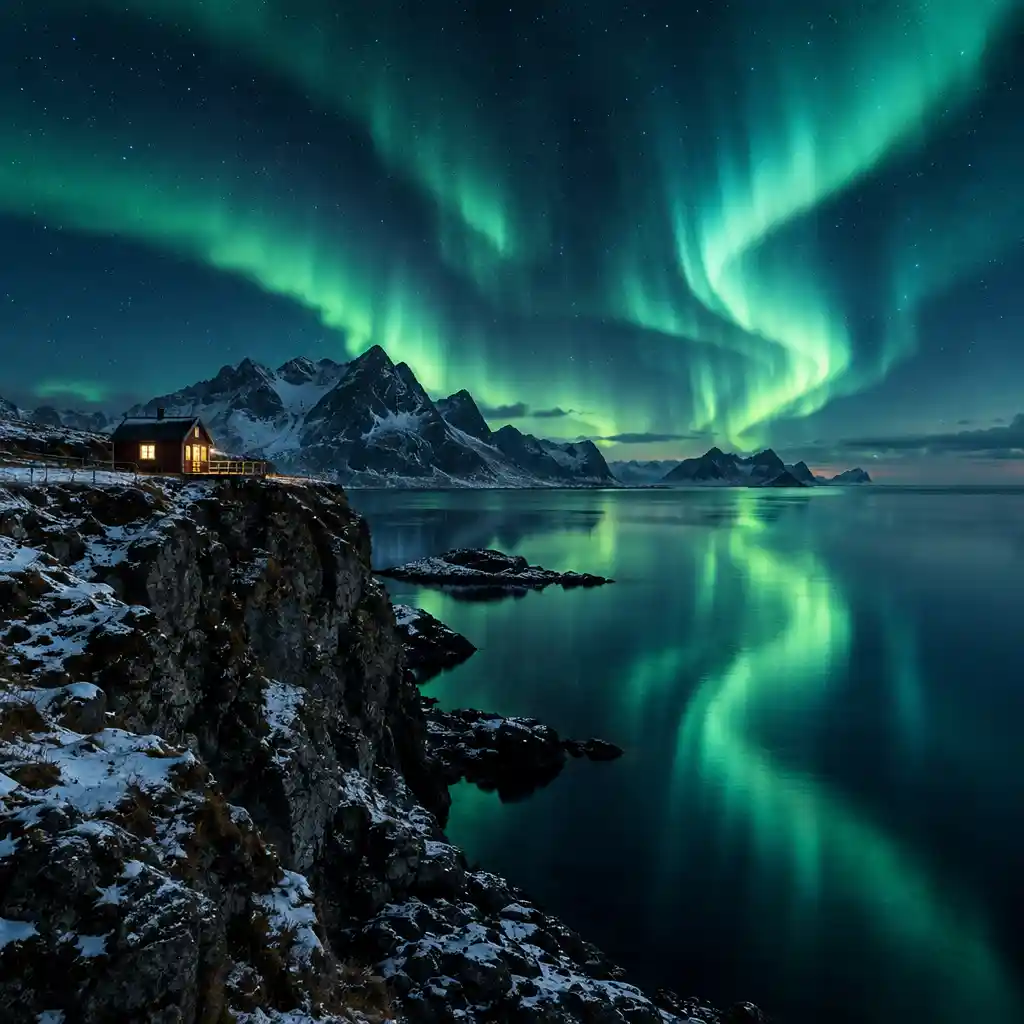
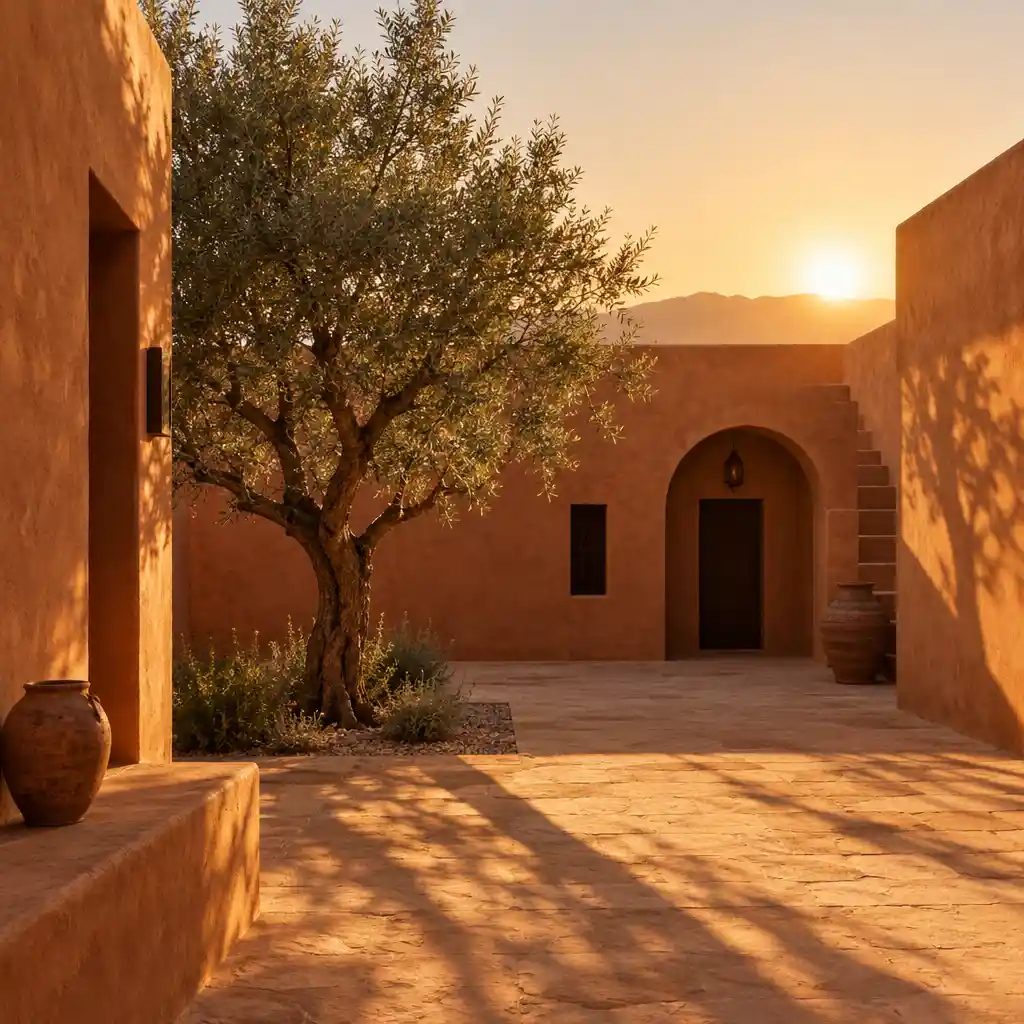
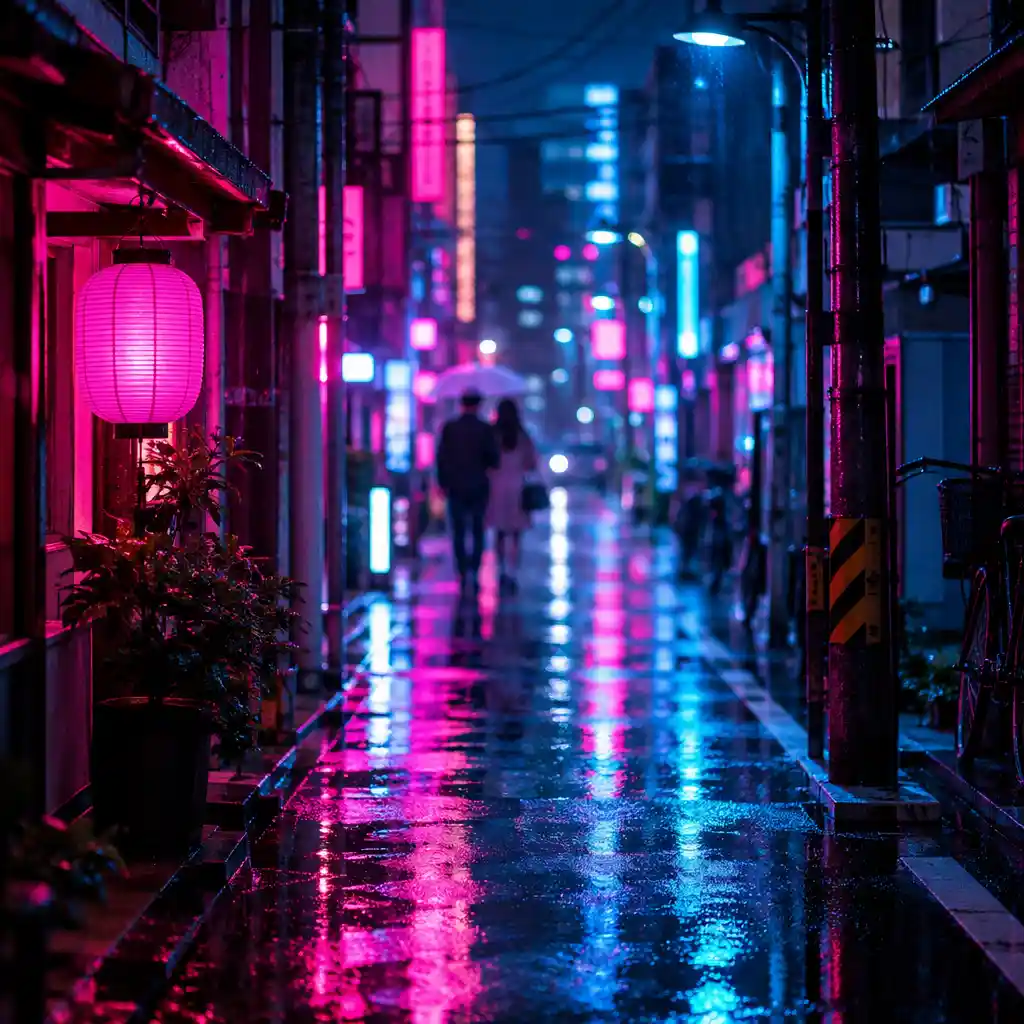
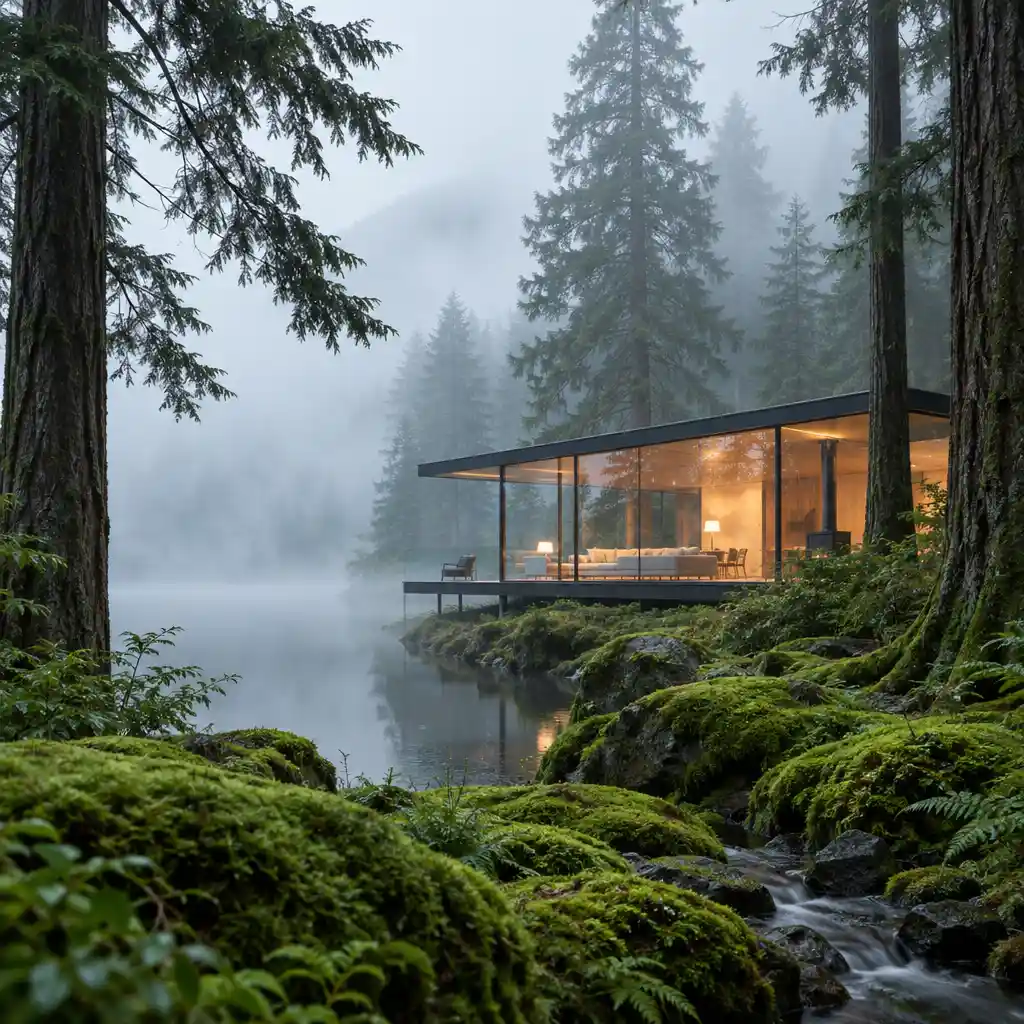
- Precise Edit
- Size locked
- Mask edit/keep
- Two endpoints
Trusted by leading companies











Precise edit studies
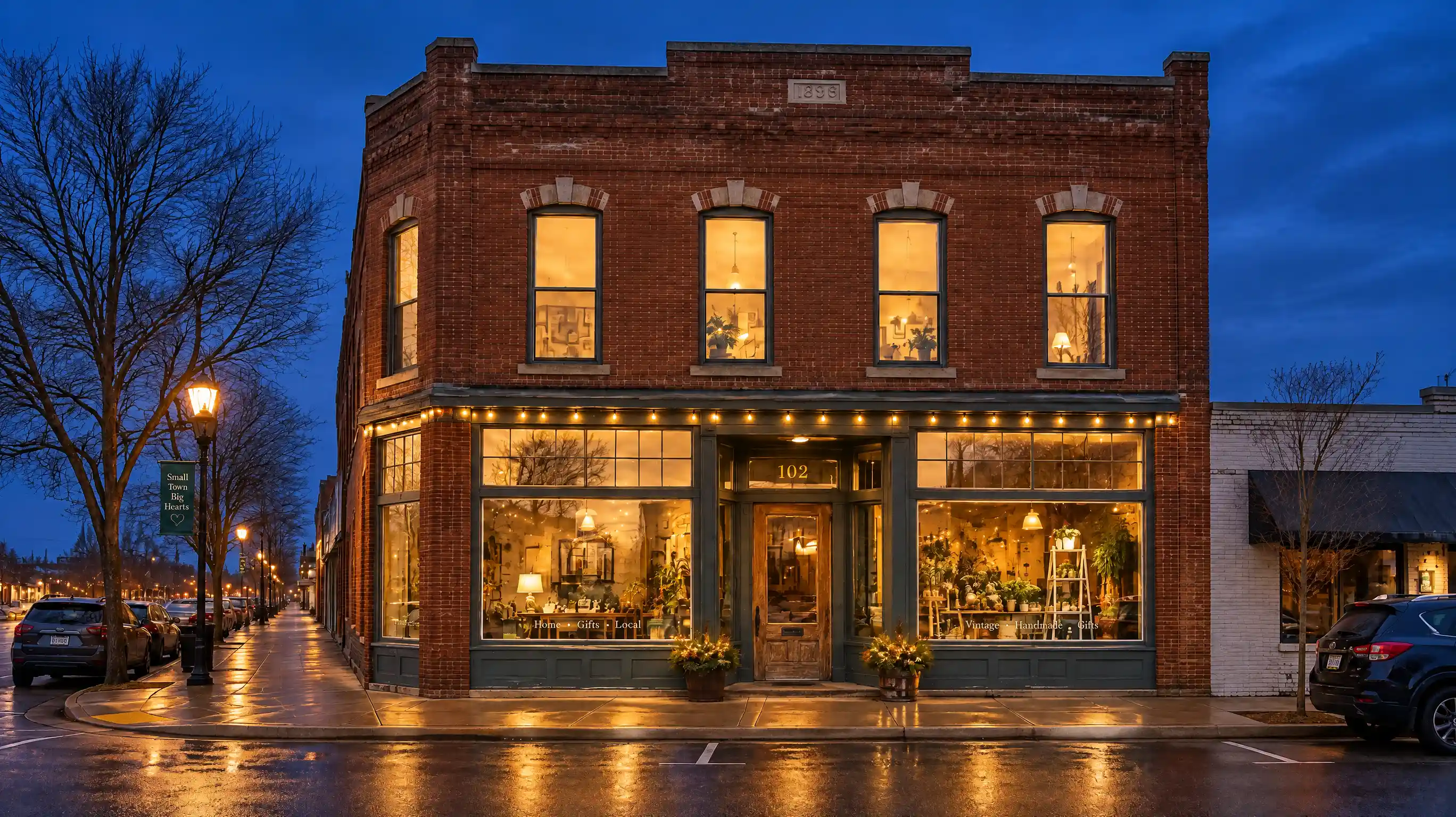
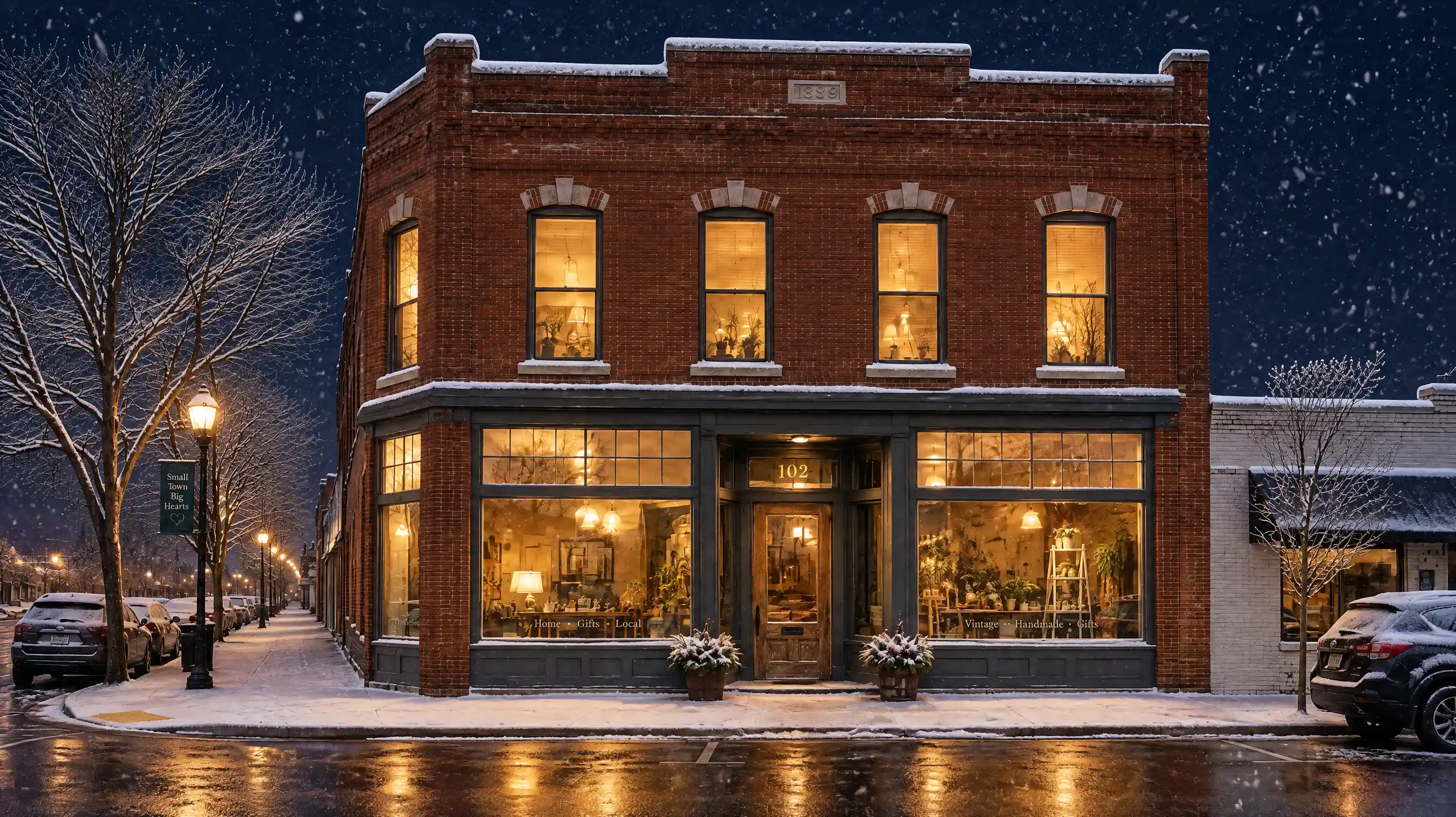
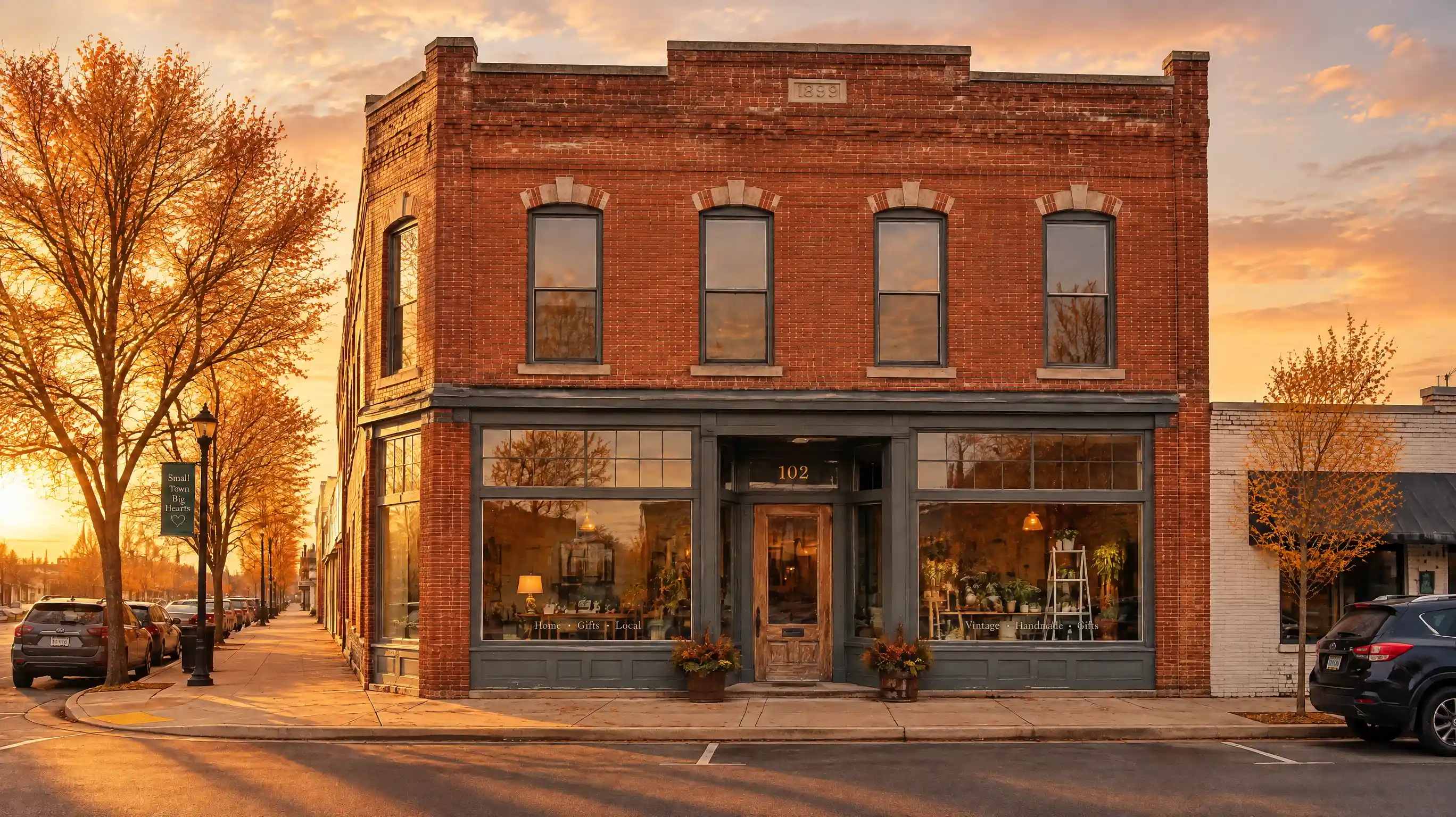
Change one part. The frame, the face, and the type stay where they were.
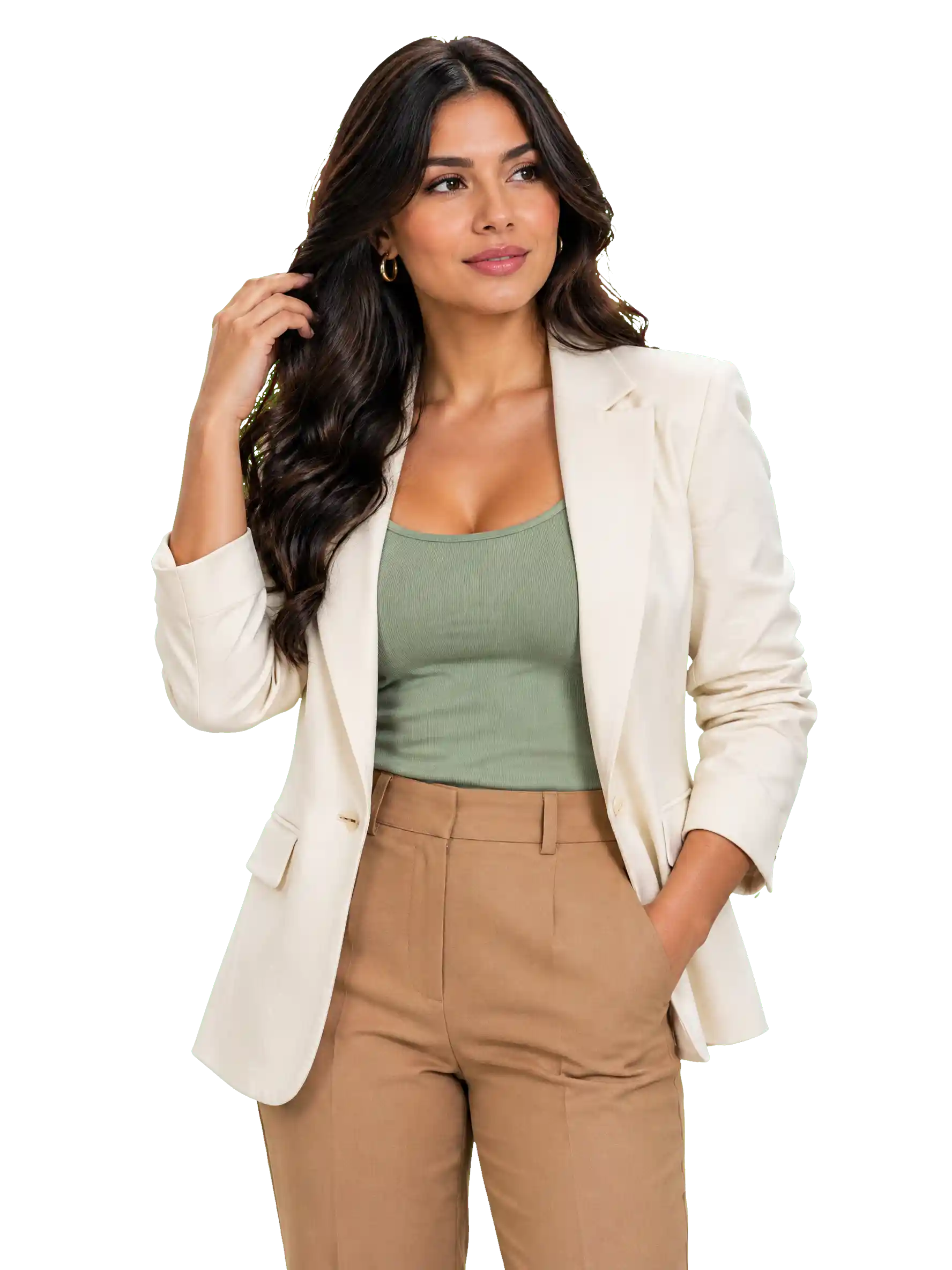
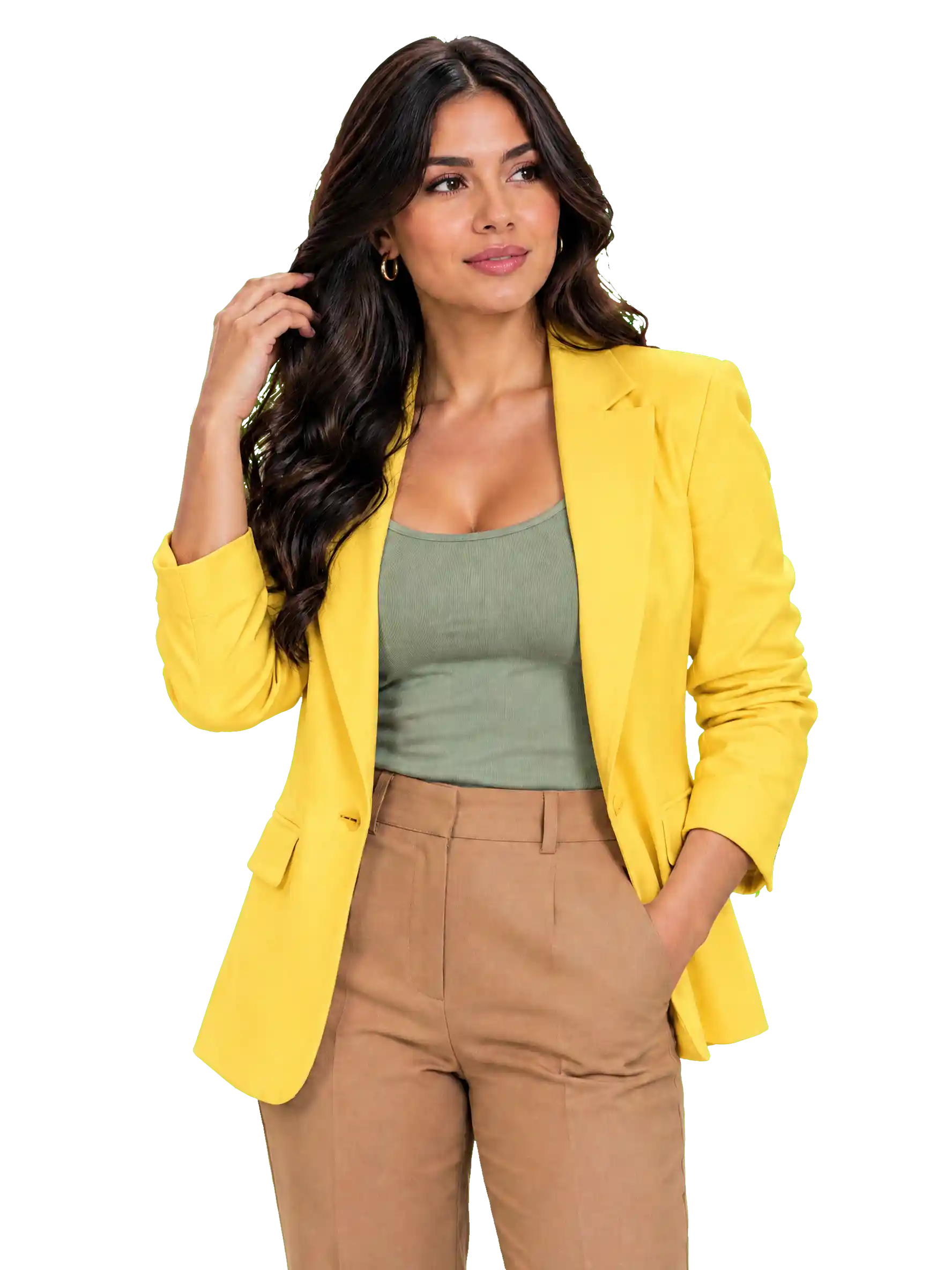
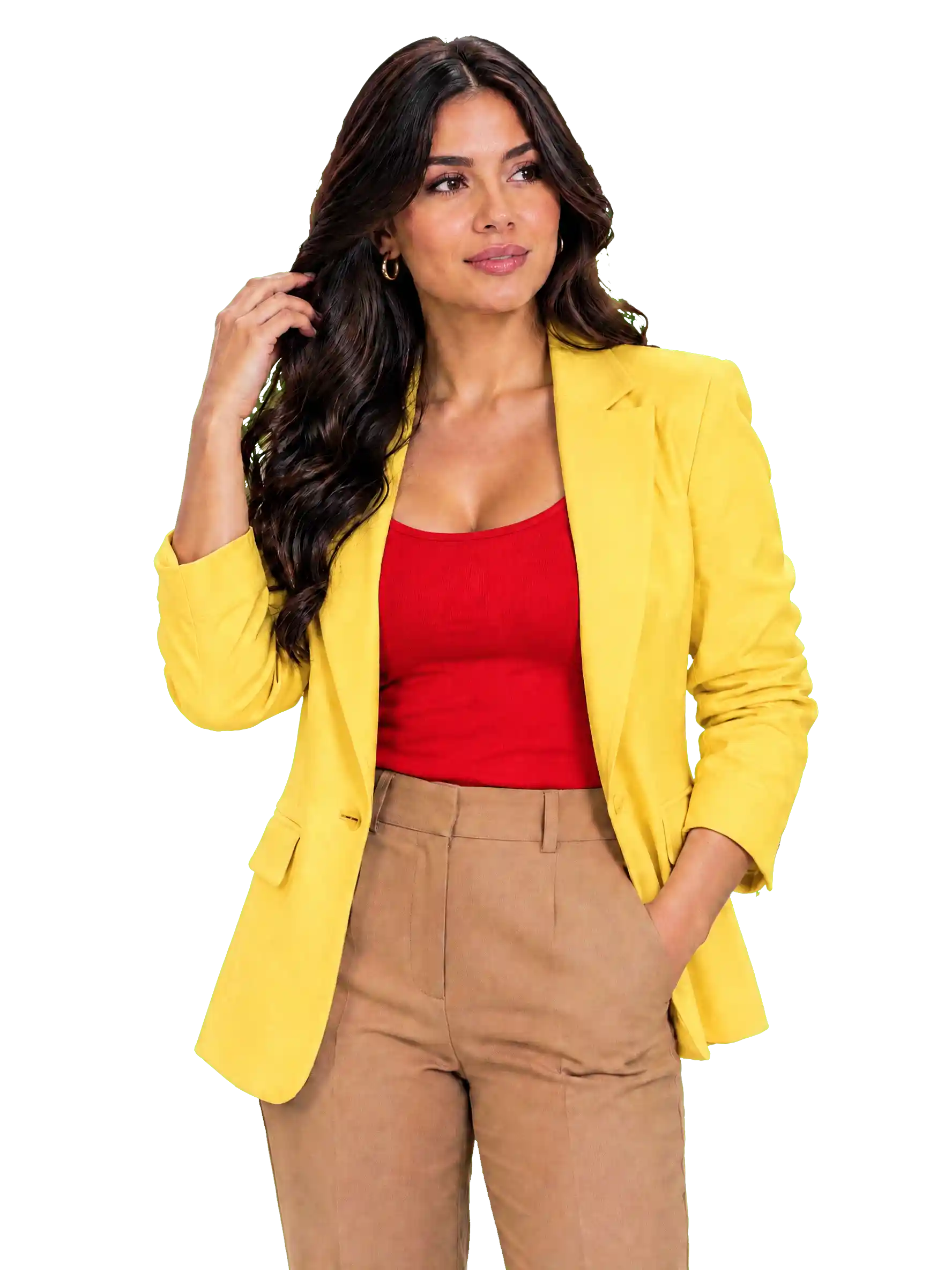
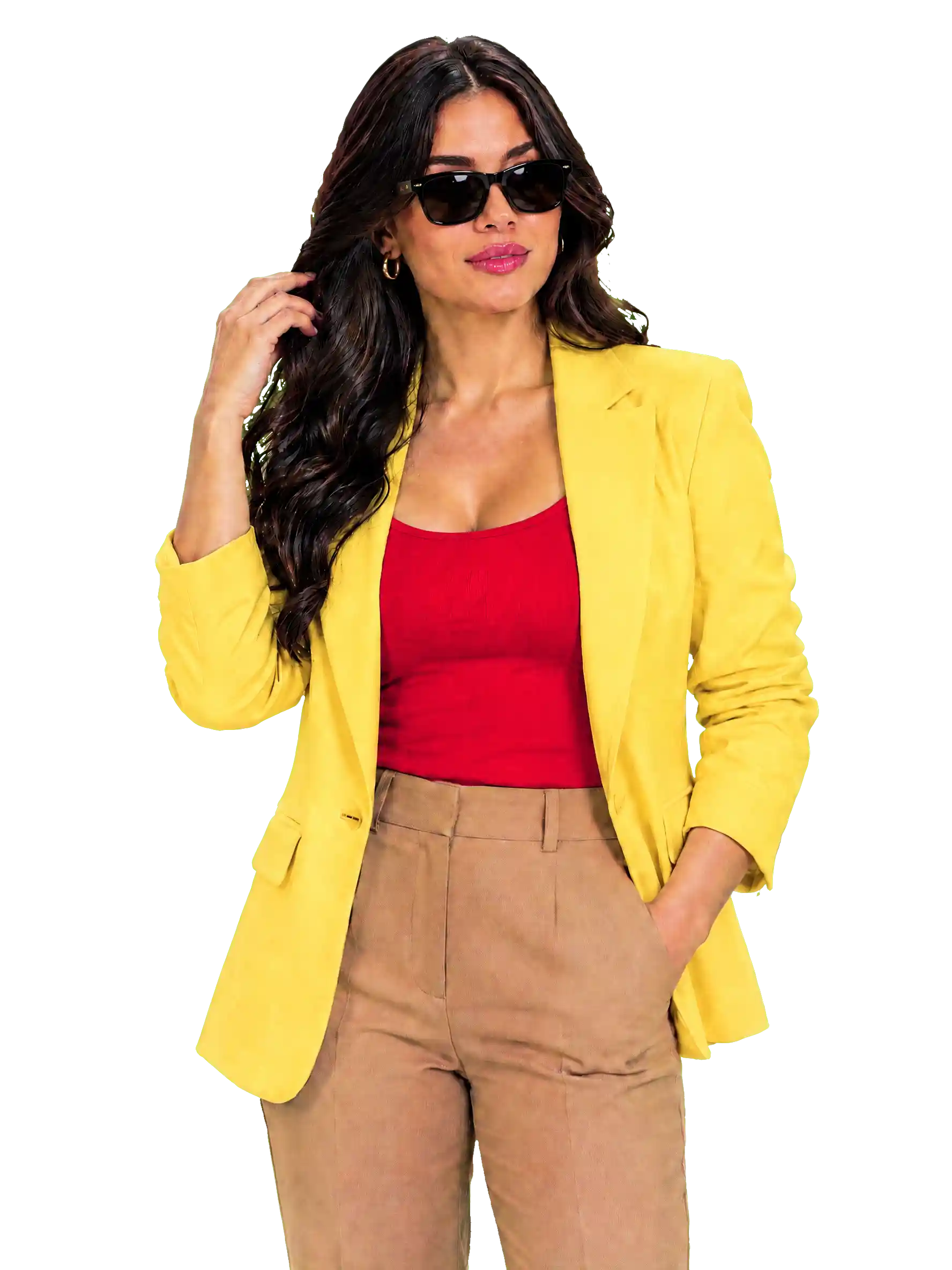
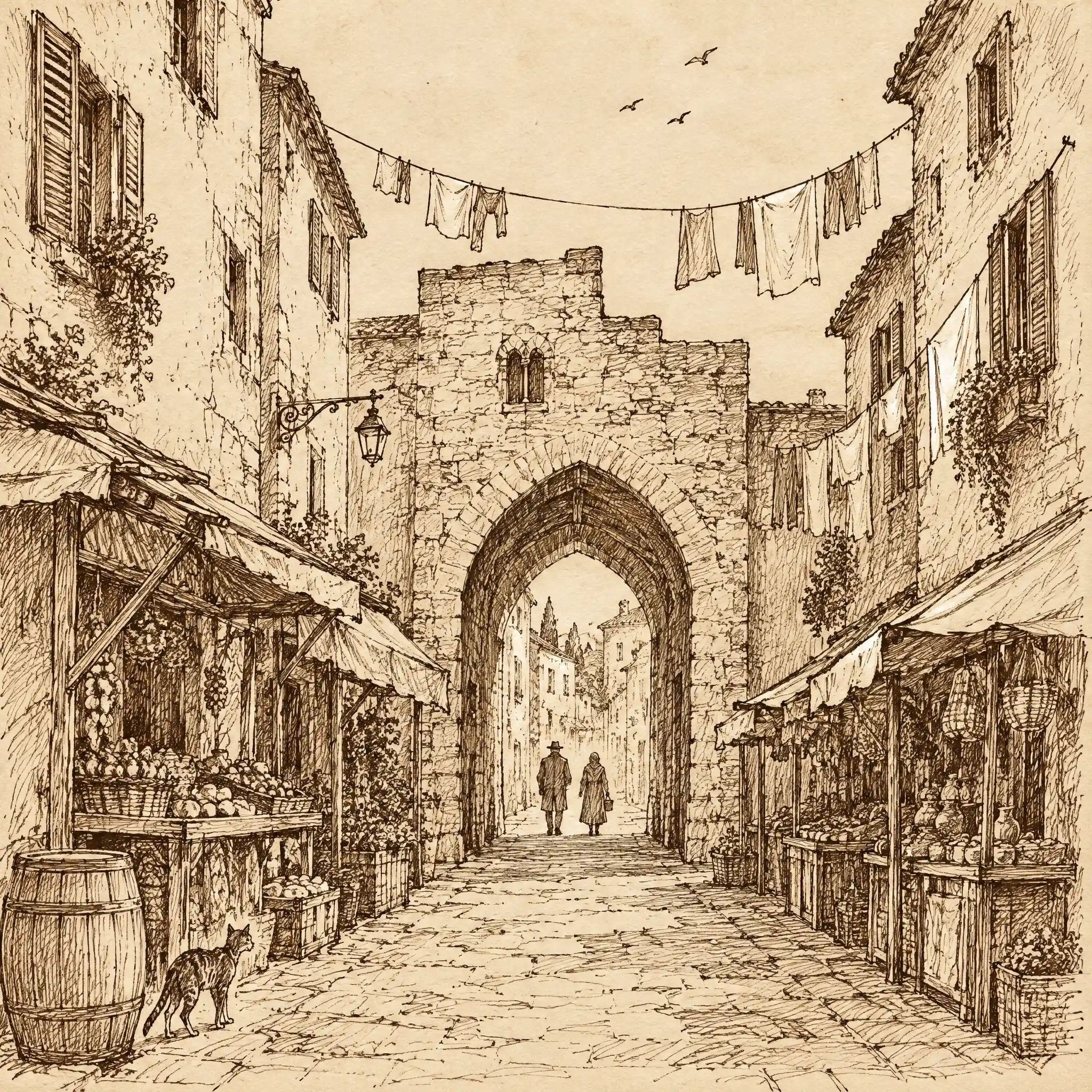
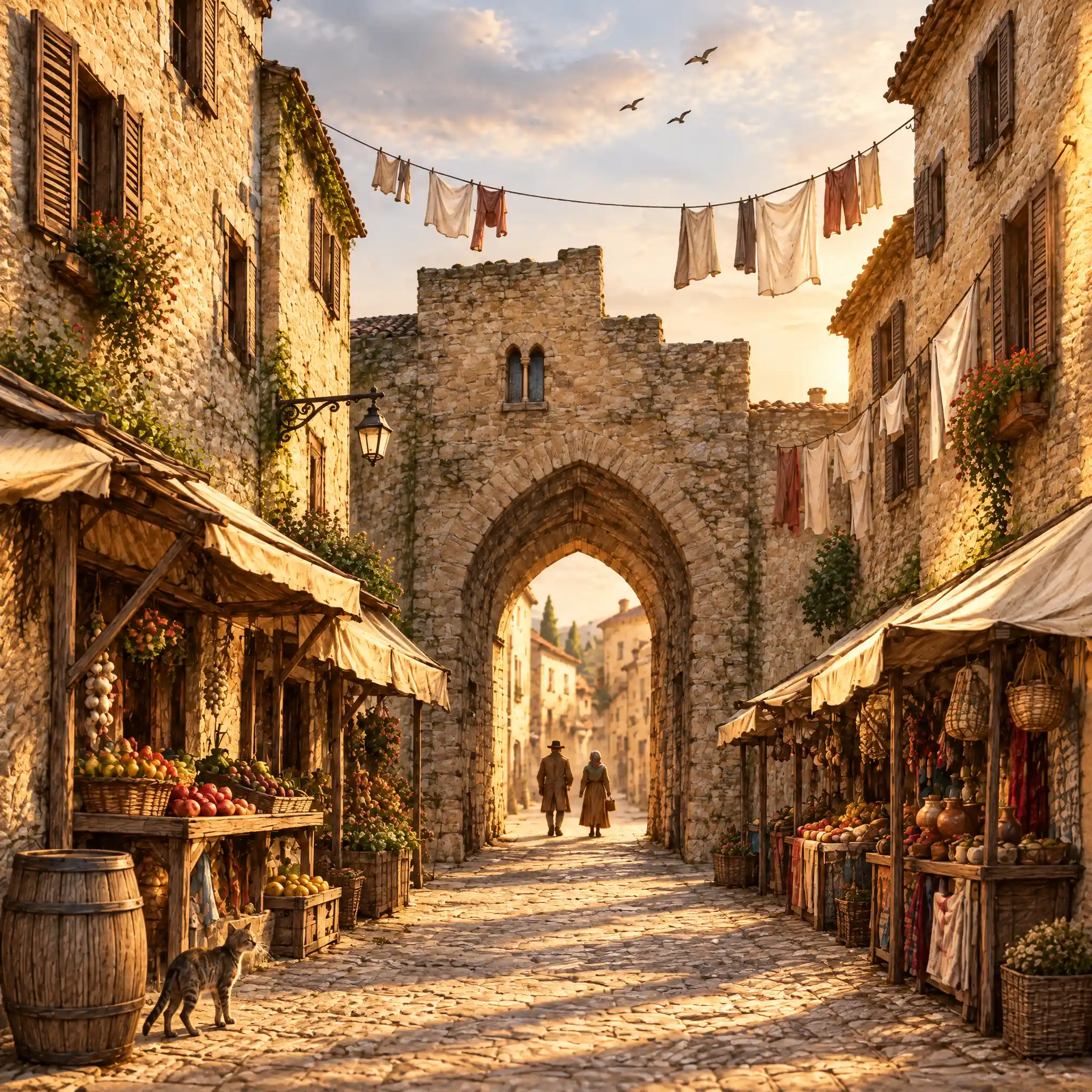
Sketch → Render
Edit the crop, then place it back
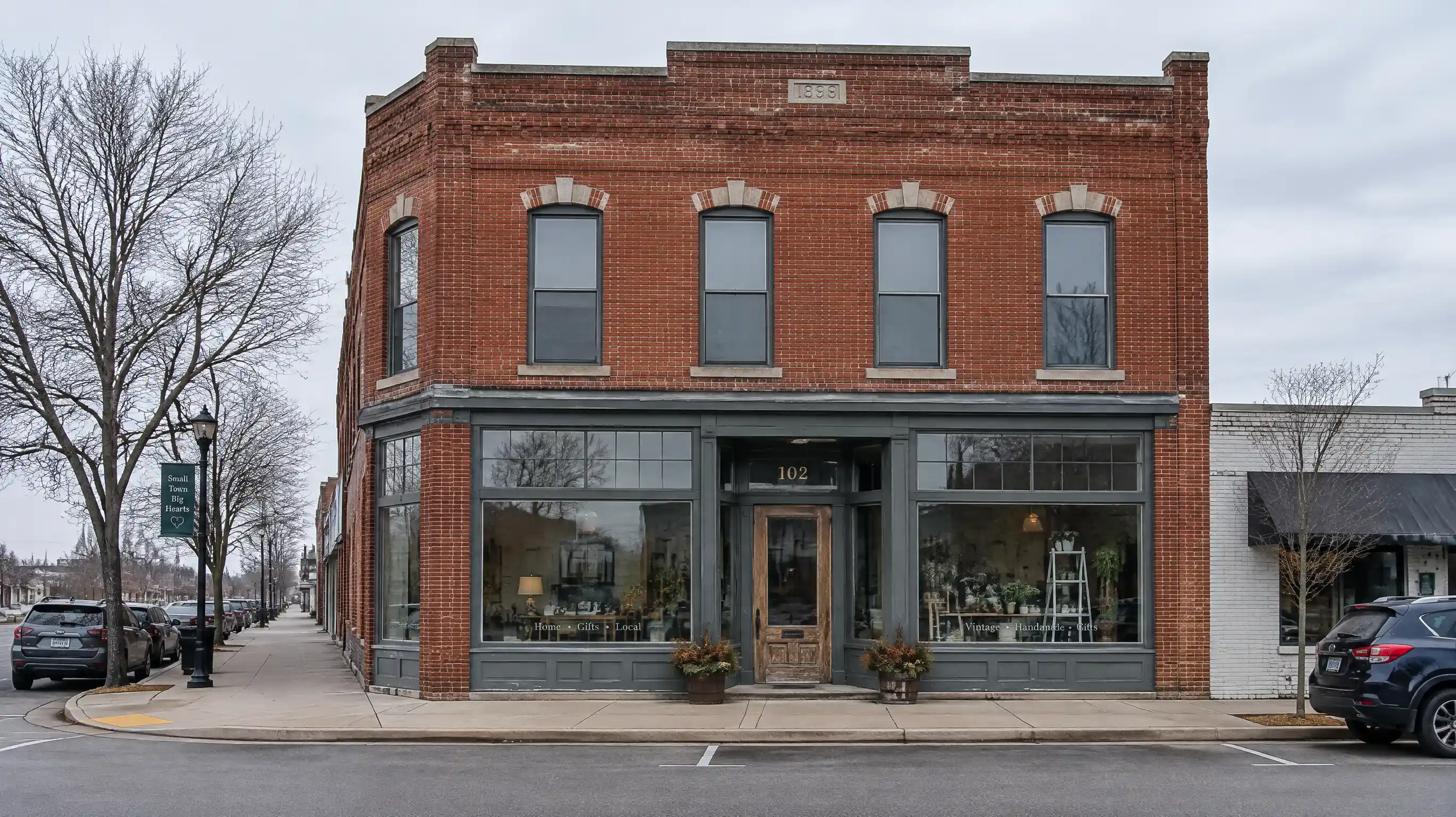
Depth to image
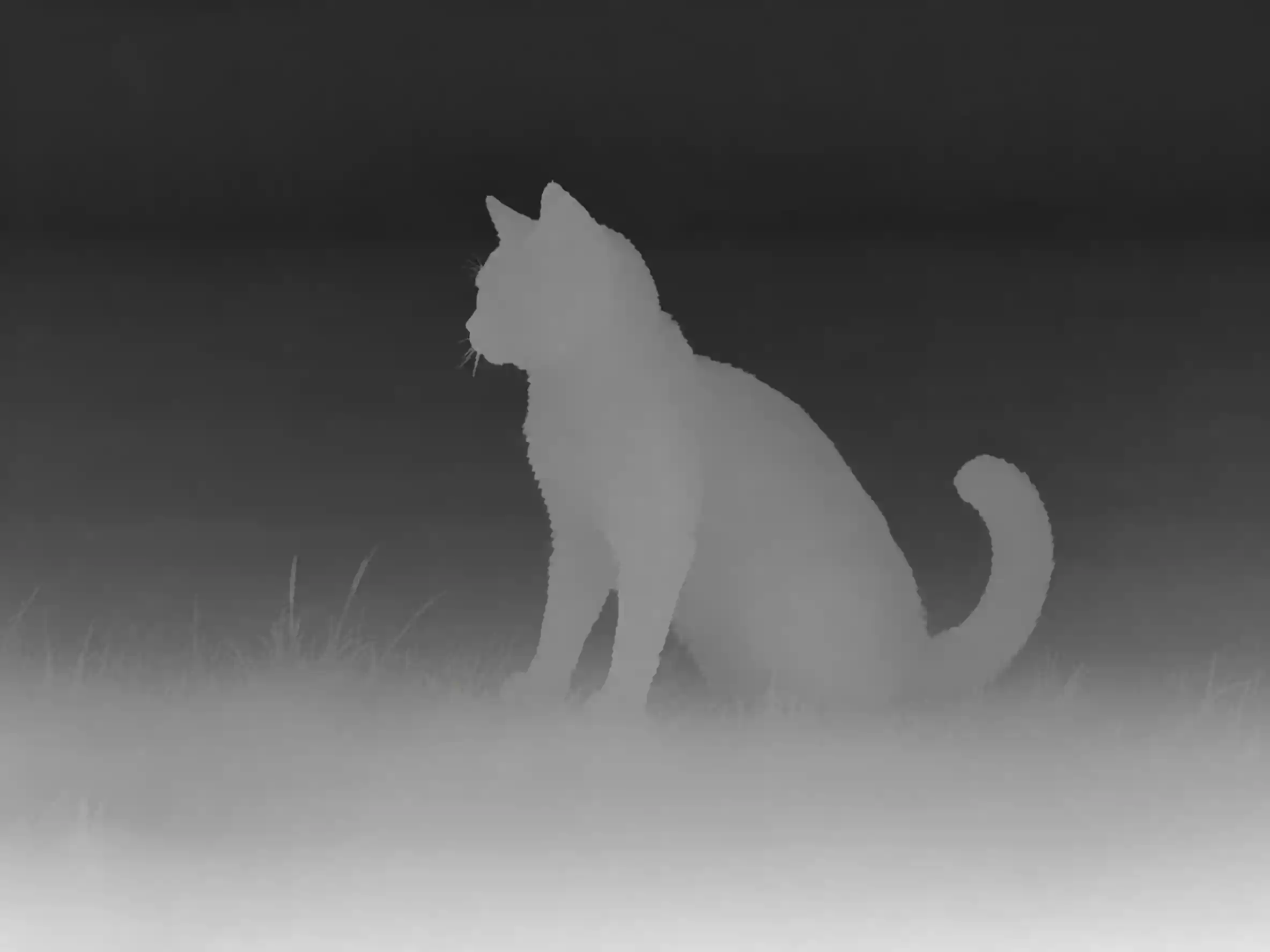
The depth map sets the space. The finished still fills that same frame.
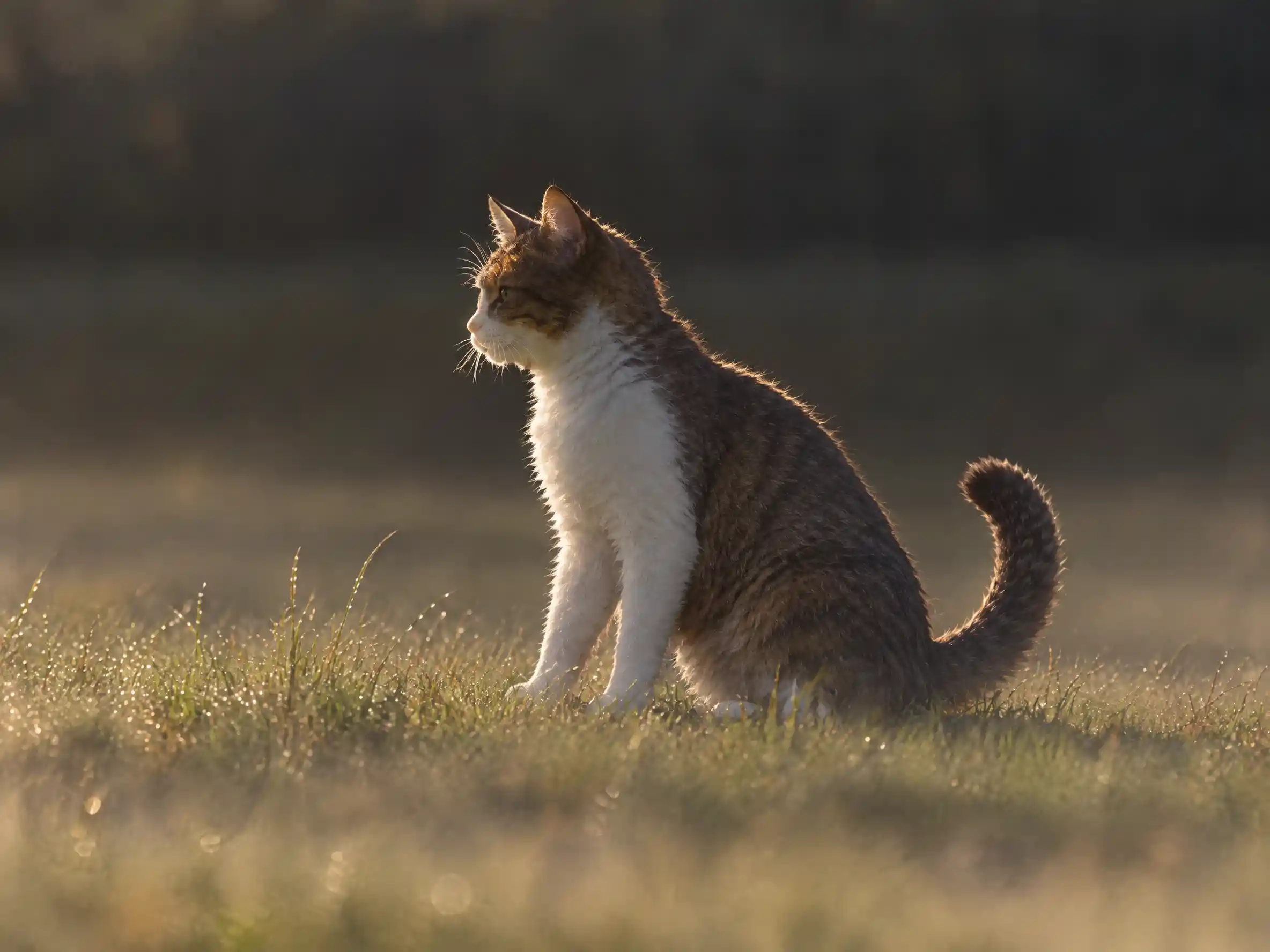
More you can create.
Beyond one edit — a whole gallery.
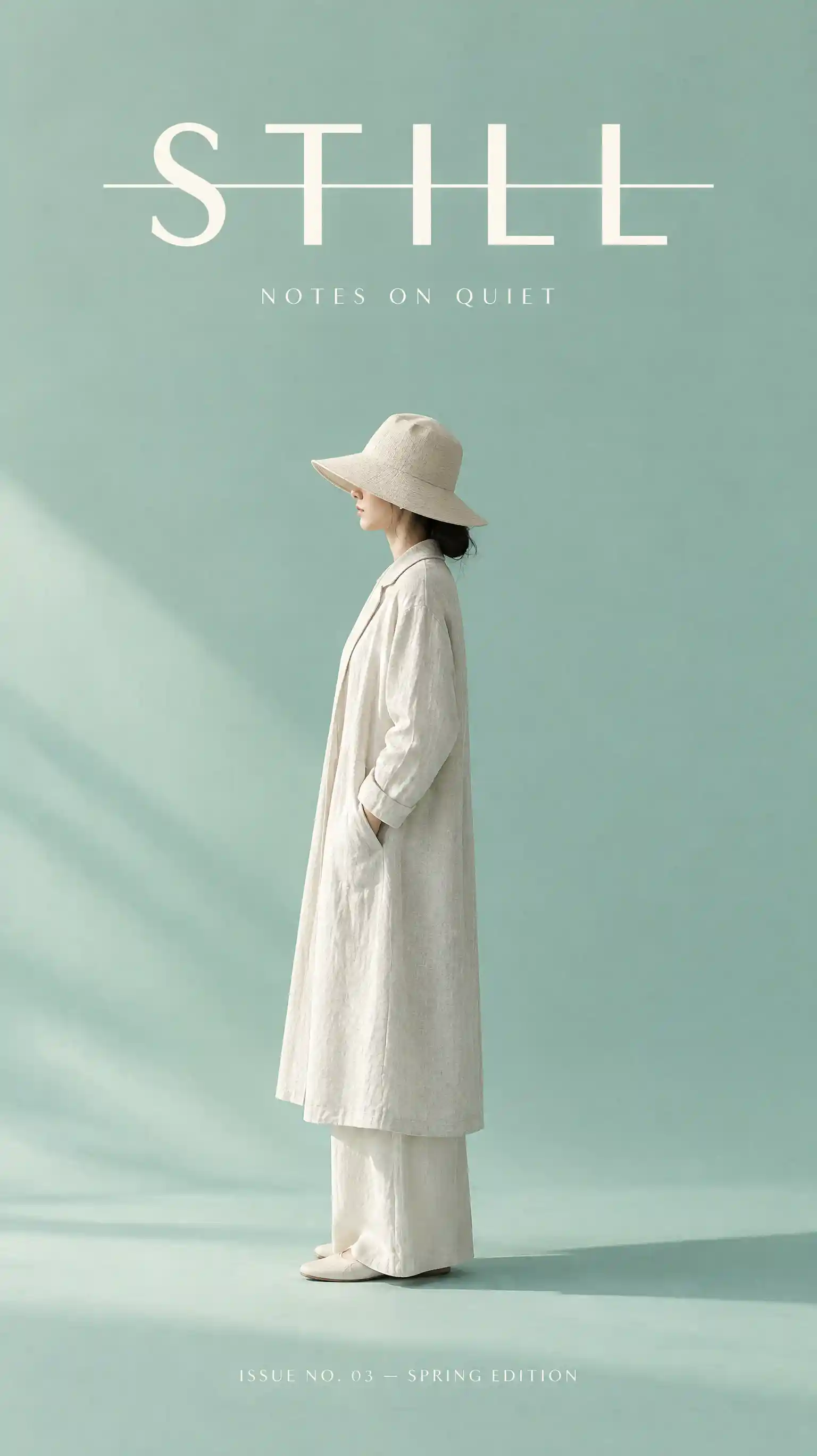
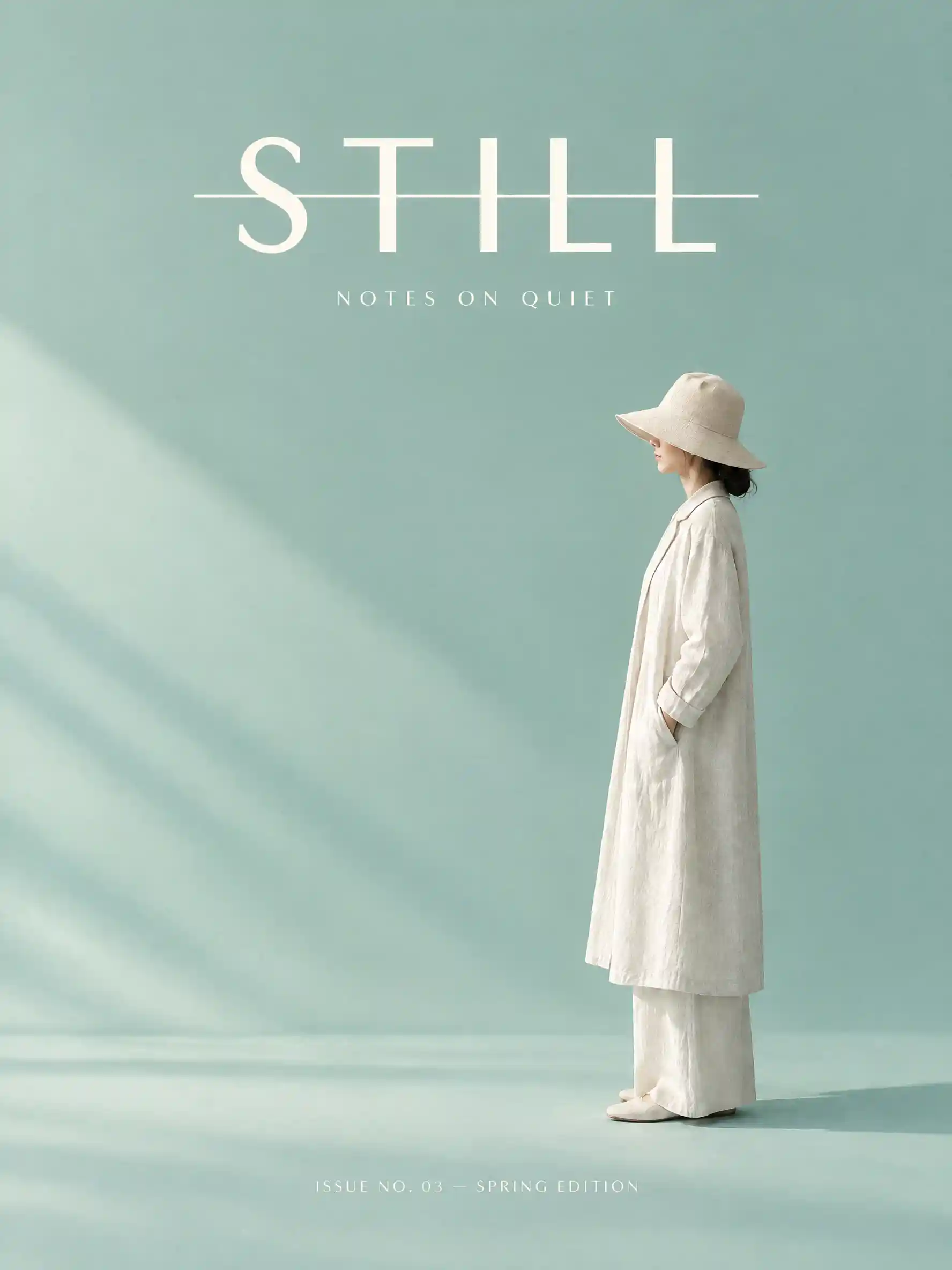
Reframe
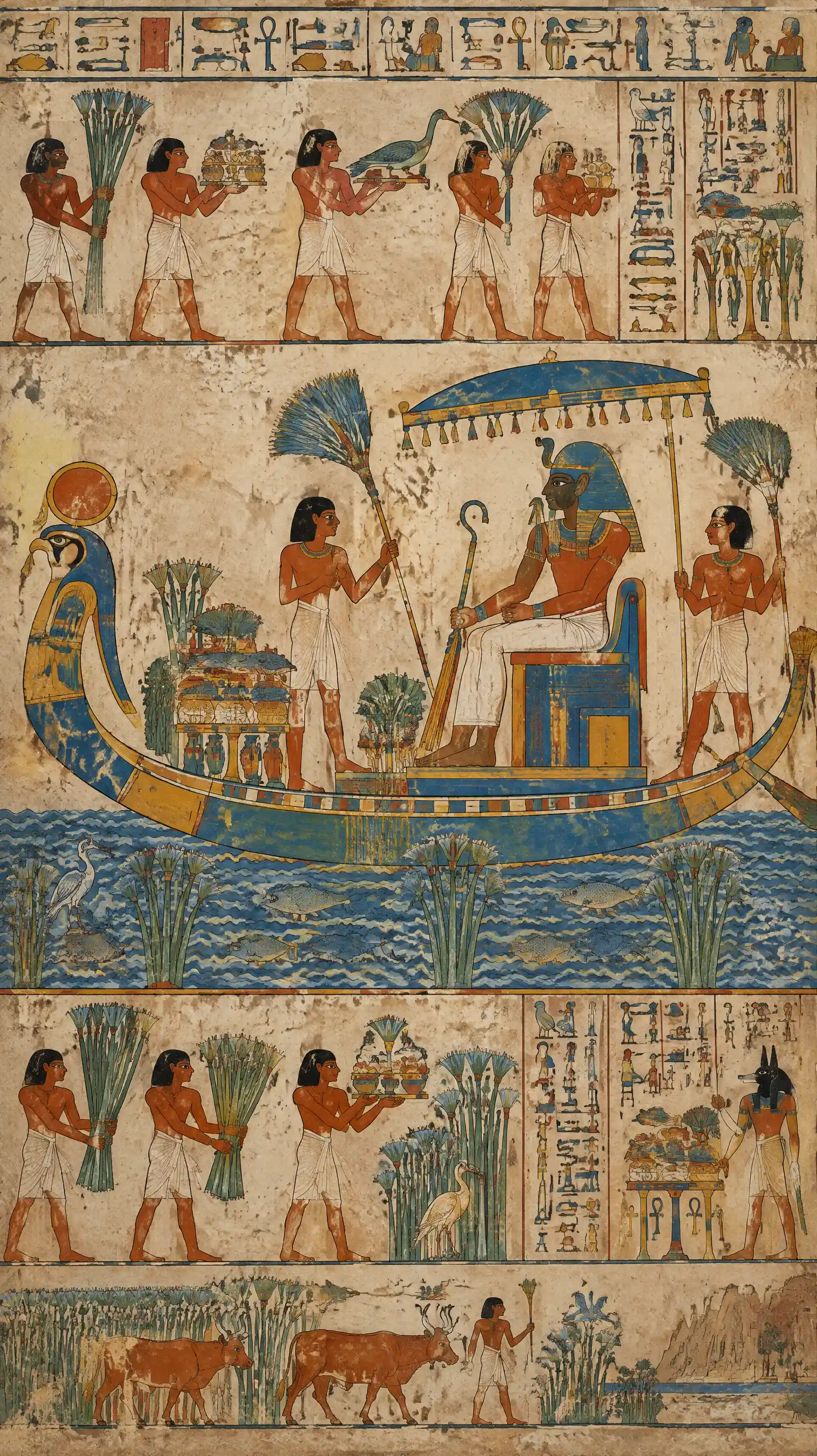
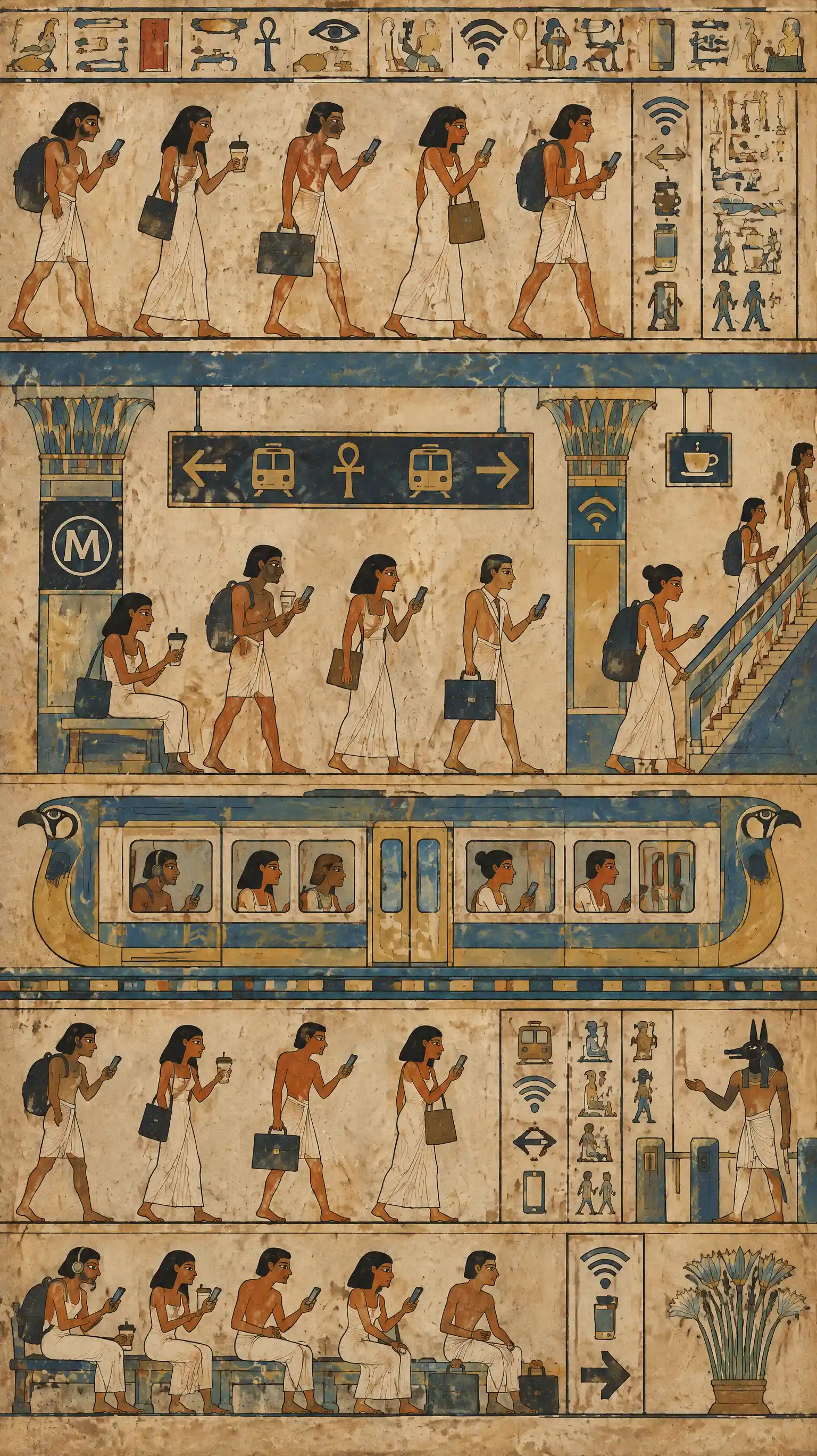
Style Reference
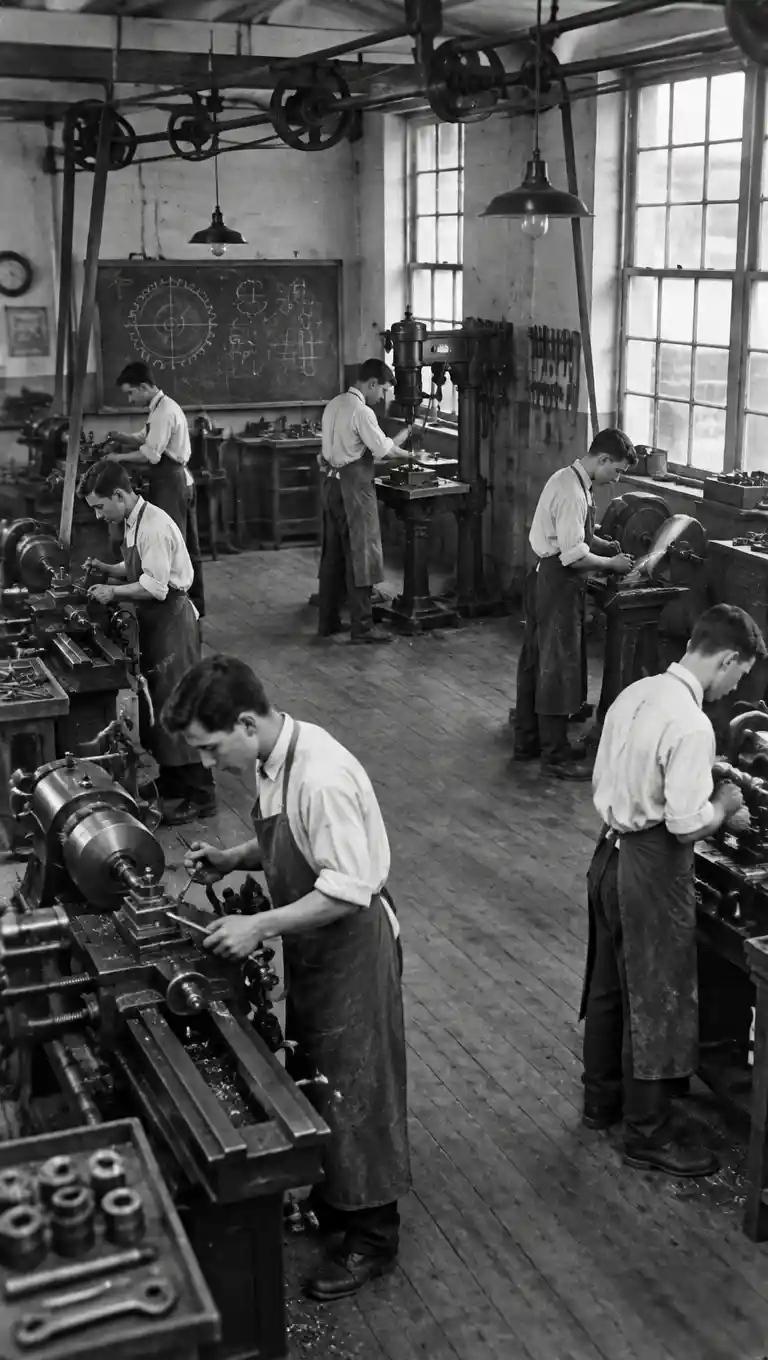
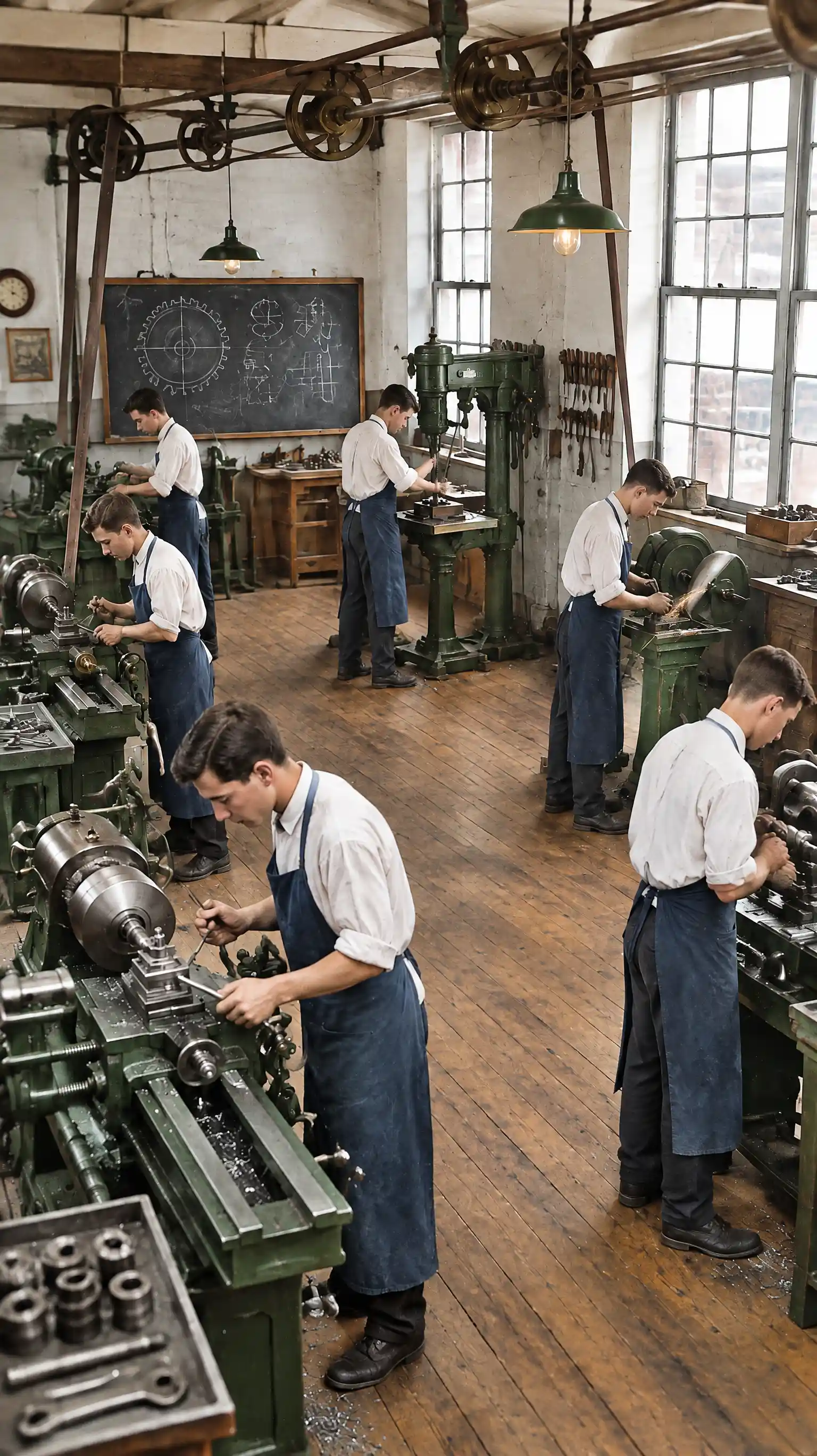
Restore
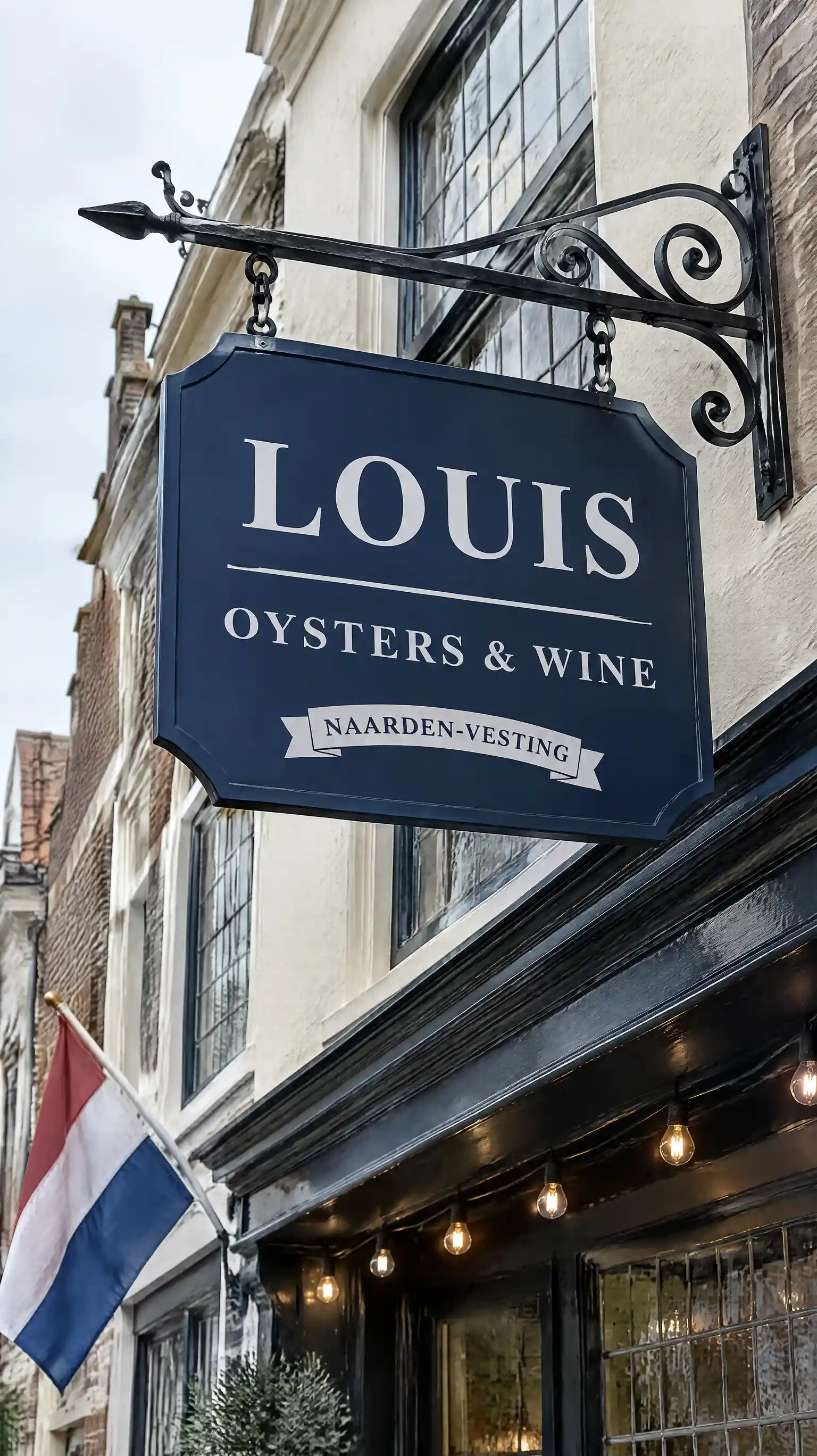
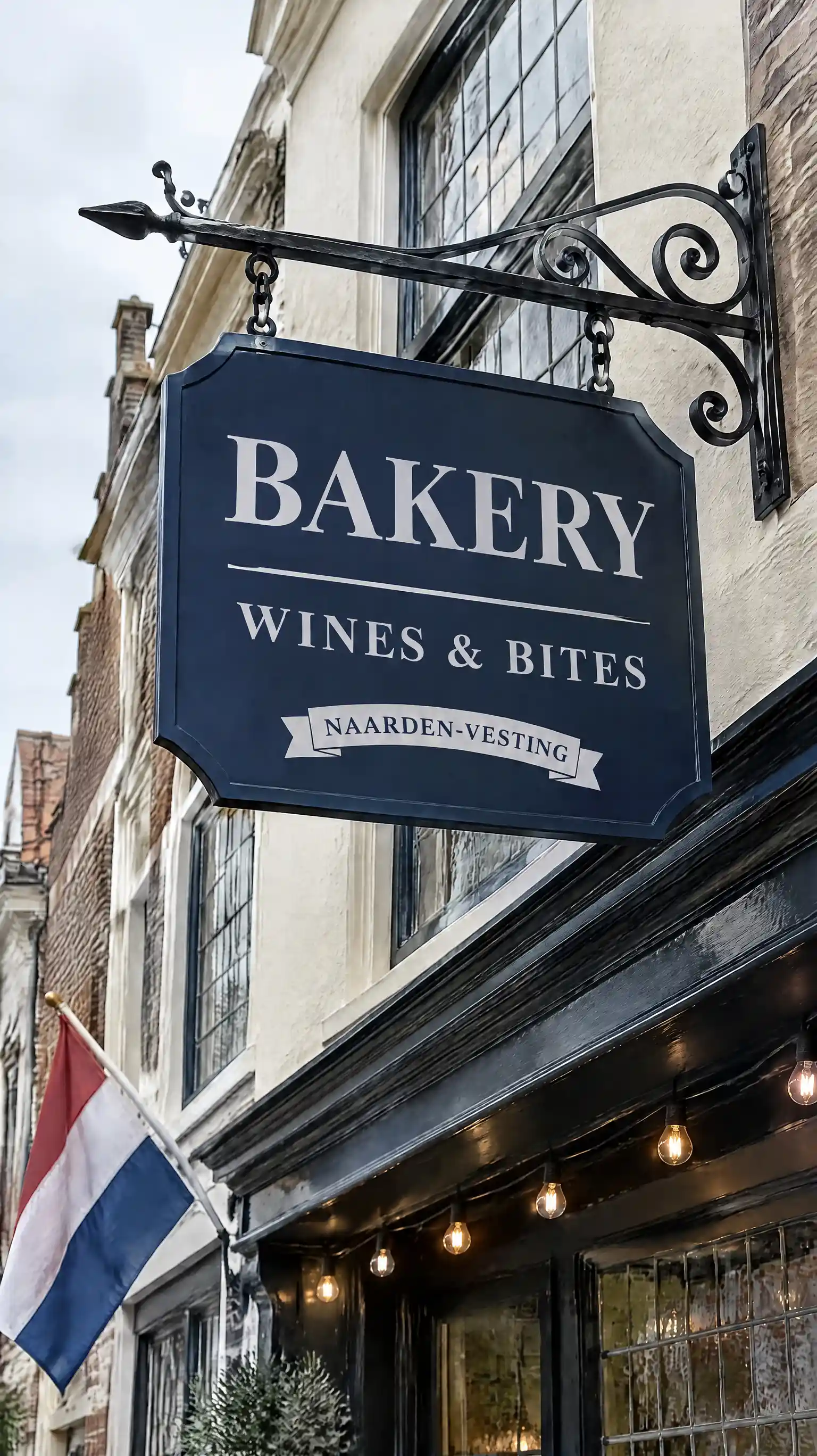
Text
Precise Edit
Edit only the ball — pixels outside stay untouched
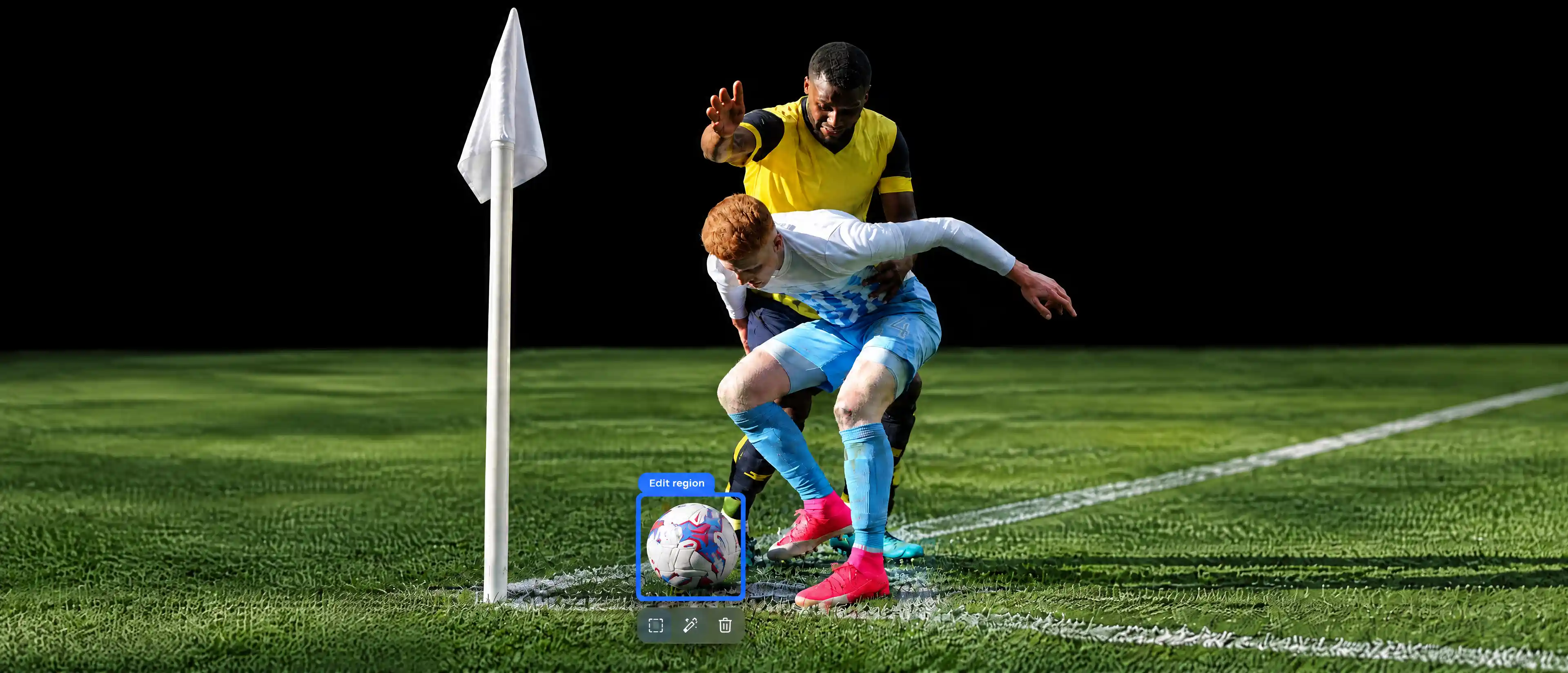
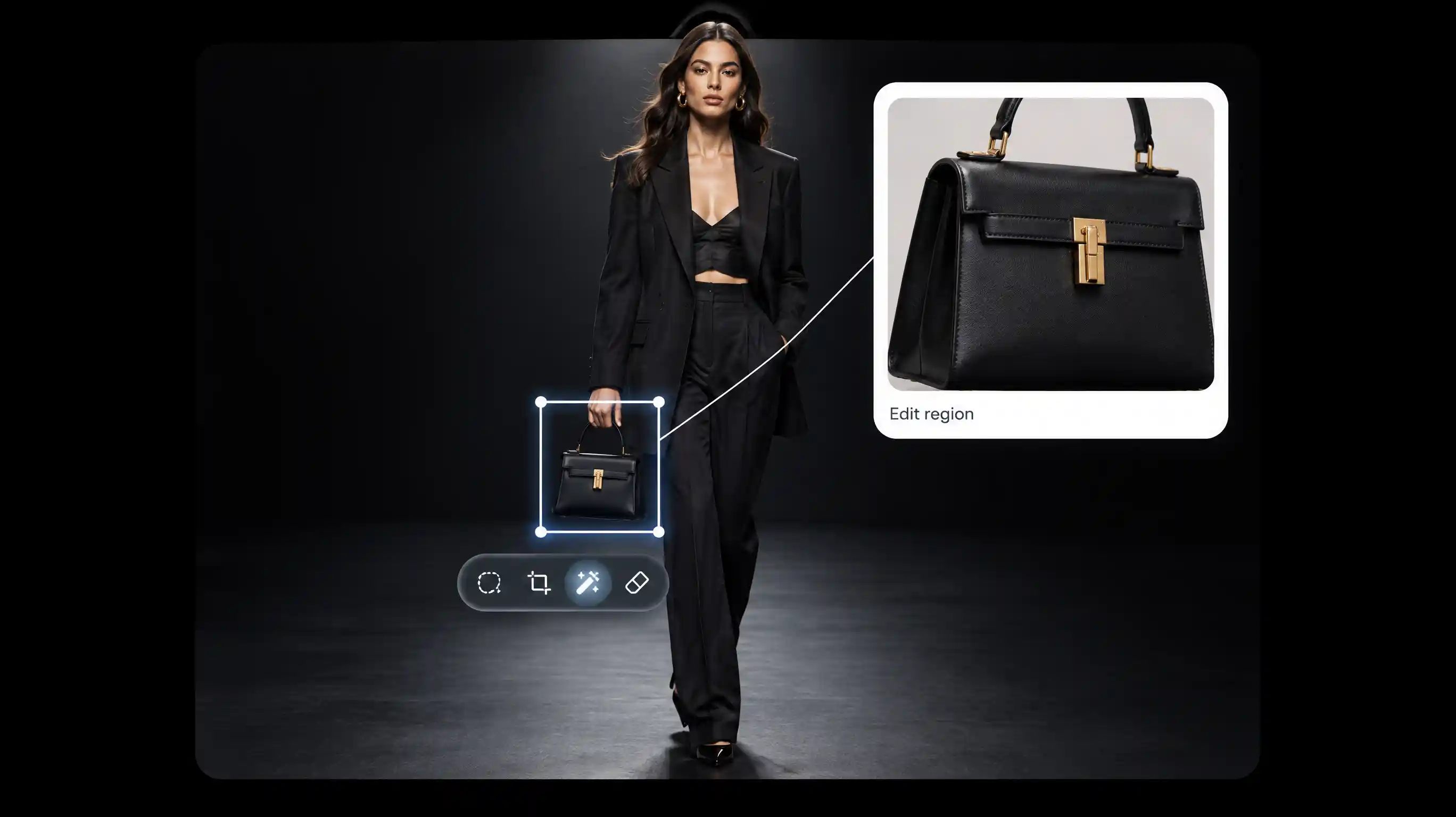
Ideogram 4.5 edits the part you name
Unchanged pixels are copied
Precise Edit copies pixels the edit did not meaningfully change straight from the source image. The model decides what counts as a meaningful change.
Source pixels copied • Meaningful change only
Source size stays locked
Precise Edit returns the source width and height. A masked Generate call does the same and rejects a custom size. Images that are too large for the model are scaled down, in proportion, and returned as rendered.
Width and height locked • Scaled only when too large
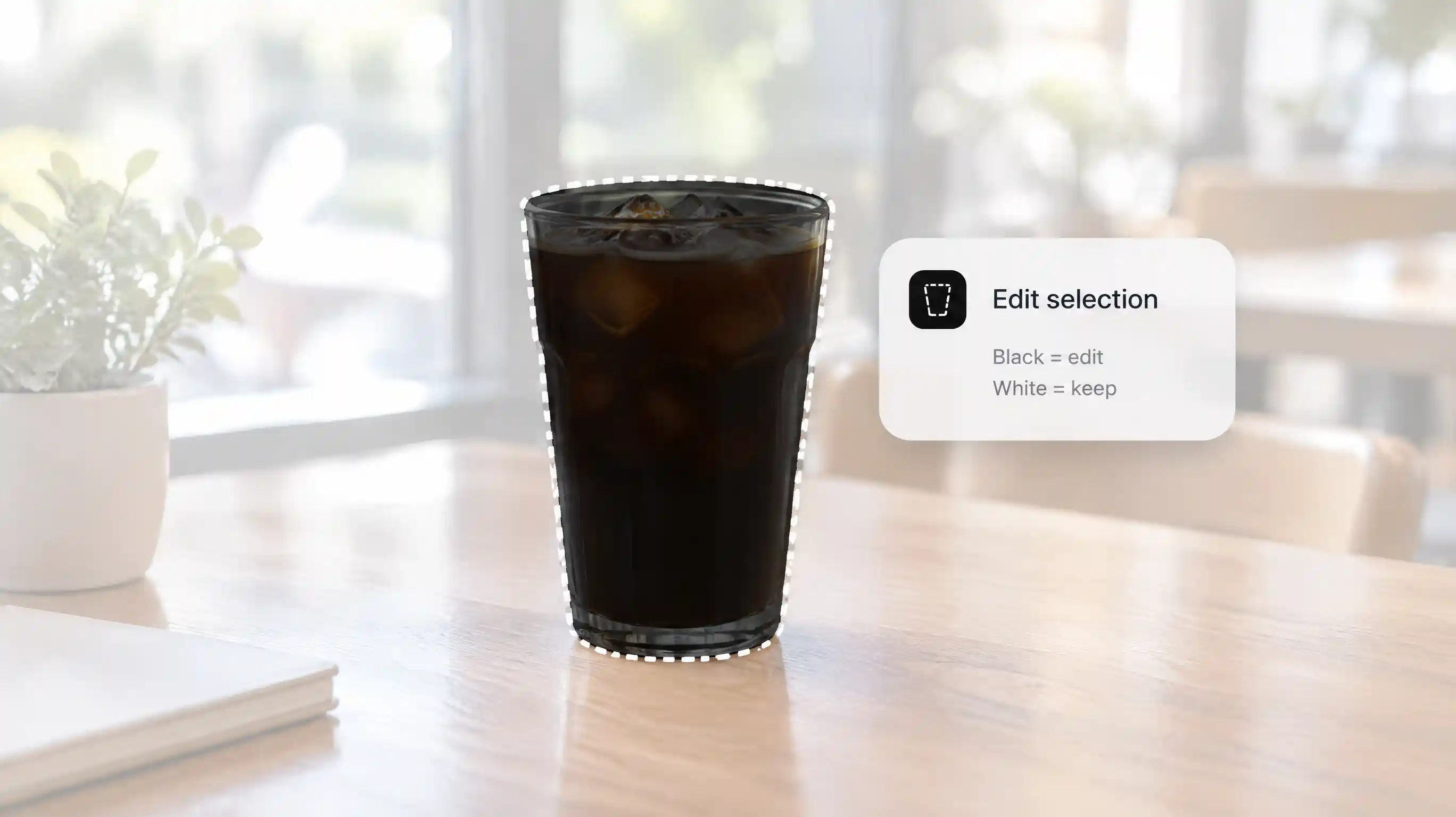
Black edits, white keeps
Use a black-and-white mask. Black is the area to edit. White is the area to keep. Gray is rounded to black or white. With a mask, Precise Edit takes at most 3 reference images.
Black to edit • White to keep • 3 references with a mask
Two endpoints. One model.
Ideogram 4.5 ships through two HTTP endpoints: Generate for new images from a prompt (up to 5 references), and Precise Edit to change only the part you name while the rest stays untouched. Both offer four quality modes so you balance cost and fidelity. Price is per image — fixed — not by prompt length, reference count, or output resolution. No subscription required.
Generate up to 5 refs • Precise Edit up to 4 refs • 4 quality modes
Model parameters
ideogram-4-5
Image generate and Precise Edit. Open weights were announced as coming soon on 30 September 2026 and were not available on 13 October 2026.
4 tiers
very low, low, medium, and high. very low requires a source image. The default is medium with source images and high without them.
Up to 5
Generate accepts up to 5 source images. The first is edited and the others are references. Precise Edit adds up to 4 references, or 3 when a mask is included.
JPEG PNG WebP
Up to 25 MB each. Download the result. Image URLs expire, and no expiry time is published.
1K and 2K
Listed 1K and 2K rates are the same price on Ideogram's own API. This page does not print those rates as the Topview price.
1:6 to 6:1
Source images outside 1:6 to 6:1 are rejected. This is a hard limit.
In-image text
Text already in the image can be replaced or translated. Quote both the old wording and the new wording.
How to use Ideogram 4.5
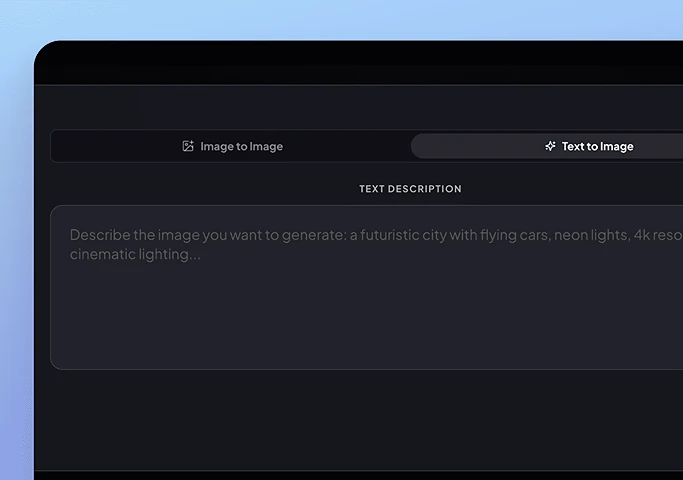
Step 1: Add the image
Add a source image, or start from a prompt. Precise Edit needs an image. Generate without a source image cannot use very low.
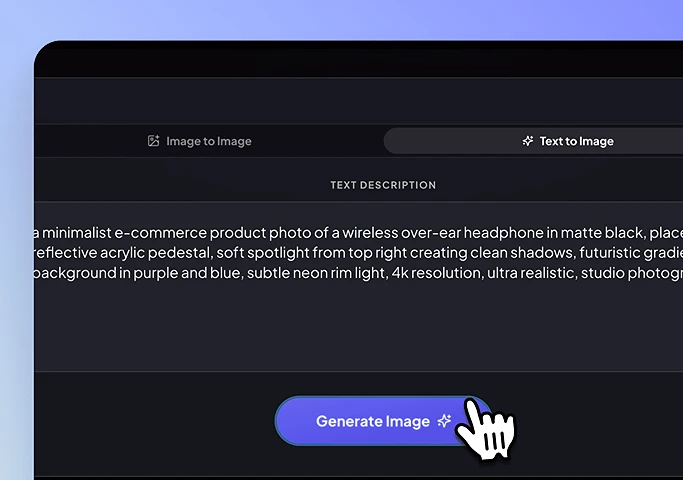
Step 2: Name one change
Say what should change and what should stay. Add a mask when the change should stay in one area.
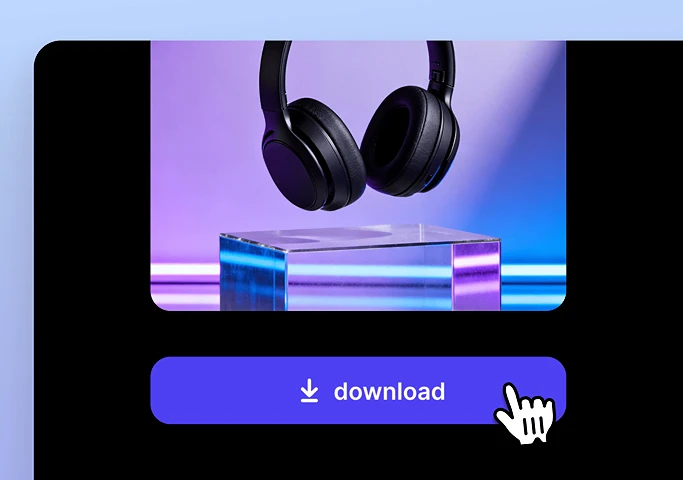
Step 3: Download
Preview, then download. The link from the API does not stay up.
Who Ideogram 4.5 is for
Teams who revise one part of an approved image and need the rest to stay put.
Product teams
Try color and detail changes on one photo across several rounds. A lower tier is for iteration. High is for delivery.
See moreStoryboard and stills
Correct a frame or a production still. This is not a video model.
Designers
Keep approved type, then change the words. Ideogram 4.0 is the from-scratch generation and layout model. 4.5 still renders text, and its headline is precise editing.
Image Models
Other Image Models
Edit with Ideogram 4.5
Name the change. Precise Edit keeps the source size and copies pixels it did not meaningfully change.